
Best 4K Curved Monitors: A Buying Guide for 2026
Disclosure: We may earn a commission when you buy through links on this page, at no extra cost to you. As an Amazon Associate I earn from qualifying purchases. Learn more

Compare the best 4k curved monitors by panel type, curve, size, refresh rate, HDR, and ergonomics, with a checklist and red flags to avoid before you buy.
A curved 4K screen can make a wide workspace feel more natural, because the edges sit closer to your eyes than they would on a flat panel of the same width. The best 4k curved monitors balance panel quality, curve strength, screen size, and viewing distance, so the image stays even from edge to edge. The product table gives a quick overview, and this guide walks through the checklist worth using before you buy.
Curve alone does not make a good monitor. A strong curve on a poor panel will still show washed out colors, and a large screen at the wrong viewing distance will force constant head turning. Use the factors below as a single checklist, and judge each model on the whole picture rather than on one headline specification.


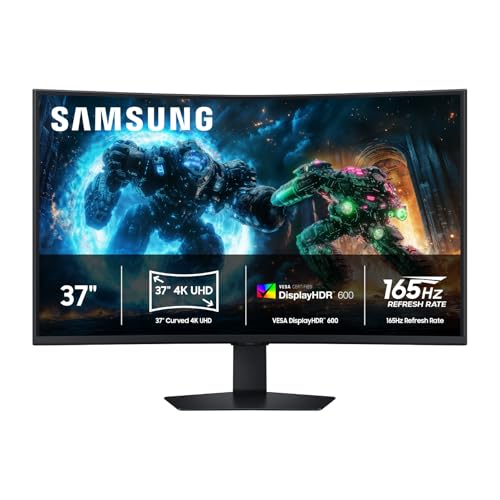


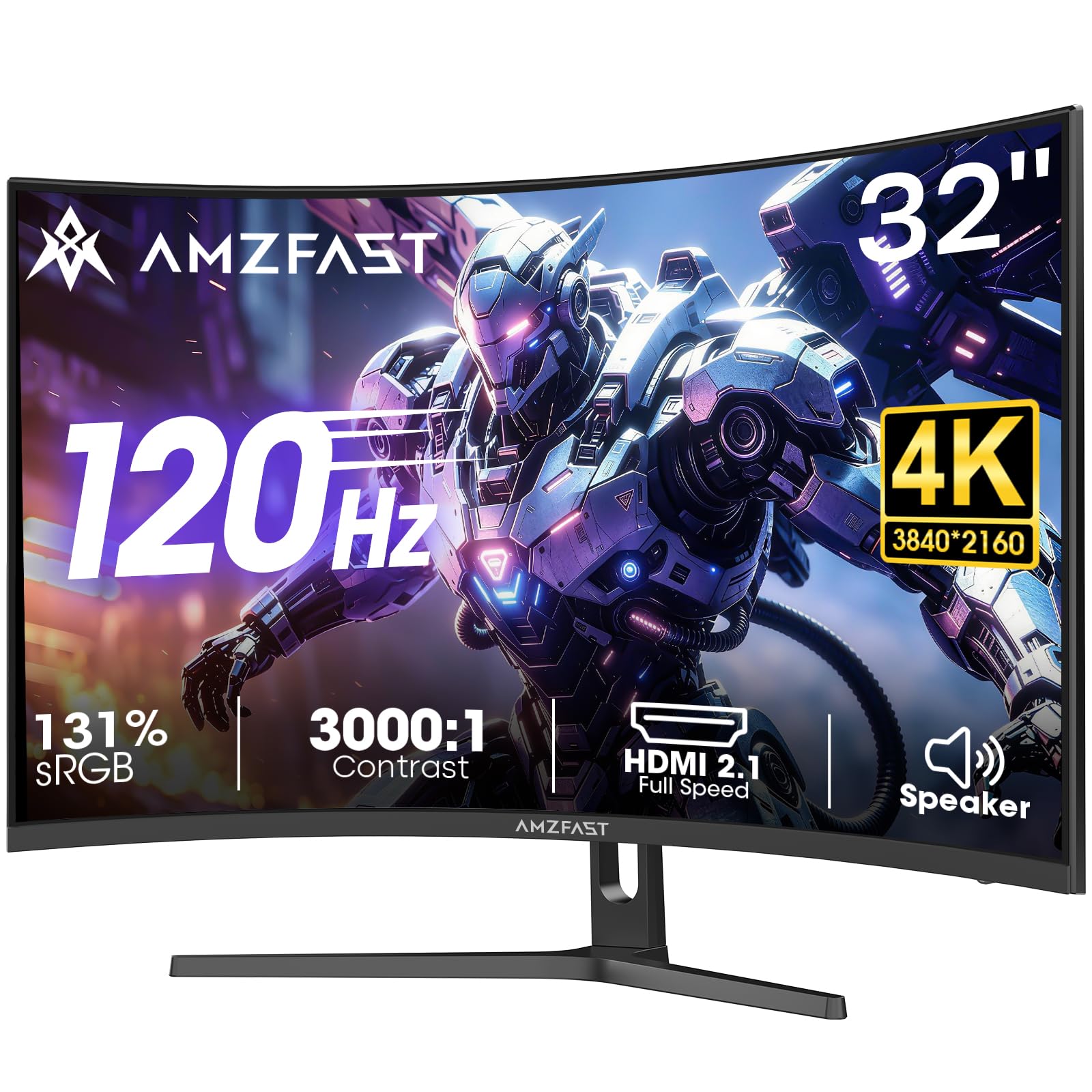
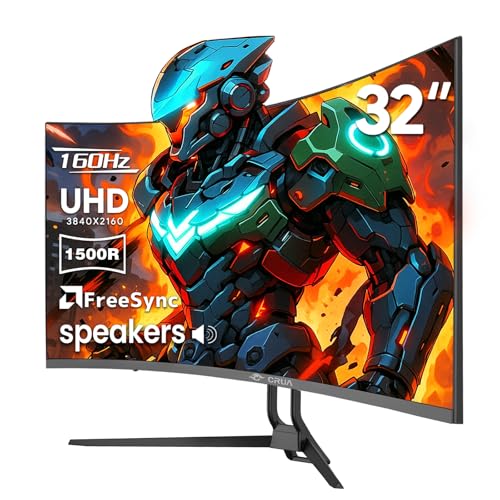
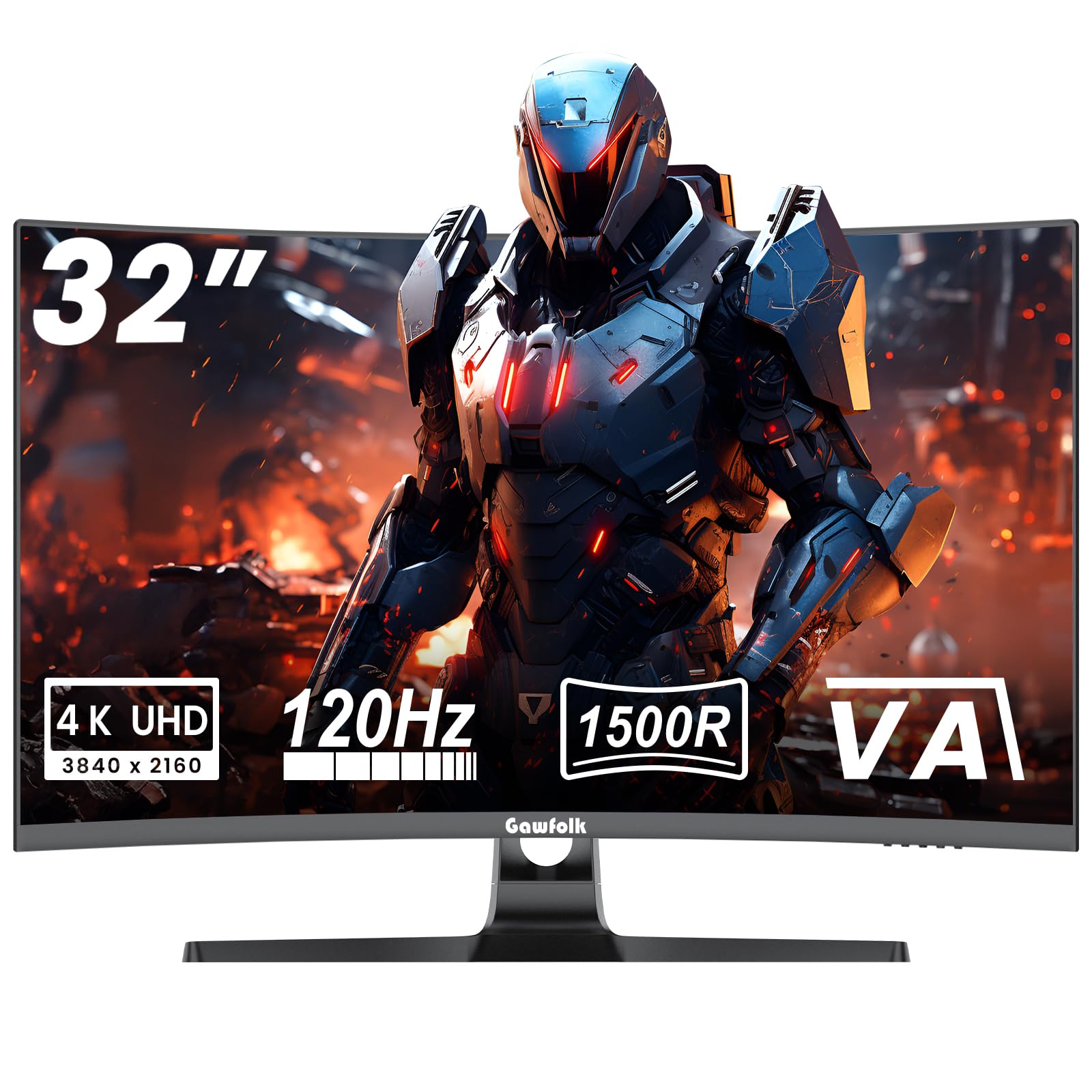
Who Should Buy the Best 4K Curved Monitors?
Gamers Who Want an Immersive Wide View
Gamers benefit most from a curved screen when they sit fairly close and play titles with wide scenes, such as racing or open world games. For this use, refresh rate and response time matter alongside resolution, because a sharp but slow panel can smear fast motion, as explained in our guide to best gaming monitors. Check that your graphics card can drive 4K at the refresh rate you want, since a high refresh screen is wasted if your system cannot keep up.
Office Workers Juggling Several Windows
For office work, the curve mainly helps by keeping a wide screen within comfortable view, so you can place documents side by side without turning your head constantly. Color accuracy matters less here than text sharpness and comfortable brightness. A gentle curve on a 32 inch or larger screen often suits desk work better than an aggressive curve, which can distort straight lines in spreadsheets, and our guide to best curved computer monitors covers desk friendly options.
Creative Workers Editing Photos and Video
Photo and video editors need accurate color and even brightness across the whole panel, because edits made on one side of the screen must match the other side. A curved screen can still work well for this use, but panel quality matters more than curve strength. Look for wide color coverage, a factory calibration report if one is offered, and controls that let you adjust color settings easily.
Key Features to Compare
Panel Technology
Panel type shapes color, contrast, and viewing angles. IPS panels usually offer good color and wide viewing angles, while VA panels often give deeper blacks and stronger contrast. OLED panels deliver excellent contrast and fast response, but they cost more and need care against static images left on screen for long periods. Mini LED backlighting can improve brightness and contrast on LCD panels, so choose the panel for your main use rather than for the technology name alone.
Curve Strength and Viewing Distance
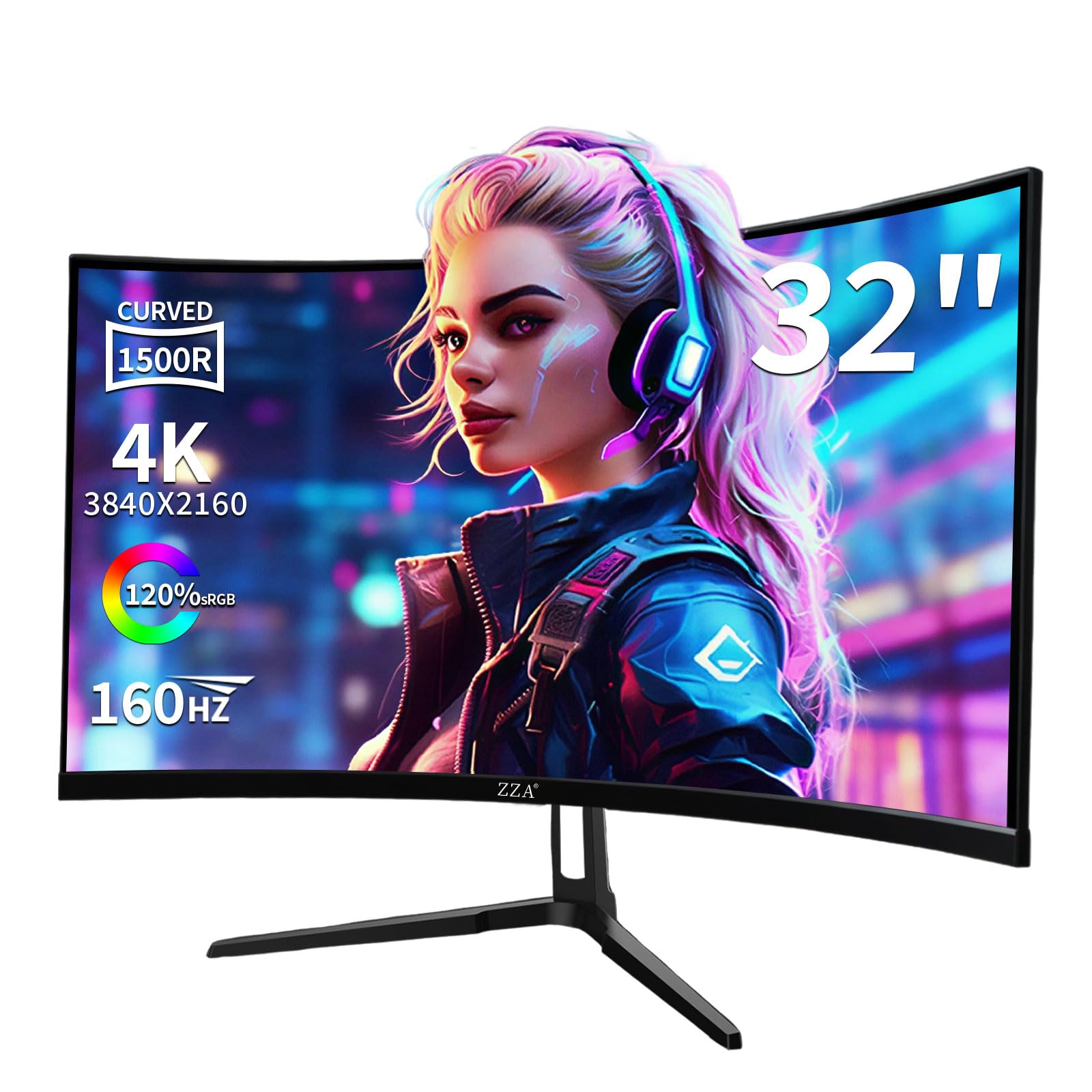
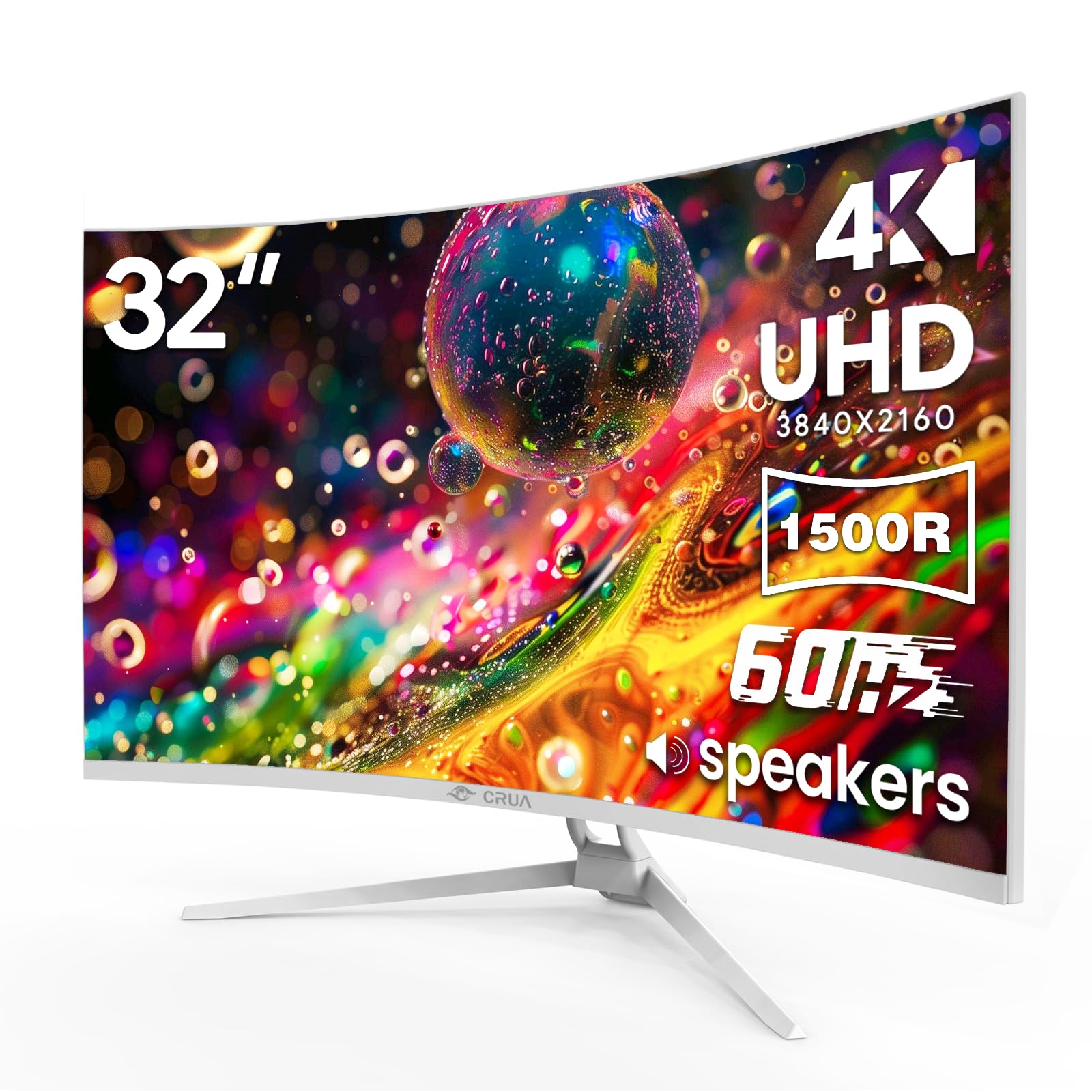
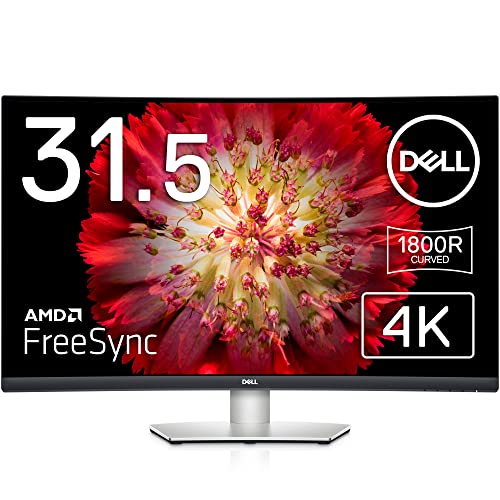
Curve strength is given as a radius such as 1500R or 1800R, where a smaller number means a tighter curve. A tighter curve suits a closer seating position, while a gentler curve suits a desk where you sit further back. As a rough guide, sit at about the radius distance for the curve to feel natural, as explained in our guide to best curved monitors. If your desk forces you to sit much closer or further away than that, a gentler curve or a flat screen may feel more comfortable.
Resolution and Screen Size
4K resolution means about 3840 by 2160 pixels, which gives sharp text and fine detail on large screens. On a 27 inch screen, 4K text can look very small unless you scale it up in your operating system. On a 32 inch or larger screen, 4K has room to breathe, and the curve helps keep the edges in view. Match size to your desk depth first, then confirm that your computer can output 4K over the connection you plan to use.
Refresh Rate and Response Time
Refresh rate, measured in hertz, is how often the screen redraws each second, and response time is how quickly pixels change color. Higher refresh rates make motion look smoother, which matters most for games and fast video. For office work and photo editing, 60 hertz is usually enough, and money is better spent on panel quality. Adaptive sync features help games run smoothly by matching the screen refresh to the graphics card output, a point also covered in our guide to 4K gaming monitors.
HDR and Brightness
HDR, or high dynamic range, aims to show brighter highlights and deeper shadows in supported content. True HDR needs high peak brightness and good local dimming, so a basic HDR label alone does not guarantee a strong HDR picture. Check peak brightness in nits and whether the model carries a recognized HDR certification. For everyday office work, even brightness and comfortable viewing matter more than HDR performance.
Connectivity and Ergonomics
Look for the ports you actually need, such as HDMI 2.1 for 4K at higher refresh rates, DisplayPort, and USB C with power delivery if you connect a laptop with one cable. A good stand should adjust height, tilt, and swivel, and VESA mounting lets you use a monitor arm if your desk is shallow. Built in speakers can be handy for casual use, but they rarely replace separate speakers for music or film.
Spending Levels Explained
At a lower price, expect a VA panel with a gentle curve, 60 hertz refresh, and basic HDR support. These models suit office work and casual viewing, where screen size and sharpness matter more than fast motion or premium color. Check the stand adjustment and port selection carefully at this level, since those are common places where costs are cut.
In the middle price band, you typically gain better color accuracy, higher refresh rates, stronger HDR, and a more adjustable stand. This is the sensible band for most buyers, including gamers who want 4K without paying for flagship features. It is also where curved screens start to feel like a genuine upgrade rather than a novelty.
At a higher price, OLED or Mini LED panels, very high refresh rates, and premium build quality come into play. This band suits creative workers who need top color performance and gamers with powerful systems. Before spending here, confirm that your graphics card, desk space, and viewing distance can actually make use of the extra performance.
Quick Buyer Checklist
- Does my desk allow the viewing distance this curve strength needs?
- Can my computer output 4K at the refresh rate I want over HDMI or DisplayPort?
- Does the panel type suit my main use: games, office work, or creative editing?
- Is the stand adjustable enough, or does the monitor support VESA mounting?
- Are the ports I need present, including USB C power delivery if I use a laptop?
- Is HDR performance backed by a certification, or is it only a label?
- Have I checked the warranty length and the dead pixel policy?
- Will the screen fit my desk width with room for speakers or other gear?
Red Flags to Watch For
- Vague specifications that list HDR or a high refresh rate without brightness or port details to back them up.
- A very aggressive curve on a small screen, which can distort straight lines without adding immersion.
- A stand with almost no height adjustment, forcing you to stack books under the monitor.
- Only one video input, which makes switching between a computer and a console awkward.
- Unusually short warranty coverage compared with similar models at the same price.
Care and Maintenance Tips
Calibrate picture settings when you first set the screen up, and turn off vivid or shop display modes that push colors far from natural. On OLED models, run the pixel refresh routine the maker provides and avoid leaving a static image on screen for hours. Clean the screen only with a soft microfiber cloth, lightly dampened if needed, and never spray cleaner directly onto the panel.
Comfort matters as much as picture quality. Take regular breaks from close screen work, keep the screen at a comfortable brightness for your room, and position it so the top of the screen sits near eye level. These are general comfort tips only, not medical advice. If you notice persistent eye pain or vision changes, speak with an eye care professional rather than trying to fix the problem with monitor settings alone.
4K Curved Monitors: Your Questions Answered
How long do 4K curved monitors last?
Most monitors last many years with normal use, and the panel usually outlives the ports and features around it. Backlight brightness can fade gradually over time, and OLED panels need more care against static images than LCD panels do. What often ends a monitor's useful life is not failure but changing needs, such as a new computer that needs a port the old screen lacks. A model with a good stand, common ports, and a solid warranty is more likely to stay useful for a long time.
What size 4K curved monitor should I get for my desk?
Desk depth should decide size more than ambition. A 27 inch screen suits a shallow desk, while 32 inch and larger screens need enough depth to sit at a comfortable viewing distance. Measure your desk depth and the distance from your eyes to the screen position before ordering. If you sit closer than about an arm length from the screen, a very large curved panel will force constant head turning, though a monitor arm can help by pushing the screen back and freeing desk space.
Does refresh rate matter for non gamers?
For most non gaming use, refresh rate matters far less than resolution, color, and ergonomics. A 60 hertz screen shows office documents, web pages, and video smoothly enough for everyday work. Higher refresh rates can make mouse movement and scrolling feel slightly smoother, and some people notice the difference. However, the gain is small compared with the gain from a better panel or a more adjustable stand, so non gamers should not pay a large premium for refresh rate alone.
Is 4K worth it on a curved monitor?
4K is worth it when the screen is large enough for the extra pixels to show, which usually means 32 inches or larger. On a large screen, 4K keeps text sharp and gives room for several windows side by side. On a smaller screen, the benefit is harder to see, and you may need to scale text up, which reduces the extra workspace. Also consider your computer: driving 4K needs a capable graphics output, and weak hardware can make the whole system feel slower.
IPS vs OLED: which is better for a curved 4K monitor?
Neither panel type wins for every buyer, because they trade strengths. IPS panels offer good color, wide viewing angles, and no risk of burn in, which suits long office days and shared viewing. OLED panels offer deeper blacks, faster response, and striking contrast, which suits film and games in a dim room. OLED costs more and needs care with static images, so choose IPS for worry free daily use and OLED when contrast and motion matter most.
Final Thoughts
The best choice comes down to matching panel, curve, size, and viewing distance to your desk and your main use. Gamers should weight refresh rate and graphics card capability, office workers should weight text sharpness and ergonomics, and creative workers should weight color accuracy above all. The product table can help you compare the shortlist once you know which factors matter most to you.
Work through the checklist, watch for the red flags, and pick the model that fits your space rather than the largest or most curved option available. The best 4k curved monitors are the ones that feel natural after a full day of use, not just impressive for the first ten minutes.


