
Best 4G Routers with SIM Card Slot of 2026: Complete Buying Guide
Disclosure: We may earn a commission when you buy through links on this page, at no extra cost to you. As an Amazon Associate I earn from qualifying purchases. Learn more
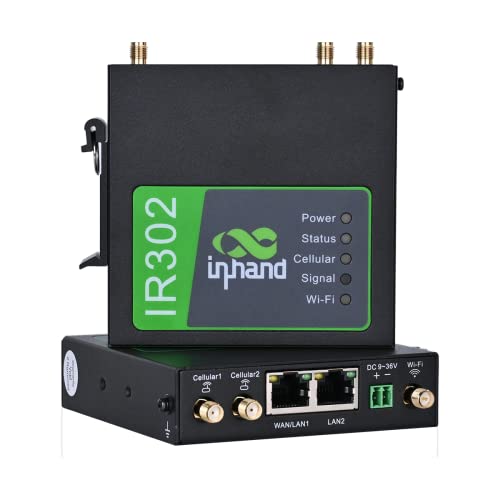
Learn how to choose the best 4g routers with sim card slot by comparing WiFi standards, coverage, data plans, ports, and security features for your home.
Maybe your street has slow wired internet, your rental contract is short, or you need a connection that travels with you. A router that takes a SIM card solves all three problems by pulling internet from the mobile network. This guide shows you how to choose the best 4g routers with sim card slot for your home without paying for features you will not use.
We will cover what each price level should deliver, the specs that matter, and the plan details people forget. Start with the comparison table below, then use the checklists and buying guide sections to narrow your shortlist.
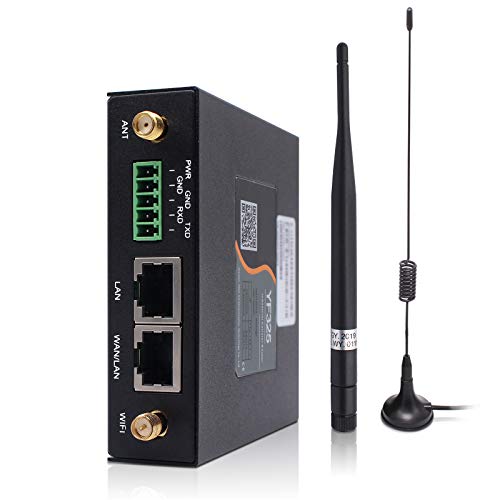

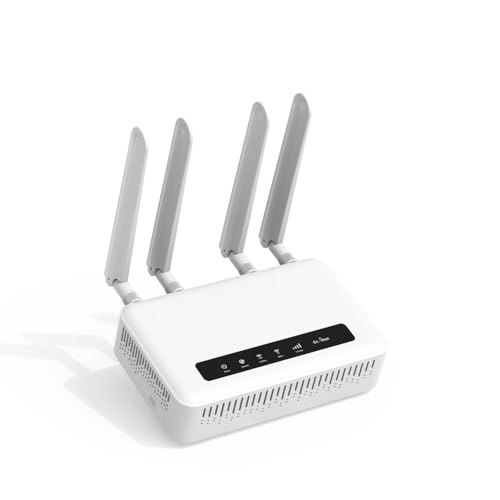

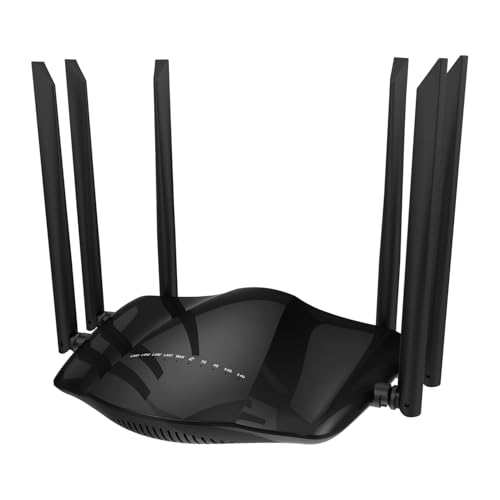
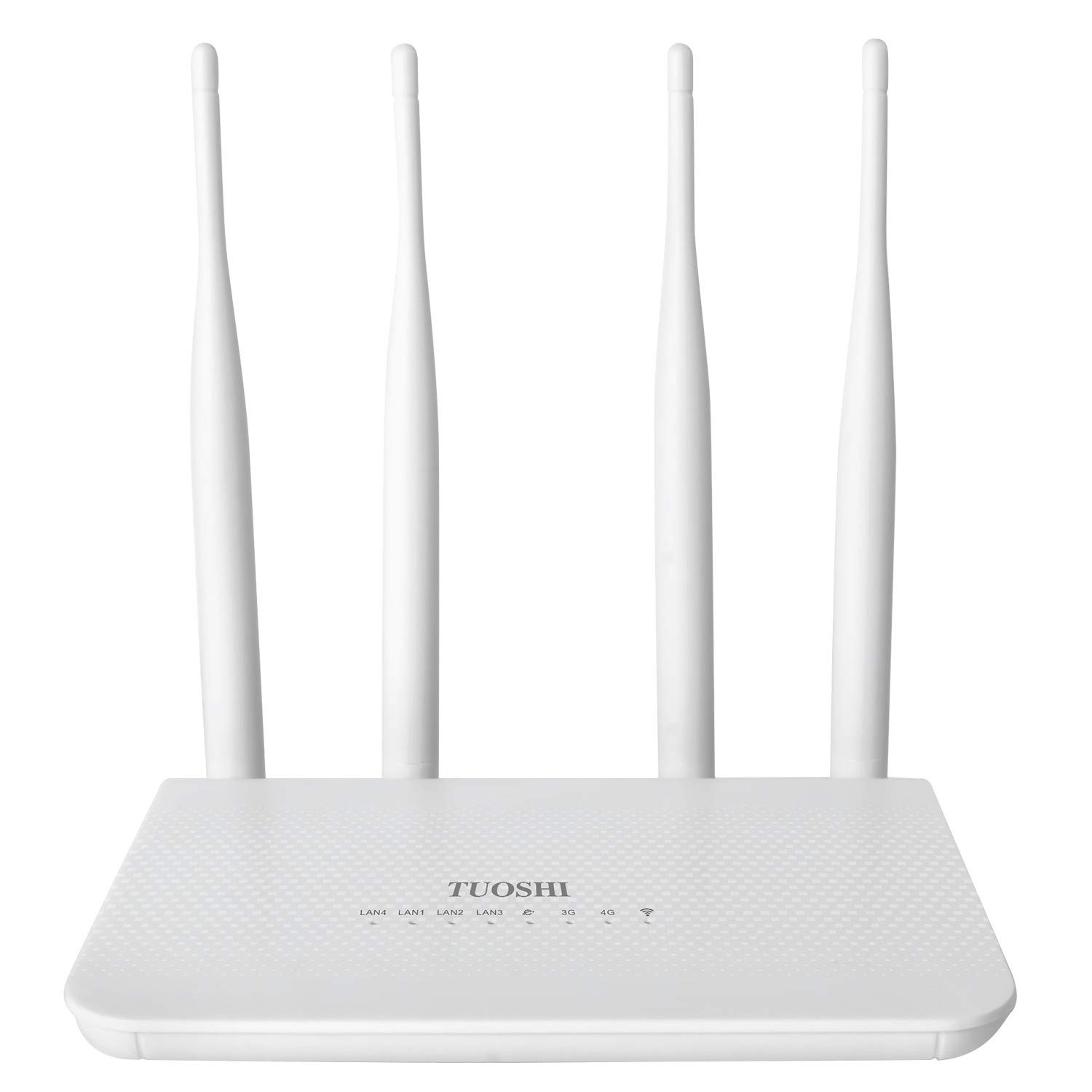


What a Strong Choice Looks Like at Three Levels
Overall Balance Checklist
A well balanced model is the one most households should aim for, usually around $150 to $300. At this level, expect WiFi 6, support for the main LTE bands of major carriers, at least two wired ports, and ports for external antennas. The app should show signal strength in a simple readout, because placement decisions depend on it.
The honest limitation at this level is peak speed: a mid priced unit will not match the fastest category modems on a strong tower. For streaming, school, and office work, that gap rarely matters in daily use. Judge this tier by stability and coverage rather than headline numbers.
Value Checklist
Value models, often under $150, suit single users, small flats, cabins, and backup duty. A good one still covers the basics: current security with WPA3, a simple app, one or two wired ports, and the LTE bands your carrier uses most. Cameras, TVs, and a laptop or two will run happily on this tier.
The savings usually come from older WiFi standards, fewer antenna options, and slower processors that struggle with dozens of devices. If your household streams on several screens at once, this tier will feel tight. For light use, though, it is the smartest money in the category.
Upgrade Checklist
Upgrade models, often around $300 to $500, add faster modem categories, stronger processors, and support for mesh expansion. They make sense for busy family homes, home offices with video calls all day, and rural users who need advanced antenna setups. Expect more wired ports, better traffic controls, and longer firmware support.
The drawback is simple: you pay for headroom you may never use if your tower signal is modest. Check your likely speeds with a phone at home before spending at this level. If a phone struggles to hold a signal indoors, invest in antennas before you invest in a premium router.
How to Choose the Best 4g Routers: Buying Guide
When people ask how to find the best 4g routers with sim card slot for their address, the answer starts with the network, not the box. Confirm your carrier, your likely signal, and your data allowance first. Then use the factors below to compare models on equal terms.
Why Choose a 4g Router With Sim Card Slot
The big benefit is freedom: internet without waiting for an installer, a fixed line, or a long contract. You can move the router between rooms, take it to a second home, or keep it as backup when wired service fails. For related layouts, see our guide to the best routers with sim card slot, which covers desktop and travel designs.
The limits are data caps and variable speeds, since mobile networks slow down at busy times and in weak signal spots. Streaming heavy households can burn through an allowance quickly. If your address has good fiber at a fair price, a wired line is usually cheaper per month, and the SIM router becomes your backup instead.
WiFi Standard (WiFi 6, 6E, 7)
WiFi 6 is the right baseline for most buyers because it manages many devices well and every modern gadget supports it. WiFi 6E adds the 6 GHz band for short range speed, but walls weaken that band quickly and only newer devices can use it. WiFi 7 helps future proof a busy home, yet your 4G link will almost always be the slower half of the system.
Spend on the WiFi standard only after coverage, antennas, and modem category are covered. A WiFi 6 router with strong antennas will beat a WiFi 7 router with weak ones in most real homes. Think of the standard as the last tiebreaker between two otherwise equal models.
Speed Ratings vs Your Internet Plan
Router boxes advertise combined WiFi ratings like AX3000, which describe local WiFi capacity under ideal conditions. Your internet speed, though, comes from the LTE modem category and your plan, and it is almost always much lower. A plan that delivers about 25 to 75 Mbps at your home pairs fine with mid range WiFi hardware.
Ask your carrier about deprioritization, because some plans slow down after a set amount of data each month. That policy affects your evenings more than any router spec. If your plan is the limit, a cheaper router plus a better plan beats an expensive router on a restricted plan.
Security and Parental Controls
Choose a router with WPA3 and automatic firmware updates so security patches arrive without your attention. A guest network keeps visitors and smart home gadgets separate from your work computer and storage drives. Change the default admin password on day one, since default passwords are public knowledge.
Parental controls vary from free time schedules and site blocking to paid subscriptions with detailed activity reports. Check whether the controls you want are included or cost extra each month. For most families, schedules plus category blocking cover the real needs without a subscription.
Number of Devices and MU MIMO/OFDMA
Smart homes fill up fast: phones, TVs, speakers, cameras, and plugs can pass thirty devices in a normal house. MU MIMO lets the router serve several devices at once, and OFDMA divides channels so small gadget traffic does not block bigger jobs. Together they keep pings low and streams smooth when everyone is online.
Also count wired connections, because TVs, consoles, and desktop computers run best on a cable. If a router has too few ports, a small network switch fixes that cheaply. Laptops with their own SIM slots are another way to offload a busy network, and our guide to the best laptops with sim card slot explains that route.
Gaming Features (QoS, Low Latency)
QoS settings let you give games and video calls first claim on a limited connection. On 4G, where speed rises and falls through the day, that priority can be the difference between a clear call and a frozen one. Look for simple device based priority rather than complex manual rules you will never tune.
Latency on mobile networks will still run higher than on fiber, so competitive players should set expectations honestly. A wired link from console to router removes WiFi delay from the equation and is the single best gaming upgrade. Router gaming branding beyond QoS and ports adds little on a cellular connection.
Setup and App Management
A good companion app turns setup into a guided fifteen minute job and shows signal strength as you test spots. You should be able to see connected devices, reboot remotely, and share a guest password without digging through menus. Data usage tracking in the app is a bonus that helps you pace a capped plan.
Before buying, check recent app reviews, because a weak app makes even good hardware frustrating. Also confirm the SIM size the router accepts, since nano and micro cards differ and adapters are fiddly. Our guide to the best sim card routers compares setup styles if you want more detail on this point.
Types of 4g Routers
Gaming Routers
Gaming models add aggressive QoS, extra wired ports, and bold styling at a premium price. They suit players who share a connection with streamers and want traffic priority handled automatically. On a 4G link the benefit is real but modest, so buy this type for its controls, not its looks.
Single Routers
A single router is one box that covers a flat or a small house from a central spot. It is the cheapest and simplest type to own, with one app and one firmware to update. It struggles in long, tall, or thick walled homes, where one box simply cannot reach every room well.
Budget Routers
Budget routers cover the essentials for light users, spare rooms, and travel duty. Expect older WiFi standards and fewer ports, but perfectly usable speeds for browsing and standard video. They make excellent backup units even for households that later upgrade to something stronger.
Mesh WiFi Systems
Mesh systems use two or more nodes to blanket a larger home with one network name. A SIM based mesh setup pairs a cellular gateway with satellite nodes for even coverage across floors. It costs more and uses more power outlets, but it is the reliable answer for big or awkward spaces.
Setup and Care Tips
- Place the router centrally and elevated. A high shelf near a window usually gives the best mix of tower signal and home coverage.
- Update firmware regularly. Turn on automatic updates so security fixes and stability improvements install on their own.
- Change default admin passwords. Use a long password you do not reuse anywhere else, and store it in a password manager.
- Reboot monthly if you notice slowdowns. A quick restart clears memory and reconnects you to the tower cleanly.
- Label your SIM and plan details. Note the plan renewal date and data limit on a card kept with the router.
4g Routers: Your Questions Answered
Do I need WiFi 7 yet?
Not for a 4G connection in most homes. WiFi 6 already moves data around your home far faster than the mobile network delivers it. Choose WiFi 7 only if the price gap is small and you plan to keep the router through a future move to fiber.
Mesh or a single router: which is better?
A single router suits compact homes and costs less to buy and run. Mesh is better when rooms sit far apart, floors divide the space, or one corner always has weak WiFi. Start with one unit if your home is small, and pick a brand that lets you add nodes later.
How often should I replace my router?
Expect about four to six years of useful life. Replace sooner if firmware updates stop, if the modem misses bands your carrier now relies on, or if restarts become a weekly event. A router with current security support and stable performance does not need replacing just because a new WiFi label appears.
Will a new router speed up my internet?
It can, if your old router has weak antennas, an old modem, or poor WiFi that bottlenecks your devices. It cannot exceed what your signal and plan provide at your address. Test your speed with a phone near the router spot first, so you know the ceiling before you spend.
The Bottom Line on 4G Routers with SIM Card Slot
Match the modem bands to your carrier, size the coverage to your home, and respect your data plan, because those three choices decide your experience. After that, WiFi 6, WPA3, and a clear app round out a sensible purchase. Return to the product table above and shortlist the best 4g routers with sim card slot that fit your rooms and your monthly data habits.


