
Best 4G Home Routers: Every Type Explained Side by Side for 2026
Disclosure: We may earn a commission when you buy through links on this page, at no extra cost to you. As an Amazon Associate I earn from qualifying purchases. Learn more
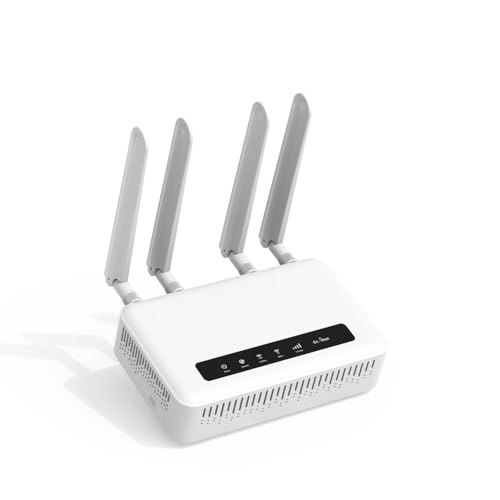
Compare every type of 4g home router in plain terms and learn how to choose the best 4g home routers for your home size, devices, and daily internet use.
A 4G home router takes the internet from a mobile network and shares it around your home as WiFi. It is the go to answer where cable or fiber lines are poor, slow to install, or missing entirely, and it also works as a backup when a fixed line fails. The confusing part is that the same 4G label covers tiny budget boxes and full mesh systems.
This guide compares the best 4g home routers type by type, so you can match the design to your home instead of guessing from a feature list. You will see how each type works, what it costs to run, and which limits come from the mobile network rather than the router itself. Start with the comparison table below, then read the type that sounds closest to your home.


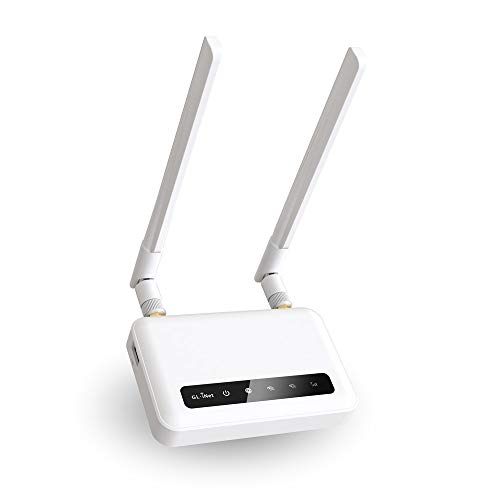
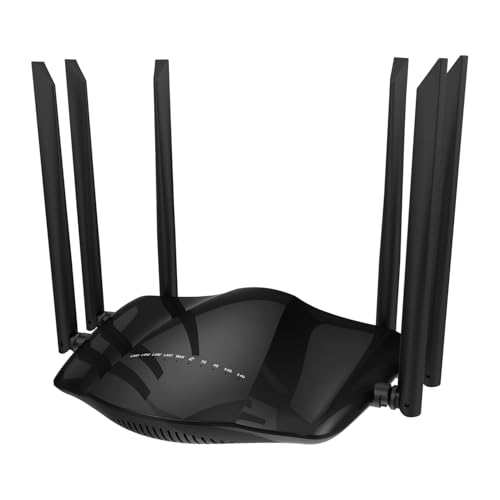
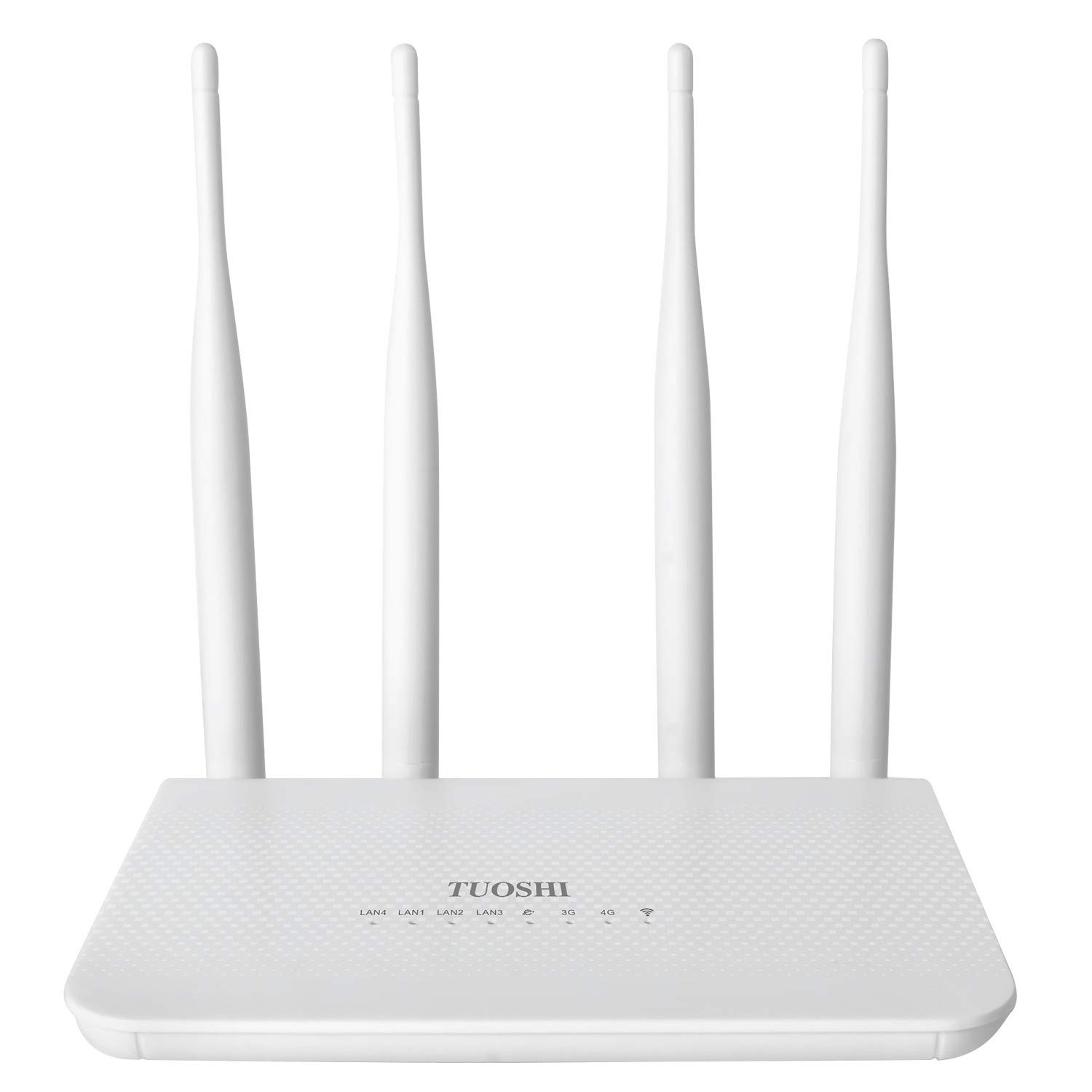

Types of 4G Home Routers Compared
Every 4G router has two jobs: pulling a signal from a mobile tower, and spreading a local WiFi network through your rooms. Types differ in how much power and money they put into each job. A compact single unit puts the SIM, modem, and WiFi in one box and suits flats and small homes. Larger designs add nodes, antennas, or gaming controls. As you read, keep the wider field of best home routers in mind, because a fixed line router still wins where good wired service exists; 4G earns its place where the mobile signal is the stronger option.
Mesh WiFi Systems
A mesh system with a 4G gateway uses one main unit that holds the SIM and talks to the tower, plus satellite nodes that relay WiFi from room to room. Your devices see one network name and move between nodes as you walk around. This design covers long homes, thick walls, and upper floors better than any single box, and you can add nodes later if a dead zone appears. The trade off is price and setup time, since each node needs power and a sensible spot. For sprawling layouts, the advice in our guide to the best routers for large homes on node spacing applies just as well when the internet source is a SIM.
Gaming Routers
A gaming oriented 4G router adds traffic controls that favor game data, plus strong processors and extra Ethernet ports for wired consoles and PCs. Features such as quality of service rules let a match stay smooth while someone else streams video in the next room. What it cannot do is beat physics: your ping still depends on tower distance and network load, so a gaming badge never turns a weak mobile signal into a fiber line. Buy this type if several people share the connection and you want control over who gets priority, not because you expect miracles from the 4G link itself.
Budget Routers
A budget 4G router, often around $60 to $120, covers the basics: a SIM slot, dual band WiFi, a couple of Ethernet ports, and simple app or browser setup. It suits one or two people, a rental flat, a caravan, or a backup role during outages. Limits show up as slower WiFi standards, fewer antennas, and basic software with fewer controls. Data heavy homes can also outgrow them quickly. If your needs are light and your signal is strong, this is the sensible entry point; if four people stream every evening, step up a class and save yourself a second purchase.
WiFi 7 Routers
The newest 4G routers pair the mobile modem with WiFi 7 for the local network. WiFi 7 brings wider channels and better handling of many devices at once, which helps in dense smart homes with recent phones and laptops. Be clear about what it does not do: it does not make the 4G tower link faster, because the mobile side stays 4G. You pay a premium, often around $250 and up, for future proof local WiFi. That trade makes sense if you keep routers for many years and own WiFi 7 devices, and less sense if your bottleneck is a modest data plan.
Mesh WiFi Systems vs Gaming Routers: Which Should You Choose?
These two types solve different problems. Mesh solves distance and walls: if your signal dies in the back bedroom, more nodes fix what no setting can. Gaming designs solve contention: if the WiFi reaches everywhere but matches stutter when the house gets busy, traffic priority is the tool you need. Coverage comes first, because priority rules cannot help a device that can barely connect.
Budget points the same way. A two node mesh and a gaming router can cost about the same, around $180 to $300, so spend on the problem you actually have. Big multistory homes usually gain more from mesh, and households comparing the best routers for big homes will see coverage advice that transfers directly to 4G gateways. Compact homes with keen gamers gain more from the gaming type. A few mesh systems now include light traffic controls too, which can cover both needs in one purchase.
How to Choose the Right 4G Home Router
Number of Devices and MU MIMO and OFDMA
Count everything that connects: phones, laptops, TVs, cameras, plugs, and consoles. A quiet home may have ten devices online; a smart home can pass forty. Technologies named MU MIMO and OFDMA let the router talk to several devices at once instead of forcing a strict queue, which keeps small smart devices from slowing the whole network. Match the router class to your device count and your busiest hour, usually the evening, when streaming, calls, and game downloads collide. Headroom here is what makes a network feel calm instead of cranky.
Security and Parental Controls
Look for WPA3 support, automatic updates, and a guest network for visitors and smart gadgets. Parental controls range from simple bedtime schedules and site filters to paid plans with detailed reports, so check whether the features you want sit behind a subscription. Change the default admin password during setup, because a router is the front door to every device you own. Shoppers weighing the best home internet routers will find the same rule holds for fixed line models: the strongest WiFi password in the house means little if the admin page still uses a factory login.
Setup and App Management
Good setup feels boring. The app should find the router, walk you through the SIM and network name, and confirm the mobile signal strength before you finish. After setup, the app should show which devices are connected, let you pause a child tablet at bedtime, and warn you about updates. A clear signal readout matters more on 4G than on cable, because moving the router one room closer to a window can change speeds a lot. If an app hides signal details, a browser dashboard with honest numbers is the better tool.
WiFi Standard (WiFi 6, 6E, 7)
WiFi 6 is the sensible baseline for most homes, with strong handling of many devices at a fair price. WiFi 6E adds the 6GHz band, which is fast and clean but short range, so it shines in the same room as the router. WiFi 7 stretches capacity further for new devices and busy homes. None of these change the 4G ceiling on your internet speed, so do not pay a large premium for a local standard your phones cannot use yet. Readers comparing the best wireless routers for home face the same ladder, and the same advice applies: buy for the devices you own today plus one step of headroom.
Tips to Get the Most From Your 4G Home Router
- Place the router high and near a window on the tower side of the home. Mobile signal drops through brick and metal, so a spot with the strongest bars beats the most central spot when the two conflict.
- Update firmware regularly. Updates patch security holes and often improve modem stability, so turn on automatic updates if the app offers them.
- Change default admin passwords and the WiFi name. A unique network name also avoids confusing your devices with a neighbor network of the same default label.
- Use external antennas if your model supports them. Ports for add on antennas can steady a fringe signal, especially in rural areas.
- Watch your data use. Game downloads and 4K streaming can consume a monthly cap quickly, so set usage alerts in the router app.
FAQs
How often should I replace my 4G home router?
Plan on about four to five years. Replace sooner if the router no longer gets security updates, if its WiFi standard lags far behind your devices, or if your household has outgrown its capacity. The mobile side ages too: if your carrier refarms bands or your area gains stronger options, a newer modem can hold a signal better. A router that still receives updates and covers your home well has no expiry date just because a newer model launched.
Will a new router speed up my internet?
Only up to the limit of your 4G signal and plan. A better router can raise real speeds when your old one has weak antennas, an aging modem, or WiFi too slow to pass the connection through. It cannot exceed what the tower delivers at your address. Test first by placing your phone where the router would sit and running a speed check at your busiest hour. That number is your rough ceiling, and it tells you whether new hardware can help at all.
Mesh or a single router: which is better for a 4G home?
A single router is better for flats and small homes where one central or window side spot covers every room. Mesh is better for long, large, or multistory homes where one box leaves dead zones. Remember that every mesh node still depends on the gateway unit and its mobile signal, so place the gateway for signal first and nodes for coverage second. Adding nodes to fix a weak tower signal wastes money; fix placement or antennas first.
Do I need WiFi 7 on a 4G home router yet?
Most homes do not need it yet. WiFi 7 helps when you own very new phones and laptops and run a busy local network with lots of file transfers and streaming at once. The 4G link itself is unchanged, so total internet speed stays set by the tower and your plan. If your current devices top out at WiFi 6, a good WiFi 6 router plus a strong data plan will feel faster in daily use than a WiFi 7 badge on a weak plan.
Wrapping Up
Choose the type by your biggest pain point: coverage calls for mesh, busy evenings call for traffic controls, light use calls for a simple budget box, and long ownership with new devices can justify WiFi 7. Then check device count, security updates, and setup quality before you pay. Compare the best 4g home routers in the product table above, confirm the SIM and band support for your carrier, and put signal placement at the top of your setup plan. Keep this guide handy whenever you review the best 4g home routers again.


