Best 4G Android Tablets: Everything to Know Before Your First Purchase for 2026
Disclosure: We may earn a commission when you buy through links on this page, at no extra cost to you. As an Amazon Associate I earn from qualifying purchases. Learn more

Shopping for the best 4g android tablets for the first time? Learn the terms, compare options, and avoid rookie mistakes with this easy guide.
A tablet with its own mobile connection is a liberating thing. It works on a train, in a park, or at a job site without hunting for WiFi or draining your phone battery as a hotspot. If this is your first one, the specification sheets can look like alphabet soup, and the data plan matters as much as the hardware.
This guide explains the best 4g android tablets in plain language, from processors and screens to SIM cards and carrier bands. You will learn what each term means, what level is enough for your daily tasks, and which extras are safe to skip. Start with the comparison table below, then use the sections that follow to build a short list with confidence.
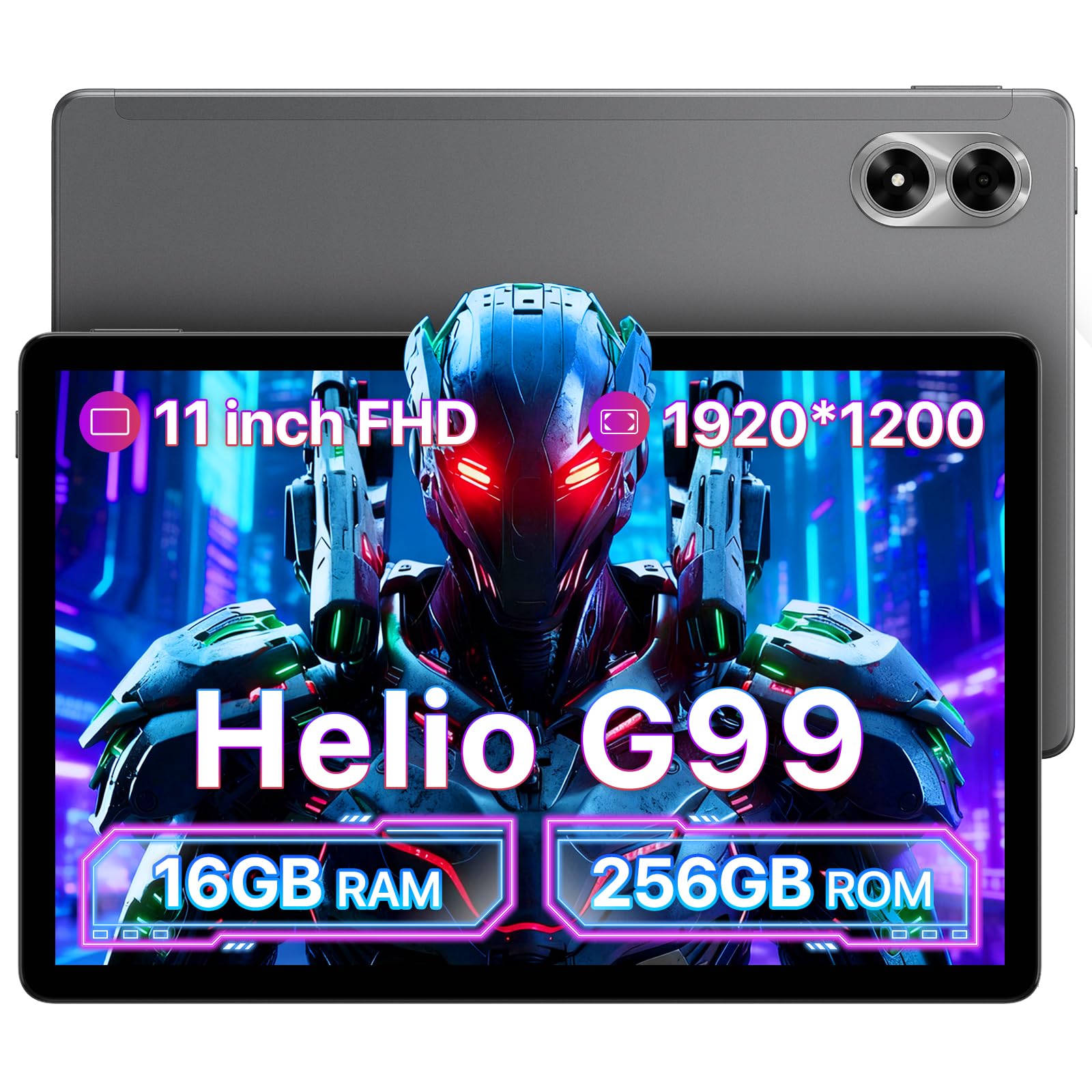

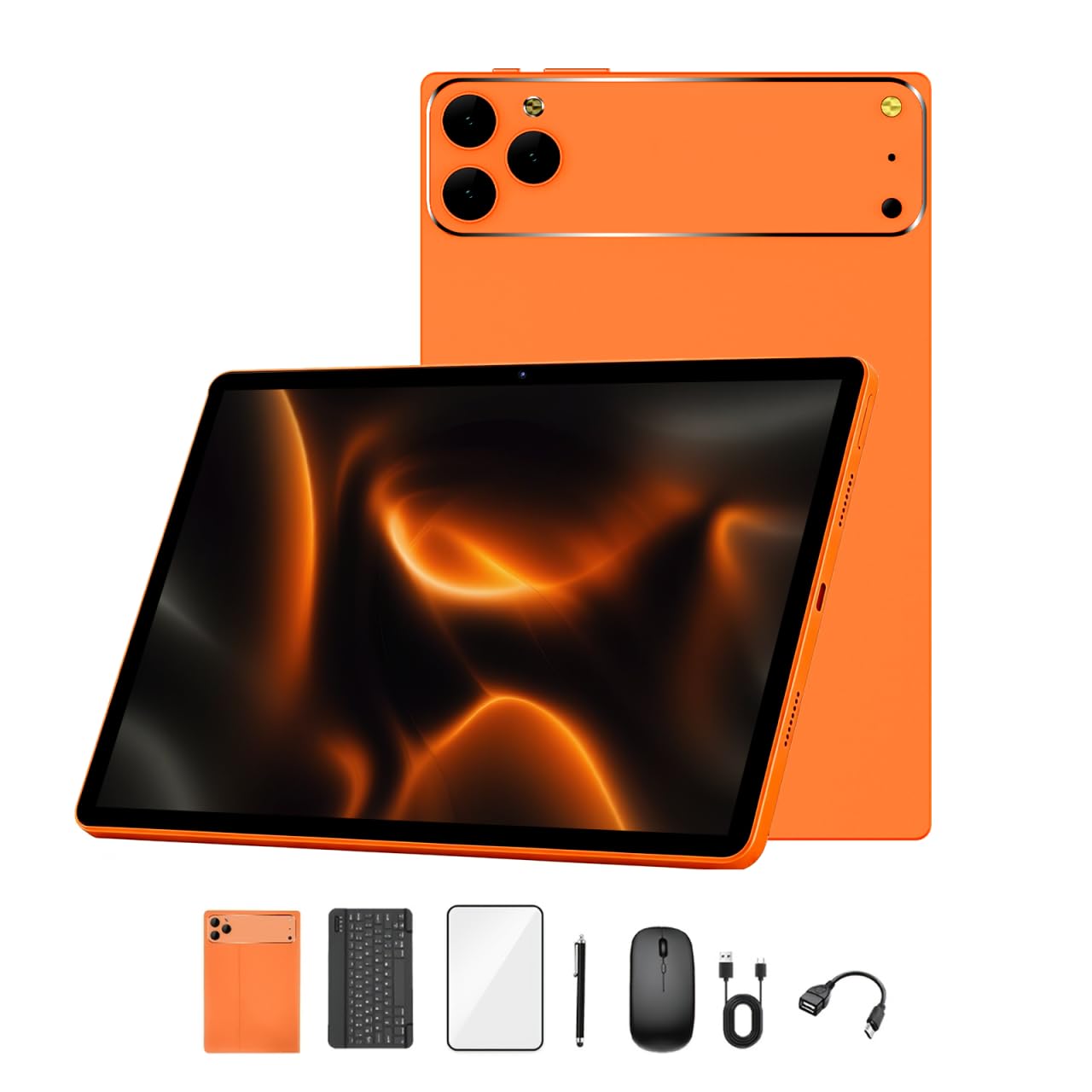
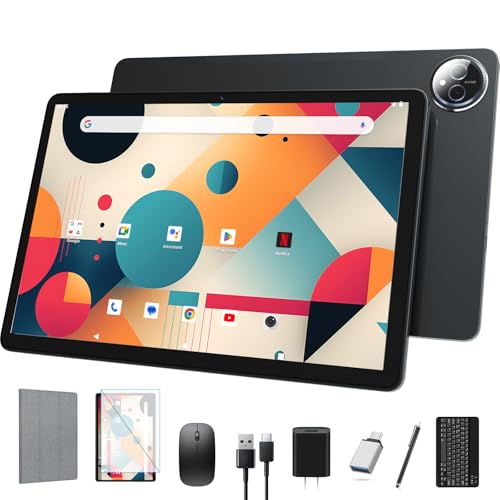


4G Android Tablets 101: The Basics
A 4G Android tablet is a slate that runs Android and holds a SIM card, just like a phone. That SIM connects it to a mobile network, so maps, email, cloud files, and video calls keep working away from home WiFi. Most models also include WiFi, so at home they join your router and save your mobile data for the road.
The buying decision has two halves. The tablet itself is a one time purchase, usually about $150 to $600 depending on screen and speed. The data plan is a monthly cost, often about $10 to $30 when added to an existing phone plan, and coverage quality varies by carrier and region. Shoppers comparing the wider field of the best android tablets should note that many strong models are WiFi only, so always confirm the exact version you order includes a cellular modem and a SIM slot.
One more term matters: unlocked. An unlocked tablet can move between carriers that use compatible networks, which protects you if you change phone service later. A carrier locked tablet may cost less up front but ties you to one network. Check the listing language carefully, because sellers sometimes mix WiFi only and cellular versions of the same model under one page.
Key Specs Explained in Plain English
Processor and Performance Tier
The processor is the engine that opens apps, renders pages, and keeps scrolling smooth. Entry chips handle email, reading, video, and light games without fuss, and they keep prices low. Midrange chips add headroom for split screen work, quicker app switching, and smoother games, which most buyers will feel every day. Flagship chips suit heavy multitasking, large photo edits, and demanding games, but they raise the price a lot. For a first purchase, a midrange chip paired with enough memory usually feels fast for years, while a bargain chip can feel old within months if you push it.
Mobile Data, SIM Cards, and Carrier Bands
Your tablet connects at 4G LTE speeds, which are plenty for video calls, streaming in HD, and cloud documents. What matters more than the 4G label is band support: your carrier uses specific radio bands, and the tablet must support the main ones in your country or speeds and coverage suffer. Check whether the tablet takes a physical nano SIM, supports eSIM, or both, since eSIM makes switching plans easier when you travel. Also confirm hotspot sharing is allowed, because some plans block tablets from sharing data with a laptop. The roundup of the best 4g tablets shows how these cellular details, not screen size alone, separate travel ready models from home only ones.
Operating System and Updates
Android tablets all run Android, but the experience differs by brand skin and update policy. A clean interface with few bundled apps is easier to learn, and long update support keeps the tablet secure and compatible with new apps. Ask two questions before buying: how many Android version upgrades are promised, and for how many years will security patches arrive. A cheap tablet abandoned after one year is a poor bargain if you plan to bank, shop, and sign in to work accounts on it. Update policy is quiet spec sheet fine print that protects your money.
Display Size, Resolution, and Brightness
Most buyers land between 10 and 12 inches. Smaller slates suit reading and travel, while larger ones make split screen work and films feel roomier. Resolution around 2000 by 1200 pixels or higher keeps text crisp at this size. Brightness matters outdoors and in bright cafes; look for a panel that stays readable in daylight and has an antireflective finish if you read outside. A 90Hz or 120Hz refresh rate makes scrolling and stylus strokes feel smoother, though it drains the battery faster. For media fans, an OLED screen adds deep blacks at a higher price.
Graphics and Gaming Power
Tablets do not use separate graphics cards the way gaming laptops do. Their graphics live inside the main processor, so chip tier decides game quality. Casual puzzle and card games run on almost anything, while fast racing and shooter titles need a midrange or flagship chip to hold smooth frame rates at high settings. Storage speed helps too, since large games load faster from quicker internal storage. If gaming is a side hobby rather than the main event, spend on screen and battery first and let the chip tier follow your most demanding regular app.
Weight and Portability
Weight decides whether a tablet leaves the house. Models around one pound are easy to hold for long reading sessions and disappear into a small bag. Larger models with metal bodies can pass a pound and a half, which is fine on a desk but tiring in one hand on a train. Add the case weight when you compare, because a rugged cover can add several ounces. Battery size ties in here: bigger batteries add hours but also grams, so travelers often accept a midsize battery and carry a small USB C power bank instead.
Keyboard Covers, Stylus, and Build
Accessories turn a slate into a small workstation. A keyboard cover with a trackpad helps with long emails and documents, but keys are smaller than a laptop, so try to choose one with decent key spacing. Stylus support varies widely; a pressure sensitive pen suits drawing and handwritten notes, while a basic capacitive pen only taps and scrolls. Check whether the pen and keyboard are included or sold apart, since extras can add about $50 to $150 to the real price. A metal body, firm buttons, and glass that resists scratches all signal care in build quality.
Rookie Mistakes to Avoid
- Buying the WiFi only version by accident. Cellular and WiFi only versions often share a product page, so confirm the modem and SIM slot on the exact configuration in your cart.
- Ignoring the data plan cost. A tablet that saves you $50 can cost far more over two years if its plan is pricey or its bands force you onto a weaker network.
- Skimping on storage. Apps, offline maps, and downloaded shows fill space fast, and many tablets lack a memory card slot. Buy more storage than you think you need.
- Forgetting update support. Short update windows age a tablet early, even when the hardware still feels fine.
- Skipping the return window check. Screen size and weight are personal, so buy from a seller whose return terms let you live with the tablet for a week first.
Getting Started: Setup and First Use
Start by charging the tablet fully, then insert the SIM or scan the eSIM code from your carrier before you sign in to accounts. Connect to home WiFi for the first big downloads, since setup pulls updates and apps that can eat a large share of a monthly data plan. Run every system update offered, restart once, and only then install your core apps.
Two habits protect battery health from day one. Avoid leaving the tablet plugged in at a full charge for days at a time on a hot desk, and use the adaptive charging setting if one is offered. Set a data warning inside Android settings so a runaway app cannot burn through your plan unnoticed. Finally, turn on device finding and a screen lock, because a tablet that travels is a tablet that can be left behind.
Frequently Asked Questions
How long should a 4G Android tablet last?
A well chosen tablet should serve about four to six years. The screen and processor usually hold up fine; the limit is more often battery wear and the end of software updates. You can extend useful life by keeping some storage free, replacing a tired battery where service is offered, and using a streaming stick style browser workflow for heavy sites. Buy the longest update policy you can afford if you want the longest life.
Should I buy a laptop or a 4G Android tablet?
Choose the tablet if your work is reading, video calls, forms, media, and light documents on the move. Choose a laptop if you type for hours, run desktop software, or manage many files and windows at once. Hybrid shoppers sometimes compare the best pc tablets, which run desktop systems and suit keyboard heavy work better. Many owners end up with both, using the tablet as the travel screen and the laptop as the desk machine.
How much RAM does a 4G Android tablet need?
For most people, 6GB to 8GB of RAM is the comfortable zone. With that much, apps stay open in the background and split screen work feels smooth. 4GB can work for reading and video on a tight budget, but apps will reload more often. Heavy multitaskers and gamers should look at 8GB or more. RAM works with the processor, so a strong chip with modest memory often beats a weak chip with a long spec list.
Is a Chromebook enough for school instead of a 4G Android tablet?
For many students, yes, if the school day happens on campus WiFi and the work is browser based. A tablet wins when the student commutes, reads a lot, or needs a connection on field trips and buses where school WiFi cannot reach. Keyboards matter too: long essays are easier on a laptop style keyboard. Match the device to where the work happens, not just to the classroom task list.
Does a 4G Android tablet need a dedicated GPU for games?
No, because tablets are not built with separate graphics cards at all. Game performance comes from the graphics built into the main processor, plus cooling and storage speed. Casual games run well on entry chips, while demanding titles need a flagship tier chip and may still lower settings to stay cool in a thin slate. If top tier gaming is your main goal, a phone with a flagship chip or a handheld console may serve you better than any tablet.
Wrapping Up
For a first purchase, keep the checklist short: a midrange processor, 6GB or more of memory, a screen you can read in daylight, and carrier bands that match your plan. Confirm the cellular version in your cart, price the data plan over two years, and favor long update support. Then compare the best 4g android tablets in the product table above and pick the size your bag and hands will enjoy carrying every day. Keep this guide handy whenever you review the best 4g android tablets again.