Best 32 Inch Computer Monitors in 2026: Which Type Is Right for You?
Disclosure: We may earn a commission when you buy through links on this page, at no extra cost to you. As an Amazon Associate I earn from qualifying purchases. Learn more

Compare the best 32 inch computer monitors by type: panel classes, resolution, stands and built in sound, with clear price bands and plain buying advice.
A 32 inch screen sounds like one simple choice, but the shelf holds several very different kinds of monitor that share only a size. Panel technology, resolution and stand design change the picture far more than the badge on the bezel does. This guide compares the main types side by side so you can match one to your work, your games and your desk.
The best 32 inch computer monitors for you depend on what fills your day. A spreadsheet worker, a photo editor and a racing game fan can all sit in front of the same diagonal and need three different panels. Use the comparison table below to see the types at a glance, then read on for the details that separate them.




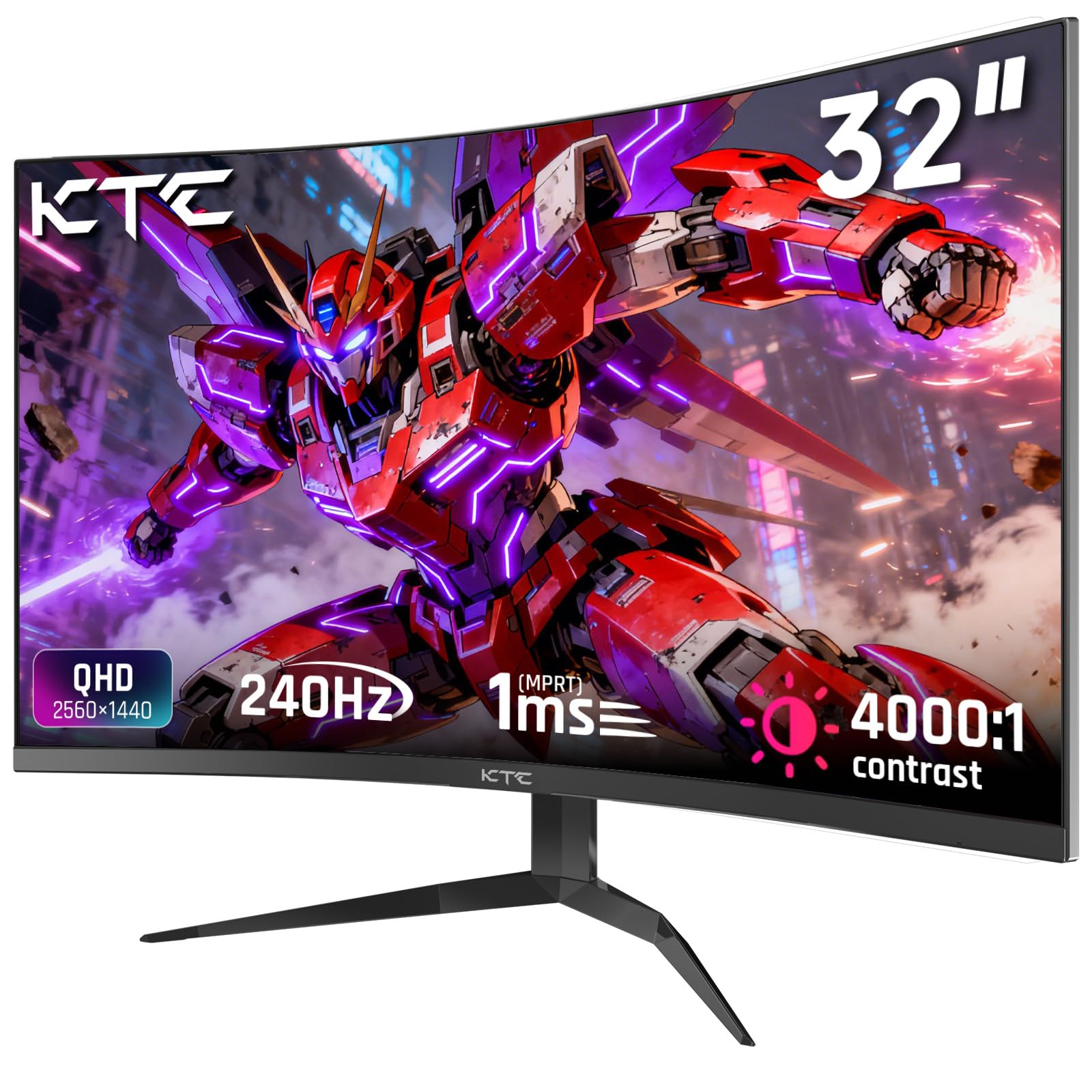
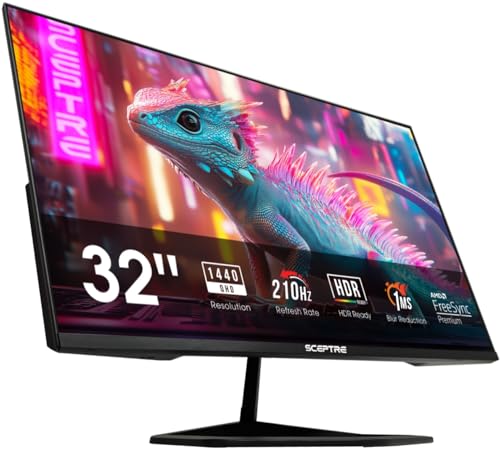
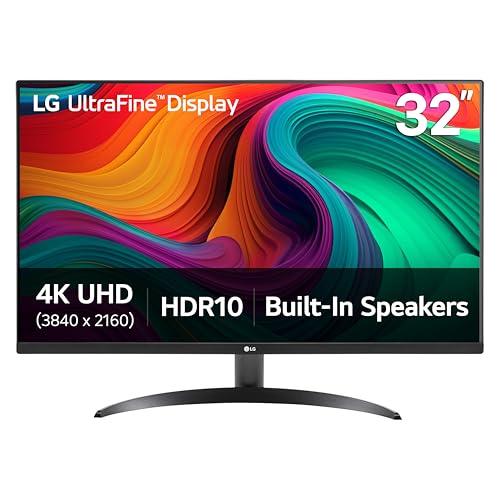

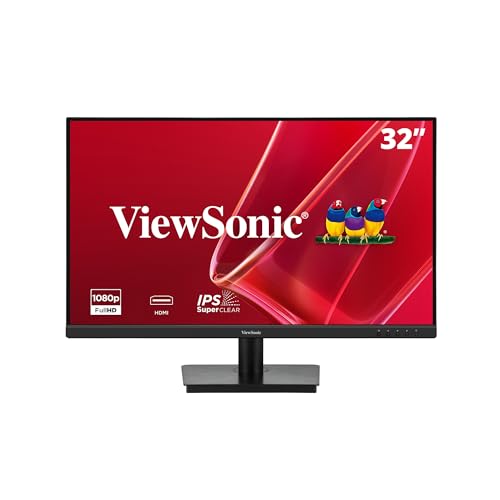
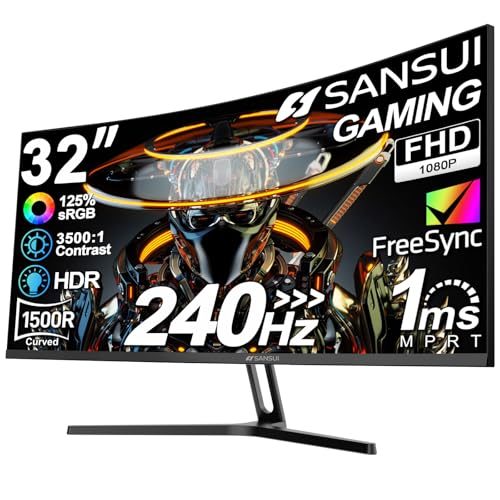
Types of 32 Inch Computer Monitors Compared
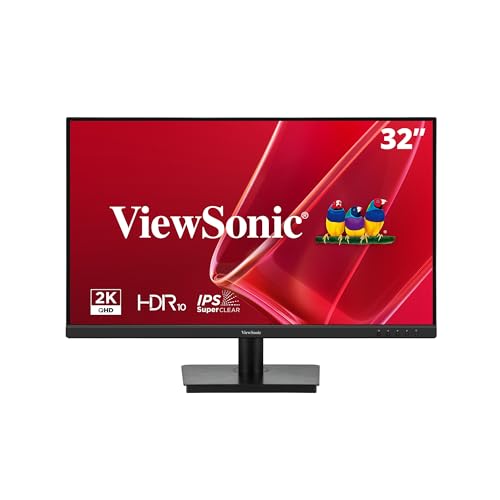
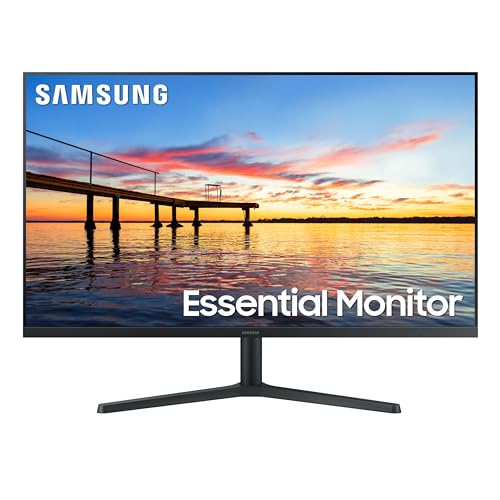
Every 32 inch monitor is built around one of a few panel classes, and the class sets the ceiling for contrast, color and motion. The table below sums up the four classes you will meet most often at this size. Prices are typical street ranges for the class, not quotes for any single model.
| Type | Best For | Pros | Cons | Typical Price |
|---|---|---|---|---|
| IPS displays | Office work, photo editing, shared desks | Accurate color, wide viewing angles | Blacks look grey in a dark room | about $250 to $600 |
| VA displays | Movies, mixed use, darker rooms | Deep contrast, strong blacks | Color shifts at wide angles, slower dark transitions | about $220 to $500 |
| OLED displays | Gaming, film, color critical work | True blacks, fast response, rich contrast | Highest prices, care needed against static images | about $700 to $1,300 |
| Mini LED displays | Bright rooms, HDR video, premium desks | Very bright, strong local dimming | Costly, halo glow around bright objects | about $600 to $1,200 |
Budget Displays
Budget 32 inch displays usually pair a VA or entry level IPS panel with a 1440p or even 1080p resolution. They give you a large, comfortable workspace for documents, browsing and video calls at the lowest cost in the class. For text heavy office work they are often all a desk needs.
The trade offs show in the finer details. Color accuracy is looser, stands may only tilt, and brightness is modest next to premium panels. If your work is email, spreadsheets and meetings, those limits rarely matter in daily use.
OLED Displays
OLED panels light each pixel on its own, so a black pixel is truly off and contrast is as deep as a screen can show. Motion looks exceptionally clean, which is why fast games and films feel so sharp on this class. Color is rich and viewing angles stay wide.
The catches are price and care. OLED models sit at the top of the 32 inch price range, and a static image left for many hours can leave a faint mark over time. Built in pixel refresh routines and varied content keep that risk low for most owners.
Large Screen Options
Some 32 inch monitors are built less like desk tools and more like small televisions, with smart platforms, remote controls and fuller speakers. They suit a bedroom, a dorm room or a spare room where one screen must handle work by day and streaming at night. The panel itself is usually a mainstream VA or IPS type.
What you gain is convenience, and what you give up is desk focus. Stands tend to be fixed, text sharpness is rarely the priority, and the smart software matters more than color accuracy. Choose this class when entertainment leads and office work follows.
Budget Displays vs OLED Displays: Which Should You Choose?
These two classes bookend the 32 inch market, so a direct comparison helps. On price, budget displays win easily, often costing a third of an OLED model. On contrast and black depth, OLED wins just as clearly, especially in a dim room.
For motion, OLED response is effectively instant, while budget panels can smear dark scenes in fast games. For static office content, the budget panel is the safer long term buy because it asks for no special care. Color work splits the difference: a good budget IPS is accurate enough for most editing, while OLED adds depth that print work rarely needs.
The short answer is about your hours. If the screen mostly shows documents and calls, spend less and put the savings toward a better chair or a monitor arm. If films and games fill your evenings, the OLED premium buys something you will see every single day.
How to Choose the Right 32 Inch Computer Monitor
Type narrows the field, but the details below decide whether a specific monitor suits your setup. Work through them in order and most listings will sort themselves quickly. The product table above can then confirm prices for the class you pick.
Adaptive Sync and Gaming Features
Adaptive sync lets the monitor match its refresh rate to the frames your graphics card produces, which removes tearing and stutter in games. Both major sync families now appear across many brands, and a certified model works with a wide range of cards. If you play fast games, look for a refresh rate of 144 Hz or more plus sync support. Readers comparing dedicated gaming screens can also see our guide to the best computer monitors for gaming for a deeper look at motion specs.
Panel Technology in Plain Terms
IPS panels hold color steady when you view them at an angle, which suits shared desks and color work. VA panels trade some of that angle stability for much deeper blacks, a fair swap for film fans. OLED removes the backlight entirely for perfect blacks, and Mini LED keeps a backlight but dims it in many small zones for bright, punchy HDR.
One caution applies to every panel claim: maker brightness and response figures are measured under each brand's own conditions. A 400 nit claim from one maker is not directly comparable with the same number from another, and response times are quoted under ideal settings. Treat the numbers as rough guides within a brand rather than exact scores across brands.
Resolution and Screen Size
The 32 inch figure is the diagonal of the panel, not its width, and that diagonal only works if your desk is deep enough to sit back from it. Most people find roughly an arm's length or more comfortable at this size. A shallow desk that forces you close will make the edges of the screen hard to take in.
Resolution decides how sharp that big canvas looks. Spread over 32 inches, a 1080p image shows its pixels clearly in text, while 1440p is the comfortable middle ground for work and play. A resolution of 4K packs the most detail and suits photo and design work, and our guide to the best 32 inch 4k monitors covers that class in full. Match the resolution to your eyes and your graphics card, not to the size alone.
Stand, Mounting, and Ergonomics
A monitor this size is heavy enough that the stand matters. Height adjustment is the feature worth paying for, because the top of the screen should sit near eye level to keep your neck relaxed. Tilt only stands can be fixed later with an arm, but that adds cost.
Check for a VESA mount pattern if you plan to use an arm or a wall bracket, since a few designs omit it. Swivel helps on shared desks, and a stand with a small footprint leaves room for a keyboard on shallow desks. Cable routing through the stand keeps a large setup tidy.
Smart Platform and Sound
A small group of 32 inch monitors borrow their software from televisions, with streaming apps and a remote in the box. That can replace a separate streaming stick in a spare room. For a pure desk setup, the platform adds little and sometimes slows the menus.
Built in speakers follow the same pattern: handy for calls and casual clips, thin for music and film. If sound matters daily, a small pair of desk speakers or a soundbar will outperform any speakers a monitor can fit. Judge the screen first and treat sound as a bonus.
Do You Need Built In Speakers?
Most buyers fit the main types above, but one need changes which models make the shortlist. Readers short on desk space often ask whether the monitor can handle all of their audio as well as the picture.
Best 32 Inch Computer Monitors with Speakers
Choosing a monitor with built in speakers starts with honest expectations. Monitor speakers are small drivers in a thin case, so they are voiced for speech clarity rather than bass. For video calls, voice notes and news clips, that is genuinely enough.
Check the speaker wattage only as a rough guide, since makers measure it loosely, and look for a headphone jack for private listening. If your desk also hosts films and music every evening, plan on external speakers later and buy the panel you love now. The speaker equipped class overlaps the large screen options described above.
How to Make Your 32 Inch Computer Monitor Last Longer
A few habits protect a large panel for years. Set the picture mode to a natural preset rather than the vivid store mode, which pushes brightness and color harder than the panel needs. Keep brightness at a level that matches your room instead of running it at full all day.
On an OLED, leave the built in pixel refresh routine enabled and let it run when the screen sleeps. Clean any panel with a dry or barely damp microfiber cloth only, and never spray cleaner straight onto the glass. Finally, give the monitor airflow: a big screen in a closed cabinet runs hotter than the same screen in open air.
FAQs
How long do 32 inch computer monitors last?
Most 32 inch computer monitors last about five to eight years of daily use before brightness fades or a fault appears. The panel itself usually outlasts the backlight and the power supply.
Good habits stretch that span: moderate brightness, clean airflow and pixel refresh routines on OLED models. A monitor used for office hours only often serves longer than one running all day in a bright room. When a screen this size finally fails, the stand and mount can often move to its replacement.
IPS vs OLED: which is better for a 32 inch monitor?
Neither is better for everyone, because they win on different points. IPS gives accurate color, wide angles and lower prices with no special care, which suits office and editing desks.
OLED gives perfect blacks, richer contrast and faster motion, which suits film and gaming in dimmer rooms. OLED also costs more and asks you to vary static content. Pick IPS for bright rooms and shared viewing, and OLED when picture drama matters more than price.
Does refresh rate matter for non gamers on a 32 inch monitor?
Yes, though less than it matters for players. A 120 Hz or 144 Hz screen makes scrolling, window dragging and cursor movement feel smoother, and many people notice the difference in everyday work once they try it.
It will not change how a spreadsheet reads, and it costs more than a 60 Hz or 75 Hz panel. If your budget is tight, spend on resolution first. If the price gap is small, the higher refresh rate is a comfort you feel all day.
Is 4K worth it on a 32 inch computer monitor?
For many desks, yes, because 32 inches is large enough for 4K detail to show in photos, design work and fine text. The cost is real, though: games need a strong graphics card to run well at 4K, and interface elements can look small without scaling. Office users who mostly read documents often find 1440p at this size just as comfortable for far less money. Readers stepping down a size can compare the best 27 inch computer monitors, where 1440p is the sweet spot.
What size monitor should you pair with a 32 inch screen?
A second screen of 24 or 27 inches is the most common partner, since it adds space for chat, email or reference material without overwhelming the desk. Our guide to the best 24 inch computer monitors covers the compact end of that pairing. Match the resolution class where you can so text looks similar across both screens. Also check that your desk and your graphics card can support two displays before you buy, because not every laptop dock drives a pair at full resolution.
Wrapping Up
Choosing among the best 32 inch computer monitors comes down to three checks: the panel class that fits your content, a resolution high enough to stay sharp at this size, and a stand that puts the screen at eye level. The broader best 32 inch monitors guide on this site looks at the same size from a different angle if you want a second pass. Compare the classes in the product table above, set your budget by type, and the right screen should be an easy call.