Best 20 Inch Laptops: A First Time Buyer's Guide for 2026
Disclosure: We may earn a commission when you buy through links on this page, at no extra cost to you. As an Amazon Associate I earn from qualifying purchases. Learn more
Shopping for the best 20 inch laptops for the first time? Learn display, processor, RAM, storage, and port terms and avoid common buying mistakes.
A 20 inch screen sounds like the ultimate laptop upgrade, until you learn how rare this size really is. The best 20 inch laptops are specialty machines, and many shoppers who start here end up happier with a slightly smaller model or a desk setup. This guide explains the terms, the trade offs, and the checks that protect you, in plain English and in order.
Read the basics and the spec sections before you spend anything, because at this size a return is a heavy box to ship back.
20 Inch Laptops 101: The Basics
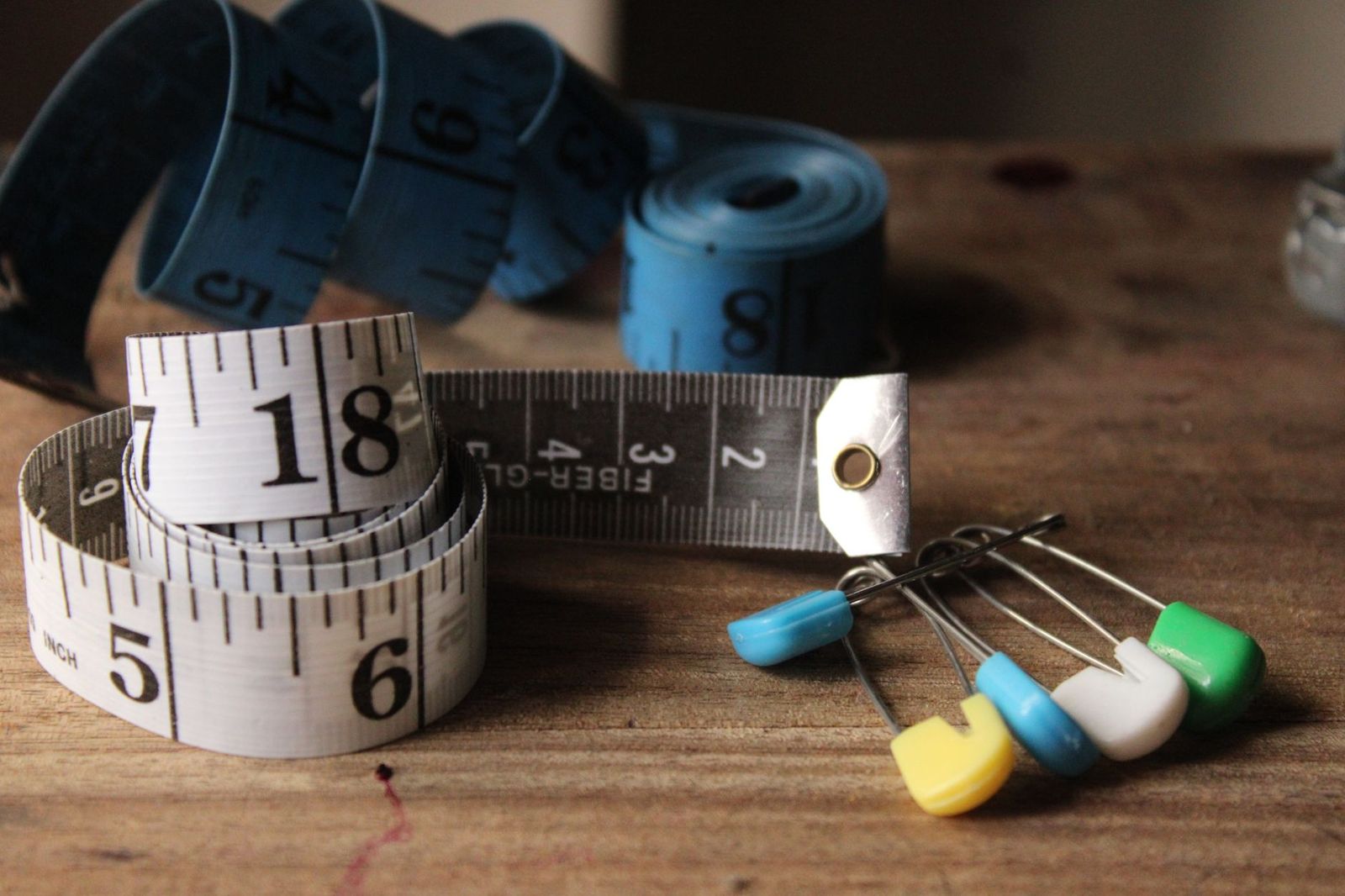
Laptop screen sizes are measured diagonally, from one corner of the display to the opposite corner. A 20 inch laptop therefore has a display far larger than the 14 to 16 inch screens in most stores, closer to a small desktop monitor with a keyboard attached. Machines in this class have appeared over the years as desktop replacements, mobile workstations, and showpiece gaming rigs, but they have never been mainstream.
That rarity shapes everything about buying one. Choice is limited, prices run high, many listings are older or refurbished stock, and some sellers describe a bundled monitor or a carrying case measurement rather than the screen itself. Your first job as a buyer is confirming that the number in the listing is the true diagonal of the panel. Your second job is deciding whether the benefits of the huge screen beat a large laptop plus a separate monitor, which is often cheaper and easier to repair.
Key Specs Explained in Plain English
When you compare any of the best 20 inch laptops you find, judge them with the same six spec checks below.
Processor and Performance Tier
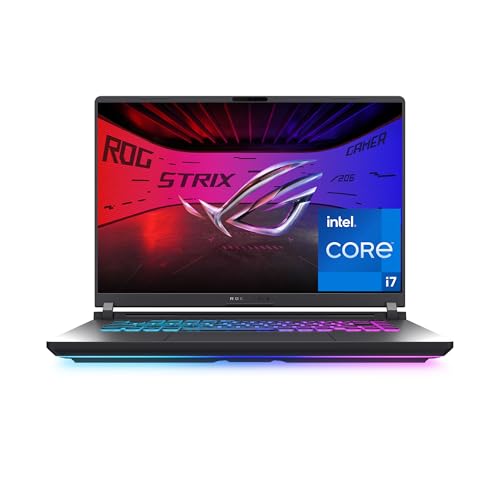
The processor is the engine. Current naming includes Intel Core and Core Ultra chips, AMD Ryzen chips, and Apple M series chips in its own machines. For writing, browsing, and office work, a recent mid range processor with at least six cores is plenty. For video editing, large spreadsheets, software development, or engineering tools, step up to the high performance tier and check that the cooling system matches, because a big chassis only helps if the fans and heat pipes use the space. Avoid very old processors sold in large shells; size is not speed.
Ports and Connectivity
A desktop replacement should connect like one. Look for at least two USB C ports, ideally with Thunderbolt support for fast docks and external drives, plus full size USB A ports for older gear, an HDMI port for a projector or TV, and an SD card reader if you move photos. WiFi 6E or WiFi 7 gives you the current wireless standard, and a wired Ethernet port is a genuine plus for stable video calls and large downloads. Fewer ports than a small ultraportable is a red flag at this size.
Weight and Portability
Be honest with yourself here. A 20 inch laptop usually weighs about seven to ten pounds before the power brick, and the power supplies for this class are large. That is fine for a machine that moves between two desks, and miserable for daily commuting or air travel, where tray tables and overhead bins fight you. Measure your bag before you order. If your real routine involves trains, lectures, and coffee shops, read our guide to the best 16 inch laptops as a sanity check, because that size keeps most of the screen and halves the burden.
Keyboard, Trackpad, and Build
The wide body should buy you a full keyboard with a number pad and comfortable key spacing. Key travel around 1.3 to 1.7 mm feels satisfying without fatigue, and a rigid deck that does not flex under your palms signals good construction. Aluminum shells resist twists better than thin plastic, which matters when a machine this wide gets lifted by one corner. The trackpad should be centered under the space bar, large, and accurate at the corners. Check hinge stiffness in person when you can; a wobbling screen on a heavy base is a common failure point.
Graphics (Integrated vs Dedicated GPU)
Integrated graphics, built into the processor, handle office work, streaming, and light photo editing with ease and use less power. A dedicated graphics card is a separate chip with its own memory, and it earns its cost for gaming at high settings, 3D modeling, and serious video work. At 20 inches, most buyers expect a dedicated card, so confirm the exact model and its memory rather than accepting the word gaming in a listing. Also confirm the card can drive the big internal panel at its full resolution without stutter.
Display Size, Resolution, and Brightness
Resolution decides sharpness. On a 20 inch panel, full HD at 1920 by 1080 looks noticeably coarse up close, so QHD or higher suits editing and detailed work. Brightness around 300 nits is the minimum for a bright room, while 400 nits or more feels comfortable near windows. A matte finish cuts glare. Refresh rate, measured in hertz, describes smoothness: 60 Hz is fine for office use, while 120 Hz or above makes scrolling and gaming feel fluid. Color coverage matters for photo work, so look for a stated sRGB or DCI P3 percentage.
Rookie Mistakes to Avoid
- Trusting the size in the title. Some listings round up, describe the box, or pair a smaller laptop with a monitor. Confirm the panel diagonal in the spec sheet.
- Buying old stock at new prices. This class lingers in warehouses. Check the processor generation and the original release year of the model line.
- Ignoring the power brick. The adapter can weigh over a pound and may be hard to replace. Confirm a second charger is available if you work in two places.
- Skipping the return policy. A machine this unusual deserves a trial period. Buy only where returns are free or cheap.
- Forgetting your desk depth. Measure your desk. A 20 inch laptop plus room for your wrists needs more space than most people expect.
Mainstream sizes dodge most of these traps, which is why our guide to the best notebook laptops is worth a look before you commit to the giant class.
Getting Started: Setup and First Use
When the machine arrives, run the system updates before installing anything, then update the graphics driver from the maker support page for your exact model. Create a recovery drive or confirm your cloud backup works while the machine is still empty and fast. Set your display scaling first, since text on a large high resolution panel often starts tiny, and adjust it once rather than squinting for a week.
Two habits extend the life of any large laptop. Keep the operating system and firmware updated, because makers fix fan behavior and battery issues through those updates. And avoid running at 100 percent charge all the time if the machine lives on a desk; many models offer a charge limit around 80 percent in settings, which slows battery aging. Finally, lift the machine with two hands from the base, never by the screen corner. If the size proves too much in daily use, our guide to the best 17 inch laptops shows the closest step down that still feels expansive.
20 Inch Laptops: Your Questions Answered
How long should a 20 inch laptop last?
A well built one should serve about five to seven years for everyday work. The limiting parts are the battery, which fades after a few years of cycles, and the fans and hinge, which work hard on a heavy machine. Software support follows the processor generation, not the screen, so a newer chip in a big shell ages better than an older chip. Budget for one battery replacement in that lifespan.
Is a Chromebook enough for school?
For writing, research, and classroom apps, a Chromebook is enough for many students, but not at this size, since Chromebooks top out well below 20 inches. School work also travels daily, which argues against a heavy desktop replacement. If your courses need Windows or macOS software, a standard laptop is the safer fit. Either way, confirm your school platform requirements before buying any large machine you cannot easily carry.
Should I buy a laptop or a tablet?
Buy the laptop if you type long documents, run full desktop software, or connect many accessories. No tablet offers a 20 inch screen or this port selection. A tablet wins for reading, drawing, and casual media in your hands. Many students pair a modest laptop with a small tablet later rather than forcing one device to do everything. At this screen size the question answers itself: this is desk first computing.
How much RAM do I need?
Choose 16 GB as the sensible floor for a machine of this class and price. It handles office work, dozens of browser tabs, and light editing smoothly. Step to 32 GB if you edit video, run virtual machines, or keep huge datasets open. Because many large models still allow a memory upgrade later, check whether the slots are accessible before paying the factory upgrade price, which is often poor value.
Is a dedicated GPU worth it?
It is worth it if you game, edit video, or work in 3D, and the big screen makes those tasks more enjoyable. It is not worth it for documents, email, and streaming, where it only adds cost, heat, fan noise, and weight. Be honest about your week, not your ambitions. If you do buy one, pick the card tier before the processor tier, because graphics power dates faster for games.
Still deciding between sizes? Our guide to the best 14 inch laptops shows how much capability now fits in a truly portable machine.
Final Thoughts
Verify the true screen size, demand a current processor and at least 16 GB of memory, and weigh the machine against your real routine. The best 20 inch laptops reward buyers who check those three things, so measure any candidate against them and choose the one your desk, your bag, and your budget can all live with.