Best 1tb Laptops for 2026: Which One Fits the Way You Use It?
Disclosure: We may earn a commission when you buy through links on this page, at no extra cost to you. As an Amazon Associate I earn from qualifying purchases. Learn more
Not all 1tb laptops fit every routine. See which best 1tb laptops match how you actually use them, what features to prioritize, and what to skip.
There is no single best laptop with a terabyte of storage, because a traveler, a gamer, and a video editor fill that space in completely different ways. The drive size is only the starting point; the right machine depends on how you actually spend your hours. This guide sorts the best 1tb laptops by use case first, then walks through the features that matter for each routine. Match your habits to a group below, then check the product table for models that fit that profile.
A quick note on the storage itself: 1 TB gives you room for large photo libraries, game installs, and years of documents without constant cleanup. If you are still deciding between drive types, our guide to the best laptops with 1tb ssd explains why a solid state drive is the version worth paying for.
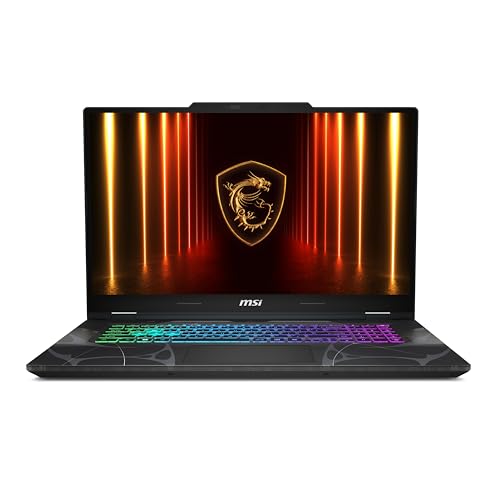
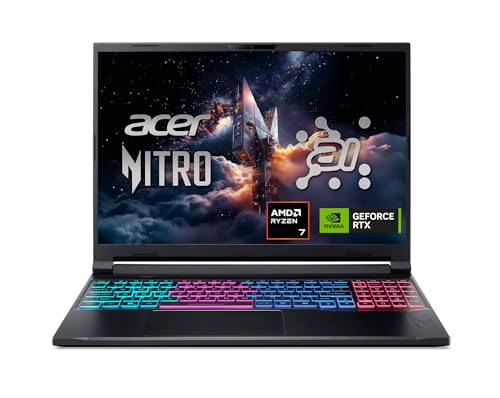

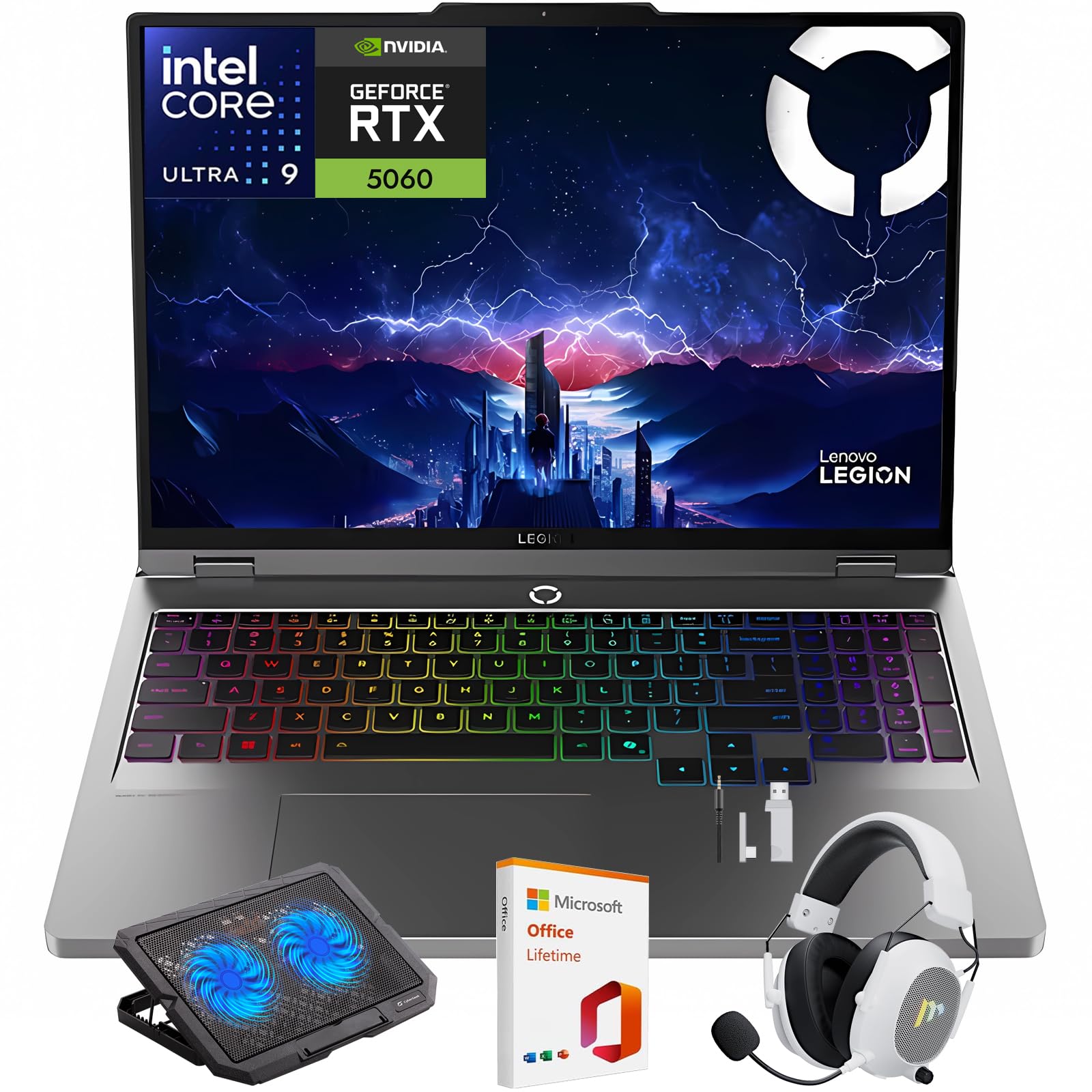
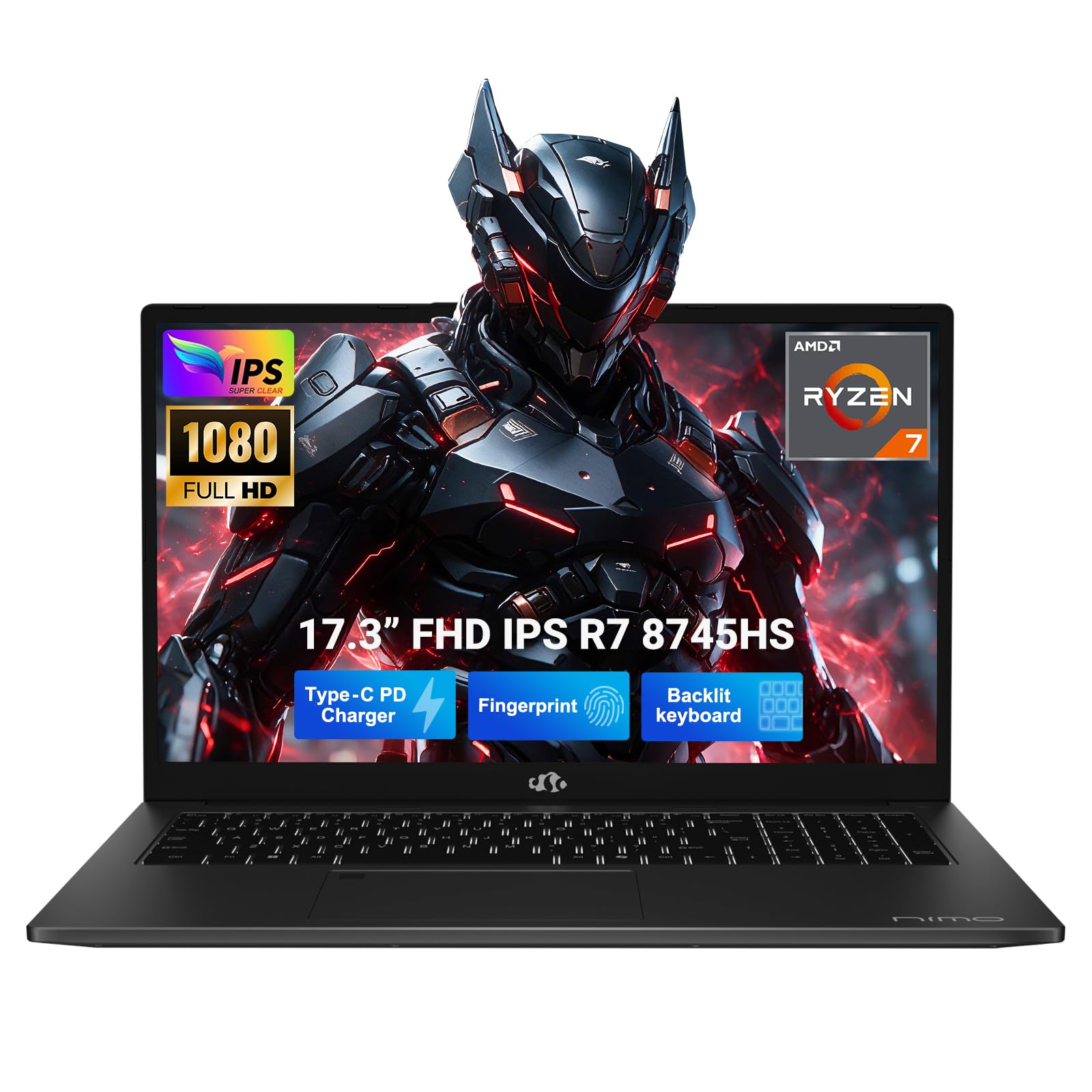


How to Choose the Best 1tb Laptops for Your Routine
For Travelers and Commuters
If your laptop lives in a bag, prioritize weight, battery life, and durability, in that order. Look for a machine under about 3.5 lb with a metal or reinforced case, a screen bright enough for airport seating areas, and USB C charging so one small charger covers laptop and phone. The terabyte of storage earns its keep here by holding offline movies, work files, and photo backups when cloud access is slow or absent. Skip dedicated graphics and oversized screens, since both drain the battery and add the pounds you will feel by the third connection.
For Gamers and Power Users
Games and heavy software are exactly where a terabyte stops being a luxury, because a handful of modern titles can consume half the drive. Prioritize a dedicated graphics card, a processor from the upper tiers, and a display with a refresh rate of 120 Hz or higher for smooth play. Cooling matters as much as raw power, since a laptop that overheats throttles down mid session. Accept the trade offs knowingly: these machines are heavier, louder, and shorter lived on battery. Storage speed also matters, so confirm the drive is a modern SSD rather than a slow budget unit.
For Remote Workers and Creators
Your priorities are a camera and microphone that make you look and sound professional, a screen that shows colors accurately, and ports that connect your gear without a tangle of adapters. A terabyte holds local copies of project files, raw photos, and video footage, which keeps you working when internet speeds dip. Reliability features deserve budget too: a fingerprint reader for quick sign in, a keyboard you can type on for six hours, and a warranty with fast service. Our broader guide to the best laptops with 1tb storage compares storage focused configurations in more depth.
Key Features to Compare
These are the features worth checking on any of the best 1tb laptops before you buy.
Processor and Performance Tier
The processor sets the ceiling for everything you do. Current Intel Core Ultra and AMD Ryzen chips in mid range tiers cover office work, browsing, and calls with ease, while creators and gamers should look one tier up for faster rendering and smoother multitasking. Apple silicon in MacBooks plays the same role in that ecosystem, with efficiency as its standout strength. Whatever your platform, prefer a current generation chip over a discounted older one, because the speed and battery gains compound over years of daily use.
Keyboard, Trackpad, and Build
You interact with the keyboard and trackpad thousands of times a day, so small flaws become big annoyances. Keys should have a firm, quiet press with enough travel to feel distinct, and the trackpad should be wide, smooth, and accurate at the corners. An aluminum chassis resists flex and survives bag life better than thin plastic, which matters most for travelers. Creators should also check for an SD card slot, which saves carrying a reader for camera work.
Operating System (Windows, macOS, ChromeOS, Android, iPadOS)
Choose the operating system that runs your essential software, not the one with the prettiest hardware. Windows offers the widest program and game compatibility and most of the 1 TB configurations on the market. macOS suits people invested in Apple apps and devices, with strong creative software support. ChromeOS is simple and secure for browser based work, but very few Chromebooks offer a full terabyte, which tells you where that platform aims. Tablets running Android or iPadOS can complement a laptop, yet they rarely replace one for file heavy work.
Battery Life in Real World Use
Advertised battery figures assume gentle use, so translate them downward. A slim Windows laptop might manage about 8 to 10 hours of documents and browsing, a MacBook often longer, and a gaming laptop closer to 3 to 5 hours because its graphics hardware stays thirsty. Your own habits set the real number: video calls, high brightness, and external drives all pull it down. If you work away from outlets, favor efficiency over peak power, and look for USB C fast charging that restores a useful charge during a coffee break.
Weight and Portability
Weight is a feature, not a footnote. Under about 3 lb feels effortless in any bag, 3 to 4.5 lb is the normal carry range, and anything over 5 lb should justify itself with power you truly use. Remember to add the charger, which on gaming models can weigh over a pound by itself. Students crossing a campus all day should weight this section heavily, and our guide to the best laptops for college balances portability against price for exactly that routine.
Common Mistakes to Avoid When Buying 1tb Laptops
- Shopping on price alone. The cheapest terabyte machine often pairs the big drive with a weak processor and a dim screen, and you will feel those cuts daily.
- Ignoring the processor tier. Storage size says nothing about speed; a fast drive behind a slow chip still feels slow.
- Buying too much or too little laptop. A 17 inch gaming rig for email wastes money and your back, while an ultra slim model will choke on video editing.
- Skipping the warranty check. Confirm warranty length and whether storage or memory can be serviced or upgraded before you buy.
- Assuming every terabyte is equal. A modern SSD is dramatically faster than an older drive design, so verify the drive type in the specs.
Tips to Get the Most From Your 1tb Laptop
Keep the operating system and firmware updated, since updates fix security issues and sometimes improve storage and battery behavior. Avoid running at 100 percent charge all the time if the laptop stays on a desk; enable the built in charge limit if one is offered. Use a padded sleeve when commuting, and organize the drive with a simple folder system from day one so the terabyte stays useful instead of becoming a junk drawer. Timing helps too: our guide to the best time to purchase laptops explains the sale seasons worth waiting for.
1tb Laptops: Your Questions Answered
How long should a 1tb laptop last?
A well matched laptop should serve about five to seven years, and the terabyte of storage actually extends useful life because running out of space is a common reason people replace machines early. The battery will likely fade first, and replacing it is far cheaper than replacing the laptop. Keeping about 10 to 15 percent of the drive free also helps the SSD maintain its speed as it ages.
Is a Chromebook enough for school?
For browser based classes, yes, but school is also where the terabyte question answers itself: almost no Chromebooks offer that much storage, because the platform assumes your files live in the cloud. If your program needs Windows or Mac software, or you work offline often, choose a traditional laptop instead. Check course requirements first, since one required program can settle the decision for you.
How much RAM do I need?
Sixteen gigabytes suits most buyers, including heavy multitaskers and light creators. Gamers and video editors working with large files should consider 32 GB, especially because many slim laptops cannot be upgraded later. RAM and storage solve different problems: RAM is the desk space for open work, while the terabyte drive is the filing cabinet. A big cabinet does not rescue a tiny desk, so do not let a large drive excuse low memory.
Should I buy a laptop or a tablet?
Buy a laptop if you manage lots of files, type long documents, or run desktop software, because that is precisely the workload a terabyte drive supports. A tablet is the better second device for reading, sketching, and media. Some people pair a modest laptop with a tablet for travel, but if the budget allows one machine for work or school, the laptop covers far more ground without workarounds.
Is a dedicated GPU worth it?
It is worth it for gaming, 3D design, and regular video editing, where it can cut render times dramatically and make games playable at high settings. For office work, browsing, and streaming, it only adds cost, heat, and weight while shortening battery life. Decide with your calendar, not your imagination: if the GPU demanding task happens weekly, pay for it; if it might happen someday, skip it.
Wrapping Up
Start from your routine, not from a spec sheet. Travelers should buy light, gamers should buy powerful, and creators should buy balanced, but all three should insist on a fast SSD and enough RAM alongside the storage. Compare the best 1tb laptops in the product table above against your group profile, and the right choice usually becomes obvious. A laptop matched to your actual day will still feel right years from now.