Best 13 Inch Laptops for Students: Budget, Midrange, and Premium Tiers for 2026
Disclosure: We may earn a commission when you buy through links on this page, at no extra cost to you. As an Amazon Associate I earn from qualifying purchases. Learn more

Compare the best 13 inch laptops for students by budget tier, with clear guidance on RAM, storage, battery life, and the upgrades worth paying for.
Student laptops range from under $300 to well over $1,500, and the price gap alone tells you nothing about which one fits your classes. This guide shows what each tier actually delivers, so your money goes to the parts you will feel every day. If you want the best 13 inch laptops for students without overspending, start with your budget and your major, not with a brand name.
We will walk through the three price tiers, the features worth paying for, and the ones you can safely skip. You will also find notes for different student situations and the long term costs many buyers forget. The product table gathers the key options in one place for quick reference.

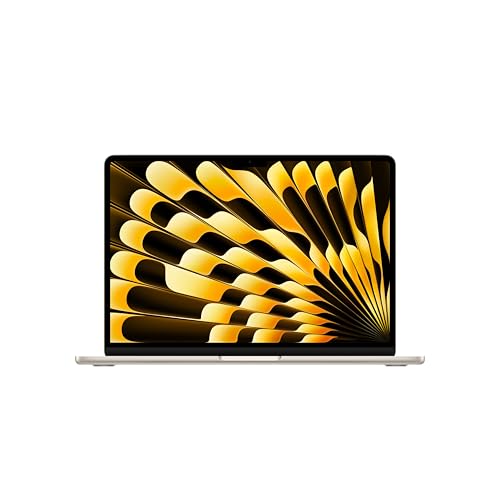
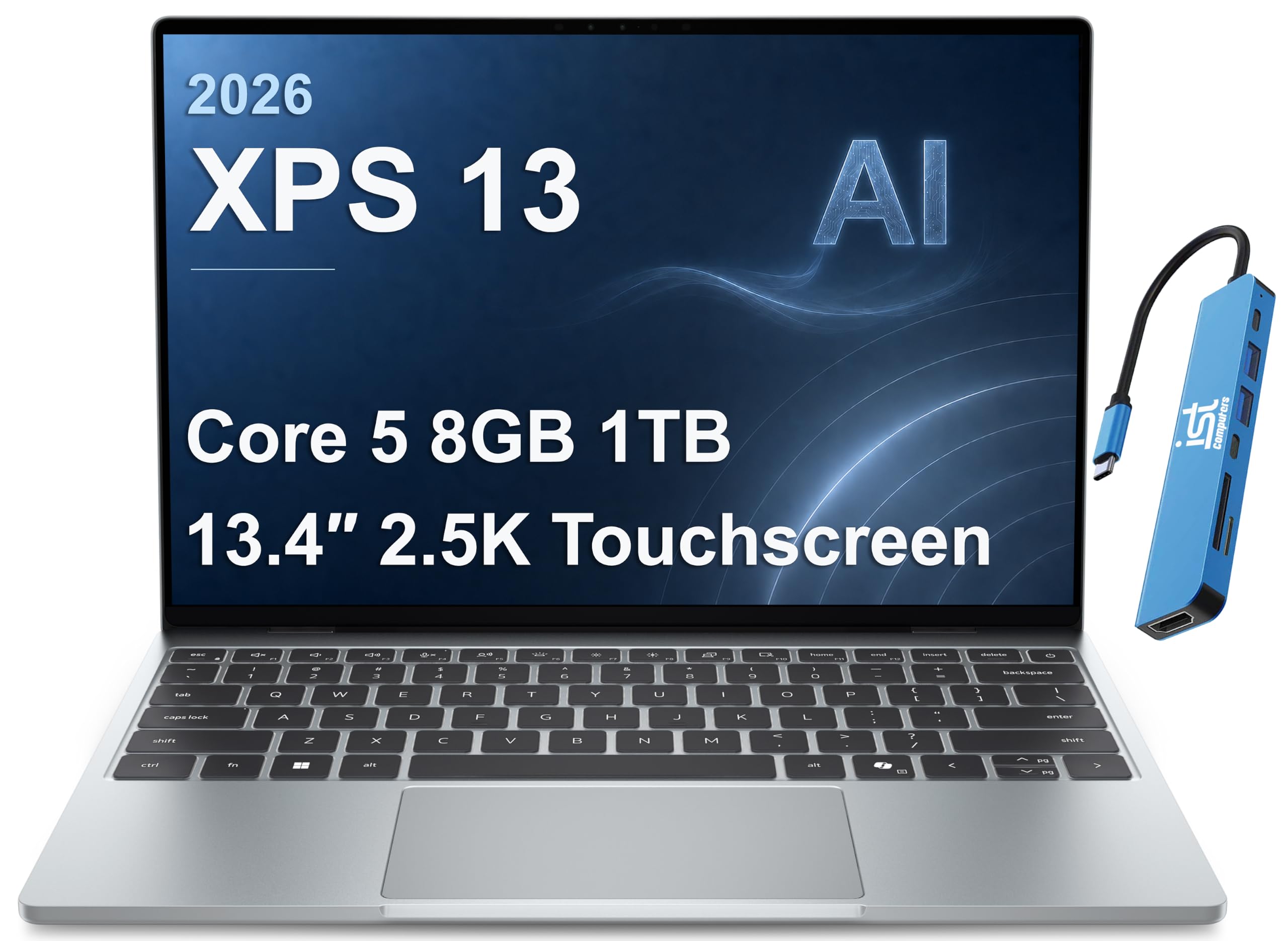
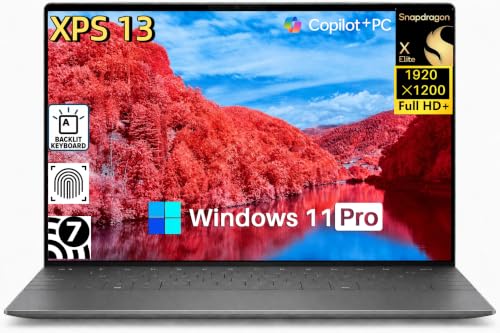
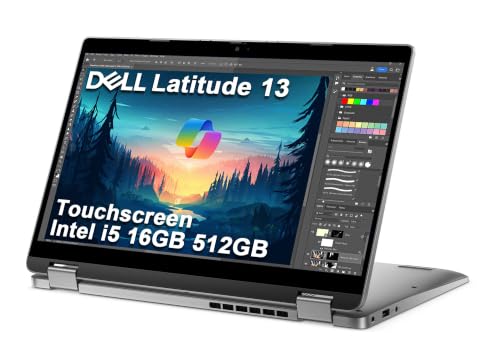
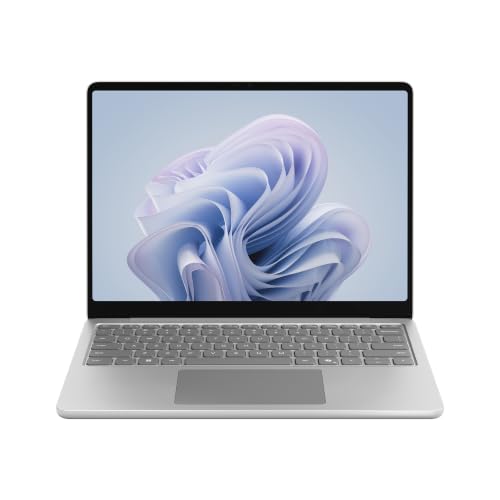
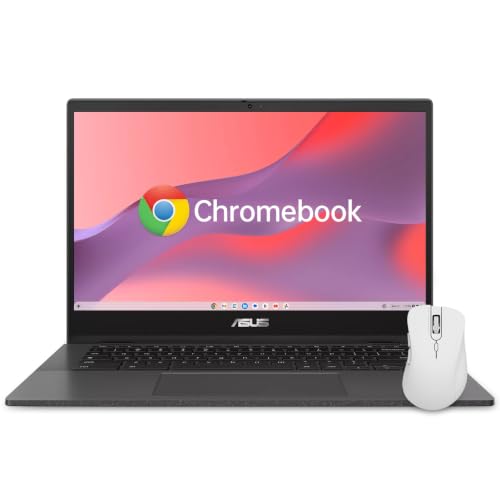

Budget Tiers at a Glance
Rather than naming specific models, this section describes what a good value machine looks like at each tier. Use these profiles to judge any laptop you find, including the ones in the product table. Shoppers comparing sizes can also browse our guide to the best laptops 13 inch category for a wider view of the format.
Budget Tier Profile: The Essentials Done Well
A good budget student laptop, usually around $300 to $550, covers writing, research, video lectures, and light photo work without constant frustration. Expect a modern entry level processor, 8GB of RAM, and a 256GB SSD as the sensible floor. Screens are typically full HD, which is sharp enough for documents and streaming at this size.
The trade offs show up in build and battery. Cases are plastic, hinges feel less solid, and real battery life often lands near 7 to 9 hours rather than a full day. For a student whose classes sit near outlets and whose work is browser based, those compromises are fair. Skip any budget model with a spinning hard drive or only 4GB of RAM, because those two specs age badly within a single school year.
Midrange Tier Profile: The Sweet Spot
Midrange machines, usually around $550 to $900, are where most students should aim. This tier buys a faster processor, 16GB of RAM, a brighter and more accurate screen, and a metal or part metal case that survives daily backpack trips. Battery life commonly reaches 10 to 13 hours, enough for a full class day without hunting for an outlet.
You also gain better webcams and microphones for remote classes, plus faster WiFi and at least one USB C port with charging support. The performance jump over the budget tier is the one students feel most, especially with many tabs, a video call, and a document open at once. If your budget can stretch to one tier only, stretch to this one.
Premium Tier Profile: Built to Last the Degree
Premium student laptops, usually around $900 to $1,500 and up, focus on lightness, screen quality, and longevity. Expect weights near or below 2.5 lb, vivid high resolution displays, excellent keyboards, and batteries that stretch past 14 hours in light use. Cases use aluminum or magnesium, and hinges and ports feel built for years of daily opening and closing.
This tier pays off for students in design, engineering, or media programs, and for anyone who wants one machine to last a full four year degree without upgrades. The performance ceiling is higher, but the honest gain for a typical humanities workload is comfort rather than speed. Buy premium for the screen, the weight, and the lifespan, not for raw power you may never use.
What Your Money Gets You at Each Price Tier
Budget Tier: What to Expect
At the budget tier, your money buys competence, not comfort. You get a machine that handles notes, essays, spreadsheets, and streaming reliably, with a keyboard and trackpad that are fine rather than pleasant. Displays can look washed out in bright rooms, and speakers are thin. Plan on carrying the charger, because battery claims on the box assume gentle use at low brightness. For a single school year or a backup machine, that package is honestly enough.
Midrange Tier: The Sweet Spot for Most Buyers
The midrange tier removes the daily annoyances. Multitasking stays smooth with 16GB of RAM, the SSD is large enough for coursework and a photo library, and the screen is readable near windows. Weight drops to around 2.8 to 3.2 lb, which your shoulders notice across a long campus day. This is also the tier where backlit keyboards and fingerprint readers become common, small touches that make evening study sessions easier.
Premium Tier: When Spending More Pays Off
Spending more pays off when it buys time and lifespan rather than bragging rights. A premium screen reduces eye strain during long reading, a lighter case makes a real difference on a bike commute, and a larger battery removes charger anxiety entirely. Premium models also tend to hold driver and parts support longer. Students torn between sizes can compare our guide to the best 15 inch laptops for students to see what a larger screen adds and what it costs in portability.
Features Worth Paying For (and Ones to Skip)
Graphics (Integrated vs Dedicated GPU)
Integrated graphics handle coursework, streaming, and light photo editing with ease, and they sip battery. A dedicated GPU only earns its cost and weight for gaming, 3D work, or serious video editing. Students who game should look at our guide to the best 13 inch gaming laptops for models built around cooling and graphics power. Everyone else can skip the GPU and put that money toward RAM or a better screen.
Processor and Performance Tier
Current Intel Core Ultra, AMD Ryzen, and Apple M series chips all handle student workloads well, so shop by tier rather than by brand loyalty. A mid tier chip from any of these families beats a top tier chip from several generations ago. For office work and research, even the entry chips feel quick with an SSD. Save your scrutiny for RAM and storage, because those limits are what you will actually hit first.
What Students Should Look For
Students should prize four things: weight under about 3.2 lb, battery life above 9 hours in real use, a keyboard you can type on for a full essay, and a screen that stays readable in bright lecture halls. A 13 inch size fits small desks and airplane trays and slides into a standard backpack sleeve. Two practical checks help: type a full paragraph on the display model if you shop in person, and lift the laptop one handed to judge whether you will happily carry it daily.
RAM and Storage
Treat 8GB of RAM as the minimum and 16GB as the smart target, because browsers and video calls consume more memory every year. Storage should be an SSD of at least 256GB, with 512GB ideal if you keep large media or science data sets locally. Many thin laptops cannot be upgraded later, so buy the RAM you need for your final year, not just your first semester. Cloud storage fills gaps, but it cannot fix slow multitasking.
Ports and Connectivity
Two USB C ports with charging support, one USB A port, and an HDMI output cover nearly every classroom and dorm setup. Thunderbolt support on USB C adds fast docks and external drives for students who build a desk setup. WiFi 6E or WiFi 7 keeps crowded campus networks responsive. A headphone jack still matters for library listening. If a slim model drops ports you need, budget around $30 to $60 for a compact hub and count it in the total price.
Picking the Right 13 Inch Laptop for Different Uses
Best 13 Inch Laptops for Students US: Where Your Money Goes
Shoppers in the US face specific choices: school issued software lists, US keyboard layouts, and warranty service through domestic centers. Prioritize models your campus IT shop knows, since familiar machines get faster help during exam week. US buyers also see frequent education discounts, so check student pricing before paying full retail.
Best 13 Inch Laptops for College Students
The best 13 inch laptops for college students balance dorm life and class life: strong battery for long library sessions, a good webcam for group projects, and enough storage for four years of files. Durability matters more than in high school, because the machine travels daily and lives in crowded spaces. A spill resistant keyboard and a sturdy hinge are worth more than a marginal speed gain.
Best 13 Inch Laptops for College
Choosing a 13 inch laptop for college often comes down to your field of study. Lab based majors should confirm required software and its operating system before buying, because some engineering tools run only on Windows. Media students should weight screen color accuracy more heavily. If your program is still undecided, the midrange Windows or macOS tier with 16GB of RAM leaves the most doors open. Shoppers who want smaller formats can also check our guide to the best laptops under 13 inches for even lighter options.
Long Term Costs to Factor In
The sticker price is only part of the bill. A protective sleeve or case costs around $25 to $50, an extended warranty or accidental damage plan can add around $100 to $250, and a hub, mouse, and backup drive may add around $60 to $120 more. Battery replacements late in a degree typically run around $80 to $150 where the battery is replaceable at all. Software is often free through your school, so confirm campus licenses before buying any subscriptions. Adding these costs early keeps the total honest and prevents a budget machine from quietly becoming a midrange expense.
FAQs
What makes 13 inch laptops for students different?
Student focused models trade raw power for light weight, long battery life, and durability at a fair price, because those traits shape daily campus life. They also tend to include better webcams and full day keyboards. One detail buyers miss: many campuses standardize on certain chargers and docks, so a USB C charging model lets you borrow a charger in the library when yours is back in the dorm.
How much RAM do I need?
You need 8GB at minimum, and 16GB is the safer choice for a degree length purchase. A practical sign helps: if you keep twenty or more browser tabs open beside a video call and a document, 8GB will stutter within a year or two. Since most thin laptops solder RAM to the board, there is no cheap fix later, which makes this the one spec to buy ahead of your current needs.
How long should a 13 inch laptop last?
A well chosen 13 inch laptop should last four to five years of student use. The battery is usually the first part to fade, often holding noticeably less charge by year three. You can slow that decline by avoiding constant heat and by not leaving the machine at full charge on a desk for months at a time. Midrange and premium builds with 16GB of RAM age the most gracefully.
Is a Chromebook enough for school?
A Chromebook is enough when your school runs on browser based tools and your courses need no special software. It falls short for engineering, advanced statistics, desktop design tools, and some exam proctoring systems. Before choosing one, list every program your major requires next year, not just this semester, and check each one for a full web version. That ten minute check prevents the most common and most expensive student laptop mistake.
Should I buy a laptop or a tablet?
Buy a laptop if your work centers on writing, coding, data, or multitasking, because a real keyboard and full file system matter. A tablet suits reading, annotation, and sketch based courses, especially with a stylus. Many students end up happiest with a modest laptop first and a basic tablet later. A 2 in 1 convertible can bridge both roles, but it usually costs more and weighs more than a simple laptop of similar quality.
Is a dedicated GPU worth it?
A dedicated GPU is worth it only for gaming, 3D modeling, or heavy video editing, where it can cut render times dramatically. For essays, research, and streaming it adds cost, weight, heat, and fan noise while shortening battery life. An easy decision rule: if you cannot name the exact program that will use the GPU weekly, skip it and spend the savings on RAM, storage, or a protection plan instead.
The Bottom Line
Decide your tier first, then protect the specs that shape daily use: 16GB of RAM if you can, an SSD of at least 256GB, and battery life that covers your longest class day. Weigh your finalists against the product table, and let weight and keyboard comfort break any tie, because you will notice those two things every single day.
The right choice among the best 13 inch laptops for students is rarely the most powerful one. It is the one that still feels quick, light, and dependable in your final year, and that starts with honest priorities today.