
Best 1080p Security Cameras in 2026: How Each Budget Tier Compares
Disclosure: We may earn a commission when you buy through links on this page, at no extra cost to you. As an Amazon Associate I earn from qualifying purchases. Learn more

Best 1080p security cameras explained by budget tier, with night vision, person detection, storage and running costs.
Prices for a single 1080p camera range from about $25 to $200, and that gap makes it hard to know what extra money buys. The best 1080p security cameras are not always the priciest ones, because spending more mainly improves alerts, night video and storage choice rather than resolution. Use the product table to match each tier to your spots.
Start with the view you care about most, such as a front door, a driveway or a nursery. A camera that suits a small apartment entry may disappoint at a long driveway, where faces are farther away.


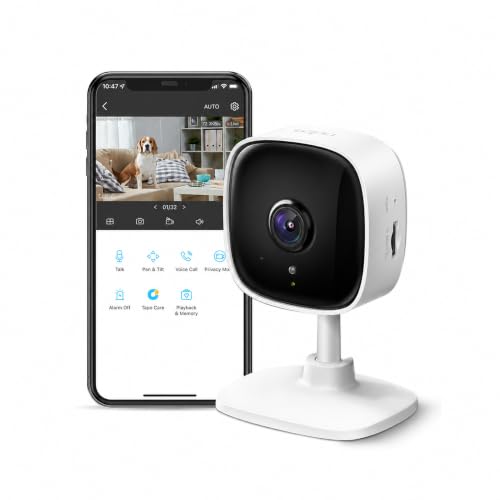

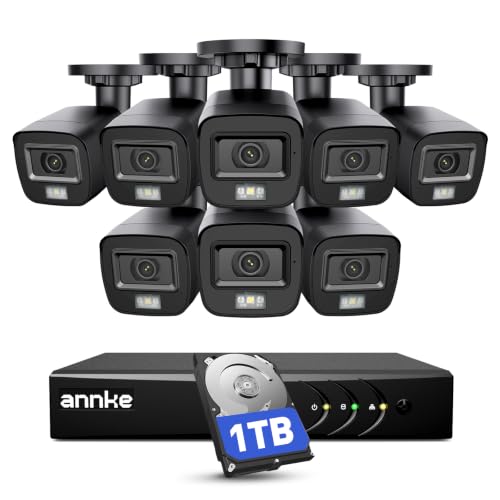
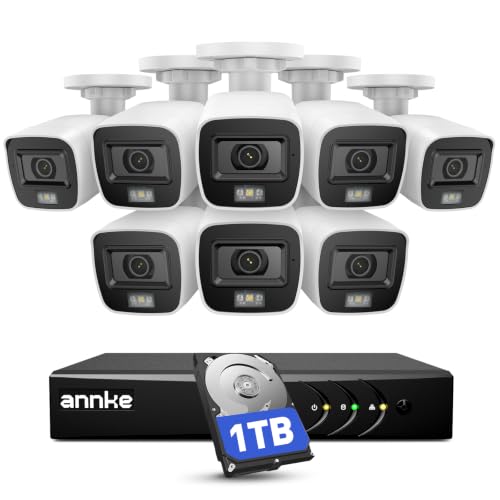
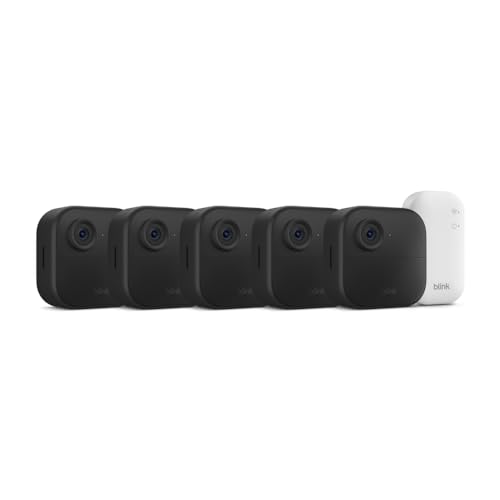
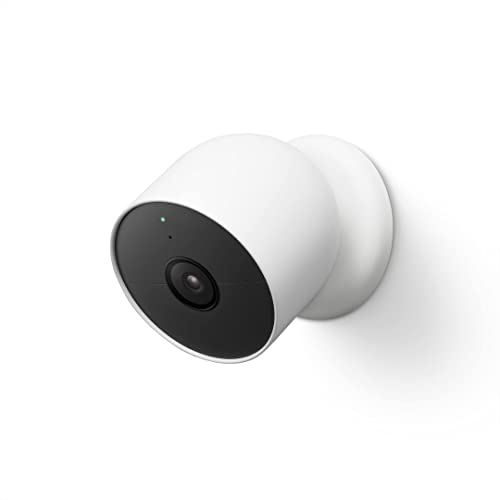

Who Should Buy Which of the Best 1080p Security Cameras?
Your home size and distance to the action should decide the tier, not the longest feature list.
Renters and Owners of Small Homes Who Need One or Two Views
You likely need one door, a hallway or a small yard covered, and you may not be allowed to drill or run cables. A budget indoor camera or a simple wireless model usually covers that job. Many renters also compare indoor cameras with dedicated baby monitors, and a 1080p camera with sound alerts can serve both roles if night video is clear at crib distance.
Homeowners Who Want Stronger Alerts for Doors and Driveways
You get frequent visitors, deliveries and passing cars, so alert quality matters as much as the picture. A midrange camera with person detection sends fewer useless clips. If you are planning coverage for the whole property, see our guide to the best security cameras for house setups for layout ideas. Choose a wider view for a driveway, a narrower one for a door.
Owners of Larger Properties Who Need Several Cameras to Work Together
You may need three or more cameras, and small weaknesses multiply across a big system. Premium models tend to offer stronger night video and better tools for sorting clips by person, vehicle or animal. Plan the full set before you buy the first camera.
How Camera Tiers Differ Beyond Resolution
Every tier records at 1080p, so the real gap sits in sensing, software and build. That is why the best 1080p security cameras for one home can be poor value for another.
Budget Tier: Clear Basics for a Single Entry
Budget cameras cost about $25 to $50 each and cover the essentials: live view, motion alerts, two way audio, infrared night video and recording to a memory card. Expect a narrower field of view, basic motion sensing that reacts to shadows and bugs, and a body best kept under cover outside.
Midrange Tier: Sharper Alerts and More Storage Choice
Midrange cameras cost about $50 to $110 each, and this is where person detection, better night range and more flexible local storage become common. Alerts get more useful because the camera can often tell a person from a swaying branch. Many models add color night video with a small spotlight.
Premium Tier: Broader Coverage and Color Night Video
Premium cameras cost about $110 to $200 each and spend the extra on wider lenses, stronger sensors for low light and richer alert sorting for people, vehicles and animals. Weather sealing also tends to improve. The picture is still 1080p, so a distant face will not gain the fine detail a 2K resolution camera could capture.
Key Features to Compare
Compare these factors in order, because a low price can hide a narrow view or weak night video.
Video Detail and Field of View
A 1080p image holds enough detail to recognize a visitor at a door, but detail falls quickly with distance. Field of view decides how much of that detail covers your scene: about 110 to 130 degrees suits most doors and yards, while very wide views spread pixels thinner and make faces smaller. For general photography gear, see our guide to the best 1080p cameras instead.
Night Vision in Infrared and Color
Infrared night vision gives a clear black and white picture in total darkness and stays discreet, which suits bedrooms and quiet side yards. Color night video uses a spotlight or a sensitive sensor to keep clothing and car colors visible, which helps you describe what you saw. Choose infrared for subtle indoor use and color for busy entries, where a spotlight firing often will not bother neighbors.
Person Detection and Alert Quality
Person detection uses software to judge whether motion has the shape and movement of a human, so you get alerts for visitors instead of every passing shadow. Better systems add vehicle and animal sorting, though some keep the smartest sorting behind a paid plan. Alert zones help too, since you can ignore a public sidewalk.
Local Storage, Cloud Plans and Privacy Controls
Local storage on a memory card or a home hub keeps clips in your hands and avoids a monthly fee, but the card can fill or fail over time. Cloud plans keep clips safe if a camera is stolen and often unlock richer alerts, at a recurring cost. For privacy, look for strong encryption, two factor sign in and a pause setting.
Weather Resistance and Outdoor Placement
An IP65 rating means the camera resists dust and water jets, which covers rain and garden spray for most homes, while IP66 adds protection against stronger water pressure. Sealing only helps if cable entries and covers are closed correctly during setup. For exposed walls and gates, see our guide to the best 1080p outdoor security cameras. Mount under an eave when you can, because shelter reduces glare and water spots.
Choosing 1080p Cameras for Specific Uses
Some placements change what you should pay for. A nursery needs quiet alerts and clear close range video, a rental needs mounting that leaves no damage, and a back gate needs weather sealing.
Best Wireless 1080p Security Cameras: Where Your Money Goes
With wireless models, your money goes to battery capacity, WiFi range and freedom of placement rather than to resolution. Battery models mount anywhere but need recharging every few months, and heavy traffic shortens that interval. Check signal strength at the mounting spot before you drill, because a weak signal causes dropped clips and drains the battery faster.
Cloud Plans, Cards and Other Running Costs
The camera price is only the first cost. Cloud plans can reach about $3 to $10 per camera each month, so a four camera system may pay more in fees over two years than one camera cost to buy. Add memory cards, mounts and replacement batteries before you choose a tier.
Favor local storage for quiet spots and a paid plan only for your busiest door, so key clips stay backed up while the bill stays down. For larger monitored setups, see our guide to the best security surveillance cameras.
Common Mistakes to Avoid
These errors waste money or leave coverage gaps.
- Mounting a 1080p camera too far from faces leaves video too soft to identify a visitor.
- Paying a premium tier for a quiet indoor room buys features that room will never use.
- Ignoring subscription costs lets monthly fees quietly pass the price of the camera itself.
- Pointing a camera at a busy road floods your phone with alerts you soon ignore.
- Skipping a signal check before mounting a wireless camera leads to missed clips and fast battery drain.
- Choosing the widest view for a long driveway spreads detail too thin to read a face.
Care and Maintenance of 1080p Security Cameras
Wipe the lens with a soft dry cloth every few weeks, because dust, pollen and water spots soften the picture long before the camera fails. Clear spider webs from the housing, since webs near the lens catch infrared light and can trigger repeated night alerts.
Review a short night clip each month to confirm the view still covers the door or path you intended. Replace memory cards that report errors, and recharge battery models before a trip.
FAQ
Are 1080p security cameras easy to hack?
1080p security cameras are not easy to hack when the account and the home network are set up with care. Use a unique password for the camera account, and turn on login alerts so a sign in from a new device reaches you at once. Place indoor cameras so a shared family account does not expose private rooms to people who only need door alerts.
Do 1080p security cameras need a subscription?
No, 1080p security cameras do not need a subscription to record, view live video or save clips to a memory card. A plan mainly adds longer cloud history and richer alert sorting. One useful check is the free history length, since some brands keep only a few hours of cloud clips without payment, which may be too short if you travel often.
Are wired or wireless 1080p security cameras more reliable?
Wired 1080p security cameras are usually more reliable, because they draw constant power and send video over a steady link. Wireless models depend on battery charge and signal quality, so reliability varies by placement. One point buyers miss is outage behavior: a wired camera on a recorder with battery backup can keep recording during a short power cut.
Can 1080p security cameras work without WiFi?
Yes, 1080p security cameras can work without WiFi if they record to a memory card or to a wired home recorder. You lose remote viewing and phone alerts until a connection returns, and you must retrieve the card to review older clips. Some rural users add a cellular hotspot only for alerts, which keeps the main recording at home.
How much storage do 1080p security cameras need?
Most 1080p security cameras do well with a 64 to 128 gigabyte card when they record only motion events. A busy door can fill the smaller size in a few weeks, while a quiet side gate may keep months of event clips. Continuous recording uses far more space, often several days of video per card at this resolution.
Final Thoughts
Let placement decide the tier: budget for a single quiet entry, midrange for busy doors where alert quality saves time, and premium for wide or dark areas. Keep the full cost in view, and use the product table above to confirm field of view, storage and price.
When you compare best 1080p security cameras with those points settled, the right tier usually stands out quickly. Buy for the spot you most need to watch.


