
ASUS ZenWiFi BQ16 Pro Review: Honest Pros, Cons & Who It's For (2026)
Disclosure: We may earn a commission when you buy through links on this page, at no extra cost to you. As an Amazon Associate I earn from qualifying purchases. Learn more

Thinking about the ASUS ZenWiFi BQ16 Pro? Our honest ASUS ZenWiFi BQ16 Pro review covers everyday pros and cons, who it suits.
The ASUS ZenWiFi BQ16 Pro sits at the very top of the home mesh market, and its price makes that clear before you read a single spec. This asus zenwifi bq16 pro review looks at the system the way a household actually lives with it, across living rooms, bedrooms, and a busy home office, rather than as a spec sheet contest. You will find what the hardware offers, where it fits, where it is more than you need, and what owning it costs over time.
Use the comparison table below to see how this system lines up against other mesh options, then read on for the details that decide whether it earns its premium in your home. If you are still deciding between categories, our guide to the best mesh wifi system options covers the broader field first.

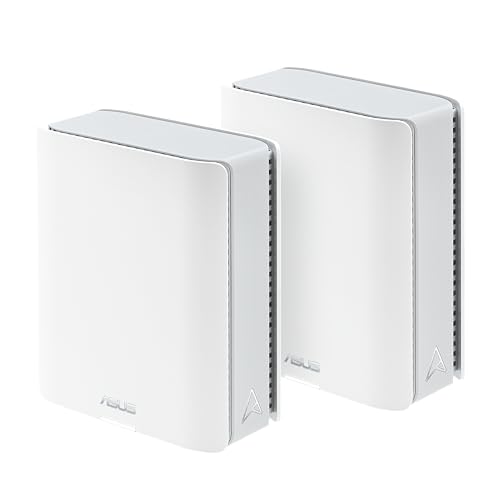

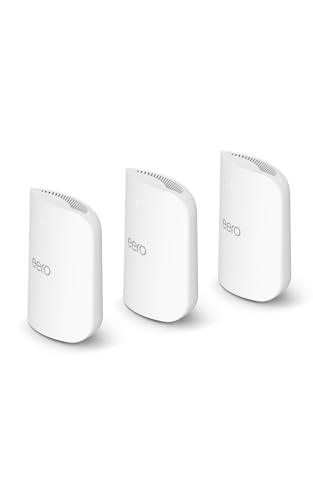
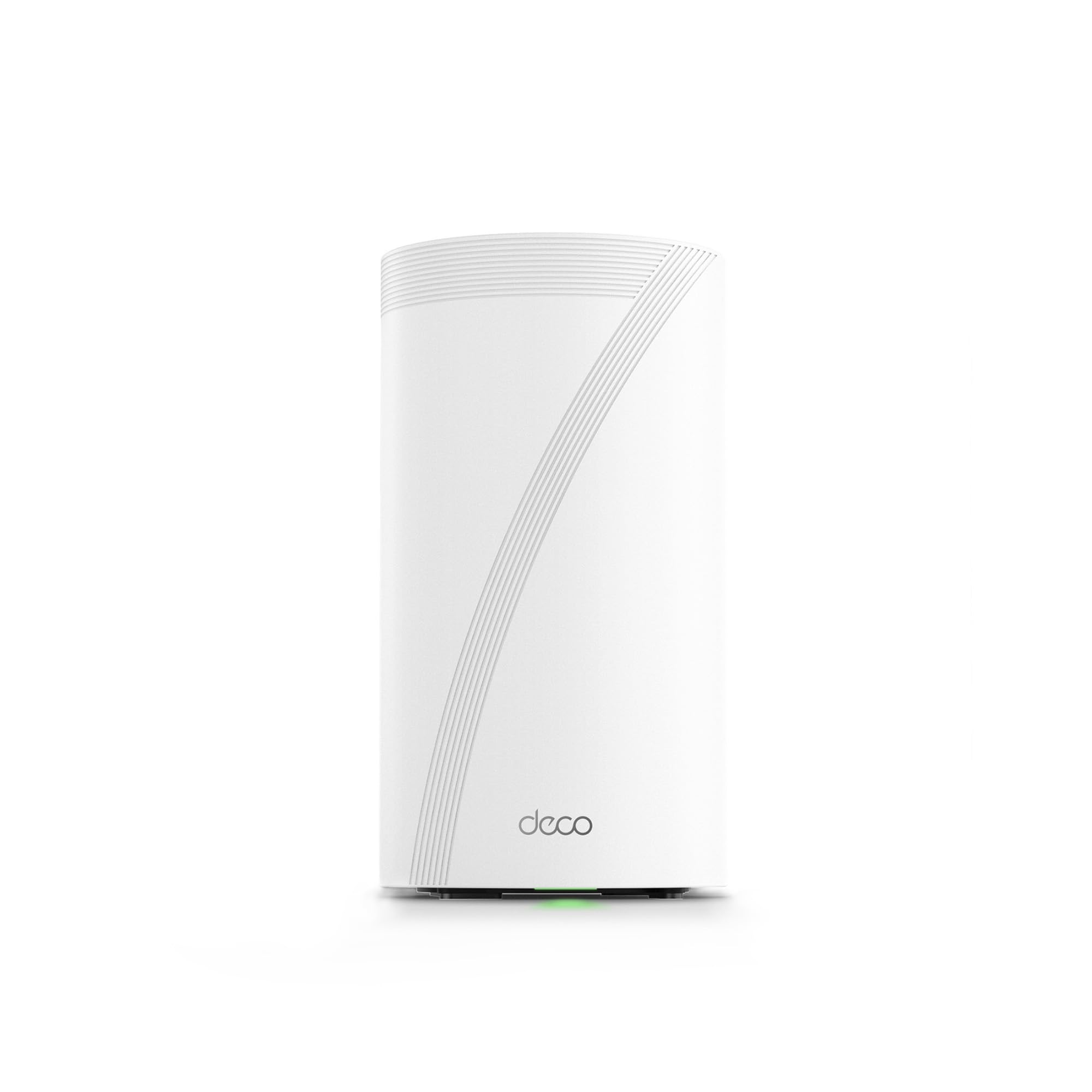
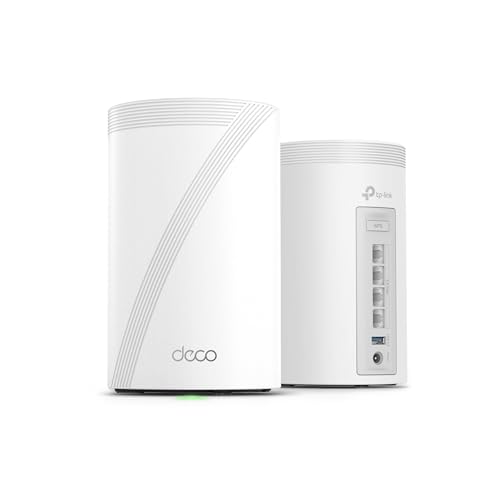


ASUS ZenWiFi BQ16 Pro: Key Specs
The BQ16 Pro is a quad band WiFi 7 mesh system with a combined speed rating around 30 Gbps. A single node is listed for homes up to about 4,000 square feet, and a two pack for homes up to about 8,000 square feet. It supports 320 MHz channels on the 6 GHz band, multi link operation, and two 10 gigabit ports per node alongside gigabit ports and a USB port. ASUS backs it with a warranty that varies by region, so check the terms where you live before you buy.
Design and First Impressions
Each node is a clean white tower with a fabric style finish that looks more like a small speaker than a piece of network gear. That matters in a living room or on a bedroom dresser, where a node with blinking lights and external antennas would fight the furniture. Internal antennas keep the footprint tidy, and the status light can be dimmed or switched off in the app, which bedroom users will appreciate at night.
The trade off for the tidy design is size. These are not small pucks you can hide behind a plant. Each node needs open space around it for airflow and signal, so plan on visible placement on a shelf or side table, and avoid tucking a node inside a closed cabinet where heat can build up during heavy use.
How It Performs in Everyday Home Use
Speed and Range
On paper, the quad band design is the headline. Alongside the usual 2.4 GHz and 5 GHz bands, you get two 6 GHz radios, and the system can dedicate one of them to backhaul, the link that carries traffic between nodes. A dedicated backhaul means the node in your bedroom is not splitting its fastest band between your laptop and the router down the hall, so speeds hold up better at the far end of the house. Homes with thick walls, long floor plans, or a detached office benefit most, because backhaul quality is usually what limits a mesh system in real rooms.
Latency and QoS
For video calls, cloud gaming, and a house full of streams, steady latency matters more than peak speed. The system includes adaptive quality of service tools that let you prioritize a work laptop or a game console over background traffic like cloud backups. Multi link operation, a WiFi 7 feature, lets supported devices use more than one band at once, which can smooth out the brief spikes that cause a frozen frame on a call. Most of your current devices will not use that feature yet, so treat it as headroom for your next phone or laptop rather than a benefit you will feel on day one.
Features and Ports
Wired connections are a strength here. Each node carries two 10 gigabit Ethernet ports, so a fast fiber plan, a network storage drive, or a wired backhaul run between floors can all run at full speed. That is rare in consumer mesh gear, where one fast port is more common. You also get a USB 3.0 port for simple file sharing, plus support for VPN server and client features, guest networks, and a separate network for smart home gadgets, which keeps bulbs and plugs away from your main devices.
Setup and App
Setup runs through the ASUS Router app, which walks you through placing the first node, connecting it to your modem, and adding the rest. Most households finish in well under half an hour. The app handles firmware updates, device lists, and parental controls, and a web interface is there when you want deeper settings. Update the firmware on every node before you fine tune placement, since early WiFi 7 firmware on any brand had rough edges that later updates smoothed out.
Features You Will Actually Use
Beyond raw speed, a few features earn their keep in daily life. AiProtection Pro adds network level security scanning and parental controls without a monthly subscription, a real cost saving over rivals that charge for the same tools. AiMesh support means these nodes can work with many other ASUS routers you may already own, so an older unit can cover a garage instead of going in a drawer. Smart Home Master lets you build separate networks for kids, guests, and smart home devices from one screen.
Living With It: Upkeep and Daily Care
A mesh system asks for very little upkeep, but a few habits keep it healthy. Dust the vents every month or two with a dry cloth or a soft brush, because blocked vents raise internal temperatures and can shorten the life of any electronics. Keep nodes off the floor and away from large metal objects, radiators, and fish tanks, all of which soak up signal. Restart the system occasionally through the app if speeds feel off, and let automatic firmware updates run so security fixes land without you thinking about them.
Strengths and Trade Offs of the ASUS ZenWiFi BQ16 Pro
The strengths cluster around capacity and flexibility. Few home systems match its combination of quad band WiFi 7, dedicated backhaul, and dual 10 gigabit ports, and the free security suite lowers the long term cost. The trade offs are just as clear. It is one of the most expensive mesh systems you can buy, the nodes are large, and much of its WiFi 7 advantage only shows up once your phones and laptops catch up. Households with a modest internet plan and a small apartment will pay for capacity they never touch.
Is the ASUS ZenWiFi BQ16 Pro Right for Your Household?
This system suits large homes with fast fiber service, many connected devices, and at least one person working from home on video calls all day. It also fits buyers who wire their backhaul or run network storage and want ports that will not bottleneck them. Smaller homes, renters who may move soon, and anyone on a slower cable plan should look lower in the range, where a dual band or tri band WiFi 6E system covers the same rooms for far less money. If your main problem is one dead corner rather than whole home coverage, adding a single node or an extender may solve it for a fraction of the price.
How the ASUS ZenWiFi BQ16 Pro Compares
The closest shopping comparison is with other premium WiFi 7 mesh systems, and the differences come down to ecosystem and ports. If you prefer a simpler app and a subscription model for advanced security, the eero pro 7 review covers a tri band option aimed at easier everyday use. At the very top end, the eero max 7 review looks at a rival flagship with 10 gigabit ports of its own. The BQ16 Pro counters with its extra 6 GHz radio, wired flexibility, and security tools that do not add a monthly bill.
Price, Deals and Warranty
Expect premium pricing, roughly in the high hundreds for a two pack and more for a three pack, so check the product table above for the current number. Prices tend to soften around big sale events such as Prime Big Deal Days and Black Friday, so a short wait can save a meaningful amount. ASUS warranty terms differ by country and retailer, so confirm the length before you order.
Common Buying Mistakes to Avoid
- Buying too many nodes. Coverage ratings assume open floor plans, and an extra node placed too close to another can cause roaming problems instead of fixing them.
- Pairing it with a slow internet plan. A flagship mesh cannot make a 100 megabit connection faster, so match the system to the service you actually pay for.
- Ignoring placement. Nodes hidden in closets or behind TVs lose much of their range, which leads buyers to blame the hardware for a layout problem.
- Forgetting the ongoing costs. Budget for a possible modem upgrade and longer Ethernet cables if you plan a wired backhaul, not just the sticker price of the kit.
Cost of Ownership and Care
Running costs are low. Each node draws modest power, roughly comparable to a bright LED bulb running all day, and there are no filters or pads to replace. The main saving versus rivals is the included security suite, which removes a subscription that can add up over several years of ownership. Keep the original boxes if you can, since a complete kit holds its resale value better when you upgrade.
Your Questions, Answered
How do you clean the ASUS ZenWiFi BQ16 Pro?
Unplug the node, let it cool, and wipe the body with a dry or slightly damp cloth. Use a soft brush or short bursts of compressed air to clear dust from the vents, and never spray liquid directly onto the unit. Clean nodes every month or two if your home is dusty or you have pets, since clean vents help the unit run cooler and quieter over the years.
What is a cheaper alternative to the ASUS ZenWiFi BQ16 Pro?
Look at tri band WiFi 6E mesh systems or entry level WiFi 7 dual band kits, which often cost about half as much. You give up the second 6 GHz radio, the 10 gigabit ports, and some total capacity, but in a home under about 2,500 square feet with a mid tier internet plan, everyday browsing, streaming, and calls will feel much the same. Spend the savings on better node placement or a wired run to your office instead.
How long does the ASUS ZenWiFi BQ16 Pro last?
There are no moving parts to wear out, so the hardware itself should run for many years with clean vents and stable power. The practical limit is standards, not failure. WiFi 7 will stay current for a long stretch, and your reason to upgrade will likely be a new device feature or a faster internet plan rather than a dead node. A surge protector is cheap insurance for any always on network gear.
What are common ASUS ZenWiFi BQ16 Pro problems?
Most complaints trace back to placement and firmware rather than failed hardware. Nodes set too far apart can drop their backhaul link, and early firmware on WiFi 7 gear generally needed updates to settle roaming between bands. Keep nodes within clear line of sight of each other where you can, update firmware on setup day, and give the system a few minutes to steer devices after you move a node before judging the result.
Is the ASUS ZenWiFi BQ16 Pro worth it?
It is worth it when your home can use what it offers, meaning fast fiber service, lots of devices, wired gear that needs 10 gigabit ports, or rooms where a weaker backhaul would drag speeds down. It is not worth it as a status upgrade for a small home on a basic plan. Decide by your floor plan and your internet speed first, and let those two facts, not the numbers on paper, make the call.
Final Thoughts
The BQ16 Pro is a flagship mesh system built for big homes, busy networks, and buyers who keep their gear for years. Its quad band design, strong wired options, and subscription free security tools set it apart, while its price and size ask for a home that truly needs them. Check your floor plan and internet plan against the product table above, and if both point to heavy demand, the asus zenwifi bq16 pro review verdict is simple: this is one of the most capable home mesh systems you can buy, as long as you will actually use its capacity.


