Amazon Smart Thermostat vs Nest: Which Is Better in 2026?
Disclosure: We may earn a commission when you buy through links on this page, at no extra cost to you. As an Amazon Associate I earn from qualifying purchases. Learn more
Amazon Smart Thermostat vs Nest: we compare the key differences, pros and cons side by side so you can decide which one is right for you. Updated for 2026.
The short answer to amazon smart thermostat vs nest is simple. Choose the Amazon model if your home already runs on Alexa and you want the lower price. Choose Nest if you use Google Home, want learning features that adjust on their own, or plan to add room sensors. The comparison table below lines up the core facts so you can see the trade offs at a glance.
Both devices replace a standard wall thermostat, connect to your WiFi, and let you change the temperature from an app or by voice. Where they part ways is the ecosystem behind them, how much automation you get, and what your heating and cooling system needs for wiring. The sections that follow walk through each difference in plain terms.

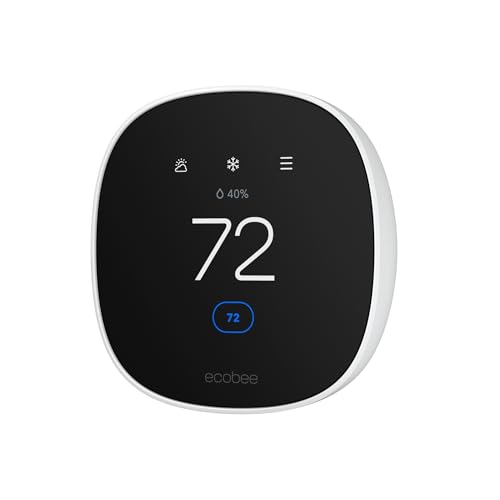
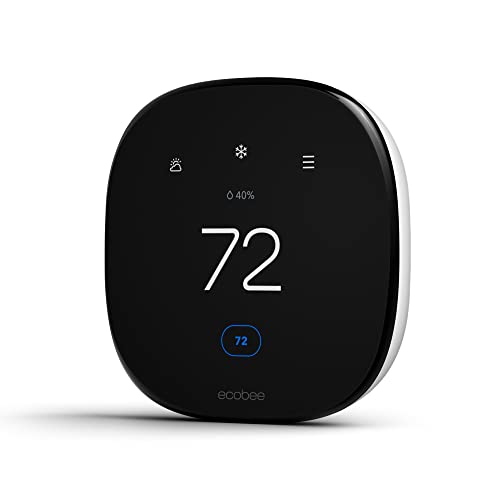

Amazon Smart Thermostat vs Nest at a Glance
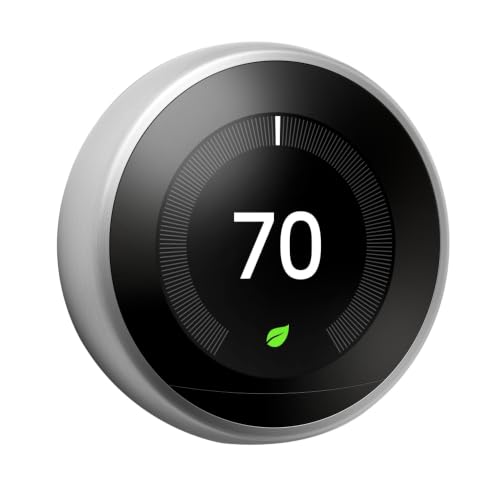
The Amazon model is a single, simple device built around Alexa. It covers heating, cooling, schedules, and basic energy reports at the lowest price in this pair. Nest is a small family of devices from Google. The standard Nest Thermostat covers the basics with a mirrored finish and swipe controls, while the learning models add automatic schedule building and a dial you turn by hand.
On price, the Amazon model usually wins by a wide margin. On automation and platform choice, Nest usually wins. On wiring, both lean on a common wire, called the C wire, for steady power, though each brand handles a missing C wire a little differently.
What Is Amazon Smart Thermostat? What Is Nest?
Amazon Smart Thermostat overview
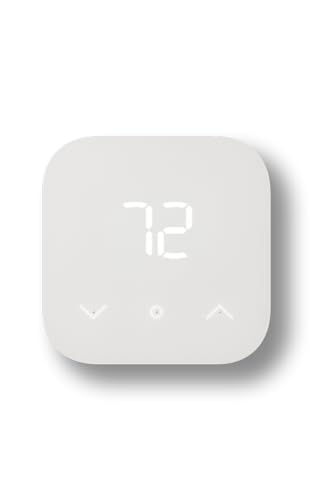
The Amazon Smart Thermostat is a WiFi thermostat made to work with Alexa. You set schedules and temperatures in the Alexa app, ask an Echo speaker to warm the house, and build routines that react to your other Alexa devices. It supports most standard 24 volt heating and cooling systems, including furnaces, heat pumps, and central air. It does not learn your routine on its own, so the schedule you set is the schedule it follows.
Nest overview
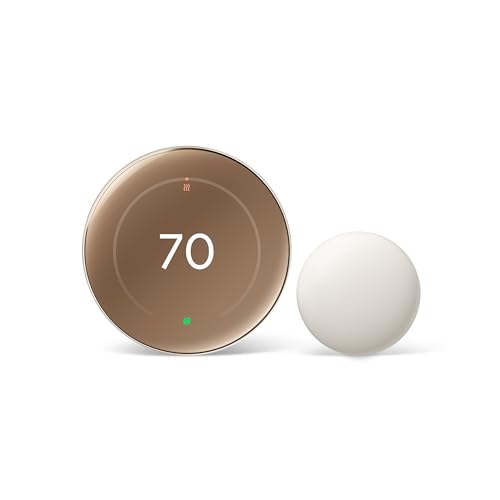
Nest thermostats come from Google and live inside the Google Home app. The range runs from the standard Nest Thermostat, which you program yourself or guide with quick suggestions, up to learning models that watch your adjustments for about a week and then build a schedule around them. If you want a deeper look at the entry model before you decide, our google nest thermostat review walks through its controls and screen in detail.
Nest also sells separate temperature sensors. You place a sensor in a cold bedroom or a warm nursery, and the thermostat can aim for the temperature in that room at set times of day. The Amazon model has no sensors of its own.
Key Differences
Reliability and accuracy
Both brands hold a set temperature well once they are installed and calibrated. Owners tend to judge reliability by two things instead: how often the device drops off WiFi, and how steady the temperature feels from room to room. The Amazon model keeps a simple control loop, so its behavior is predictable. You set 70 degrees, and it works to hold 70 degrees with little drift.
Nest learning models add a layer on top of that steady control. They notice patterns, such as the house cooling down every weekday morning, and start changes a little early so the room feels right on time. That prediction helps comfort, but it can also surprise you in the first weeks while the device is still learning. You can turn the learning off and run a fixed schedule if you prefer full manual control.
Accuracy also depends on placement. A thermostat on a wall that gets direct sun, sits near a drafty door, or hangs above a heat vent will read the room wrong no matter which brand you buy. Nest has an edge for problem rooms because its add on sensors let it target a different space.
Compatibility with Alexa, Google, HomeKit, and Matter
Platform support is the clearest difference in this comparison. The Amazon thermostat speaks Alexa and only Alexa. It will not appear in Google Home, it will not join Apple HomeKit, and routines in other apps cannot control it directly. If every speaker and routine in your home is already Alexa based, that limit may never bother you.
Nest sits on the Google side. It works with Google Assistant voice control and the Google Home app, and the newer Nest models support Matter, the shared smart home standard that lets devices talk across brands. Matter support means a recent Nest can also show up in other Matter ready apps, which gives you more freedom if your household mixes phones and speakers from different brands.
System compatibility matters just as much as app compatibility. Both brands publish online checkers where you list your current thermostat wires and get a yes or no answer before you buy. Homes with two stage heating or dual fuel setups deserve extra care, and some complex systems narrow your choice to one brand or the other.
Installation
Both devices install the same basic way. You switch off power to the heating and cooling system at the breaker, label each wire as you remove the old thermostat, mount the new base plate, match the labels to the terminals, and push the display onto the base. The apps then guide you through WiFi setup and a short equipment test. Most confident homeowners finish in under an hour.
The C wire is the one point that trips people up. Both brands want a C wire for constant power. The Amazon model generally needs one, or a separate power adapter kit that an installer adds at the furnace. Nest models can sometimes charge from the heating wires on simple systems, though Google still recommends a C wire or its own power connector for stable operation. If your old thermostat has only two or three wires, budget time for that adapter step.
One more practical note: take a photo of your old wiring before you touch anything. If the system does not respond as expected, that photo lets you restore the old setup in minutes. If you see thick line voltage wires, stop and call a heating professional instead of guessing.
Subscription costs
Neither brand charges a subscription for the core job of a thermostat. Schedules, app control, voice control, and temperature history are free on both sides. That is worth stating plainly, because many smart home devices now gate basic features behind monthly plans, and thermostats from these two brands do not.
Where costs can appear is around the edges. Energy programs run by your utility may offer bill credits for letting the utility nudge your temperature during peak demand, and both brands can join such programs, but joining is your choice and it is not a fee. Paid plans sold alongside these ecosystems, such as camera recording plans or extended device protection, belong to other products in the home and are never required to run your heating and cooling.
Privacy and security
A smart thermostat learns when your home is occupied, and both brands collect presence and temperature data to run features like automatic away modes. The Amazon model ties that data to your Amazon account and Alexa activity. Nest ties it to your Google account. In both cases, the account security settings you already use, such as two step sign in, protect the thermostat as well.
The practical difference is which company already holds the rest of your smart home data. If your speakers and cameras sit with one brand, adding its thermostat keeps your home data in one place. Both apps let you view and delete activity history, and both devices work on a plain schedule even if you turn presence sensing off.
Price and value
The Amazon thermostat often sells for around $80, and it drops lower during big sale events. The standard Nest Thermostat usually sits at about $90, and the learning models run about $220 to $300 depending on finish and generation. Exact prices move often, so treat those figures as a guide to the gap rather than a promise.
Value depends on what the extra money buys you. With Nest, you pay for learning automation, sensor support, Matter on newer models, and a wider choice of finishes. With Amazon, you keep the savings and give up those extras, but the core job of holding a schedule and taking voice commands stays intact. If your utility offers a rebate on smart thermostats, check its approved list before ordering, since a rebate can shrink or erase the price gap entirely.
Which Should You Buy?
Choose Amazon Smart Thermostat if
Choose the Amazon model if Alexa runs your home, your heating and cooling system is a common single stage or heat pump setup with a C wire, and you are happy setting your own schedule. It also suits rental properties and second homes where you want remote control and low cost more than learning features. The money you save can cover the power adapter kit or a service call if your wiring needs attention.
Choose Nest if
Choose Nest if you use Google Home, you want the thermostat to build its own schedule, or one room in the house always runs too hot or too cold and a remote sensor would fix it. It also fits mixed platform homes better, thanks to Matter support on recent models. If you are still weighing the wider field before you commit, our guide to the best smart thermostat options sets out the criteria that matter across all brands.
Other Options to Consider
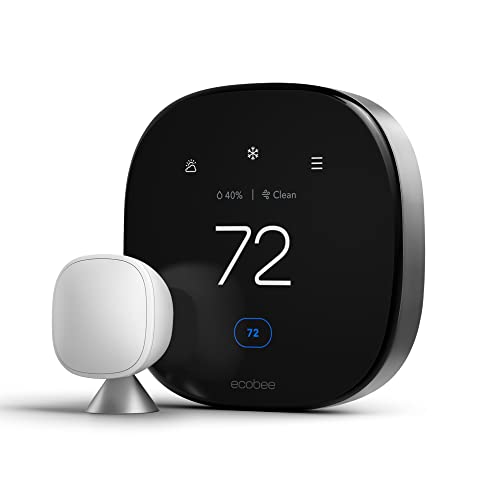
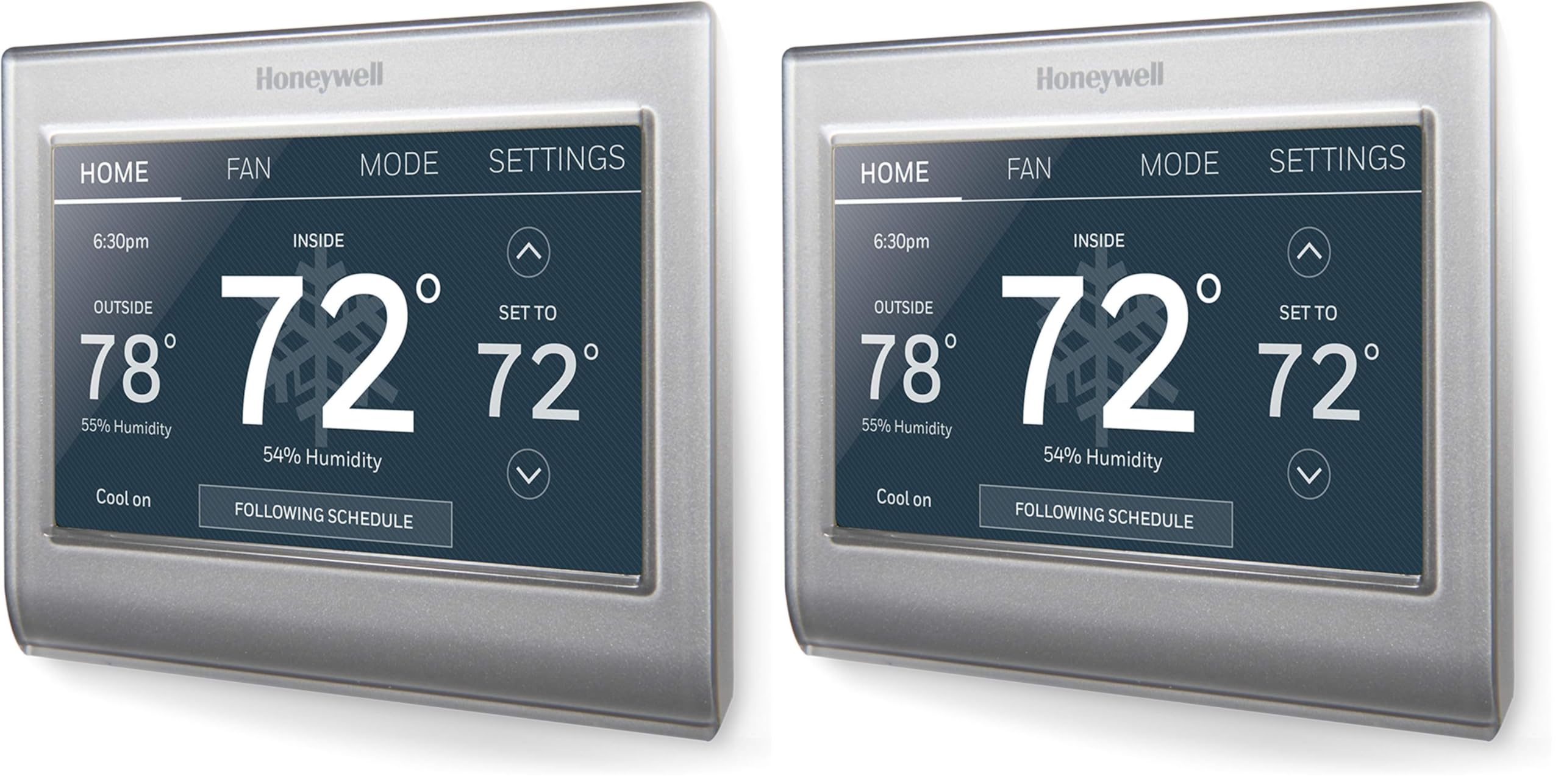
Two other directions deserve a mention if neither side feels right. Premium models from ecobee add built in voice control and strong sensor support, and our ecobee smart thermostat premium review explains how that approach differs. Honeywell takes a more traditional route with familiar controls and wide installer support, which our honeywell t9 review covers for readers who want sensors without the Google or Amazon ecosystems.
FAQs
Is Amazon Smart Thermostat better than Nest?
Neither is better for everyone. The Amazon model is better when price and Alexa control top your list, and it covers standard systems well. Nest is better when you want learning schedules, remote sensors, or Google Home and Matter support. A useful tie breaker is the phone app your household already opens daily, since you will manage schedules and alerts there far more often than you touch the wall unit itself.
What is the main difference between Amazon Smart Thermostat and Nest?
The main difference is the ecosystem and the amount of automation. Amazon built its thermostat as an Alexa accessory with a schedule you set yourself. Nest comes from Google, and its learning models study your adjustments and rewrite the schedule on their own. A smaller difference sits on the wall: Nest learning models use a turning dial with a bright display, while the Amazon model uses a plain touch surface with a simple temperature readout.
Which is easier to clean, Amazon Smart Thermostat or Nest?
They clean the same way, and both are simple. Wipe the face with a soft, dry cloth to lift dust and fingerprints, and keep sprays and damp cloths away from the vents and edges where the electronics sit. The flat Amazon face picks up visible fingerprints faster, so it may want a wipe more often. The Nest dial can trap dust in the ring gap, so a gentle pass with a dry cotton swab around the edge keeps it turning smoothly.
Which lasts longer, Amazon Smart Thermostat or Nest?
The hardware in both should serve for many years, since a thermostat has no moving parts beyond the Nest dial. What ends a smart thermostat life sooner is usually software support, such as app changes or dropped features, plus battery or power issues on systems without a C wire. Nest has the longer track record of supporting older models, but either brand will likely outlast the phone you pair it with today.
Final Thoughts
Deciding amazon smart thermostat vs nest comes down to your ecosystem first and your wiring second. Alexa homes on a budget get everything they need from the Amazon model, while Google homes gain real comfort from Nest learning features and sensors. Before you order either one, run the wire compatibility check, look at the product table above once more, and confirm that your system and your smart home platform both point to the same answer.