Best Computer Table for Home Office: A Buying Guide
Disclosure: We may earn a commission when you buy through links on this page, at no extra cost to you. As an Amazon Associate we earn from qualifying purchases. Learn more

If you have been working off a kitchen table or a wobbly folding surface, you already know how much a bad setup can wear you down by the end of the day. Finding the best computer table for home office use is less about picking whatever looks nice online and more about matching a few practical specs to how you actually work. In this guide, you will learn how to size a desk to your monitor setup, what build quality actually means in practice, and how to keep the whole workstation comfortable and clutter free.
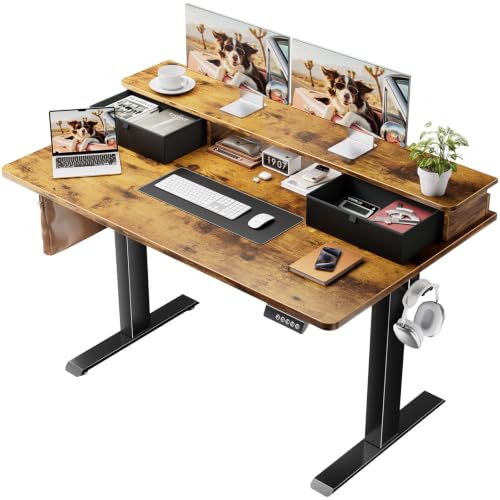
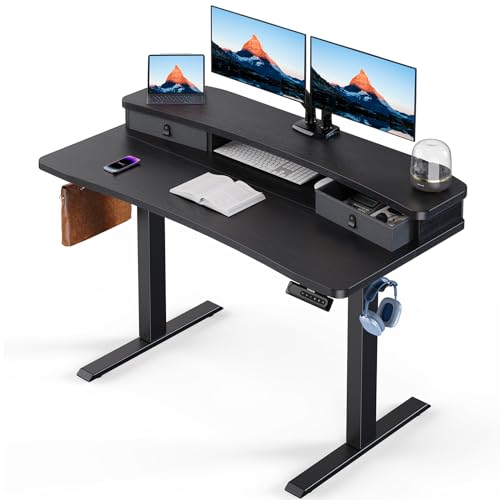
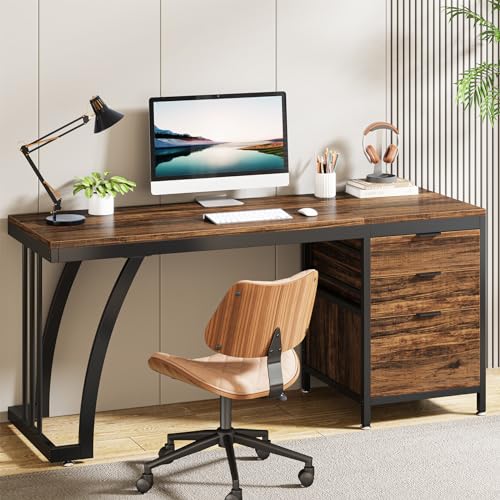
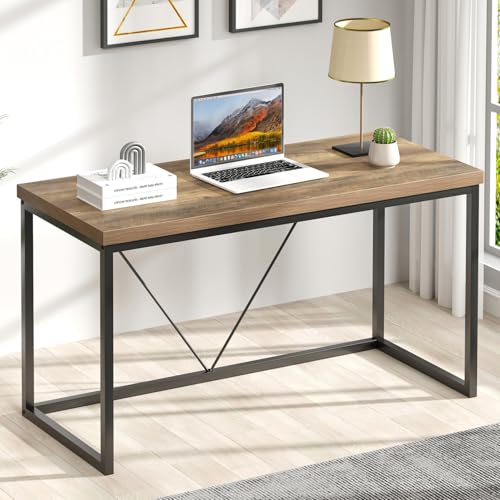
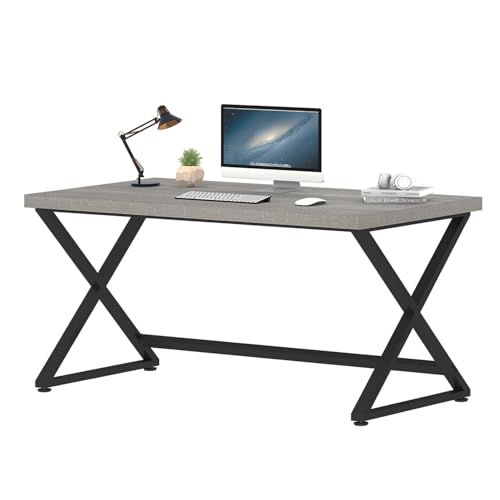
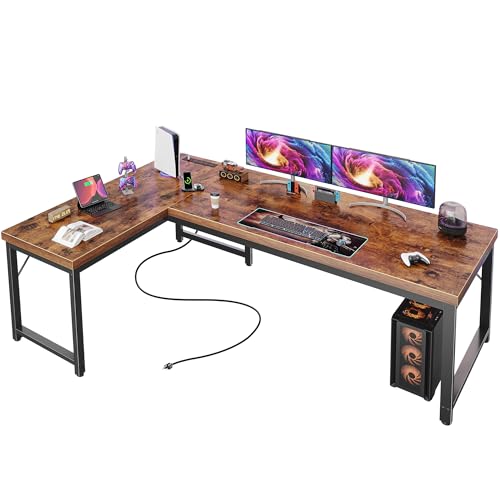
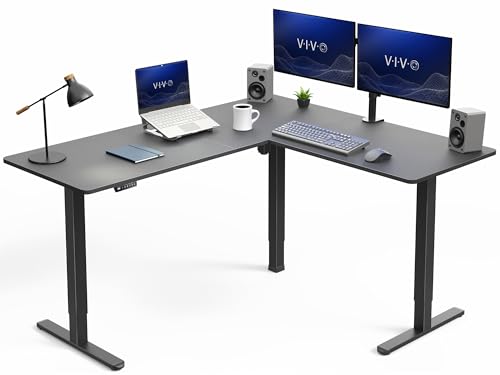
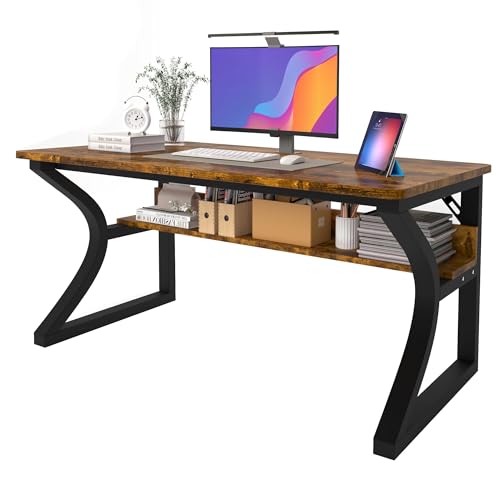

How Much Desk Space You Actually Need for a Computer Setup
Before comparing materials or styles, figure out how much surface area you need. This one decision drives almost everything else, since a table that is too small forces cramped typing and a table that is too big eats up room you might not have. Getting the computer desk size right from the start saves you from returning or replacing a piece later.
Sizing for a Single-Monitor Setup
If you are running a single monitor or mostly working from a laptop, a small computer table in the 40 to 55 inch wide range is usually plenty. You still want at least 24 inches of depth so the screen does not sit too close to your face, plus a little extra room for a keyboard, mouse, and maybe a notepad. If your home office is really a corner of a shared room, pairing a compact table with a room divider can help define the space without needing a full extra room.
Sizing for Dual Monitors or a Laptop Plus Monitor
Two screens change the math. Aim for a table at least 60 inches wide and 24 to 30 inches deep so both monitors sit at roughly arm's length, which reduces the neck and eye strain that comes from craning toward a screen that is too close or angled awkwardly. A general rule of thumb is to keep monitors 20 to 30 inches from your eyes, so measure your intended seating position before you buy rather than guessing.
The Build Quality and Material Details Worth Checking
A table can be the right size and still be a poor choice if it wobbles every time you type or sags under the weight of your monitor and equipment. This is where a lot of budget options fall short, and it is worth spending a few extra minutes reading reviews for mentions of stability before you check out.
Frame Material and Stability
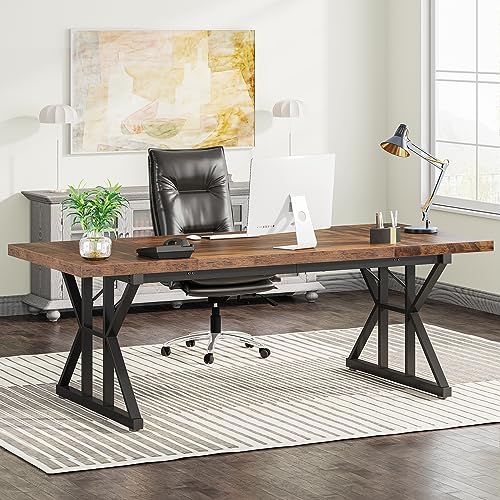
Metal frames, especially steel, tend to hold up better over years of daily use than all-particleboard construction, particularly at the legs and joints where stress concentrates. A sturdy home office computer desk should feel solid when you lean on a corner or push against it while typing. If a listing mentions pre-drilled holes that frequently misalign or hardware that strips easily, take that as a warning sign in the reviews rather than something to find out the hard way after assembly.
Tabletop Material and Weight Capacity
Laminate and engineered wood tops are common, affordable, and resist scratches and spills reasonably well for everyday use. Solid wood tops look better and last longer but cost more and are heavier to move. Glass tops look sleek but show fingerprints constantly and can flex under a heavy monitor arm, so check the stated weight capacity if you plan to mount a monitor arm or run a multi-monitor setup rather than just resting screens on the surface.
Fixed-Height, Adjustable, or Sit-Stand: Matching the Table to How You Work
Desk type is where personal work habits matter more than any spec sheet. There is no single correct answer here, only what fits how long you sit, how much you move during the day, and how much space and budget you have when picking the best computer table for home office work.
Fixed-Height Writing and L-Shaped Tables
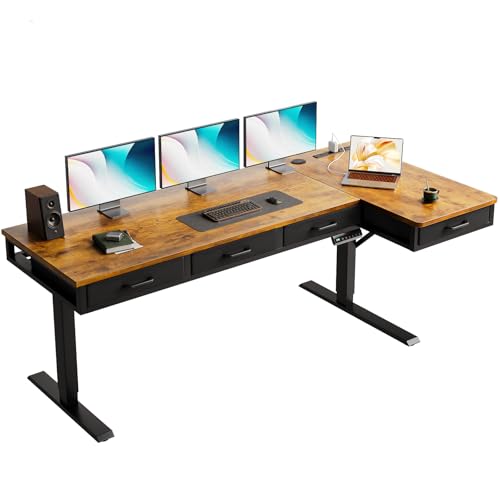
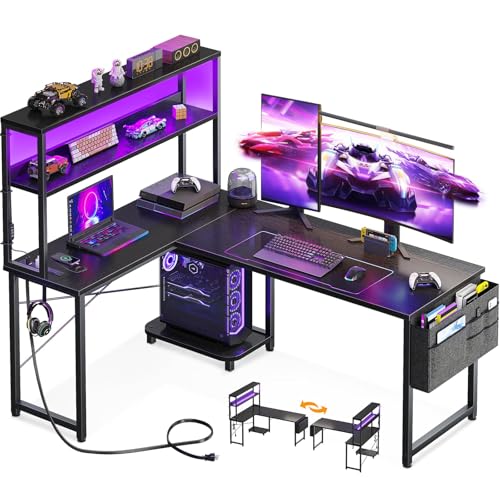
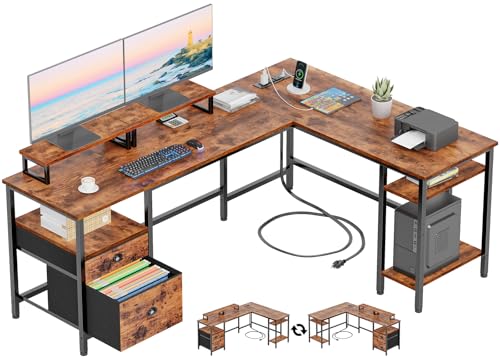
A simple fixed-height writing desk is the most affordable and stable option, and it works well if you mostly sit for focused tasks like writing or video calls. An L-shaped table adds a second working surface, which is useful if you need room for paperwork, a printer, or a secondary screen setup, but it also takes up considerably more floor space, so measure your room carefully first.
Sit-Stand and Height-Adjustable Tables
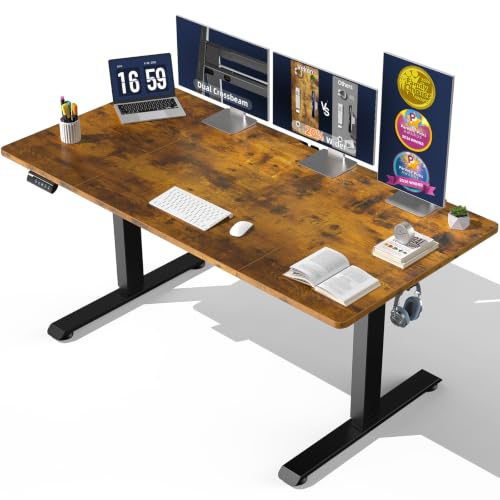
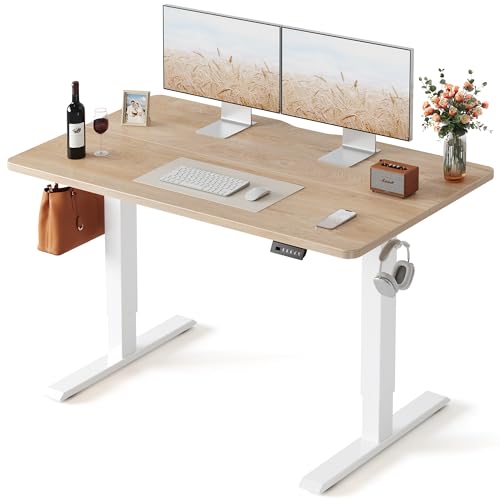
A standing computer desk lets you alternate between sitting and standing through the day, which many people find reduces the stiffness and back fatigue that comes from sitting for six or more hours straight. Electric models adjust faster and hold weight more consistently than crank versions, though they cost more. Some people pair a height-adjustable table with an under-desk bike to stay active during calls or slower stretches of the workday. If you are unsure, keep in mind that alternating between positions every 30 to 60 minutes tends to work better than standing all day, which can bring its own strain on your feet and knees.
Keeping Your Setup Comfortable and Cable-Free
Once you have the size, material, and type sorted out, the last details determine whether the table is actually pleasant to use every day.
Desk Height and Leg Clearance
Most desks land between 28 and 30 inches tall, with 29 inches being the most common, but the right height ultimately depends on your office chair and how your forearms sit relative to the keyboard. You want enough clearance underneath to slide your knees in without hitting a support bar or drawer, so check the under-desk height and width listed in the product specs, not just the overall footprint.
Cable and Power Management
Cable clutter is one of the most common complaints people run into after buying a table without checking this detail. Look for a table with a cable tray, grommet holes, or a built-in power strip mount, since routing cords through a dedicated channel keeps them off the floor and out of your way. If a table does not include any cable management, a clip-on tray or adhesive channel is a cheap add-on that solves most of the problem.
Frequently Asked Questions
What size computer table do I need for a home office?
For a single monitor, look for something 40 to 55 inches wide and at least 24 inches deep. For dual monitors, go at least 60 inches wide and 24 to 30 inches deep so both screens sit comfortably at arm's length.
Is a standing desk better than a regular computer table?
Neither is universally better. A standing or sit-stand desk can reduce stiffness if you work long hours, while a fixed-height table is simpler, sturdier, and usually cheaper. Many people do well alternating positions rather than committing to only one.
What is the best material for a computer table?
Metal-framed tables with a laminate or engineered wood top offer a solid balance of stability, price, and durability for most home offices. Solid wood lasts longer but costs more, and glass tops need extra care around weight capacity.
How much leg clearance do I need under a computer table?
You generally want enough clearance to slide your knees in and shift position without hitting a support bar, drawer, or cross brace. Check the listed under-desk height and width rather than assuming based on the tabletop size alone.
Do I need a computer table with drawers?
Not necessarily. Built-in drawers are convenient if you want everything within reach, but a minimal table paired with a separate storage cart or shelf gives you more flexibility if your needs change later.
What's the difference between a computer table and a general office desk?
A computer table is usually sized and shaped specifically around a monitor, keyboard, and cables, often with cable management built in, while a general office desk may prioritize surface area for paperwork or meetings instead. The line has blurred in recent years, so check the specs rather than relying on the name alone.
Finding the Right Fit for Your Workspace
The best computer table for home office use comes down to a short list of practical checks: enough surface area for your monitor setup, a frame and top that will not wobble or sag, a desk type that matches how long you sit or stand, and enough clearance and cable routing to keep the space comfortable. Walk through those four points before you buy, and you will end up with a table that actually holds up to daily use instead of one you are replacing again in a year.