Best Computer Programming Laptops 2026: What Matters Most
Disclosure: We may earn a commission when you buy through links on this page, at no extra cost to you. As an Amazon Associate I earn from qualifying purchases. Learn more
The best computer programming laptops pair memory, a comfortable keyboard and a clear screen with a processor that holds its speed.
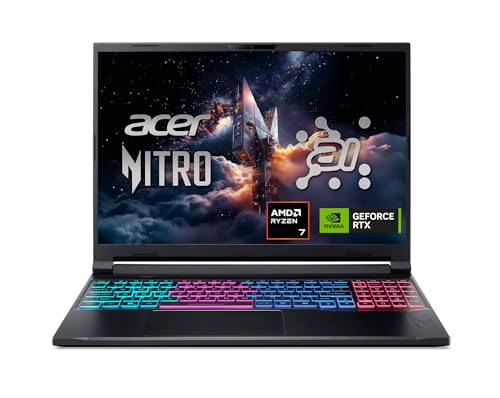
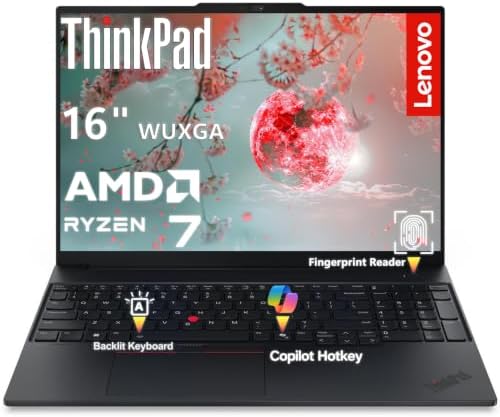
Programming laptops live or die by a few unglamorous traits: a comfortable keyboard, enough memory for many tools at once, and a screen you can read for hours. When you shop for best computer programming laptops options, a flashy graphics chip matters far less than those daily comfort and speed factors. The comparison table below gives a quick side by side view of the main programming laptop priorities, so you can weigh them before you buy.
Coders typically run an editor, a browser with many tabs, a terminal, and sometimes a local server, database, or virtual machine at the same time. That mix rewards memory and a responsive processor more than peak gaming speed, and it punishes a cramped keyboard or a dim screen quickly. This guide explains processor, memory, storage, keyboard, screen, and battery in coding terms, plus portability and upgrade options. It will help you choose a laptop that stays pleasant through long sessions rather than one that impresses only on a spec sheet.
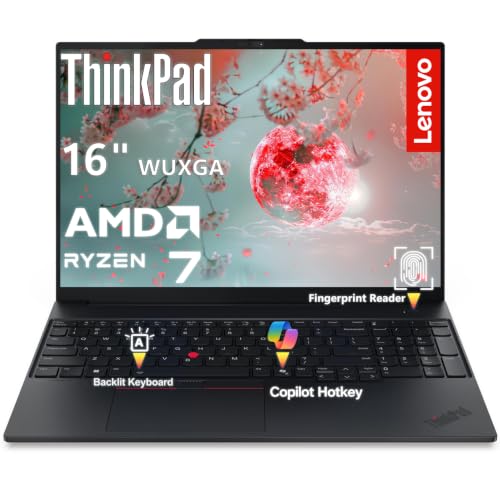

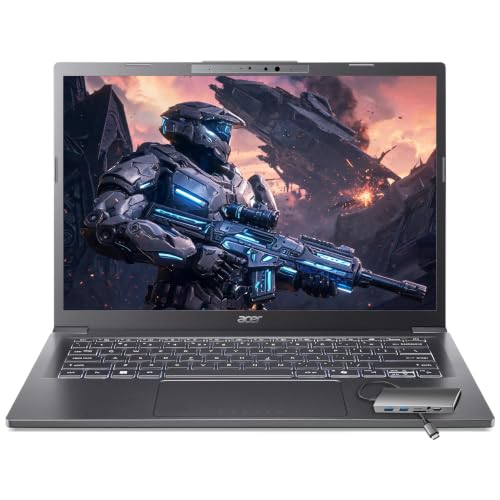
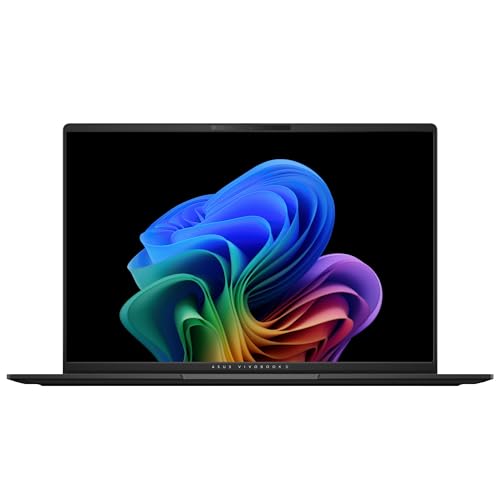
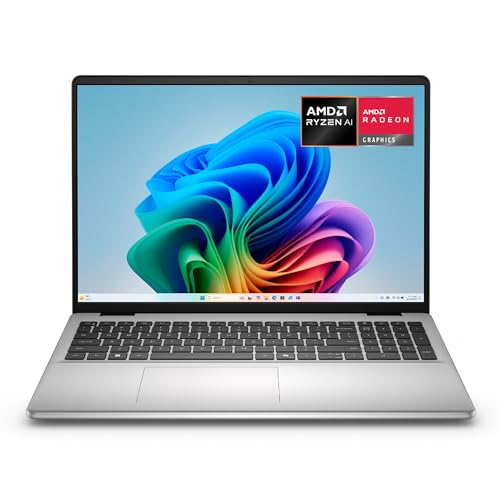

Processor and Memory for Real Coding Work
A modern processor with several cores handles compiling, running tests, and juggling tools without stalling. For web development and learning, a current midrange processor is usually enough, while mobile development, large builds, and virtual machines benefit from more cores and faster single core speed. Check reviews for sustained performance, since thin laptops can slow down when hot.
Memory is often the first bottleneck. Aim for 16 GB if you run containers, virtual machines, or large projects, and treat 8 GB as a minimum for lighter work only. Memory that can be upgraded later is a bonus, since coding tools and browser use tend to grow over time. Fast solid state storage also matters, because it speeds project loading, searching, and booting.
Keyboard, Trackpad, and Screen for Long Sessions
Keyboard comfort is a daily productivity factor, not a luxury. Look for good key travel, a stable base that does not flex, and a layout that matches your habits, including arrow keys and function keys you actually use. Backlighting helps in dim rooms, and a quiet keyboard matters if you work near others.
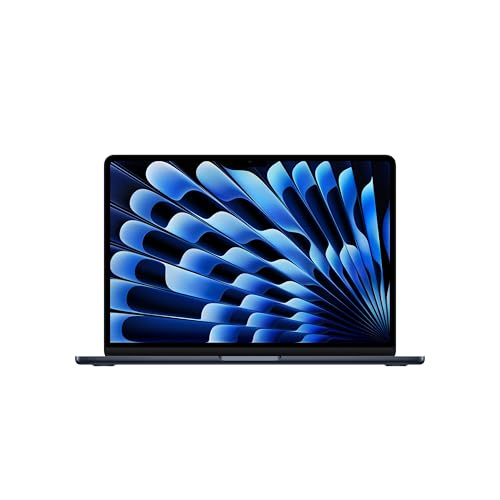
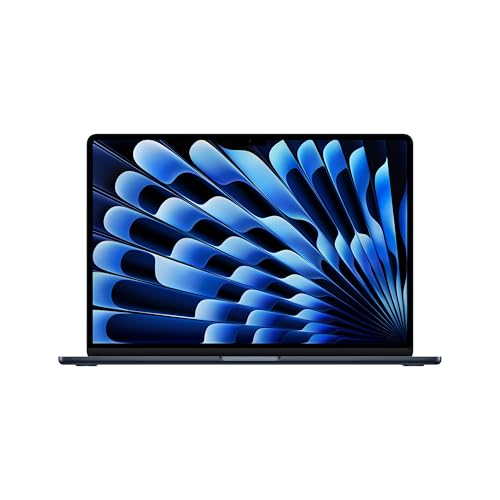
Screen clarity matters just as much. A sharp, bright display with good contrast reduces eye strain during long reading sessions, and a larger screen or an external monitor helps when you compare code side by side. A 14 or 15 inch laptop balances screen space and portability for many coders, while a 13 inch laptop suits travel if you pair it with an external display at home.
Battery, Ports, and Portability
Battery life for coding is lower than headline claims, because compiling, running servers, and bright screens drain power. Expect real world use to fall well below marketing numbers, and favor a laptop that charges over USB C so you can use a common charger. A laptop that lasts a working morning without a charger is usually enough if you carry a charger for the afternoon.
Ports should cover your daily setup without a drawer of dongles. USB C, at least one full size USB port, and a video output for an external monitor cover most needs. Check webcam and microphone quality too, since remote work and pair programming rely on clear calls. A good webcam is a small detail that matters every week.
Evaluation Checklist Before You Buy
Use a simple checklist rather than a single benchmark: processor family and core count, memory size and upgrade path, storage type and size, keyboard feel, screen brightness and resolution, battery in real use, and warranty. Score each factor for your actual projects, not for a hypothetical workload you will never run.
Also think about operating system and tool compatibility. Most programming work runs well on Windows, macOS, or Linux, but specific tools, mobile emulators, and workplace requirements may favor one system. Choose the system your courses or employer support, and try key tools during the return window.
A Final Check Before You Buy
Try your real workflow during the return window by opening your editor, browser, terminal, and any local servers or databases you use daily. A laptop that feels fast in a shop may slow down when many tools run together, especially with limited memory. Run a typical build or test suite and watch for stalling, fan noise, and heat, since sustained performance matters more than a brief benchmark peak.
Consider an external monitor and keyboard for desk work, because even a good laptop screen and keyboard benefit from a larger display for comparing code and a full size keyboard for long typing. A laptop that connects easily over USB C, with reliable video output and charging through one cable, makes a desk setup simple. That setup also lets you choose a lighter laptop for travel without sacrificing desk comfort.
Plan for growth in your projects, since tools, frameworks, and data sets tend to expand over a laptop lifetime. Memory and storage that feel generous today may feel tight in two years, so favor upgradeable options or buy headroom now if the laptop is sealed. A laptop bought for future needs lasts longer and costs less per year than a laptop replaced early.
Protect your work with backups and version control habits from day one, regardless of laptop price. Use cloud backup for important projects, commit code regularly, and keep a recovery plan for a lost or damaged machine. Hardware can be replaced, but uncommitted work cannot, and a simple routine prevents the most painful kind of loss.
Choosing the Best Computer Programming Laptops for Your Stack
Your stack changes what to prioritize. Web developers can get by with a midrange processor and 16 GB of memory, while mobile developers who run emulators and data engineers who run local databases benefit from more cores and more memory. If you work in several languages and containers, buy for the heaviest tool you run each week.
Plan your desk around the laptop too: an external monitor, a full size keyboard and a dock or hub if needed. A laptop with reliable USB C video and charging reduces that setup to one cable, while one with limited ports may need extra adapters.
Related Guides to Compare
For student focused options, see best laptops for computer programming students and best laptops computers. For general laptop context, see best notebook laptops and best gaming computers laptops, and for carrying gear, see best backpacks for laptop computers.
Frequently Asked Questions
Do I need a dedicated graphics card for programming?
Most programming does not need a dedicated graphics card, since coding, web development, and app development run well on integrated graphics. A dedicated card helps for game development, machine learning, and heavy 3D work, but it adds cost, heat, and weight. Spend on memory and processor first unless your field clearly needs graphics power.
Is 16 GB of memory worth it for a beginner?
Yes, 16 GB is worth it if you can afford it, because it handles a browser, editor, terminal, and learning tools together without slowing down. Beginners can manage with 8 GB for simple projects, but 16 GB gives headroom as projects grow and prevents frustrating slowdowns during study.
What screen size is best for coding?
A 14 to 15 inch screen suits most coders, since it shows more code without making the laptop too heavy. A 13 inch screen works well for travel if you use an external monitor at a desk. Resolution and brightness matter more than size alone, since sharp text reduces eye strain over long sessions.
Should I buy a laptop I can upgrade later?
Upgradeable memory and storage are valuable, because they let you extend laptop life cheaply. Many thin laptops now solder memory, so check before you buy. If memory is soldered, buy the size you will need in two years, not just the size you need today.
How important is battery life for a programming laptop?
Battery life matters for study, travel, and working away from a desk, but most coders work near power at least part of the day. A laptop that lasts four to six hours of real coding is usually practical, especially with USB C charging. Favor keyboard, screen, and memory over a small battery advantage.
Final Thoughts
Prioritize memory, a comfortable keyboard, a clear screen, and a processor that sustains speed, then check battery and ports. Use the product table above to compare those priorities side by side.
A laptop chosen that way will feel fast and comfortable through long coding days. That is the real measure when you buy best computer programming laptops options.