Best Computer Processor for Laptops: A 2026 Buyer Checklist
Disclosure: We may earn a commission when you buy through links on this page, at no extra cost to you. As an Amazon Associate I earn from qualifying purchases. Learn more
Finding the best computer processor for laptops starts with your workload. This checklist covers platform classes, cooling, memory pairing and price steps.
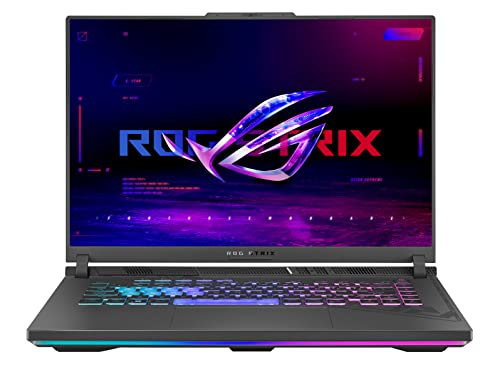
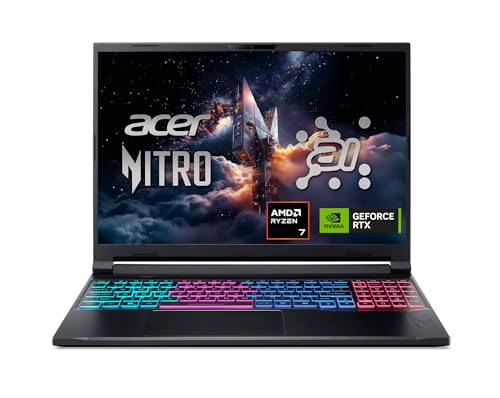
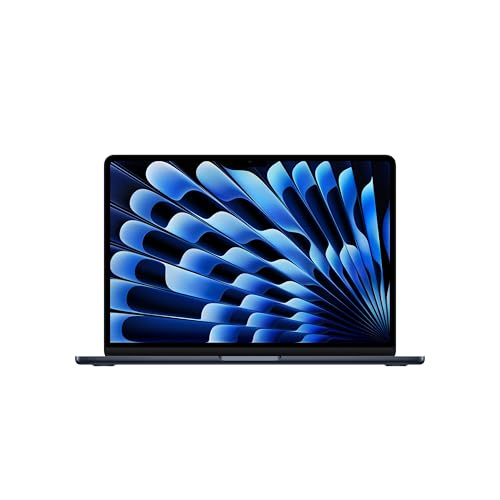
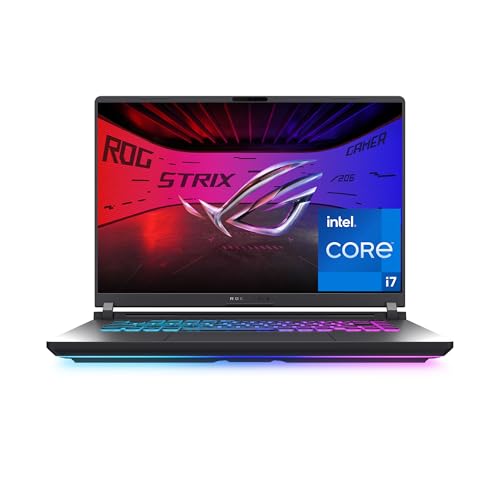
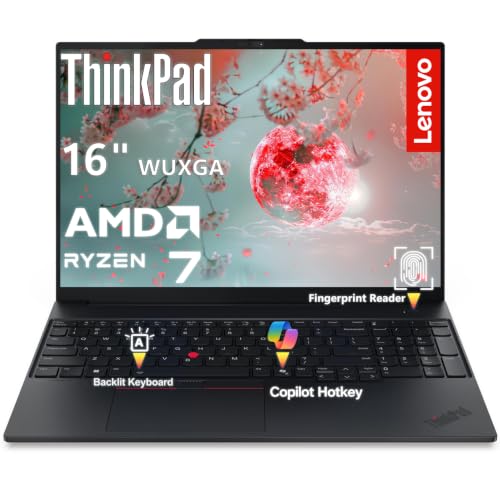
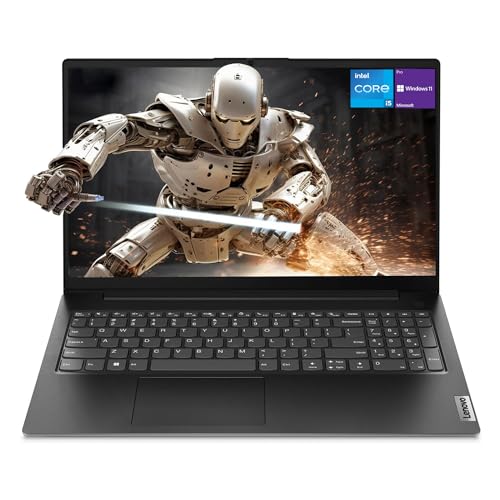
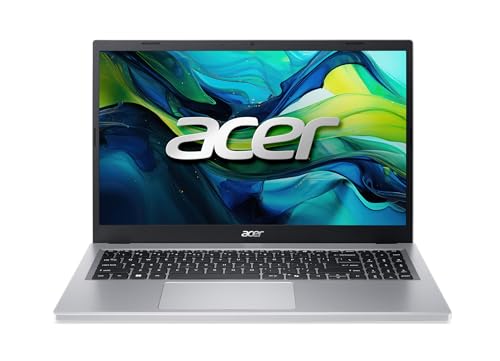
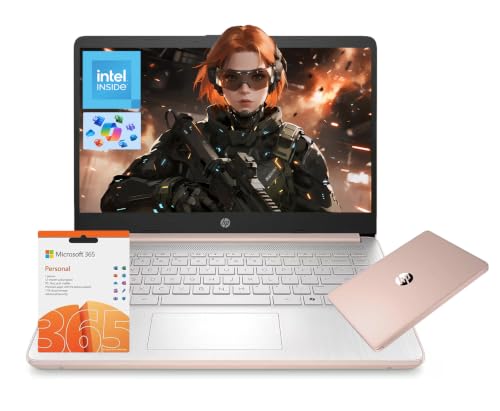
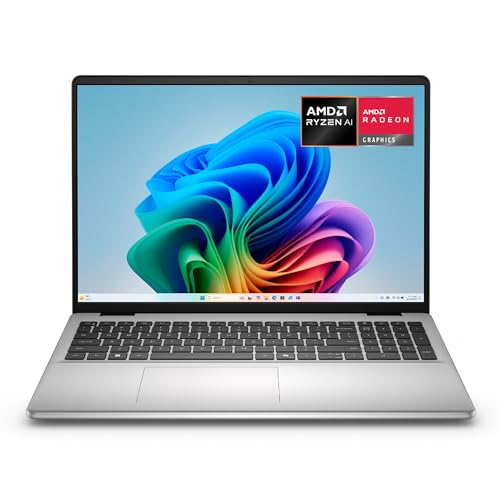
A laptop processor never arrives in its own box, and that single fact shapes this whole purchase. In nearly every modern laptop the processor is soldered onto the main board, so choosing the best computer processor for laptops really means choosing the entire laptop built around that chip. The comparison table below groups current laptops by processor class, giving you a quick map before the detailed checks that follow.
This guide is a buyer checklist, not a ranking. It starts with the work you actually do, moves through the three platform classes and the cooling that decides real world speed, and ends with the pairing rules for memory, storage and graphics. Because the processor cannot be upgraded later, each check carries more weight than it would on a desktop you can open up and change.


The Buyer Checklist: Seven Checks Before You Choose
Work through the checks in order, because each one narrows the next. No ranking can name the best computer processor for laptops for every reader, since a chip that is perfect for a student writing essays is wasted money in a video editing rig and a poor fit in a thin travel laptop.
Check One: Start With the Work You Actually Do
Your heaviest regular task sets the class, not your average day. Web browsing, documents, email and video calls run comfortably on entry level chips from any platform, and paying above that class buys nothing you will feel. Sustained work is different: compiling large projects, exporting video, rendering 3D scenes or running several virtual machines holds the processor near its limit for minutes at a time, and that is where performance classes earn their price. Readers who build software all day will find full machines matched to that load in our guide to best computer programming laptops. Gaming sits between the two, because the graphics chip usually decides frame rates while the processor feeds it data.
Check Two: Pick a Platform Class, Not a Badge
Three platform families cover almost every laptop sold. Intel Core and AMD Ryzen power Windows laptops from many makers, and each splits into efficiency lines built for thin bodies and long battery life and performance lines built for sustained speed. Apple silicon appears only in Apple laptops and ties the processor choice to macOS, which is a software decision as much as a hardware one. Within each family, makers sell entry, mainstream and performance tiers whose behavior differs more than their names suggest. Modern chips also mix two core types, a few fast performance cores for demanding threads and smaller efficiency cores for background work, so a simple core count no longer tells the whole story.
| Platform class | Found in | Line split | Choose it when |
|---|---|---|---|
| Intel Core | Windows laptops from many makers | Efficiency lines and performance lines | You want the widest choice of bodies and prices |
| AMD Ryzen | Windows laptops from many makers | Efficiency lines and performance lines | You want strong integrated graphics in the class |
| Apple silicon | Apple laptops only | Standard and higher performance tiers | You work inside the Apple software ecosystem |
Check Three: Judge Sustained Speed, Not Burst Speed
Every laptop processor can sprint; far fewer can hold that pace. A chip boosts to high speeds for a few seconds, then settles at whatever level the cooling system can support, and in a thin chassis that settling point can sit far below the headline number. This is why the same processor class feels quick in a thicker laptop with dual fans and sluggish in an ultra thin body built for silence. When you compare two machines with the same chip, the larger body with visible vents and a stated performance mode is usually the faster one in real work. Fan noise is the other side of this bargain, so decide how much sound you will accept at your desk.
Check Four: Pair the Processor With Enough Memory and Storage
A strong processor paired with too little memory still feels slow, because the system spends its time swapping data instead of computing. Treat 8 GB of memory as a floor for light use, 16 GB as the sensible default for most buyers, and 32 GB as the right call for heavy multitasking, large projects or virtual machines. Much of that memory is soldered in slim laptops, so the amount in the box is often the amount forever. Storage follows the same logic: a solid state drive of 512 GB or more keeps a fast chip fed, while a small or slow drive becomes the bottleneck you notice every day.
Check Five: Weigh Battery Life Against Performance
Efficiency lines exist because performance costs power. A performance class chip under load can drain a battery in a couple of hours, while an efficiency class machine doing light work lasts through a working day away from the wall. Maker battery claims describe best case conditions, usually light tasks on a dim screen, so expect notably less once you run your real workload. If you travel or move between rooms all day, choose the efficiency class and accept slower exports. If the laptop lives on a desk plugged in, battery class matters little and the performance tier is free to be the priority.
Check Six: Decide Whether Integrated Graphics Are Enough
Every current platform includes integrated graphics, and they are stronger than their reputation. They handle everyday display work, photo editing and light gaming without help, and they add no extra heat or cost. A dedicated graphics chip earns its place for serious gaming, 3D modeling, and video work that leans on graphics acceleration, but it also adds weight and shortens battery runtime. One pairing detail matters here: integrated graphics borrow system memory, which is one more reason the 16 GB default in the previous check protects you. Buy the dedicated chip for a named task, not as insurance against a task you cannot describe.
Check Seven: Read Benchmarks the Right Way
Benchmark scores are real measurements, but they are measurements of one machine, with one cooling setup, on one day. The same processor class can post noticeably different scores in two laptops, and the gap usually traces back to the power limits and fans the maker chose. Use benchmarks to place a chip in its class and to confirm that a specific laptop cools its chip well, not to split hairs between scores a few percent apart. Match the benchmark to your work as well: single core results predict snappy everyday response, while multicore results predict exports and renders. A chip that wins the wrong benchmark for your workload is still the wrong chip.
What Each Price Step Buys
Processor classes arrive inside whole laptops, so the bands below are laptop prices, and the product table above shows how current models spread across them. Readers comparing whole machines across every maker can start with our guide to best laptops computers.
Everyday Class: Laptops About $350 to $700
Entry level efficiency chips from all three platforms live in this band, and for school, browsing, streaming and office documents they are genuinely enough. The limits show up at the edges of the configuration rather than in the chip: 8 GB of memory is common, screens are basic, and bodies are plastic. A student or home user whose heaviest task is a video call loses nothing by stopping here. The one upgrade worth hunting for in this band is memory, because a 16 GB configuration at the top of the band will feel fresh years after an 8 GB twin feels tired.
Mainstream Class: Laptops About $700 to $1,200
The mainstream band buys balance: mid tier processor classes with real sustained speed, 16 GB of memory as the norm, better screens and cooling with some headroom. This is where most buyers should land, because the machine handles everyday work instantly and still copes with photo editing, light video work and big spreadsheets. Shoppers who prize a thin body in this band will find the wider field in our guide to best notebook laptops. Pay attention to which side of the band a model sits on, since a well cooled machine at the bottom often beats a thin one at the top.
Performance Class: Laptops About $1,200 to $2,000 and Up
Performance lines, thicker bodies and serious cooling define this band, and the money buys time: exports, renders and compiles that finish in minutes instead of stretching toward an hour. These machines carry the weight, fan noise and shorter battery runtime that sustained speed demands. Gamers should cross check the graphics side in our guide to best gaming computers laptops, because at this level the graphics chip decides as much as the processor. Buy into this band for a workload you can name, measured in hours saved each week, rather than for reassurance.
Quick Buyer Checklist
Before you order, answer these questions honestly. A no on any line points straight at the fix.
- Does the processor class match my heaviest weekly task, not my lightest one?
- Is memory at least 16 GB, given that it usually cannot be added later?
- Is storage a solid state drive of 512 GB or more?
- Does the body have the cooling my chosen class needs for sustained work?
- Have I judged battery expectations by the performance class, not the headline claim?
- Do integrated graphics cover my games and apps, or can I name the task that needs a dedicated chip?
- Have I compared benchmarks only within the same class and similar bodies?
Red Flags to Watch For
- A listing that names no platform at all, only phrases like fast quad core power. If the seller will not name the chip class, assume the lowest tier in the family.
- A performance class chip packed into an ultra thin body and sold on a single benchmark screenshot. Burst numbers hide the throttling that sustained work exposes within minutes.
- A strong processor sold with 8 GB of soldered memory. The pairing bottlenecks the chip from day one and cannot be corrected later.
- Storage listed by size only, with no drive type. Slow storage classes still ship in cheap laptops and make a decent processor feel broken.
- Battery claims with no conditions stated. A number without a workload behind it tells you nothing about your day.
Habits That Keep a Laptop Processor Fast
The processor itself needs no maintenance, but its cooling does, and cooling is what protects speed. Keep the vents unobstructed, run heavy work on a desk rather than on a bed or sofa, and clear dust from the intakes a few times a year with the machine off. Keep the operating system and firmware updated, since power management fixes often arrive quietly inside them. Battery habits matter too: a laptop that lives plugged in at full charge ages its battery faster, so use any built in charge limit your maker offers. A padded sleeve for commuting protects the chassis that all of this depends on.
Best Computer Processor for Laptops: Your Questions Answered
What features matter most in a laptop processor?
The match between processor class and your workload matters most, followed by the cooling that lets the chip hold its speed. After that come the pairing choices: enough memory, fast storage and the right graphics class. One point buyers miss is warranty length on the whole machine. Because the processor is soldered in, a chip problem is a laptop problem, so a longer warranty protects the processor as surely as it protects the screen or the keyboard.
Can I upgrade my laptop processor later?
In nearly every modern laptop, no. The processor is soldered to the main board during manufacturing, and no socket exists for a swap. A small number of large workstation class machines are rare exceptions, and even there the upgrade path is narrow and costly. This is why the checklist in this guide front loads the decision: buy the class your work will need in several years, not the class that barely covers today, because today's choice is permanent.
How long should a laptop processor stay fast enough?
For everyday work, a mainstream class processor usually stays comfortable for five years or more, because browsing, documents and calls grow more demanding only slowly. Heavy workloads age a chip faster in practical terms, as project sizes and software demands climb. In many laptops the battery wears out or the fans grow loud before the processor itself feels slow, so a replaceable battery and cleanable fans extend the useful life of the chip you already own.
How much memory do I need alongside my processor?
Most buyers should pair any modern processor with 16 GB of memory. Eight gigabytes survives light use but leaves little room once browser tabs, calls and documents pile up, and 32 GB suits large projects, virtual machines and serious multitasking. Remember that integrated graphics reserve part of that memory for themselves, which quietly lowers the usable total. If a slim laptop solders its memory in place, treat the configured amount as a permanent specification and buy for your future workload.
Is a dedicated graphics chip worth it?
It is worth it when you can name the task: modern games at high settings, 3D modeling, or video editing that uses graphics acceleration daily. For office work, study and light creative tasks, integrated graphics are enough and the dedicated chip mostly adds cost, weight and fan noise. One middle path exists on some laptops: an external graphics dock over a high speed port, which keeps the laptop light on the road and adds graphics power at the desk, at the price of the dock itself.
Is a Chromebook processor enough for school?
For most schoolwork, yes. Chromebooks run on efficiency class processors, and web based documents, research, video lessons and quizzes ask little of a chip. The real check is software, not speed: some courses require Windows or macOS programs for science, design or exam proctoring, and no processor class fixes that mismatch. Ask the school for its software list before choosing, and prefer a Chromebook with 8 GB of memory so a class full of open tabs stays smooth.
Final Thoughts
Close the checklist in the order it was written: workload first, platform class second, cooling and pairing after that, and benchmarks only as a final confirmation. That sequence turns the best computer processor for laptops from a badge hunt into a balanced machine you will not outgrow early. When two laptops still tie, choose the one with more memory and the better cooling, since those are the choices you can never revisit. Compare your finalists against the product table above before you order.