
Best Computer Printers 2026: Home and Office Guide
Disclosure: We may earn a commission when you buy through links on this page, at no extra cost to you. As an Amazon Associate I earn from qualifying purchases. Learn more
How print type, ink costs and connectivity affect the best computer printers, plus speed and paper checks for home, student and office use.
Most printer regrets come from the ink bill, not the purchase price. The best computer printers are the ones that match what you print most, how often you print it, and how much each page costs to produce over several years. A cheap printer with expensive cartridges can cost more than a pricier model with a refillable tank, and a photo printer is a poor fit for a desk full of black text pages.
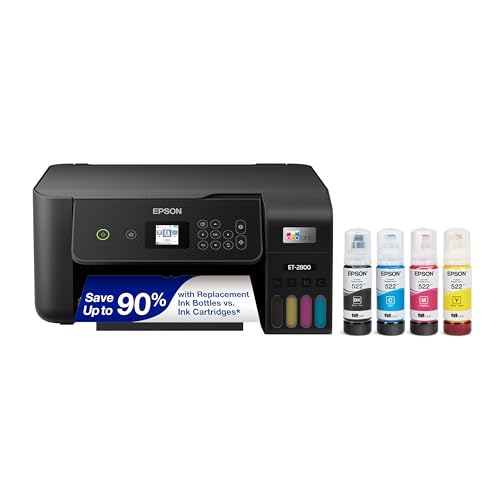
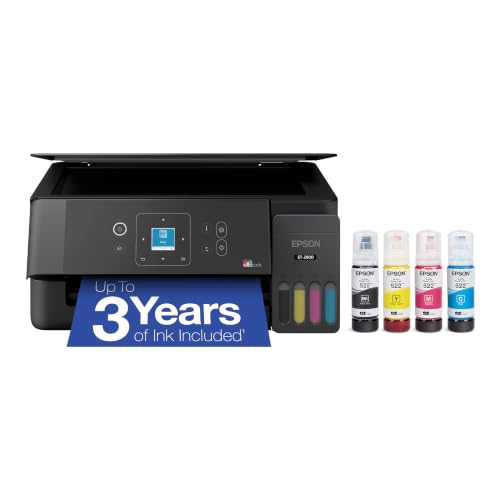
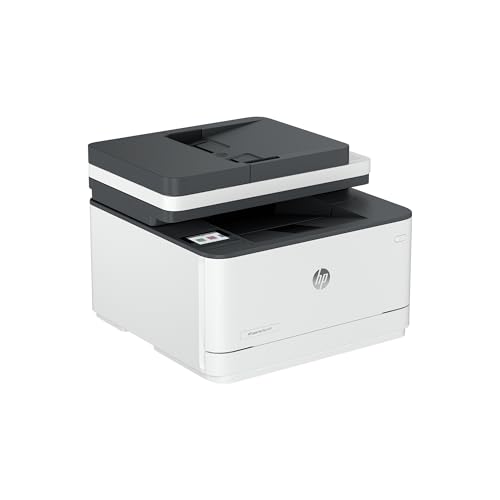
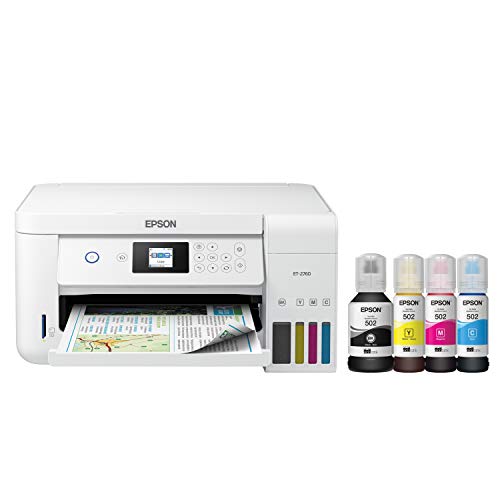
This guide sorts printers by the kind of printing you do, explains the running cost math in plain terms, and lists the checks that prevent frustration after setup. The product table above compares printers across the main types, so you can hold real listings up against the points below.






Printer Types and What Each One Does Best
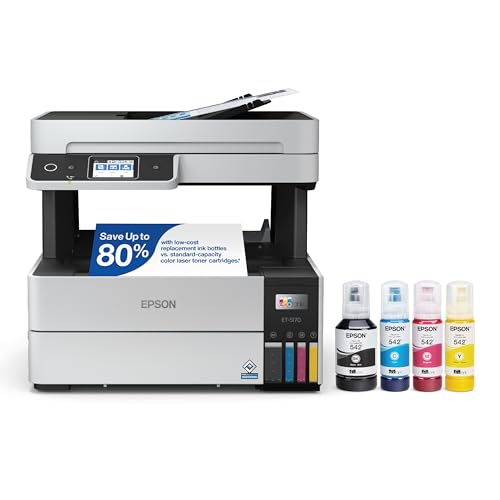
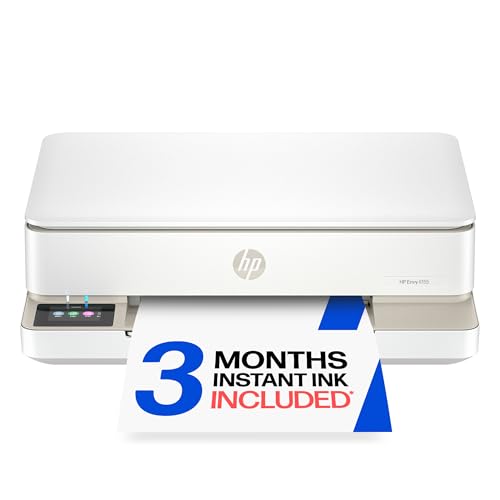
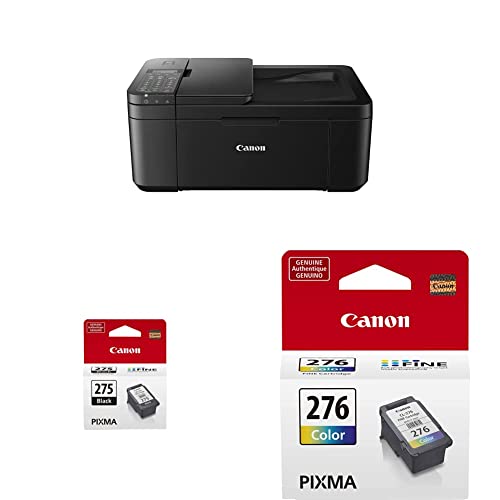
Three technologies cover almost every home and small office printer. Each trades purchase price, running cost, speed and print quality in a different way, and the table summarizes the pattern.
| Type | Strength | Weak point | Best for |
|---|---|---|---|
| Cartridge inkjet | Low purchase price, good color and photos | Costly ink per page, nozzles clog if idle | Occasional color and school projects |
| Ink tank inkjet | Very low cost per page, high page volume | Higher purchase price, careful refilling | Families and students who print weekly |
| Laser | Sharp text, fast speeds, toner does not dry out | Color models cost more, photos look flatter | Text heavy home offices and small teams |
Cartridge Inkjet Printers
Inkjets spray tiny drops of liquid ink, which suits color documents and photos on glossy paper. They are compact and affordable to buy, which makes them the default starter printer. The catch is the supply cost: small cartridges run out quickly, and an inkjet that sits unused for weeks can clog and waste ink on cleaning cycles.
Ink Tank Printers
Tank printers swap small cartridges for refillable reservoirs filled from bottles. The printer costs more up front, yet each page costs far less, so the savings grow with every ream. They suit homes with steady color needs, and the main habit to learn is filling the tanks slowly so nothing spills.
Laser Printers
Lasers fuse powder toner onto the page with heat. Text comes out crisp and fast, and a toner cartridge lasts for a large number of pages without drying out between uses. Choose a monochrome model for contracts, reports and homework, and a color model only if you regularly print charts and brochures.
Choosing the Best Computer Printers for Your Routine
Occasional Home Use
If you print a few pages a month, ink drying becomes the real enemy. A laser printer avoids the problem because toner does not dry, while an inkjet needs a test page every couple of weeks to keep nozzles clear. Compact size and simple wireless setup matter more here than speed.
Students and Families
Homework, posters and permission slips mean a mix of text and color, often printed in bursts before deadlines. An ink tank all in one handles that mix without a cartridge emergency the night before a project is due. Look for a model that prints from a phone, because assignments often arrive there.
Home Office and Small Business
Steady document work rewards speed, a large paper tray and automatic double sided printing. A monochrome laser keeps cost per page low for forms and invoices, and a color laser or tank model covers presentations. Check that the maker still publishes drivers, since an office printer is only useful while the software around it works.
Running Costs: The Math That Decides Value
Divide the price of a cartridge or toner by the number of pages it is rated to print, and you have the cost per page for that color. Ratings assume light page coverage, so dense graphics and photos cost more than the headline figure. Compare black and color separately, because many printers charge far more for color pages.
Then estimate your monthly pages and multiply by cost per page over three years. A printer that costs twice as much but halves the page cost often wins for anyone printing more than a handful of pages a week. People who print rarely face the opposite math, since idle ink dries and cleaning cycles use supply. Subscription ink plans can lower costs for steady users, but they bill every month, so read what happens if you cancel.
Features Worth Checking
Wireless and Mobile Printing
Wireless printing from phones, tablets and laptops suits shared homes. Check how setup works and whether printing needs an extra account, because clumsy software can sour a good printer. If your router is far away, a wired network or USB connection remains a dependable fallback.
Paper Handling and Duplex
Tray capacity decides how often you reload, and automatic duplex printing saves paper on reports and homework. A manual feed slot helps with envelopes, labels and thick card. Measure the desk space with the paper tray extended, since an extended tray can block a shelf or walkway.
Scanning and Copying
All in one models add a flatbed scanner for forms, receipts and photos. An automatic document feeder speeds up multi page scans, but it adds cost, so buy it only if you scan stacks of pages regularly.
Common Mistakes to Avoid
- Buying the cheapest printer and then paying high ink prices for years.
- Choosing a photo focused model for mostly black text, which slows document work.
- Ignoring how wireless setup works in a home with many devices.
- Forgetting paper capacity, then refilling the tray in the middle of every batch.
- Letting an inkjet sit idle for weeks, then wasting ink on repeated cleaning cycles.
Setup and First Week
Unpack the printer on a stable surface near an outlet, remove every strip of packing tape, and follow the guided setup on the screen or in the maker app. Print an alignment page, then print the documents you use most to confirm text sharpness and color. Test printing from each device in the household before you throw away the box, so a return stays simple if something fails.
Keep spare paper in its wrapper in a dry place, since damp or curled sheets jam more often. Note the day you installed the first supplies, and check how many pages they actually print compared with the rating. That real figure tells you more than any listing about the true running cost of your printer.
Related Guides
For a narrower choice, compare the best wireless computer printers if setup from many devices matters most, or the best small computer printers for tight desks. Budget shoppers can read about the best inexpensive computer printers, and Apple users can check the best printers for mac computers and the best printers for apple computers for notes on driver and AirPrint support.
Frequently Asked Questions
Should I buy an inkjet or a laser printer?
Choose inkjet for photos and occasional color, and laser for frequent text documents and office speed. Tank inkjets bridge the gap for frequent color at lower running cost. Your main print type and monthly volume decide the better fit.
Why does my inkjet use ink when I rarely print?
Nozzles clog when a printer sits unused, so the machine runs cleaning cycles that use a little ink. Printing a test page every couple of weeks reduces the need for deep cleaning. Laser printers avoid this problem because toner is dry powder.
What is duplex printing?
Duplex printing prints on both sides of the paper automatically, which cuts paper use and bulk for reports and homework. Check that duplex runs at an acceptable speed, since some models slow down noticeably when printing on both sides.
Can I print from my phone?
Most current printers support mobile printing through a maker app or a built in phone feature. Check that your phone is supported before buying, and read how setup works for your network, since wireless quality varies by model.
How can I lower printing costs?
Use draft mode for internal documents, print double sided, and pick high yield cartridges or a tank model if you print often. Avoid printing full color pages when black text will do, and buy supplies before you run out so you are not forced into a pricey last minute purchase.
Final Thoughts
Start with what you print, how much of it, and what a page costs over three years. The best computer printers match print type and volume to your routine, connect easily to your devices, and fit the desk you have. Compare your shortlist against the product table above, check cost per page and paper handling, and remember that the cheapest printer to buy is rarely the cheapest to own.

