Best Computer Monitors for Stock Trading 2026: A Buyer's Checklist
Disclosure: We may earn a commission when you buy through links on this page, at no extra cost to you. As an Amazon Associate I earn from qualifying purchases. Learn more
Use a simple buyer checklist to compare screen space, text clarity, ports, and comfort features on monitors for a stock trading desk, with no sales hype.
A trading desk fails in a boring way: charts squeezed into corners, tiny numbers you have to lean in to read, and a neck that aches by midday. This checklist approach walks through the specs that prevent those problems, in the order a buyer should check them. Work down the list, and you will end up with the best computer monitors for stock trading for your desk, your eyes, and your budget.
One point before the specs: a monitor is only a display tool. It can make information easier to see, but it cannot improve trading decisions or results, and this guide offers no financial advice. Use the comparison table below to check prices once your requirements are clear.
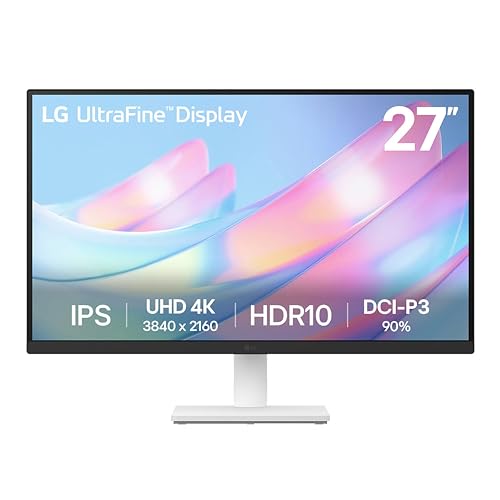


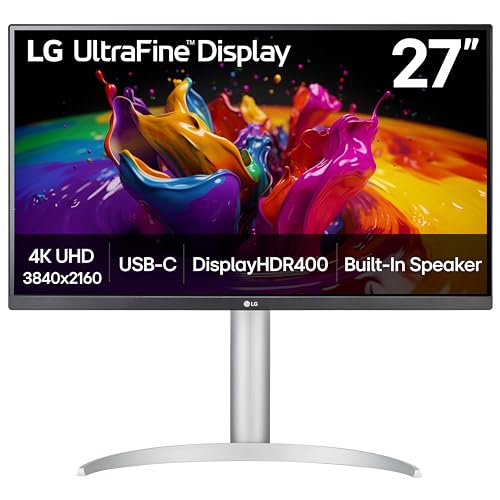
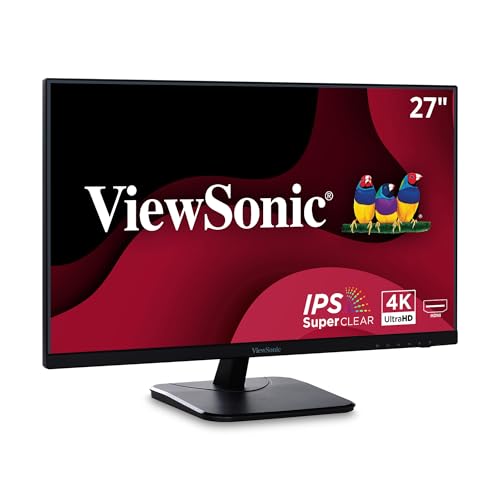
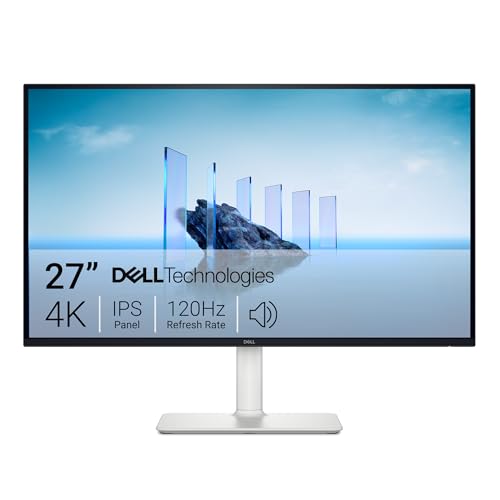
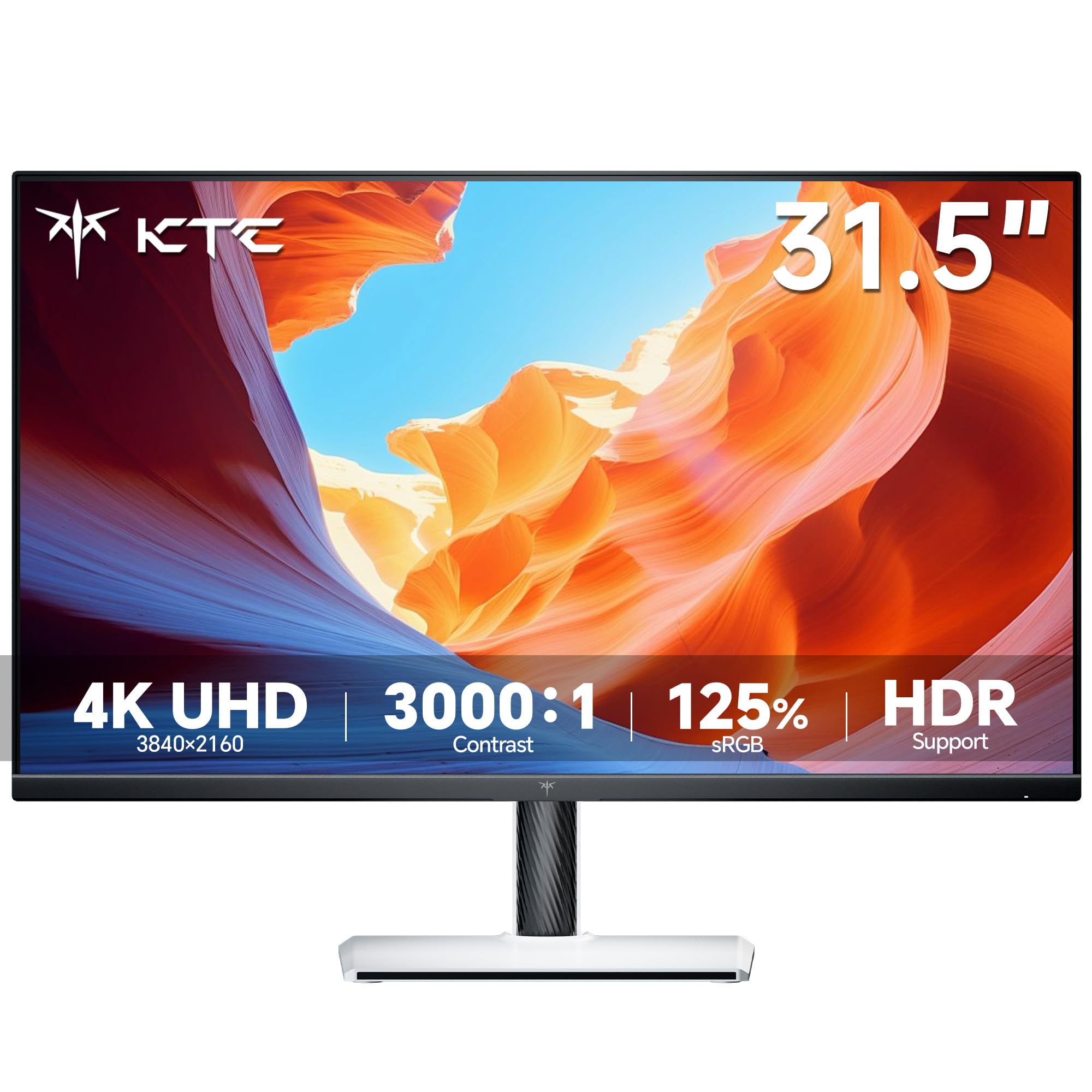
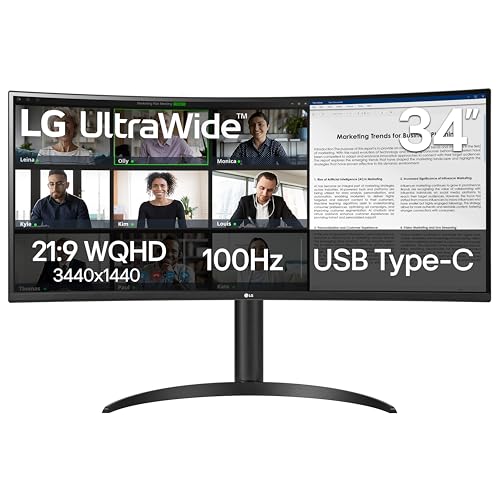
The Checklist: What to Verify Before You Buy
Features That Matter for Stock Trading
Trading loads a screen differently from most work. You keep many windows open at once, read small numbers for hours, and react to charts that update all day. That makes screen space, text sharpness, and steady flicker free brightness the features that matter, while cinematic color and fast gaming motion matter far less. Start with how many charts you truly watch at the same time, because that single answer drives size, resolution, and how many monitors you need.
Panel Technology (IPS, VA, OLED, Mini LED)
IPS is the panel most traders should shortlist first, because colors and brightness stay consistent across a wide screen and from the angles of a multi monitor arc. VA panels offer stronger contrast for dark chart themes, though text edges can look softer. OLED looks superb but a static grid of charts and order panels shown all day raises burn in concerns over years of use. Mini LED suits bright rooms where glare washes out a standard backlight.
Resolution and Screen Size
Resolution decides how many readable windows fit on one screen. At 27 inches, 1440p gives charts and watchlists room to breathe without shrinking text, while 4K at 32 inches or on an ultrawide fits four or more full charts side by side. A 24 inch 1080p screen works as a secondary display for news or orders. Sit about an arm's length away, and if numbers still look small, raise resolution rather than leaning closer.
Refresh Rate and Response Time
Charts do not move like games, so a standard 60Hz or 75Hz refresh rate is plenty for trading. Higher rates add cost without showing you more market information. Response time ratings in the single digit millisecond range keep scrolling charts and dragging windows clean, and anything in that normal range is fine. Spend the savings on resolution or a second screen instead, because extra visible information helps a trading desk more than smoother motion ever will.
Connectivity and Ports
Count your connections before you buy, because multi monitor desks fail on ports more than on panels. Each screen needs a video input that matches your computer outputs, and DisplayPort usually gives the most reliable high resolution connection. USB C with picture support can drive a screen and charge a laptop through one cable. A built in USB hub keeps your keyboard receiver and webcam off the desk, and two inputs per monitor let a backup laptop share the same screens.
Adaptive Sync and Gaming Features
Adaptive sync technologies such as FreeSync and G Sync were built for games, and trading software gains little from them. Tearing and stutter are not problems when the fastest thing on screen is a scrolling chart. If a monitor includes sync at no extra cost, accept it and move on. Readers who also game on the same desk can browse the best computer monitors for gaming to see where the two wish lists overlap, but traders should not pay a premium for gaming extras.
Stand, Mounting, and Ergonomics
Long sessions make ergonomics a trading feature, not a luxury. Height and tilt adjustment let you stack screens in a gentle arc at eye level, which reduces the neck turning that builds up over a six hour session. VESA mounts let arms hold two or three screens above the desk and free space for your keyboard and notes, and a portrait pivot suits a narrow orders or news screen. If your eyes feel tired or you get persistent eye pain or vision changes, lower the brightness, take breaks, and see an eye care professional rather than pushing through.
What Your Budget Buys at a Trading Desk
Around $150 to $300 covers a single solid 27 inch 1440p screen, which is the sensible starting point for a new desk. Stepping up to about $300 to $600 usually funds a matched pair of screens or one wide 34 inch ultrawide, the two layouts most full time traders settle on. Budgets of about $600 to $1,200 buy a large 4K centerpiece with smaller side screens, better stands, and USB C docking. If you are weighing a second screen against one wide panel, the layout notes in our guide to the best computer monitors for day trading walk through both setups.
Quick Buyer Checklist
- Can the screen show all your charts and watchlists at once without overlapping windows?
- Is text at your normal chart size readable from your usual sitting distance?
- Does the panel use flicker free brightness control for long sessions?
- Do you have a matching free port on your computer for every screen you plan to run?
- Can the stand or your monitor arm place the top of each screen near eye level?
- Is there a matte finish to cut reflections from windows and ceiling lights?
- Does the warranty run at least three years, with a clear dead pixel policy?
Red Flags to Watch For
- Vague resolution wording. Listings that say HD ready instead of a pixel count may be hiding a low resolution panel that makes small numbers fuzzy.
- No flicker information. A maker that never mentions flicker control may use cheap dimming that tires your eyes over a long session.
- Fixed stand, no VESA holes. Without height adjustment or a mount option, you cannot fix a poor viewing angle later.
- Very short warranty. A one year warranty on a screen you will run all day, every day, leaves you exposed if the backlight fades early.
- Ports from another era. A trading monitor with only one aging input will not grow with your desk when you add a second machine.
Tips to Get the Most From Your Computer Monitor
Turn off the vivid picture mode, which oversaturates chart colors and can make red and green candles harder to separate at a glance. Set brightness to match your room rather than the maximum, and enable the low blue light or reading mode during evening sessions. Wipe the screen with a dry microfiber cloth only, since household cleaners can damage the matte coating. OLED owners should also run the panel refresh cycle the manual describes.
Frequently Asked Questions
What features matter most in computer monitors for stock trading?
Screen space, text clarity, and comfort features matter most. Enough resolution to keep every chart readable, a flicker free panel for long sessions, and a stand that holds the screen at eye level will shape your day more than any gaming spec. Ports come next, because a trading desk grows over time. Decide your layout first, then buy the panel that fits it, rather than buying a screen and hoping the layout works out.
How long do stock trading monitors last?
A trading monitor typically lasts five to seven years, though heavy all day use ages the backlight faster than casual use does. Brightness fades gradually, so a screen that once matched its partner may drift until the pair looks uneven. Uniform heavy use across a matched set keeps them aging together. Replace a screen when you find yourself raising brightness every few months just to read the same charts comfortably.
Is 4K worth it for stock trading?
Yes, 4K is worth it on a 32 inch or larger screen, where it fits several full charts without shrinking text. On a 27 inch screen, 1440p gives most traders the same usable layout for less money and less strain on the computer driving it. The deciding factor is viewing distance: the farther you sit, the more a large 4K panel earns its price. Try your chart platform at both resolutions in a store if you can.
Does refresh rate matter for non gamers who trade?
No, refresh rate barely matters for trading. Charts update with data, not with fast camera motion, so a 60Hz screen shows everything a 240Hz screen would. Your money works harder spent on resolution, a second monitor, or a better stand. The one exception is a desk shared with gaming after market hours, where a mid range refresh rate can serve both jobs without a second screen.
IPS vs OLED: which is better for a trading desk?
IPS is better for a trading desk, because static charts, grids, and order panels sit in the same place for hours, which is exactly the pattern that wears OLED panels unevenly. IPS also costs less at large sizes, which matters when you buy two or three screens. OLED contrast is lovely for video, but a trading screen is a tool you read, not a picture you watch. Save OLED for the living room.
What size should I get for my room or desk?
Start with the desk you have: a pair of 27 inch screens fits most home desks and covers the common two to four chart layout. A single 34 inch ultrawide replaces that pair if your desk is narrow and you dislike a center bezel. Very large 43 inch screens need a deep desk, or the corners sit too close to read. Measure your desk depth and your sitting distance before ordering, not after.
Final Thoughts
Run the checklist in order: layout first, then resolution and text clarity, then ports and comfort. That sequence keeps you from paying for gaming features a trading desk never uses, and it works whether you end with one screen or three. Cross check your finalists against the product table above, and you will have the best computer monitors for stock trading setup your desk can support. Traders comparing close variations of the same search can also read about the best computer monitors for trading, the best stock trading monitors, and the best monitors for trading to confirm which layout language matches their setup.