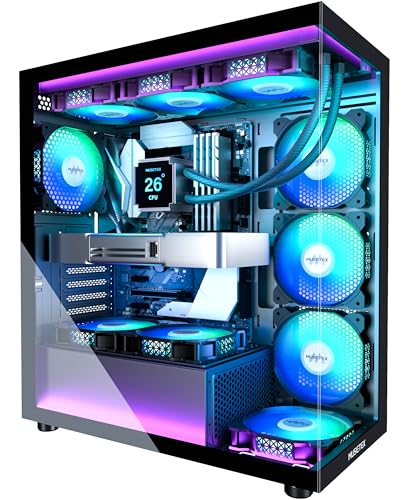
Best Compact Gaming Desktop 2026
Disclosure: We may earn a commission when you buy through links on this page, at no extra cost to you. As an Amazon Associate I earn from qualifying purchases. Learn more

The best compact gaming desktop balances graphics power, cooling and noise in a small case; here is how to choose between mini PCs and small towers.
A small gaming PC promises big performance in a box you can tuck beside a monitor, but the word compact covers everything from palm sized mini PCs to slim towers. The best compact gaming desktop for you depends on how demanding your games are, how loud a fan you will tolerate, and whether you want to upgrade parts later. The product table lists current models; this guide explains the choices behind them.
Start with the games you actually play and the screen you play them on. A mini PC with integrated graphics can handle esports titles and older games at modest settings, while recent releases at high settings call for a dedicated graphics card or an external graphics dock. Matching hardware to your games matters far more than chasing the smallest case.
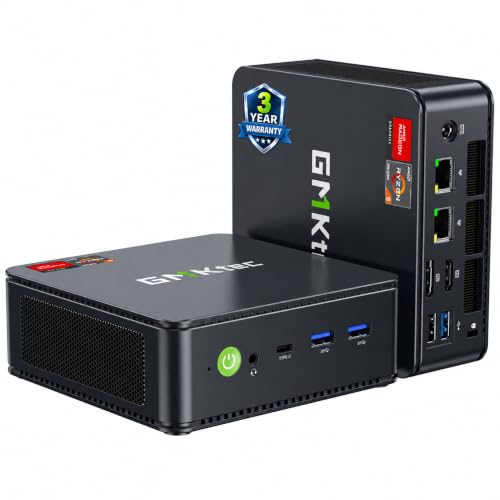

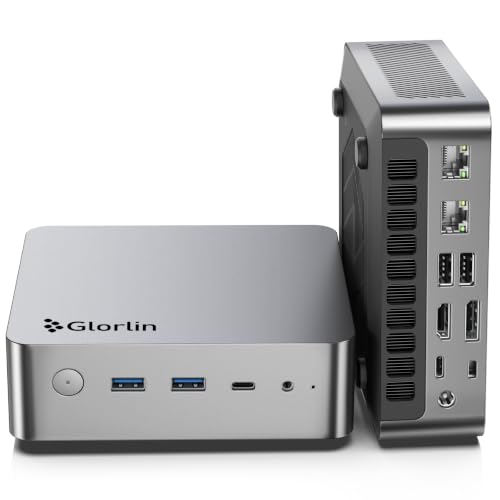
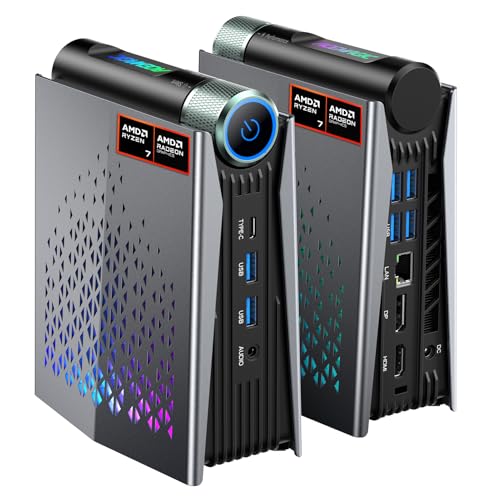
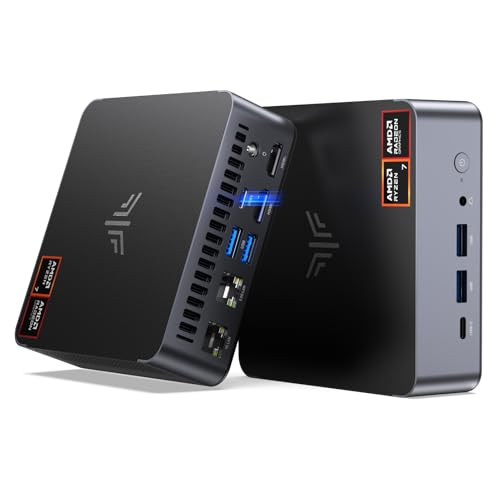
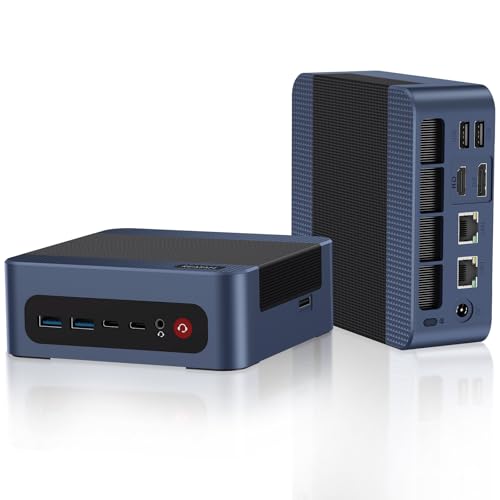
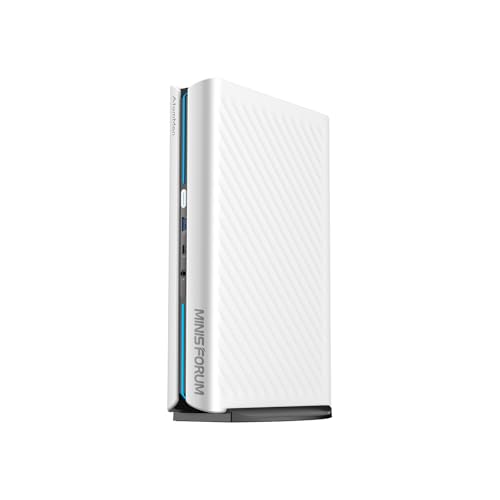


Three Kinds of Compact Gaming Desktop
Mini PCs With Integrated Graphics
These palm sized systems pair a laptop class processor with graphics built into the chip. They are quiet, sip power, and fit almost anywhere, including behind a monitor. They suit lighter games, retro titles, game streaming from the cloud, and everyday computing. Their limit is graphics power: demanding games will need lower settings and resolutions.
Mini PCs With a Dedicated Graphics Option
Some small systems add a discrete graphics chip inside the case, and others include a port for connecting an external graphics dock later. These cost more and run warmer and louder, but they handle modern games at much higher settings. They are the middle path for players who want a tiny footprint without giving up serious frame rates.
Small Form Factor Towers
Slim and mini tower cases hold a full desktop graphics card and standard parts, which gives the strongest performance and the easiest upgrades. They take more desk space than a mini PC, and the card you choose must fit the case length, so check clearances before buying. This is the best choice for enthusiasts who want power now and upgrade room later.
Features to Check Before You Buy
Cooling and Noise
Small cases trap heat, so cooling decides whether a system holds its speed through a long session. Look for clear vents, sensible fan placement, and room around the case to breathe. Never block the vents against a wall or shelf. If the PC will sit near you in a bedroom or small office, noise under load matters as much as peak speed.
Graphics Power
Graphics hardware sets how well games look and run. Integrated graphics suit lighter titles, a built in discrete chip suits modern games at medium to high settings, and a full size card suits the most demanding games. Match this to your monitor: a high resolution, high refresh screen asks far more of the graphics hardware than a basic one.
Memory, Storage, and Upgrade Room
Many mini PCs use laptop style memory and a small solid state drive that you can often replace or expand, but some soldered parts cannot be changed. Check what is upgradable before you buy. Games are large, so extra storage space matters, and a second drive slot is a real convenience. More memory helps multitasking and streaming alongside play.
Ports and Connectivity
Count the display outputs, USB ports, and network options you need, including fast wired networking for online play. Wireless support for current Wi-Fi and Bluetooth saves dongles on a small desk. If you plan to add an external graphics dock later, confirm the system has the right port for it.
Power Supply and Footprint
Mini PCs often use an external power brick that adds clutter, while towers use an internal supply that must match the graphics card. Measure your desk space, including room for cables and airflow, and think about whether the PC will sit on the desk, under the monitor, or mounted behind it.
What to Spend and What You Get
Compact gaming desktops span a wide range. Entry priced mini PCs focus on everyday computing and lighter games, mid priced systems add stronger processors and built in graphics that handle many popular titles, and higher priced systems add dedicated graphics for modern games at high settings. Buy for the games you play now, because compact systems offer less room to grow than a full tower.
Related reading: our guide to the best desktop for gaming covers full size options, and the best prebuilt gaming desktops guide compares ready to play systems of every size.
Care and Everyday Use
- Keep vents clear and dust filters clean, and vacuum dust from the case every few months.
- Update graphics drivers and system firmware, and watch temperatures during long sessions.
- Place the PC where air can flow freely on all vent sides.
- Back up game saves and files regularly.
Frequently Asked Questions
Can a compact gaming desktop run demanding games well?
Yes, if the cooling and graphics are matched to the games you play. Compact systems with a dedicated graphics chip or a full size card can run modern games at good settings, though airflow limits matter. Check benchmark results for your target games and resolution before you buy.
How important is cooling in a small gaming desktop?
Cooling is critical, since small cases trap heat faster than large towers. Good vents, sensible fan layout, and clean filters keep performance steady. If a system slows down during long sessions, heat is the usual cause.
Can I upgrade a compact gaming desktop later?
It depends on the design. Small form factor towers offer the most upgrade room, while mini PCs may allow only memory and storage changes. Check memory slots, drive bays, and graphics clearance before you buy.
Is a prebuilt compact desktop better than a custom build?
A prebuilt system comes ready to use with warranty support, which suits most buyers. A custom build gives exact part choices and upgrade control but takes more time and skill, and small cases are harder to build in.
How can I reduce noise from a compact gaming desktop?
Choose a system with good airflow, keep vents and filters clean, and place it on a solid surface away from walls that reflect sound. Lowering graphics settings or capping frame rates also reduces fan speed during play.
Final Thoughts
Pick the type that fits your games and your desk, confirm the cooling and port situation, and check what you can upgrade later. Review the product table with your game list in hand. The best compact gaming desktop is the smallest system that still runs your favorite games smoothly without turning your desk into a wind tunnel.