
Best Compass for Android Phones: A Buying Guide for 2026
Disclosure: We may earn a commission when you buy through links on this page, at no extra cost to you. As an Amazon Associate I earn from qualifying purchases. Learn more

Learn how to choose the best compass for android phones, from magnetometer accuracy and calibration to battery life, bright screens and offline maps.
A phone compass is only helpful when it points the right way, every time you lift the phone on a trail or in a new city. If you are shopping for the best compass for android phones, the hardware inside matters far more than the app you install later. This guide explains the sensors, screen, battery, and software details that decide whether a heading stays steady or spins.
Every Android phone with a magnetometer can show a compass rose, yet accuracy varies a lot between models. The product table at the top of the page gives you a quick view of current options, and the sections after it show how to judge sensor quality, test calibration, and match a phone to your trips.
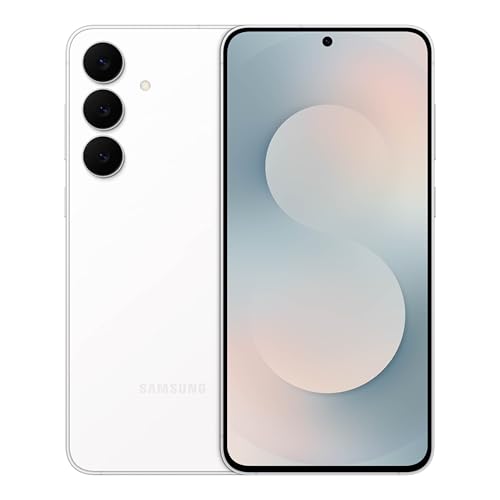


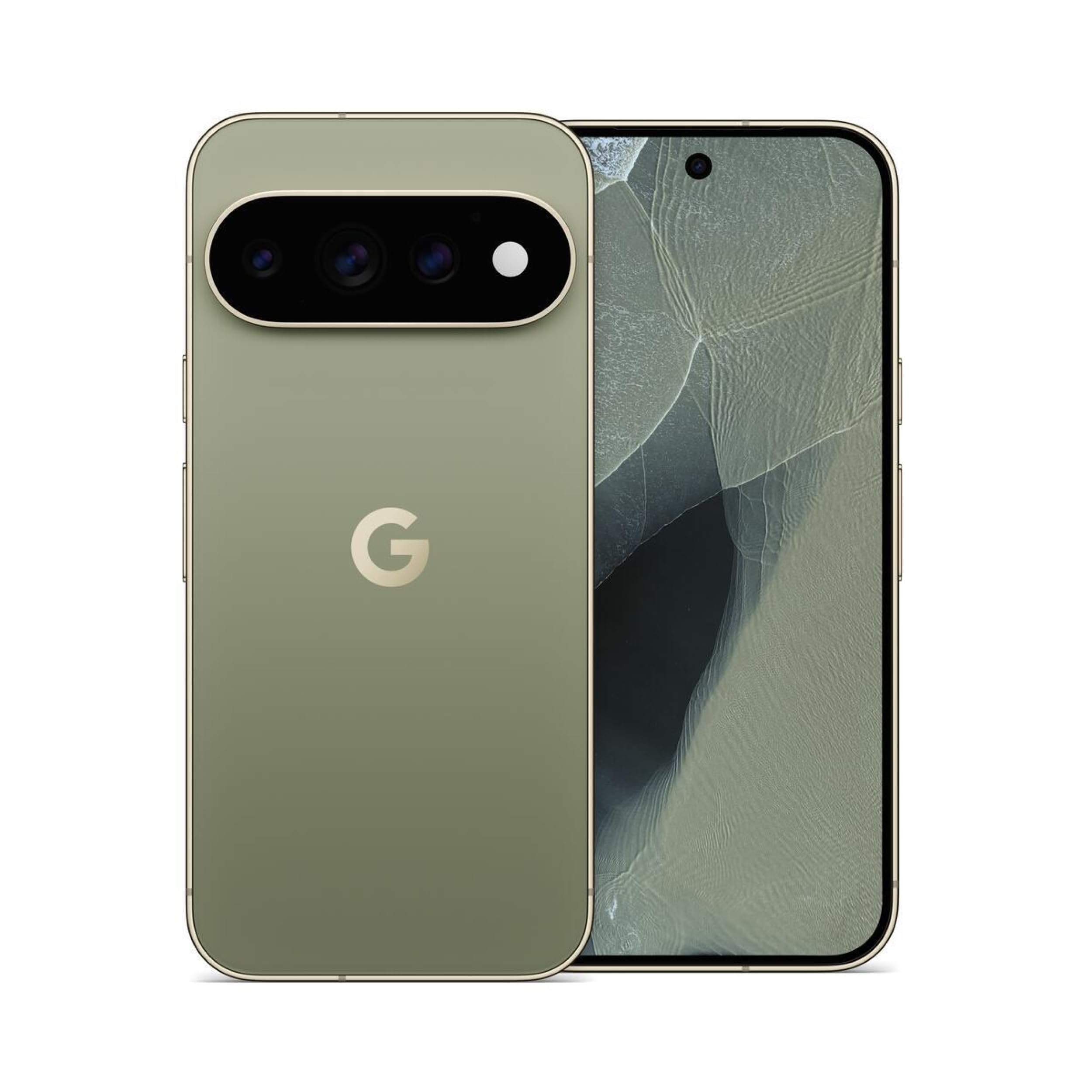
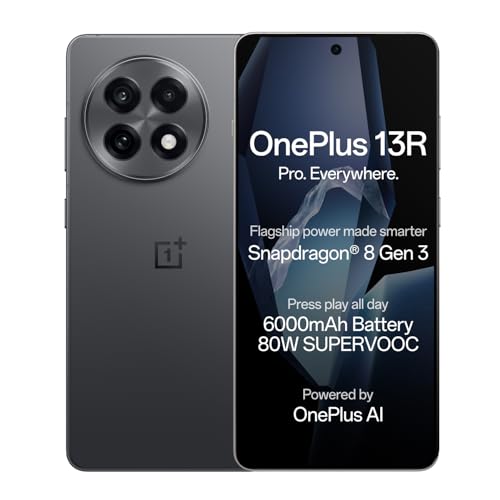
How to Judge a Phone Compass Before You Buy
Shoppers comparing compasses for android phones often start with price and brand, yet neither says much about compass quality, because makers rarely advertise the magnetometer. The three checks below help you judge accuracy before you spend, so you avoid a phone that loses north near cars or a magnetic case.
Start With the Sensor List
Open the full specifications page on the maker website and look for a magnetometer, listed by some brands simply as a compass or electronic compass. A gyroscope and an accelerometer should appear beside it, because the phone blends all three readings to hold your heading steady while you walk. A missing or vague sensor list is a warning sign.
Test Accuracy and Calibration Yourself
You can test any phone at home during the return window, before a big trip depends on it. Stand outside away from cars and steel doors, open the compass view, and turn slowly in a full circle to see whether the needle follows smoothly or jumps in steps.
Then tilt and roll the phone in a wide figure eight motion several times, because this calibration move lets the sensor map the magnetic interference around it and correct your heading. A good result settles within a few seconds and points the same way when you repeat the test later.
Match the Phone to How You Navigate
Think about where the compass will earn its keep. A hiker following a bearing across open ground needs a stable heading at walking speed, while a driver needs the map to rotate at each turn. A home screen widget can show your heading at a glance, so see our guide to the best widgets for android phones for layouts that keep the reading large and clear.
Software can only polish what the hardware measures, so choose the phone first and the app second. Once it is in hand, see our guide to the best compass app for android phones to compare dial styles, bearing modes, and declination settings.
Who Should Buy Which Android Phone for Compass Use
Your trips decide which tradeoffs make sense, because the phone a city traveler loves may frustrate a backpacker on a week long route.
Hikers and Trail Walkers
Choose a bright screen you can read in full sun and a battery rated at 4500 mAh or more. A body around 6.1 to 6.5 inches balances one handed map checks with a dial that stays easy to read. A lighter phone carried in a chest pocket beats a heavier one left in your pack.
City Travelers and Everyday Navigators
For city trips, fast and accurate heading changes matter most, because streets turn often and tall buildings bend magnetic readings. Look for strong sensor fusion, quick location fixes, and a screen that stays clear at an angle. That accuracy keeps walking directions from sending you a full block the wrong way.
Boaters, Campers and Backcountry Users
On the water or at a remote camp, you may have no signal for hours, so offline reliability comes first. Pick a phone with an IP68 rating for rain and splashes, generous storage for offline maps, and a battery that runs location services through a long day.
Key Features to Compare
The product table above is a useful starting point, and the details below help you read it with a compass first mindset. As you compare candidates for the best compass for android phones, weigh sensor quality and outdoor readability ahead of headline extras, because those two factors shape most of your experience in the field.
Features That Matter for Android Phones
Android blends magnetometer, gyroscope, and accelerometer data through sensor fusion, and the quality of that blending decides whether your heading glides or jitters. Better tuning keeps the dial calm as you slow down. Also look for a setting that switches between magnetic north and true north, since maps use true north and a mismatch can shift a bearing by several degrees.
Display Size and Quality
A compass dial is useless if sunlight washes it out, so brightness matters as much as size. OLED panels give deep contrast that keeps the needle and degree numbers crisp outdoors, and a refresh rate of 120 Hz makes dial motion feel smooth as you turn. Screens around 6.1 to 6.7 inches suit most hands.
Storage Options
Offline maps are the storage hungry part of compass navigation, because one trail region can take several gigabytes with satellite layers added. A phone with 128 GB suits city use and a few saved regions, while 256 GB gives frequent travelers room to spare. A microSD slot, where offered, carries a large map library cheaply, though many models have dropped it.
Processor and Everyday Performance
The compass itself asks little of the processor, but the apps around it ask a lot, since maps, satellite views, and messages often run together outdoors. A recent chip with at least 6 GB of RAM keeps map redraws quick and stops the dial from freezing mid turn. If smooth multitasking tops your list, see our guide to the best performing android phones for models built around speed.
Carrier Compatibility and 5G
A compass works without any signal, yet the rest of your navigation toolkit does not. An unlocked phone lets you swap carriers or add a local SIM card while traveling. Check that the model supports the main United States 5G and LTE bands of your carrier, because a missing band can leave you without data in rural areas.
Camera System and Map Overlays
The camera plays a small but real role, because some hiking apps overlay a live bearing line on the camera view to help you line up a distant peak or trail marker. A clear main camera with decent low light quality makes that overlay easier to trust at dawn or dusk. Beyond that, camera specs should not drive your choice.
Types of Phones for Compass Users
Most Android phones fall into a few broad groups, and each group treats compass hardware and battery life differently.
Compact Phones
Compact phones are easy to hold with one hand and slip into a small pocket, which makes quick bearing checks feel effortless. The tradeoff is a smaller battery and a smaller dial, so heavy map users may need a top up during the day.
Mid Range Phones
Mid range phones hit the balance most buyers want, with solid sensors, bright screens, and prices that leave room in the budget for maps and gear. Compass hardware in this group is often the same class as pricier models, though update support may run shorter.
Budget Phones
Budget phones can still carry a working magnetometer, but some of the cheapest models skip the gyroscope, which makes headings slower to settle. To see careful shopping at this level, browse our guide to the best inexpensive android phones and check each candidate for the sensors named earlier.
Camera Focused Phones
Camera focused phones pair strong main and ultrawide cameras with premium screens and fast chips, so overlay modes in navigation apps look sharp and respond quickly. You pay more for a heavier body, and the extra camera hardware adds little to basic bearing work.
Common Mistakes to Avoid
Most compass disappointment comes from a few avoidable habits rather than bad hardware, so watch for these patterns before and after you buy.
- Trusting the compass right out of the box without calibrating it, which can leave bearings off by twenty degrees or more.
- Keeping the phone in a case with a magnetic clasp or mount plate, which bends the field around the sensor and makes headings wander.
- Judging accuracy indoors near appliances and steel furniture, which creates interference that makes a good phone look broken.
- Skipping the sensor list on very cheap phones, which can leave you with no gyroscope and a dial that lags behind every turn.
- Saving offline maps the night before a trip, which can leave you with partial maps and no signal to finish them.
How to Make Your Compass Last Longer
A phone compass has no moving parts to wear out, so lasting accuracy is mostly about protecting the phone and keeping its software healthy.
- Use a case and a screen protector, because a cracked screen or a bent frame after a drop can shift how you read the phone outdoors.
- Keep software updated, because system updates often refine sensor calibration and location behavior quietly in the background.
- Avoid charging in extreme heat, such as a closed car in summer sun, because heat stresses the battery that powers long navigation days.
- Back up photos and trip data regularly, so a lost or damaged phone never means losing saved routes and waypoints.
- Store the phone away from strong magnets and speaker docks at home, because long exposure can leave the sensor needing a fresh calibration.
Frequently Asked Questions
What features matter most in a compass for Android phones?
A quality magnetometer, a gyroscope for steady headings, and a bright screen matter most. One feature worth checking is automatic declination adjustment, where the phone uses your location to correct the gap between magnetic north and true north without manual math. Phones that handle that correction for you reduce a common source of bearing errors.
How many years of software updates should an Android phone get?
Look for at least four years of security patches and three major Android version upgrades in the maker promise. The point many buyers miss is that the clock starts at the launch date, not the day you buy, so a model bought late may have far less support left than the headline suggests. Check the launch date and the written update policy before you pay.
Is a mid range Android phone good enough for compass navigation?
Yes, a mid range Android phone is good enough for compass navigation for most hikers, travelers, and everyday users. Sensor quality in this tier now rivals pricier phones in open areas. One useful test before a big trip is to switch on airplane mode at a local park and confirm the compass and your saved offline maps still work fully, since that mirrors conditions on a remote trail.
Do you need 5G on an Android phone used for compass navigation?
No, you do not need 5G on an Android phone used for compass navigation, because the compass and satellite positioning work without a mobile signal. In fringe coverage areas, the phone can burn extra battery hunting for a 5G signal, so switching the network setting to LTE during a long hike is a simple way to stretch your charge.
Should you buy an unlocked Android phone for compass and travel use?
Yes, buying unlocked is the safer choice for most travelers who rely on a phone compass. Unlocked models often receive system and security updates directly from the maker without waiting for carrier approval. They also tend to hold stronger resale value and pair well with travel data plans from eSIM providers abroad.
Final Thoughts
A trustworthy phone compass comes down to three things, a complete sensor set, calibration you have verified yourself, and a screen and battery that hold up outdoors. Use the product table above to compare the models that meet those marks, then pick the size and price that fit your trips. Chosen with care, the best compass for android phones becomes the navigation tool you reach for on city streets and far beyond them.


