Best Company for Printers: HP, Canon, Epson and Brother for 2026
Disclosure: We may earn a commission when you buy through links on this page, at no extra cost to you. As an Amazon Associate I earn from qualifying purchases. Learn more
Compare the best company for printers on running costs, reliability, software, and support so you can choose a maker that fits your home or office.
Printers are cheap to buy and expensive to run, which makes the company behind one more important than the sticker price. Ink or toner costs, driver reliability, and support all depend on the maker, and they decide whether a printer stays useful or becomes a drawer of dried cartridges. This guide compares the best company for printers by running costs, reliability, software, and support, so you can match a maker to your home or office.
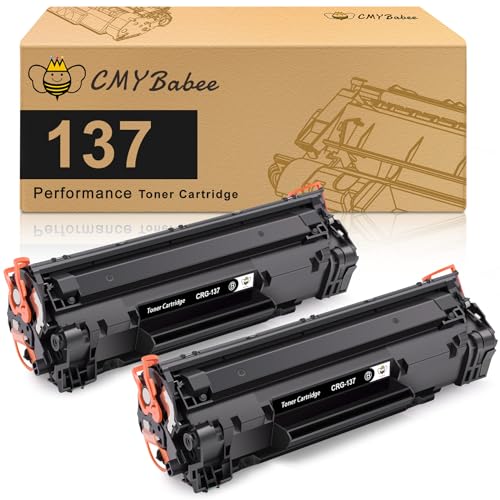
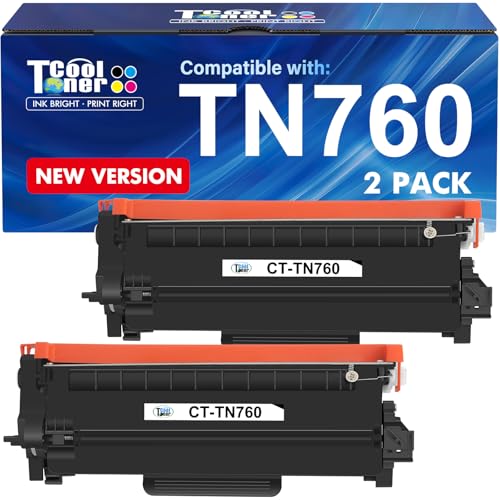
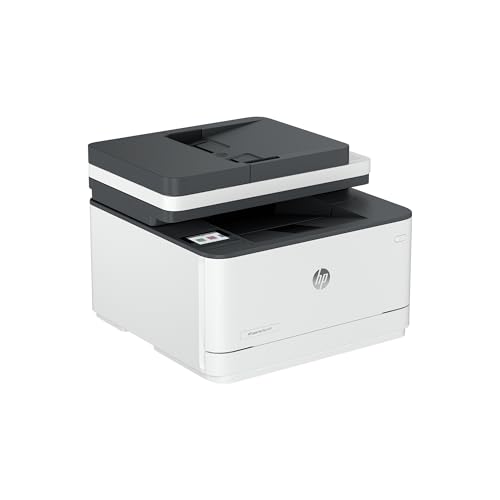
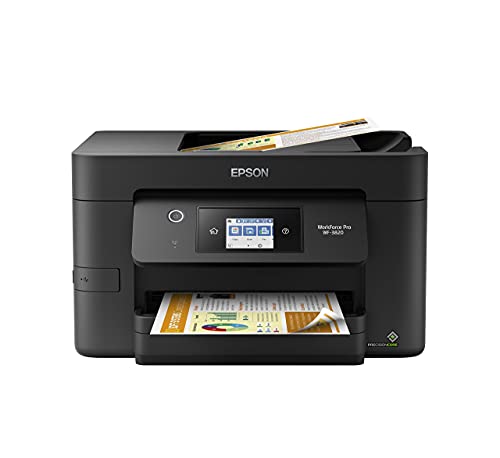
The product table at the top of the page lists current printers from four major makers. The sections below explain what each company does well and where it asks you to compromise.







What Makes the Best Company for Printers?
Four traits separate a good printer company from a frustrating one. First, honest running costs, meaning a clear price per page or a refillable tank system that keeps ink costs low. Second, dependable drivers and apps that work with your computer and phone. Third, reliable hardware that does not clog, jam, or lose its wireless connection every week. Fourth, support that answers and a warranty that honors repairs or replacement.
Inkjet vs Laser Printers
Inkjet printers handle color photos and mixed home use, and they cost less up front. Laser printers print text quickly and cheaply, and toner does not dry out, which suits people who print only now and then. Color lasers are good for business documents but cost more to buy. Pick the type by what you print most, not by price alone.
Ink Tanks vs Cartridges
Refillable tank printers use bottles of ink instead of small cartridges, and their cost per page is much lower, which suits people who print every week. Cartridge printers cost less to buy but more to run, and some makers add subscription plans. Check the price of replacement ink or toner before buying any printer, since the first set in the box is often only a starter amount.
Connectivity and Software
Look for printers that connect over Wi-Fi, support printing from a phone, and keep their connection after updates. Automatic two sided printing saves paper, and a sheet feeder helps with scanning and copying documents. Some makers require an account for full features, so read the setup requirements first.
Top Printer Companies at a Glance
Prices in the table range from budget home printers to business laser models. The profiles below list each company's strength, its main drawback, and who it suits. For a wider view of what separates a good printer from a poor one, see our guide to the best quality printers.
HP
HP makes the widest range, from home inkjets to office laser printers, with strong apps and wide retail availability. Its LaserJet line is a long time office favorite for steady, fast text printing. Some inkjet models push ink subscription programs, and certain printers reject third party cartridges after updates. HP suits offices and homes that print many pages and want a mainstream choice with broad support.
Canon
Canon's PIXMA inkjets are known for sharp photo printing and good color, and many models offer individual ink tanks so you replace only the color that runs out. Build quality is solid. Scanners and software are good, though ink costs run higher than refillable tank systems. Canon suits families and hobbyists who print photos and school projects. For photo focus, our guide to the best printers for pictures covers more detail.
Epson
Epson leads in refillable tank printers with its EcoTank line, which cuts ink costs sharply and suits heavy home users. Its WorkForce line serves small offices with fast inkjets and wide format models. Print heads can clog if the printer sits unused for long periods, and tank printers cost more up front. Epson suits people who print weekly and want the lowest running cost.
Brother
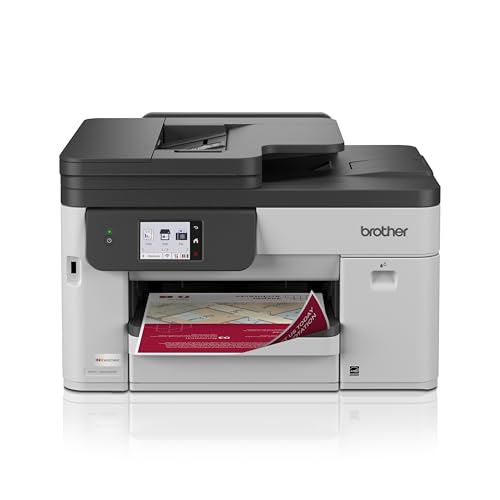
Brother is the favorite for reliable laser printers and straightforward multifunction machines, with toner that lasts and drivers that work. Its newer INKvestment inkjets offer large cartridges for lower running costs. Photo quality on inkjets is plainer than Canon or Epson, and menus can feel dated. Brother suits home offices and students who print documents and want a printer that just works.
How to Choose Between Brands
Start with what you print and how often. If you print mostly text, a monochrome laser from Brother or HP is hard to beat. If you print photos, choose Canon or Epson. If you print every week, a tank printer from Epson saves money over time. Then compare the price of replacement ink or toner for the exact model, and calculate the cost per page.
Check that the printer supports the paper sizes you need, offers automatic two sided printing if you want it, and connects to your devices. Read owner comments about clogging, paper jams, and wireless drops, since those matter more than a long list of features. For a home setup, our guide to the best computer printers for home compares models by everyday needs.
Common Mistakes to Avoid
- Choosing by purchase price alone, then paying much more for replacement ink or toner.
- Buying an inkjet for rare printing, when the ink may dry out between jobs.
- Ignoring whether third party cartridges are blocked, which limits your choices later.
- Skipping paper size and feeder needs, such as envelopes or legal pages.
- Forgetting to check Wi-Fi band support and the app requirements before setup.
Everyday Use and Care
Register the warranty, install the maker's driver, and keep firmware current for security and compatibility. Print something small every week with an inkjet to keep the print head from drying, and use the recommended paper for photos. Store paper flat and dry, and run the cleaning cycle only when a print shows streaks, since each cycle uses ink. Turn the printer off with its power button rather than the wall switch so the heads park properly.
Frequently Asked Questions
Which printer company is most reliable?
Brother has a strong reputation for steady laser printers, and HP and Epson also make dependable models in the right lines. Reliability depends on the model, so read recent owner comments on the exact printer, and look for repeated mentions of jams, clogging, or wireless problems.
Are ink tank printers worth it?
If you print weekly, yes. The higher purchase price is repaid by much cheaper ink, and refills are simple. If you print only a few pages a month, a laser printer or an inexpensive cartridge model costs less overall.
Should I buy a laser or an inkjet?
Choose laser for fast, cheap text and rare use, since toner does not dry out. Choose inkjet for photos and mixed color printing. Many homes use a laser for documents and send photos to a store or a photo printer.
Can I use third party ink or toner?
Often yes, but some printers block non maker cartridges after a firmware update, and a bad cartridge can cause leaks or poor quality. Check owner comments for the exact model, and weigh any savings against the risk of voiding support for a problem.
How long does a printer last?
Many printers work for several years, and laser models often last longer than inkjets. Regular use keeps inkjet heads healthy, and replacement parts are limited for budget models. When a repair costs more than half the price of a new printer, replacement usually makes sense.
Final Thoughts
Match the maker to what you print. Brother and HP lead for documents, Canon leads for photos, and Epson leads for low ink costs with tank printers. The best company for printers is the one whose model has affordable ink or toner, dependable software, and good support, so compare the options in the product table at the top of the page and price the refills before you buy.