
Best Comfortable Computer Chairs 2026: Which Type Is Right for You?
Disclosure: We may earn a commission when you buy through links on this page, at no extra cost to you. As an Amazon Associate I earn from qualifying purchases. Learn more

Compare the best comfortable computer chairs by type, with pros, cons, typical prices, and the fit checks that help you choose the right chair for your desk.
Comfortable is the word printed on nearly every box, so treat it as a claim about a class of chair rather than a promise about your body: a chair supports sitting comfort only, it does not correct posture or treat pain, and getting up to move during the day does more for stiff shoulders than any single feature. What actually separates the best comfortable computer chairs is fit, because the fit classes are the comfort classes: seat height, seat depth, back support, and arm position. The comparison table below sorts the four main types side by side.
This guide compares the types first, then walks through the fit checks, materials, and warranty terms that decide how a chair still feels in month six. If sitting brings pain, numbness, or tingling that keeps returning, speak with a clinician instead of shopping for a stronger chair.
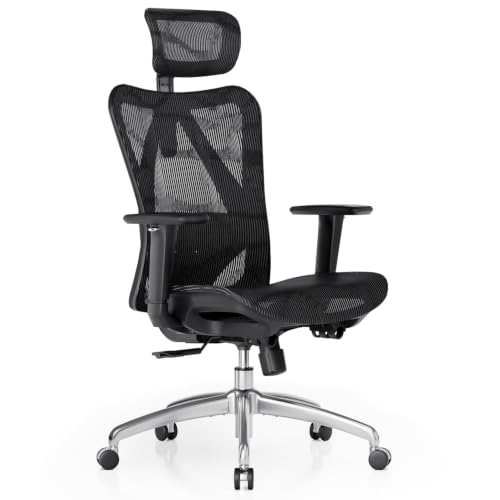
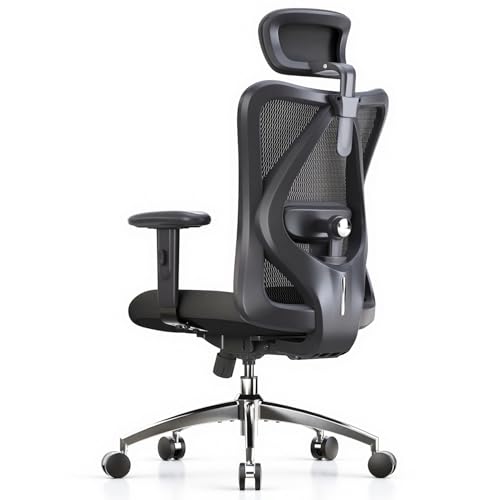
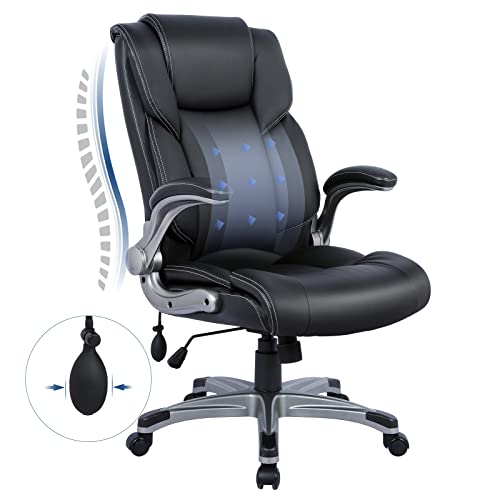

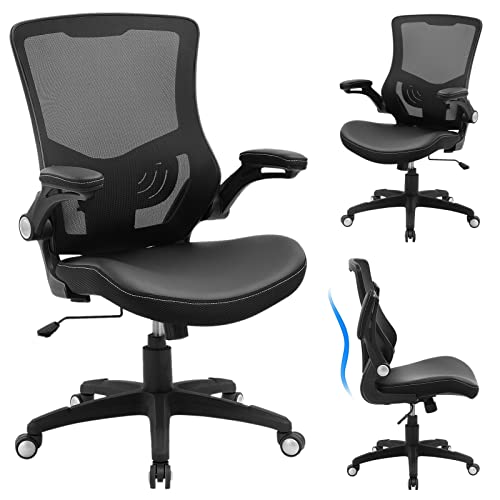
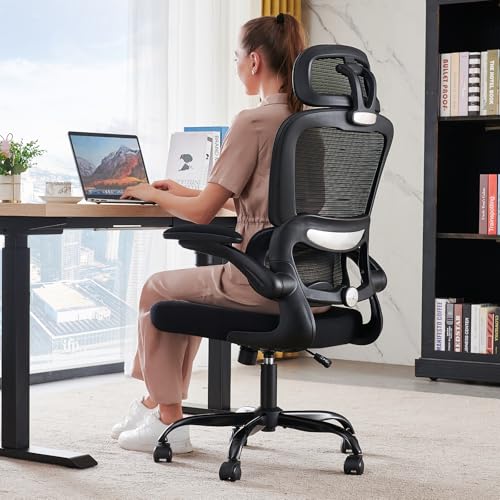
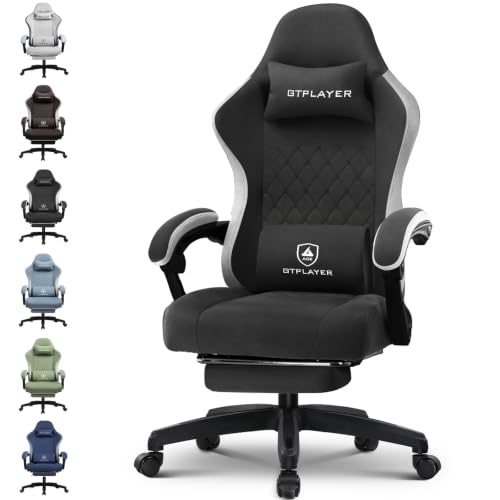
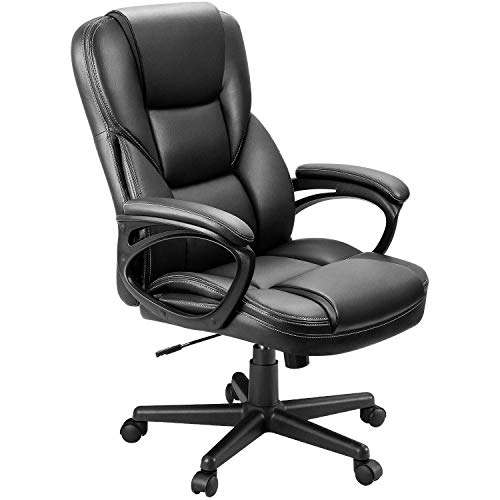

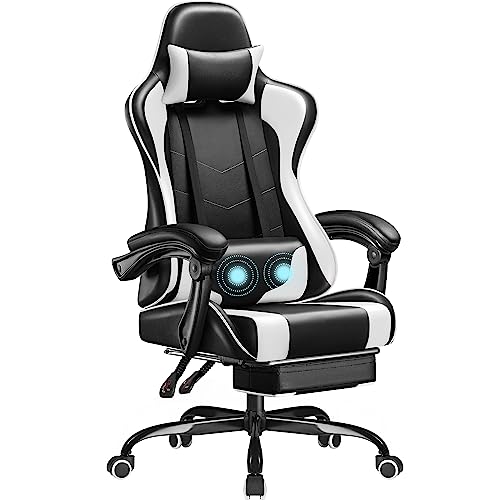
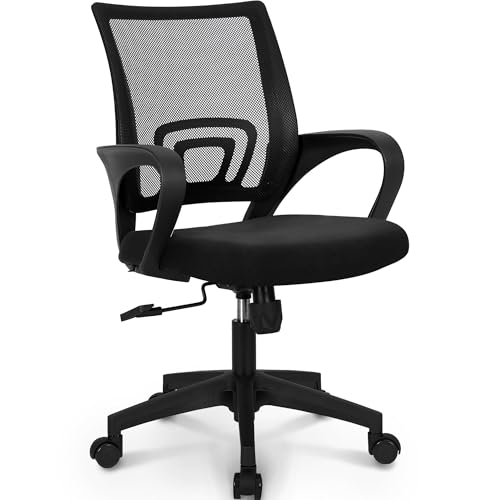
Types of Comfortable Computer Chairs Compared
Computer chairs split into four broad types, and each type spends its budget in a different place. The product table above gives the current snapshot of models and prices. Readers whose sitting mixes desk work with reading or console play may also browse the wider shelf of best comfortable chairs, which covers lounge and accent styles beyond the desk class.
| Type | Best For | Pros | Cons | Typical Price |
|---|---|---|---|---|
| Ergonomic task | Long daily hours at one desk | Widest adjustment range, breathable back options | Plain styling, some assembly | about $250 to $600 |
| Premium executive | Large frames and formal offices | Thick padding, tall backs, strong frames | Heavy, warm in summer, high price | about $400 to $1,200 |
| Budget task | Short sessions and spare rooms | Low price, light, easy to move | Thin foam, shorter warranty | about $80 to $200 |
| Compact space saving | Small rooms and shared desks | Small footprint, arms often fold away | Narrow seat, lower weight capacity | about $100 to $250 |
Ergonomic Models
Ergonomic models are the default pick for full workdays because they adjust in more places than any other type. Seat height, back tension, arm height, and lumbar depth can each move, so the chair adapts to your body instead of the other way around. Mesh backs in this class breathe well through summer. Buyers comparing adjustment lists with best computer chairs for gamers will notice the same controls inside a racing style shell, often with less useful lumbar depth.
Premium Executive Models
Premium executive models spend their budget on padding, frame strength, and presence. Thick foam, tall backs, and leather look upholstery suit larger frames and formal rooms, and weight capacities run higher than in the other types. The trade is heat and bulk: these chairs run warm and are awkward to move. Listings sometimes borrow status labels, and guides to best officer chairs describe a styling label rather than a regulated class, so judge this type by its fit numbers and frame warranty instead.
Budget Models
Budget models cover the basics for shorter sessions: a padded seat, a simple back, and basic height control. They suit spare rooms, students, and anyone sitting two or three hours at a stretch. The foam is thinner, so support fades sooner in the day, and warranties run short. Shoppers stretching a tight budget sometimes cross check best comfortable chairs for gaming, whose entry models pair thick seat pads with fixed racing backs that fit fewer body shapes.
Compact Space Saving Models
Compact models shrink the footprint for small rooms, dorms, and shared desks. Arms fold up or come off, backs are narrower, and some designs drop the arms entirely so the chair slides under the desk. The narrow seat is the honest limit here: broad shoulders and long legs feel boxed in, and weight capacity sits at the low end of the range. Measure your desk height and knee space before choosing this type.
Premium Executive Models vs Budget Models: Which Should You Choose?
The gap between these two types is mostly about hours. A premium executive chair carries thicker foam that holds its shape through a full workday, a frame built for higher loads, and a warranty that often runs five years or more. A budget chair feels fine for the first hour, then its thinner pad compresses and you start shifting around, and its warranty may cover only a year.
Choose the premium type if you sit six hours or more most days, if you are tall or heavy, or if you want one chair to last through several jobs. Choose the budget type if your desk time is short, if the chair serves a guest room, or if your setup is still changing. Either way, fit beats tier: a budget chair that matches your seat depth will serve you better than a premium chair that does not.
How to Choose the Best Comfortable Computer Chairs
Warranty and Return Policy
Read the warranty by part, not by headline. The frame and the gas lift matter most, because those are the parts that end a chair's life, while foam and fabric wear out gradually and are often excluded. A return window of at least a few weeks matters just as much, since real comfort only shows after several full workdays. Keep the box and receipt until that trial stretch is over, and check whether returns are free.
Style and Room Fit
Style is a real factor because the chair is usually the largest object in a home office. Mesh task chairs nearly disappear in a small room, while executive models dominate the space and read more formal on video calls. Check the caster type against your floor: soft casters suit hard floors, while standard casters roll better on carpet. Leave room behind the chair for recline, because a chair that bumps the wall every time you lean back gets old fast.
Ergonomics and Adjustability
Start with seat height, so your feet rest flat and your knees sit level with or slightly below your hips. Seat depth comes next: you want a small gap behind your knees. Adjustable lumbar support should meet the curve of your lower back without pushing you forward, and armrests should let your shoulders drop. Readers drawn to guides on best computer chairs for posture should hold one fact steady: these adjustments support a comfortable sitting position, but no chair corrects posture or fixes pain on its own.
Size, Dimensions, and Weight Capacity
Match the chair to your body with three numbers: seat width, seat height range, and rated weight capacity. Your hips should fit the seat width with a little room to spare, and the capacity rating should sit comfortably above your weight so the gas lift and frame are not working at their limit. Taller users should check back height and the top of the height range, since a chair that maxes out too low leaves knees bent upward and feet dangling.
Materials and Upholstery
Mesh backs breathe and hold their shape, which suits warm rooms, but they offer little padding. Foam seats feel softer at first, and high density foam keeps that feel far longer than the soft foam in cheap chairs. Fabric upholstery grips clothing and stays cooler than leather look coverings, which wipe clean easily but can feel sticky in summer. Wood and metal frames outlast hollow plastic shells, so check what the base and arm supports are made of, not just the seat.
Setup and Care Tips
- Set the seat height so your feet rest flat, then set your screen and desk to match the chair, not the other way around.
- Tighten the assembly bolts every few months, because small amounts of play turn into squeaks and uneven wear.
- Vacuum fabric and mesh weekly, and wipe leather look coverings with a damp cloth so dust and skin oils do not build up.
- Pull hair and carpet fibers out of the casters now and then so the chair keeps rolling straight.
Comfortable Computer Chairs: Your Questions Answered
Is an expensive comfortable computer chair worth it?
It is worth it when your sitting hours are long, because the extra money buys foam density, adjustment range, and warranty length rather than looks. A simple way to judge is cost per year: a chair at about $500 that serves seven years costs less per year than a chair at about $150 replaced every two years. Use the return window hard. Sit full workdays during the trial, because a chair that feels fine for twenty minutes can fail you by hour five.
What features matter most for long hours at a computer?
Seat depth and lumbar adjustment matter most, because they decide whether your lower back stays supported without pressure behind your knees. Armrest height comes next, since arms set too high push your shoulders up toward your ears. One point buyers often miss: if a high desk forces you to raise the seat, add a simple footrest so your feet stay supported. Without it, even a well fitted chair leaves your legs dangling and your lower back working overtime by late afternoon.
How do I choose the right size of computer chair?
Measure yourself before you measure chairs. Sit against a wall and note the distance from the wall to the back of your knees; the seat depth you buy should be a little shorter than that. Then check that the seat width gives your hips a small margin on each side. A useful shortcut is to measure the chair you already own, note which of its dimensions feel wrong, and shop for the correction rather than guessing from product photos.
How long should a good comfortable computer chair last?
A good chair should last about five to ten years of daily use, with premium frames at the top of that range and budget foam at the bottom. The first failure is usually the gas lift: a chair that slowly sinks while you sit is telling you the lift is done. Foam that stays dented after you stand up is the second warning sign. When two of those signs show together, replacement usually beats repair, since repairs approach the price of a fresh budget chair.
The Bottom Line
Pick the type by your hours first, then confirm the fit numbers, then look at materials and warranty. Short sessions forgive a budget chair, while long days reward adjustment range and dense foam. Whatever you shortlist, the best comfortable computer chairs for you are the ones whose seat depth, height range, and lumbar support match your body on paper before they match your room in person. Set your finalists against the product table above and let a week of real workdays make the final call.
