Best Combination Printers: All in One Models Matched to How You Print for 2026
Disclosure: We may earn a commission when you buy through links on this page, at no extra cost to you. As an Amazon Associate I earn from qualifying purchases. Learn more
The best combination printers print, scan and copy from one box. See how ink tank, cartridge and laser models differ and which suits your home or office.
A combination printer, usually sold as an all in one, prints, scans and copies from a single machine, and many add a fax line and an automatic document feeder. That saves a desk and a power strip, but it also means one failure can take out three jobs. The best combination printers are the ones with a print engine that suits your habits, because the scanner and copier are only as useful as the printer you can afford to keep running.
The product table above covers the three families you will meet: ink tank printers with refillable reservoirs, cartridge inkjets, and monochrome laser models. Which one fits depends far more on how much you print than on brand, and the sections below walk through the choice.



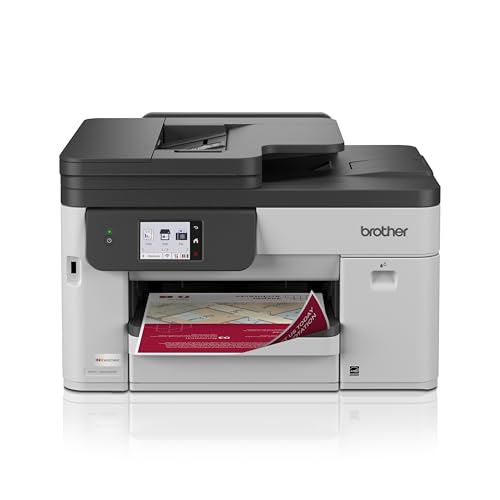

Choosing the Best Combination Printers by Print Engine
Ink Tank Models for High Volume
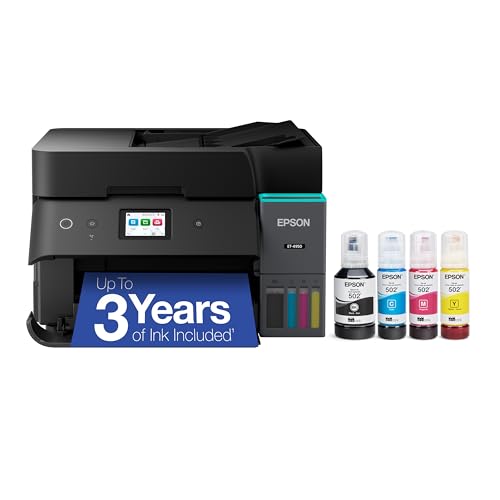
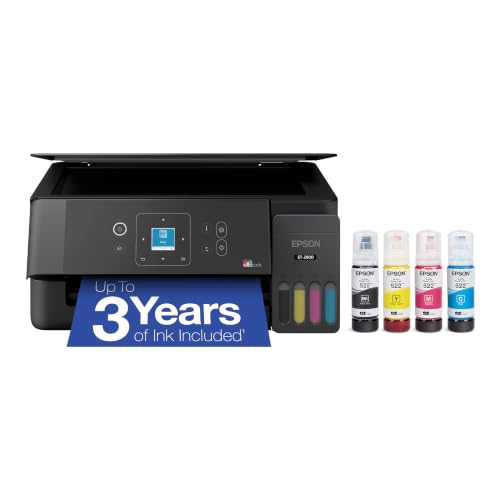
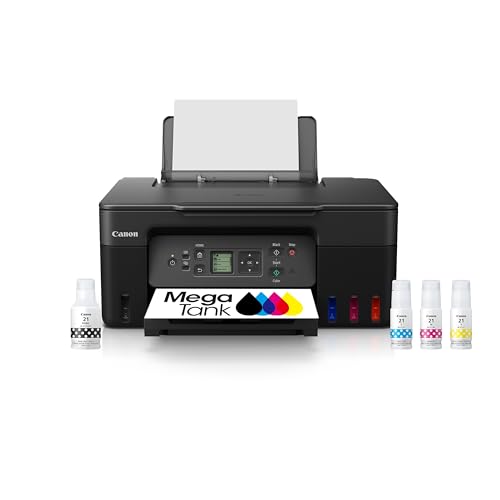
Ink tank printers use large bottles of ink that you pour into built in reservoirs. The purchase price is higher than a cartridge model, but a bottle costs far less per page than a cartridge, so families, students and home businesses that print weekly come out ahead. The listings in the table that mention refillable or cartridge free design are this type.
Print speed is usually modest and photos look good rather than studio grade. The main habit to keep is printing something at least once every week or two, so nozzles stay clear.
Cartridge Inkjets for Photos and Variety
Inkjets with separate color cartridges, often five colors on photo oriented models, give richer photos and better color on glossy paper. They suit people who print occasionally, because the machine costs less up front. The downside is that cartridges are expensive per page, and some brands run subscription programs that you should read carefully before enrolling.
Monochrome Laser for Documents
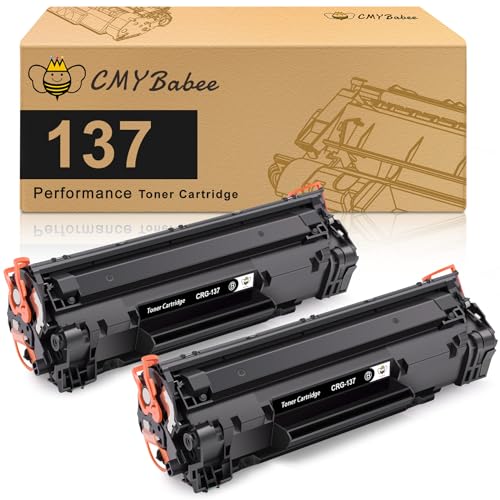
If you print mostly black text, such as school forms, shipping labels and contracts, a laser all in one is hard to beat. Toner does not dry out between jobs, the text is crisp, and pages come out fast. The limit is the lack of color, so a household that prints photos or color charts should look elsewhere.
Scanner, Copier and Fax Features That Matter
Automatic Document Feeder
An automatic document feeder lets you scan or copy a multi page stack without lifting the lid for each sheet. If you handle paperwork, mortgage packets or tax records, it is the single most useful extra. Duplex scanning, which captures both sides of a page, saves further time.
Duplex Printing
Automatic two sided printing cuts paper use and makes documents look more professional. Many models in the table list it, and it matters more than a faster page rate for most home offices.
Connectivity and Apps
Wireless setup through a phone app is now normal, but check that the printer also supports a plain network or USB connection in case the app is discontinued. Look for support for the phones and laptops you own, and for scan to email or scan to cloud features if you digitize paper.
Matching a Machine to Your Routine
A student who prints a few essays a month does well with a modest ink tank or a low cost inkjet. A home worker who prints invoices daily is better served by a laser with a document feeder. A family that prints photos, school projects and the occasional boarding pass fits a tank printer with wireless printing.
If you mostly print pictures, our guide to the best printers for pictures covers photo focused models in more depth. For plain household use, see the best computer printers for home guide, and for general print quality, the best quality printers page compares standalone options.
What a Typical Month Looks Like for Each Buyer
The Household With School Age Children
Homework, permission slips and the occasional poster arrive in unpredictable bursts, so a printer that sits idle for weeks and then prints twenty pages needs ink that does not dry out. Tank models and lasers both handle that pattern well. A flatbed that accepts thick paper is also handy for scanning drawings and report cards into a shared folder.
The Home Office Worker
Invoices, contracts and shipping labels favor speed and legible text, so duplex printing and a document feeder pay for themselves quickly. Check whether the tray holds a full ream, because refilling every few days is an annoying chore. Network printing with a stable connection also matters more here than color accuracy.
The Occasional User
If you print a boarding pass or a tax form a few times a year, the lowest price machine is tempting. In that case the real cost is dried ink and a printer that refuses to start when you need it. A laser all in one, or a tank printer that you exercise monthly, avoids that frustration for only a little more money.
Paper, Media and Output Quality
Plain office paper is fine for documents, but photos need glossy or satin photo paper and a printer with a dedicated photo mode. Check which paper sizes the tray accepts, since envelopes, labels and card stock often need a rear feed slot. Output quality also depends on resolution settings in the driver, so try the draft setting for everyday pages to save ink and time.
Quick Buyer Checklist
- Do you print weekly, monthly or only now and then?
- Is most of your printing black text, or do you need color and photos?
- Do you need a document feeder for multi page scans and copies?
- Is duplex printing included, and is it automatic?
- Does the listing state the cost of replacement ink or toner clearly?
- Does it connect over your home network without needing an account?
- Is the footprint small enough for the shelf or desk you have?
Red Flags to Watch For
- A very low price paired with starter cartridges that run out in a few weeks.
- Required subscriptions or accounts to use basic printing features.
- No stated paper capacity, which often means a tiny input tray.
- Fax or document feeder claims that are missing from the detailed description.
- Reviews that report frequent paper jams or lost wireless connections.
Care Tips
Print a page every week or two on an inkjet to keep the nozzles moving, and run the cleaning cycle only when streaks appear, since each cycle uses ink. Keep paper in a dry place, because damp sheets cause most jams. Wipe the scanner glass with a soft cloth and a little glass cleaner on the cloth, not on the glass.
FAQ
Is a combination printer as good as separate machines?
For home and small office work, yes. A stand alone scanner can capture finer detail, but a feeder equipped all in one is quicker and easier for everyday paper.
Do I have to buy the maker's ink?
Third party ink often works, but some models reject it or warn you, and a bad refill can void parts of the warranty. Check the manual before you use anything other than the recommended supply.
Which type costs least over several years?
For frequent printing, ink tank and laser models usually cost least per page. A cartridge inkjet only wins when you print very little and want good photos.
The best combination printers are those you can feed cheaply and trust on a busy morning. Choose the print engine first, add the document feeder and duplex features you will really use, and then compare the models in the product table above.