Best Cnc Routers: What Actually Matters Before You Buy for 2026
Disclosure: We may earn a commission when you buy through links on this page, at no extra cost to you. As an Amazon Associate I earn from qualifying purchases. Learn more

The best cnc routers fit your workpiece size and skills: a practical guide to work area, frame rigidity, spindle power, drive systems and software workflow.
Choosing best cnc routers can feel technical, because work area, spindle power, and software all affect what you can make. This guide explains those choices in plain language, so you can match a CNC router to woodworking, sign making, or small production work without buying more machine than you need.
You will learn how to judge frame rigidity, cutting area, spindle options, and software workflow, and how to plan dust control and workshop space. The comparison table below gives a quick overview of the main CNC router types, and the sections that follow help you build a short list that suits your projects and budget.





Who This Guide Is For
This guide suits hobby woodworkers, sign makers, and small shop owners who want to cut, carve, and engrave with repeatable accuracy. If you make mainly small signs and crafts, a desktop machine may be enough. If you cut full sheets, furniture parts, or large signs, a larger gantry machine with a sturdy frame matters far more.
It also helps buyers moving from hand routers or laser cutters who want to understand CNC workflow. Think about your largest workpiece, your material types, and how much time you can spend learning software, then let those answers shape your short list. A machine that fits your workflow will be used far more than a larger machine that feels overwhelming.
Types Compared
CNC routers differ in size, frame, and spindle, so compare them by workpiece size and material.
| Type | Best For | Typical Price |
|---|---|---|
| Desktop CNC Routers | Small signs, crafts, and learning | about $300 to $1,500 |
| Benchtop Gantry Routers | Furniture parts and medium signs | about $1,500 to $5,000 |
| Full Sheet CNC Routers | Sheet goods and production work | about $5,000 to $20,000 |
| Hobby Kit Routers | Budget builds and learning mechanics | about $200 to $1,000 |
Desktop CNC Routers
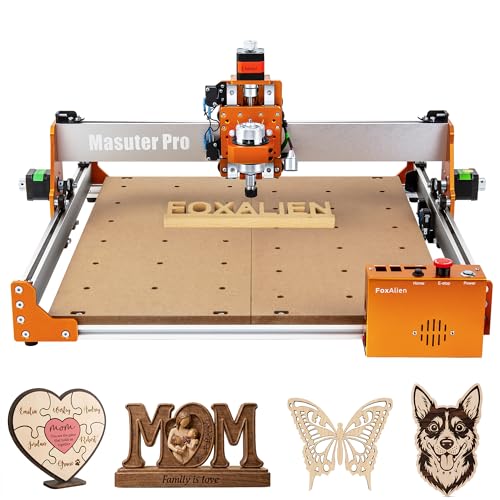
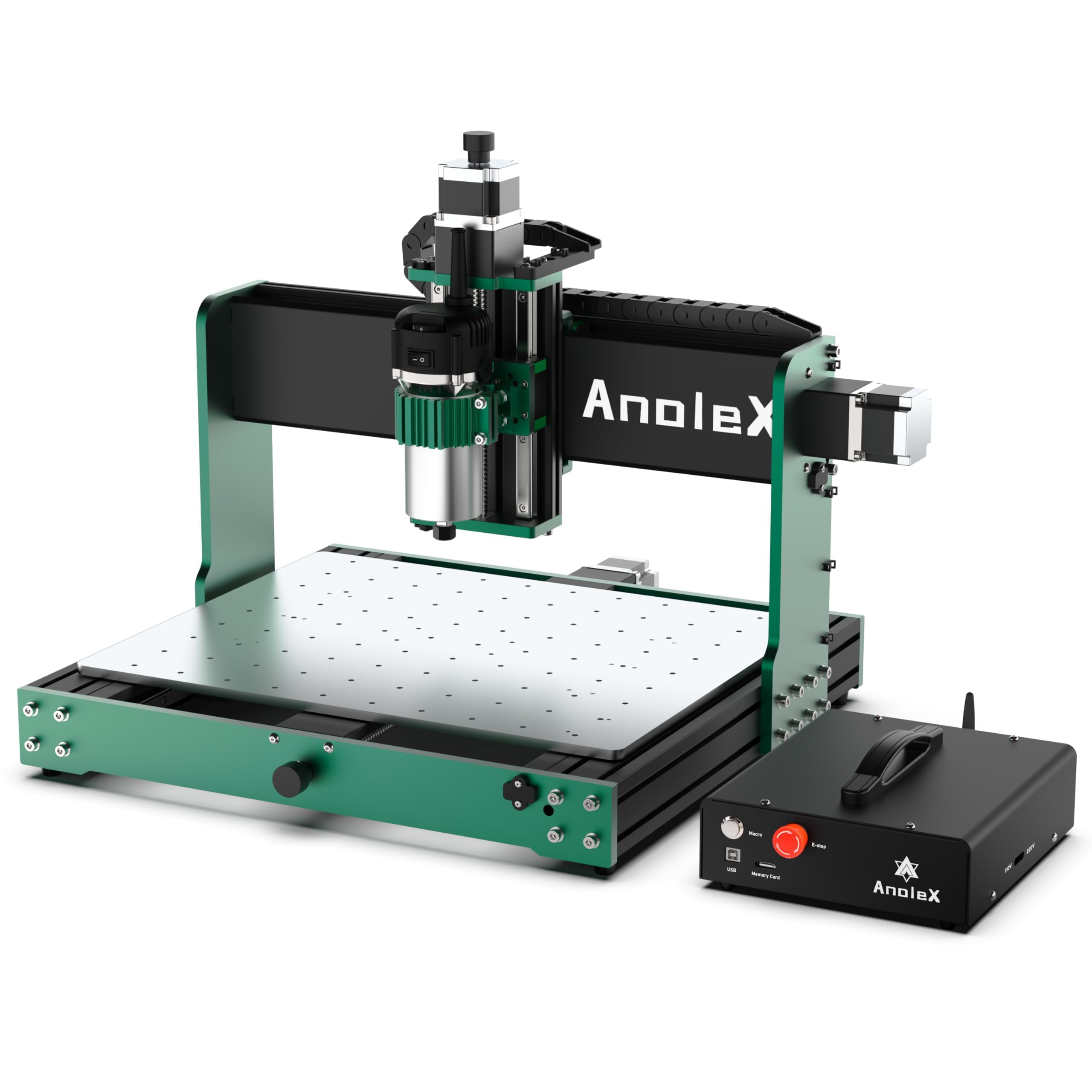
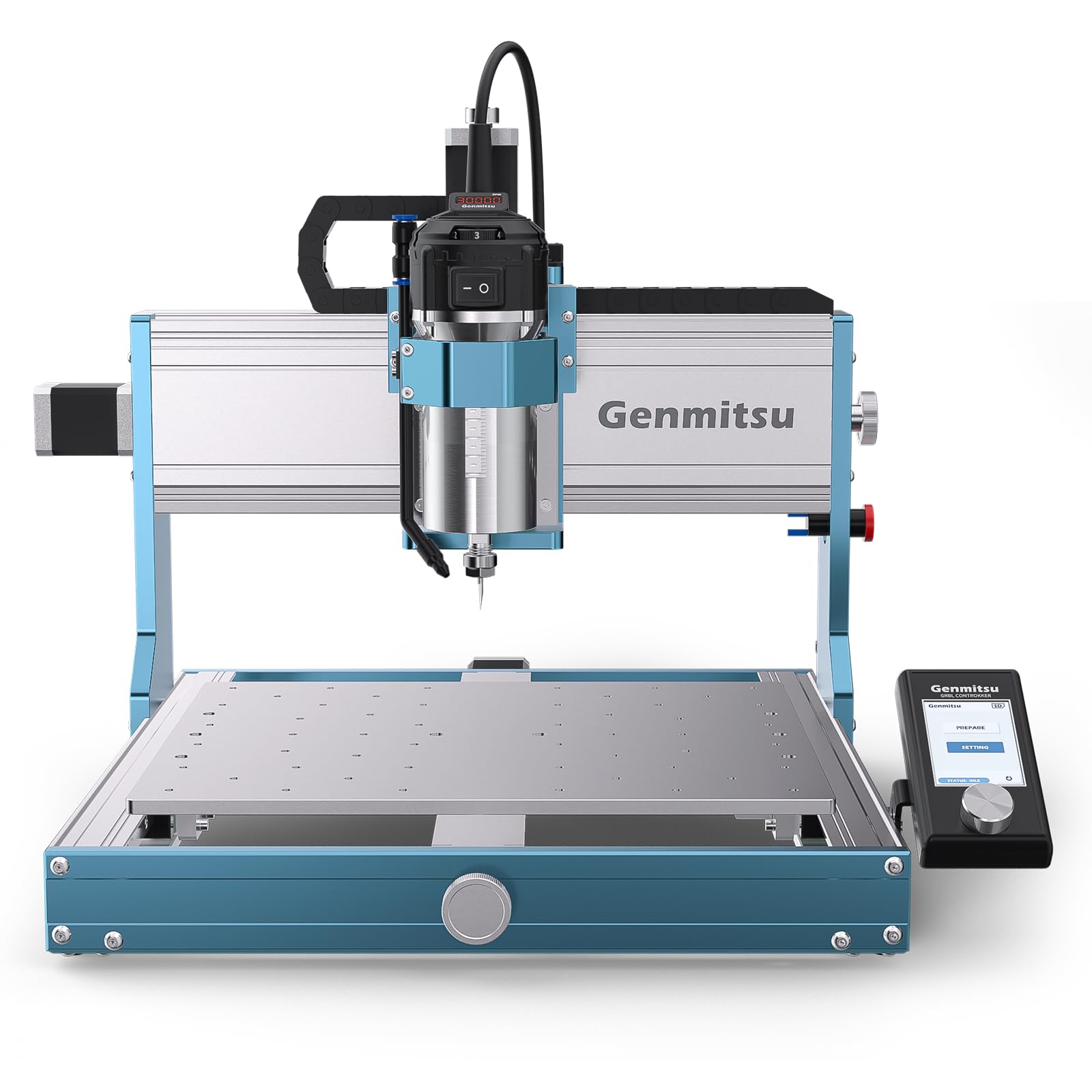
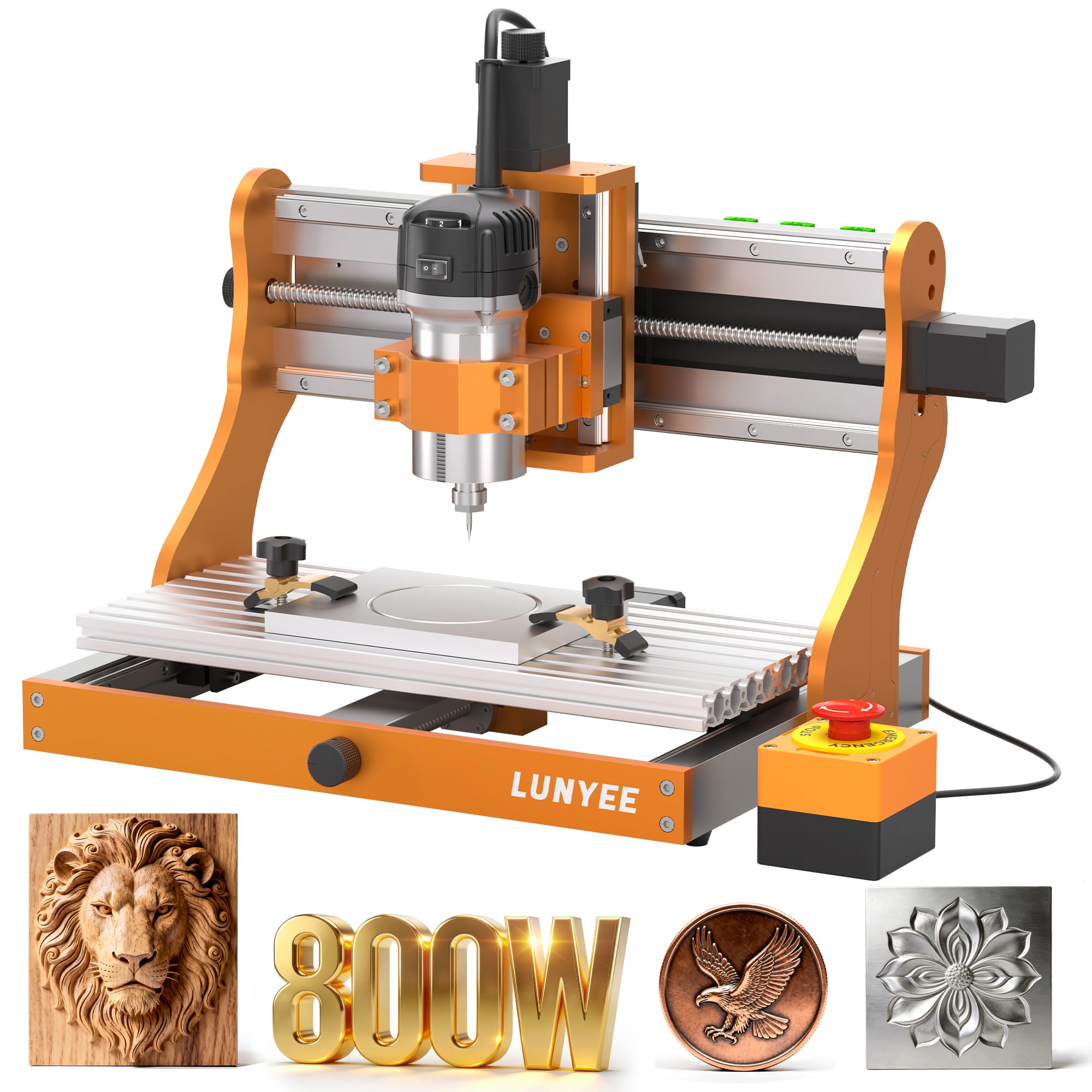
Desktop CNC routers fit a bench, cut small workpieces, and suit learning, crafts, and small signs. They are affordable and easy to place, but work area and cutting depth are limited. Check work area, spindle power, and software compatibility before you buy, especially if you plan to grow into larger work.
Benchtop Gantry Routers
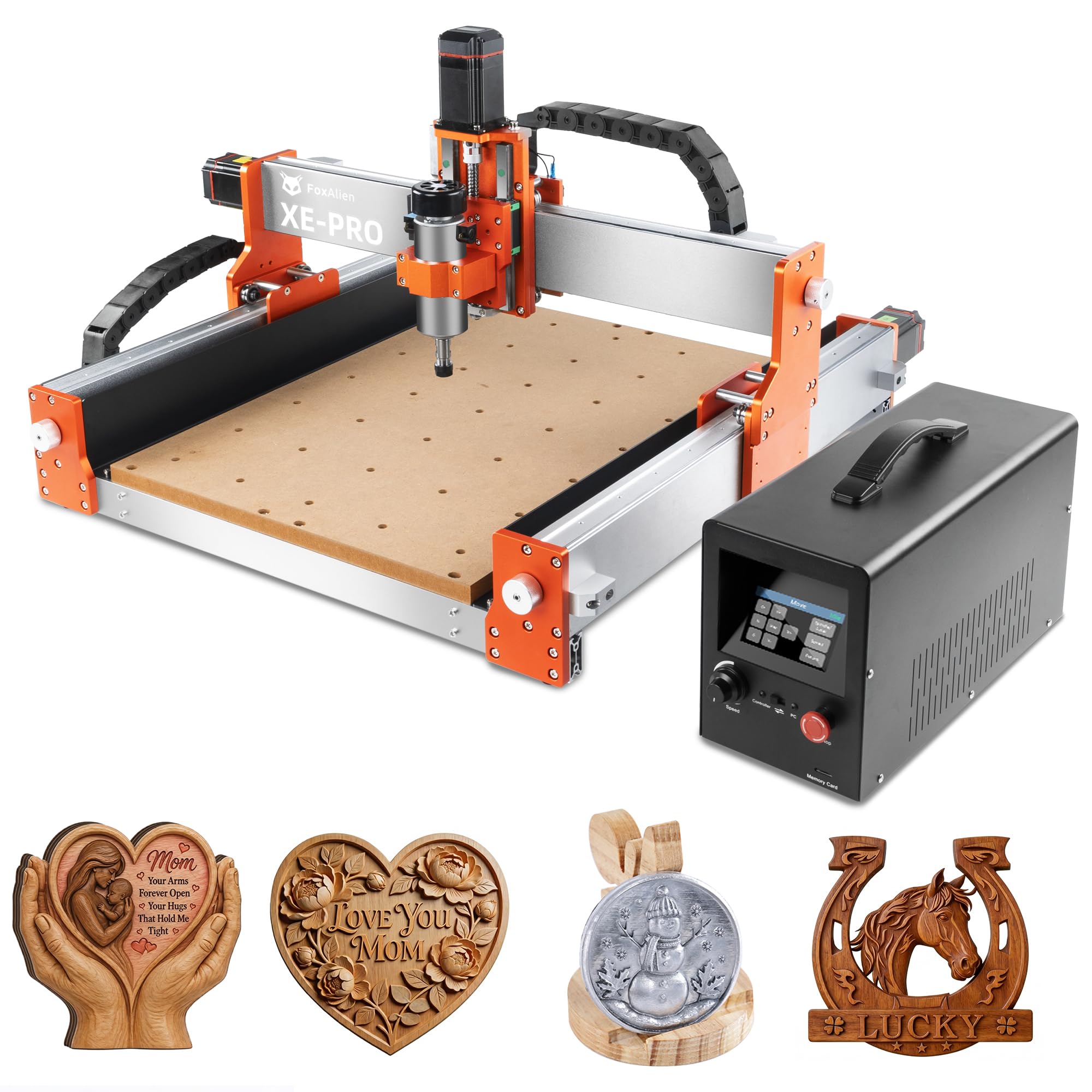
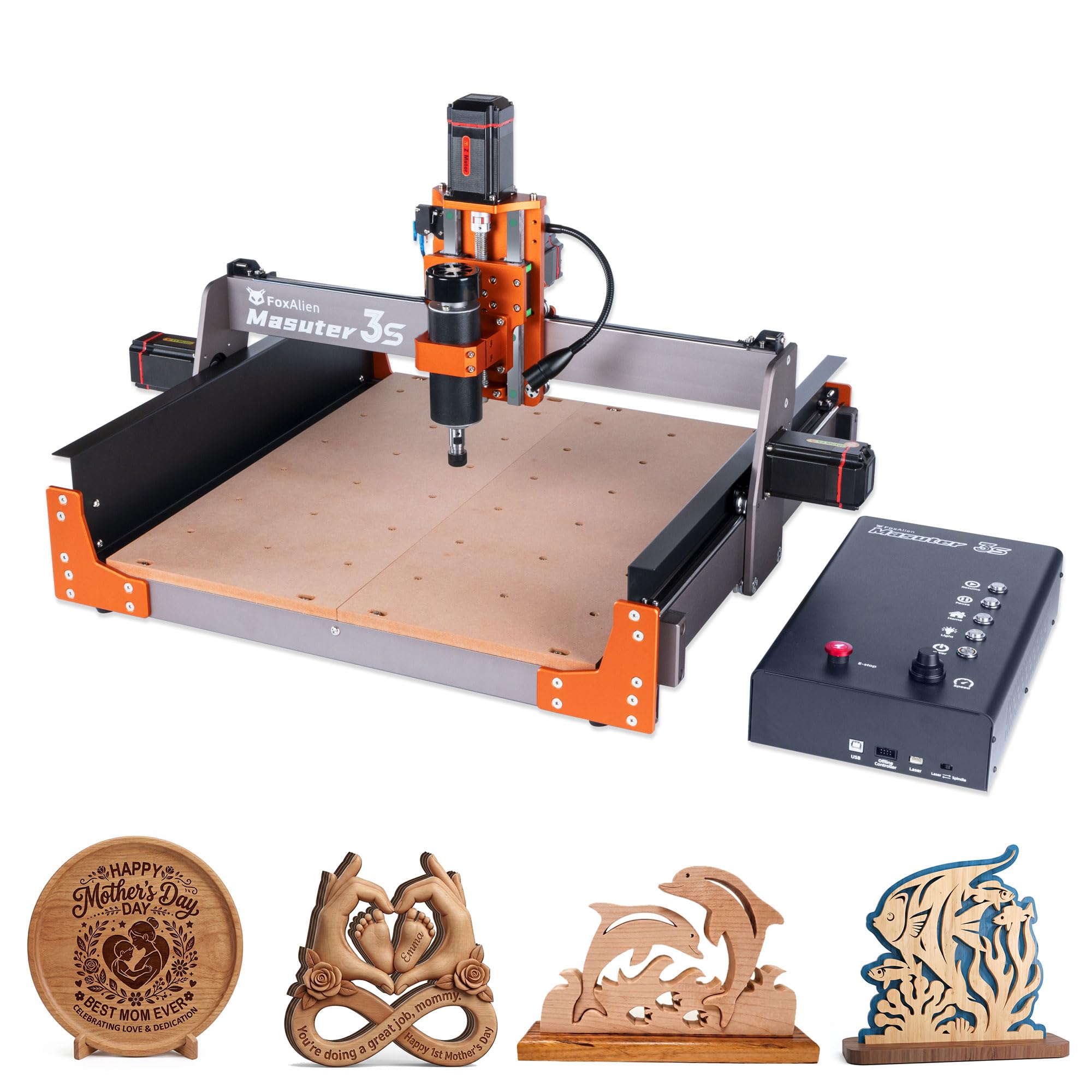
Benchtop gantry routers offer a larger work area and sturdier frames for furniture parts, cabinet doors, and medium signs. They need a dedicated bench or stand and dust control, but they handle hardwood and plywood well. Check frame rigidity, lead screw or ball screw drive, and spindle upgrade options.
Full Sheet CNC Routers
Full sheet routers cut large plywood and MDF sheets for cabinets, furniture, and production runs, with high accuracy and repeatability. They need large floor space, strong power, and good dust extraction, and they cost far more to buy and run. Plan delivery, assembly, and software workflow carefully before investing in this size.
Hobby Kit Routers
Hobby kit routers arrive as parts to assemble, which teaches machine mechanics and saves money upfront. They vary widely in rigidity and accuracy, and assembly and tuning take time. This type suits makers who enjoy building and troubleshooting, but it is less ideal for buyers who want a reliable machine out of the box.
Key Features to Compare
These features decide cut quality and reliability more than top speed numbers alone.
Work Area and Z Height
Work area decides the largest piece you can cut in one setup, while Z height decides how thick material and how tall carving you can handle. Measure your typical workpieces, including extra room for clamps and tabs, and check usable area rather than advertised frame size. A machine that is slightly larger than your largest regular piece saves time on tiling and repositioning.
Frame Rigidity
Frame rigidity decides accuracy and surface finish, especially in hardwood and aluminum, where a flexible frame causes chatter and rough edges. Look for sturdy extrusions, steel frames, or well braced designs, and check gantry deflection under load if possible. A rigid machine may cut slower on paper but produce cleaner parts in practice.
Spindle Power and Speed
Spindle power and speed range decide which materials and bits you can use effectively. A higher power spindle cuts hardwood faster and handles larger bits, while a lower power spindle suits softwood, plastic, and engraving. Check collet sizes, speed control, and noise, and match spindle power to your main materials rather than buying the largest spindle by default.
Drive System and Accuracy
Drive systems, including lead screws, ball screws, and belts, affect accuracy, repeatability, and maintenance. Ball screws generally offer better accuracy and less backlash, while belts are cheaper and quieter but may stretch over time. Check steps per millimeter, backlash, and whether the machine homes reliably to a repeatable zero point.
Software and Workflow
Software workflow includes design, toolpath generation, and machine control, and it can be the steepest learning curve for new users. Check whether the machine works with software you already know, what file formats it accepts, and whether the community offers tutorials and support. Run through the full workflow, from design to first cut, before you commit to a system.
Related Guides to Compare
For woodworking focused advice on bits, feeds, and dust control, see our guide to best cnc routers for woodworking alongside this buying guide.
If bench size and budget are your main limits, our guide to best desktop cnc routers focuses on compact machines and learning curves.
For small workshops and craft projects, our guide to best small cnc routers covers work area, portability, and software for beginners.
Common Mistakes to Avoid
A common mistake is buying a large machine without planning dust extraction, power, and software learning time. Another mistake is choosing the cheapest kit and then spending months tuning frame and drive issues. Start with your largest regular workpiece, budget for bits, clamps, dust control, and software, and choose a machine with good community support.
Care and Upkeep Over Time
Keep rails, screws, and bearings clean and lightly lubricated according to the manual, and remove dust after each session. Check belt tension, screw backlash, and spindle collet condition regularly, and replace worn bits promptly, because dull bits cause burning, chatter, and poor finish. Store bits safely, back up design files, and keep the work area clear of clutter and tripping hazards.
Questions to Ask Before You Order
Ask yourself what your largest workpiece is, which materials you cut most, and how much space and power your shop offers. Ask about work area, frame rigidity, spindle power, drive system, and software, and check warranty, support, and spare parts. Finally, budget for bits, clamps, dust extraction, and safety gear so the machine is practical from the first cut.
Frequently Asked Questions
What can I make with a CNC router?
A CNC router can cut, carve, and engrave wood, plywood, MDF, plastic, foam, and soft metals, depending on spindle power and bits. Common projects include signs, cabinet parts, furniture components, inlays, and decorative carvings. Start with simple 2D cuts and profiles, then progress to 3D carving as you learn toolpaths and feeds.
How much space does a CNC router need?
Space needs include the machine footprint plus room for loading material, standing, dust extraction, and maintenance access. Desktop machines fit a bench, while full sheet machines need a large workshop bay. Measure doorways for delivery, check floor strength, and leave clear space around the machine for safe operation.
Do I need experience to use a CNC router?
You do not need prior CNC experience, but you should expect a learning curve for design software, toolpaths, feeds, and speeds. Many makers learn through tutorials, community forums, and small practice projects. Start with soft materials and simple designs, and learn safety, clamping, and emergency stop use before cutting hardwood or metal.
What safety gear should I use with a CNC router?
Use eye and hearing protection, a dust mask, and close fitting clothes, and keep hands away from the cutting area while the spindle runs. Secure workpieces with clamps, check toolpaths before cutting, and know the emergency stop location. Never leave a running machine unattended, and keep dust extraction running to reduce airborne dust.
How do I choose bits for a CNC router?
Bit choice depends on material, cut type, and desired finish, with straight bits for profiles, V bits for engraving, and ball nose bits for 3D carving. Start with a small set of quality bits for your main materials, and learn feeds and speeds for each bit. Replace dull bits promptly, because dull bits burn wood, strain the spindle, and produce rough edges.
Final Thoughts
The best CNC router is the one that fits your workpiece size, your materials, and the software workflow you can learn and enjoy. Use the product table above to narrow the type, then compare work area, frame rigidity, spindle, drive, and software before you decide.
Plan dust control, safety, and learning time alongside the machine, because best cnc routers reward careful setup with accurate, repeatable work for many projects. Start simple, practice safely, and grow your skills step by step.