
Best Cleaners for Laptops in 2026: Which Type Is Right for You?
Disclosure: We may earn a commission when you buy through links on this page, at no extra cost to you. As an Amazon Associate I earn from qualifying purchases. Learn more

Confused by all the options? We compare every type of cleaner side by side so you can choose the best cleaners for laptops for your space and budget.
A laptop combines a coated screen, a keyboard full of gaps, a metal or plastic case, and vents that pull in dust all day, so no single bottle cleans all of it well. The best cleaners for laptops are the ones that protect the screen coating, lift oil from the keys, and clear the vents without moisture reaching the inside. This guide compares the main cleaner types, explains which one each part of the machine needs, and shows how to build a small kit without overspending. Use the comparison table below to match a type to the mess you see most.
Household sprays are the one thing to rule out at the start. Glass cleaner, disinfecting wipes made for counters, and all purpose sprays often contain ammonia, alcohol at high strength, or bleach, and each of those can cloud an anti glare coating or strip the printing from a key in a few uses.


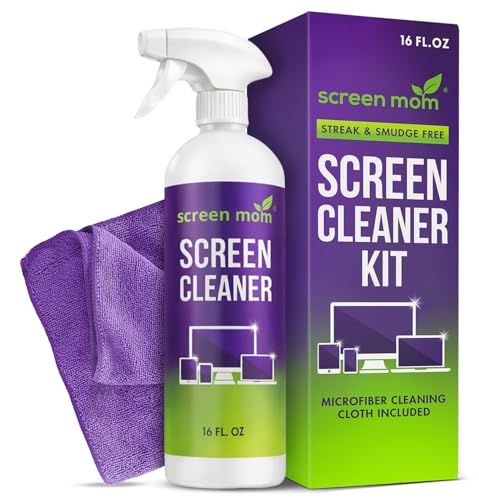

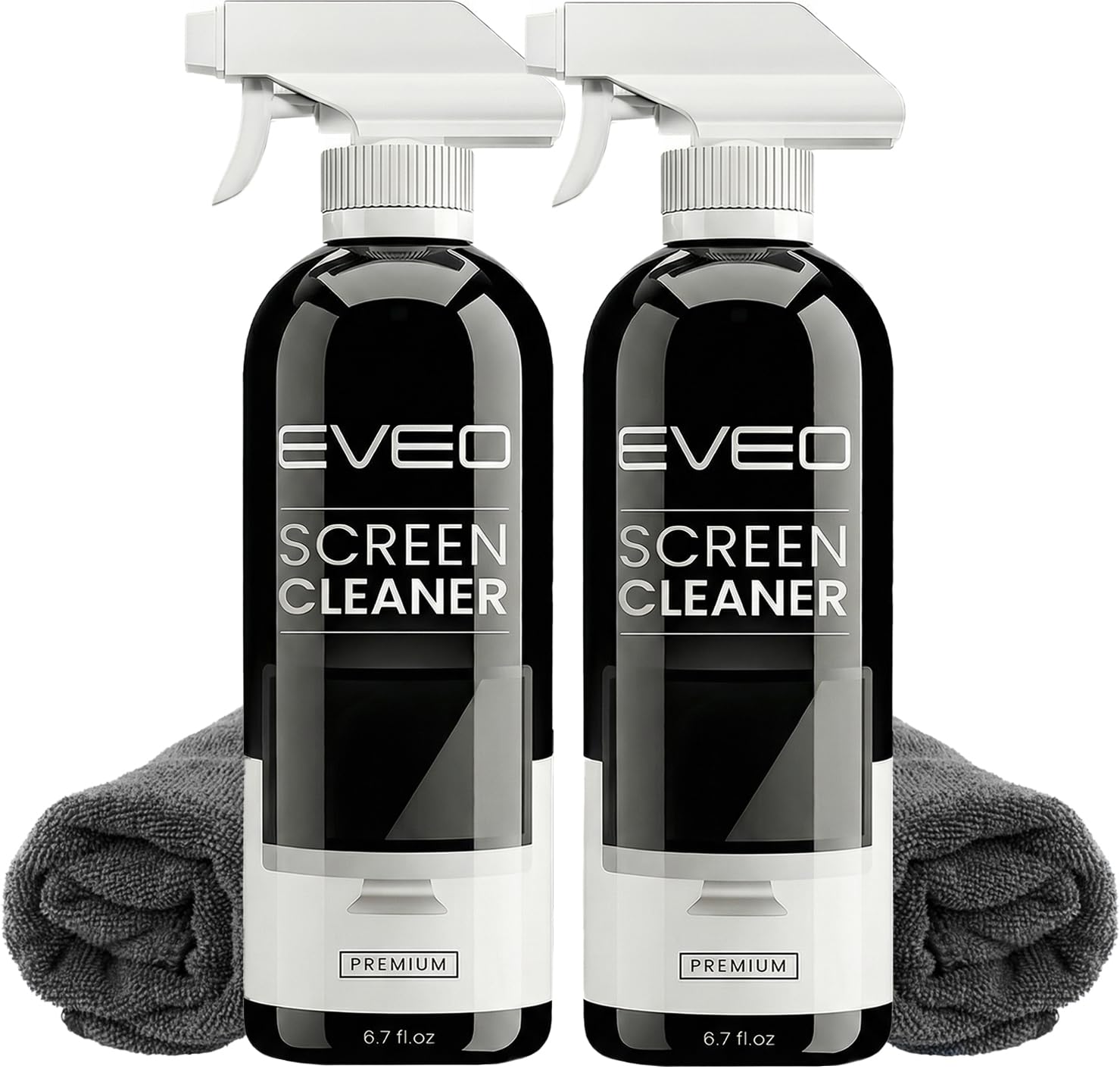
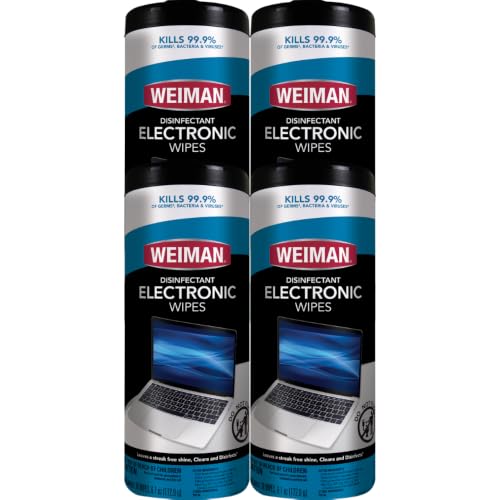


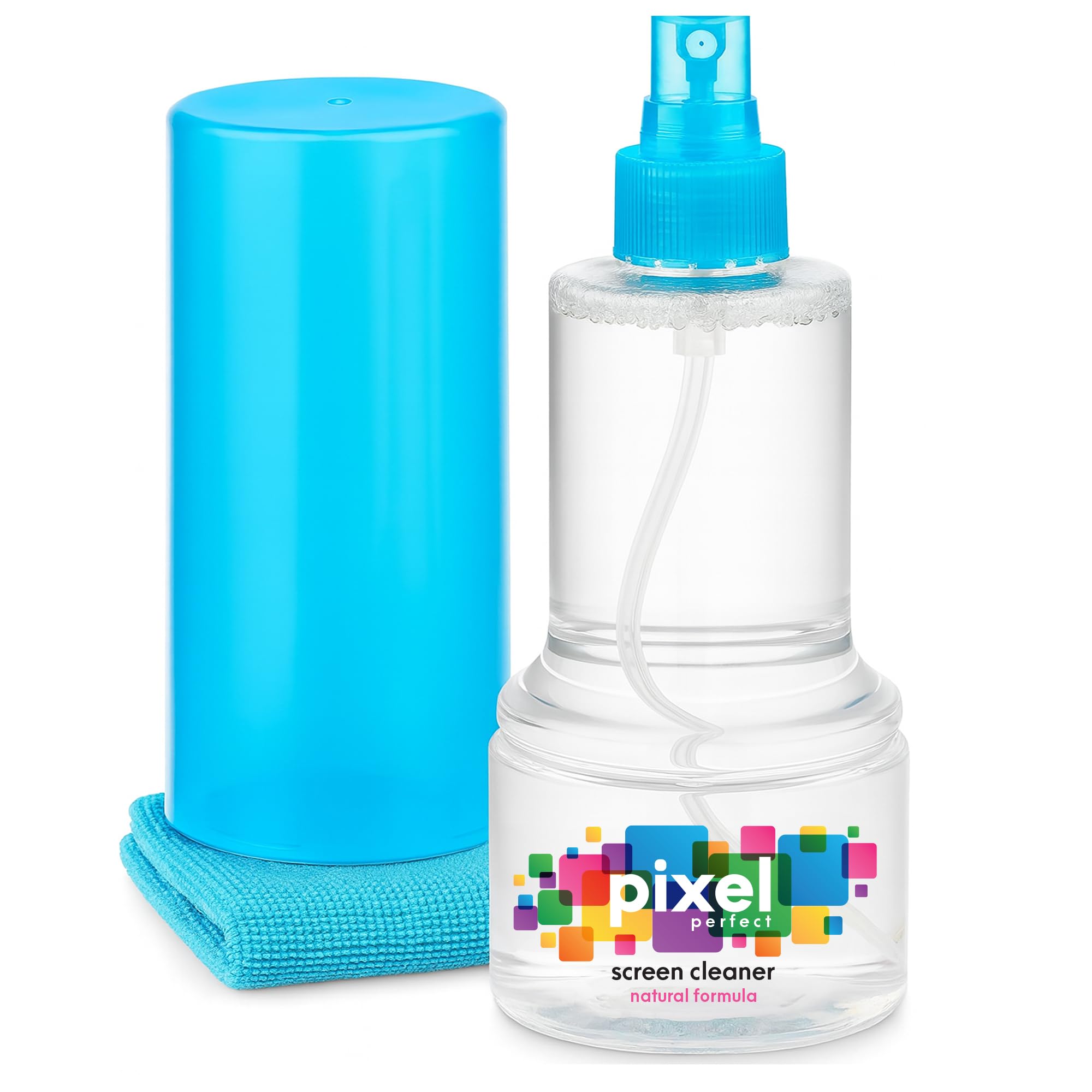

Types of Cleaners for Laptops
| Type | Best For | Strength | Limit | Typical Price |
|---|---|---|---|---|
| Screen spray and microfiber cloth | Fingerprints, dust, smudges on the display | Streak free on coated glass when misted on the cloth | Does nothing for keys or vents | About $8 to $20 |
| Keyboard cleaning kit | Crumbs, dust, and oil between keys | Brush, gel, and swabs reach the gaps | Gel loses tack over time | About $10 to $18 |
| Electronics wipes | Travel and shared laptops | Sealed, portable, quick | Highest cost per use, dry out once opened | About $5 to $15 |
| Air duster | Vents, fans, and ports | Moves dust without liquid | Canned air runs out; electric blowers cost more up front | About $10 to $40 |
Screen Sprays With a Cloth
A screen spray made for electronics is water based, free of ammonia and harsh solvents, and designed to evaporate without film. The cloth does most of the work: a dense microfiber lifts skin oil, while a thin or frayed cloth smears it around. Spray the cloth, never the screen, so liquid cannot run into the bezel. This type covers the display, the lid, and the palm rests, which for a desk bound laptop is most of the cleaning it ever needs. Our guide to the best screen cleaner for laptops looks at the display side in more depth.
Keyboard Cleaning Kits
Keyboard kits bundle a soft brush, a cleaning gel or putty, swabs, and often a small keycap puller. The brush sweeps crumbs out of the gaps, the gel presses in and lifts fine dust, and swabs handle the oil that builds on the space bar and the trackpad edges. These kits solve the mess a cloth cannot reach, and they are the right second purchase for anyone who eats near the machine. Replace the gel when it stops picking up dust or starts leaving residue.
Electronics Wipes
Pre moistened wipes made for screens and electronics suit travel, classrooms, and laptops that pass between family members. Each wipe is sealed and lightly dampened, so you cannot oversaturate a touchscreen. Cost per use is the highest of the four types, and an opened tub dries out within months, so buy small packs you will finish. Check that the wipe liquid is alcohol free or low alcohol and labeled for coated screens, since a general disinfecting wipe is a different product.
Air Dusters
Dust in the vents makes a laptop run hot and loud, and liquid is the wrong tool there. Canned air works in short bursts held upright, while a rechargeable electric blower does the same job without propellant and never freezes mid use. Hold the fan still with a toothpick through the grille while you blow so it does not overspin. For most owners a vent clean every few months is enough.
How to Choose a Laptop Cleaner
Coating Safety Comes First
Most laptop screens carry an anti glare or oil resistant coating, and matte and glossy panels both show damage as a cloudy patch that never wipes away. Choose a spray or wipe that names LCD, LED, and OLED screens as safe and lists no ammonia, no bleach, and no strong solvents. If a label hides its ingredients, pick a clearer one. The same rule protects the key legends and the finish on painted or anodized cases.
Cloth Quality
Judge the cloth as closely as the liquid. A tight weave with finished edges lifts oil without dropping lint or dragging grit, and a larger cloth folds into fresh sections during one cleaning. Wash cloths separately without fabric softener, which coats the fibers and turns a good cloth into a smearing one, and replace any cloth that still leaves lint after washing.
Format That Fits Your Routine
A spray bottle and two cloths suit a laptop that lives on one desk. Wipes suit a bag that goes to campus or a client site. A keyboard kit earns its place when crumbs are a weekly problem. Buy for the routine you actually keep, since a large kit that sits in a drawer cleans nothing, and the best cleaners for laptops that travel are the ones that fit in the bag.
Cost per Use and Refills
Spray bottles last for hundreds of light cleanings when you mist the cloth lightly, so a refill or concentrate drives the yearly cost down to a few dollars. Wipes and canned air are recurring costs, and an electric blower pays for itself after a few cans. When comparing kits, count what is inside against what you own already, because a second brush adds nothing once you have one.
Scent and Ingredient Labels
Fragrance has no place on a device held near your face for hours, so fragrance free formulas are the sensible default. Buyers who want an ingredient screen can look for the EPA Safer Choice mark on liquid formulas. None of these products disinfect unless the label says so and gives a contact time, and a cleaner that does disinfect still needs to be labeled safe for screens.
How to Clean a Laptop Safely
- Shut the laptop down, unplug it, and let the screen cool so smudges show clearly.
- Turn it upside down over a trash can and tap gently, then brush the keyboard gaps.
- Blow out the vents and ports with short bursts of air, holding the fan still.
- Mist a microfiber cloth lightly and wipe the screen in slow passes from top to bottom.
- Buff with the dry side of the cloth, then wipe the lid, palm rests, and trackpad.
- Let everything dry for a few minutes before you close the lid or plug it back in.
Read the label and check a new product on one lower corner of the screen before you clean the whole panel. Keep bottles and wipe packs out of reach of children and pets, and never combine two cleaning products on the same cloth.
Common Mistakes to Avoid
- Spraying liquid straight onto the screen or keyboard, where it can run into the bezel and ports.
- Using paper towels or tissues, which leave lint and can scratch a coating with trapped grit.
- Reaching for a disinfecting wipe made for counters, which is far too harsh for coated glass.
- Pressing hard on a stubborn spot, which can damage the panel instead of lifting the mark.
- Cleaning while the laptop is on and warm, which makes liquid dry too fast and leaves streaks.
Frequently Asked Questions
What features matter most in cleaners for laptops?
Coating safety, a streak free finish, and a dense microfiber cloth matter most, in that order. A spray that names coated screens and lists no ammonia or harsh solvents protects the display for the life of the machine. After those, a soft keyboard brush and an air duster cover the parts a cloth cannot reach. A fine mist nozzle is a small detail worth checking, since a coarse sprayer puddles liquid on the cloth.
Can I use rubbing alcohol or glass cleaner on a laptop?
Glass cleaner should stay off every part of a laptop, since ammonia clouds screen coatings. Rubbing alcohol at high strength can wear coatings and lift key printing, and most laptop makers advise against it on screens. A dedicated electronics cleaner is inexpensive and removes the guesswork. For a keyboard, a barely damp cloth and a soft brush handle nearly every mess.
How often should a laptop be cleaned?
Wipe the screen and palm rests when fingerprints blur the view, which for most people is weekly. Brush the keyboard every month or so, and clear the vents every few months, more often in dusty rooms or homes with pets. Cleaning with liquid more often than needed adds friction on the coating without any benefit.
Are natural laptop cleaners as effective as standard sprays?
For dust and light finger marks, yes, when the formula is made for screens. Plain distilled water on a good microfiber cloth handles most fingerprints and is the gentlest option of all. Homemade vinegar mixes are the one natural option to avoid, because the acid can harm coatings and metal finishes.
Is laptop cleaner safe to use around kids and pets?
Screen safe cleaners are low risk once dry, but the liquid is not meant to be swallowed, so store bottles and wipe packs out of reach. Clean the laptop away from children and pets and let it dry before anyone uses it. If a child or pet swallows a cleaning liquid, call poison control or a doctor or vet right away.
Final Thoughts
Start with a screen safe spray and a good cloth, add a keyboard kit if crumbs are your problem, and keep an air duster for the vents. Buy wipes only for travel. With those pieces matched to your routine, the best cleaners for laptops in the product table above will keep the machine clear and cool for years. If the laptop itself is aging out, our guides to the best notebook laptops and the best time to purchase laptops can help you plan the next one.


