
Best Classroom Projectors for 2026: Which Type Fits Your Room
Disclosure: We may earn a commission when you buy through links on this page, at no extra cost to you. As an Amazon Associate I earn from qualifying purchases. Learn more

Compare the best classroom projectors by brightness, throw distance, resolution, and lamp life, and match each type to room size, light, and teaching style.
Choosing the best classroom projectors starts with the room, not the spec sheet. A bright, short throw model suits a small room with seats close to the wall, while a larger hall needs more brightness and a longer throw. This guide compares types, features and budgets so you can match a projector to the way you teach.
The comparison table below sets the main types side by side, and the sections that follow explain what each spec means in a real classroom. Keep the room, the light and the content you show in mind as you read, because those three things decide most of the choice.

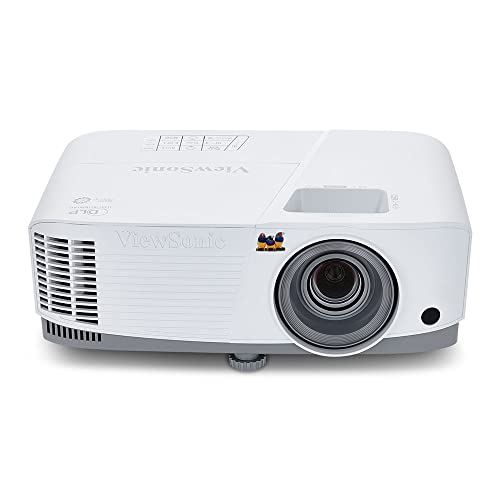


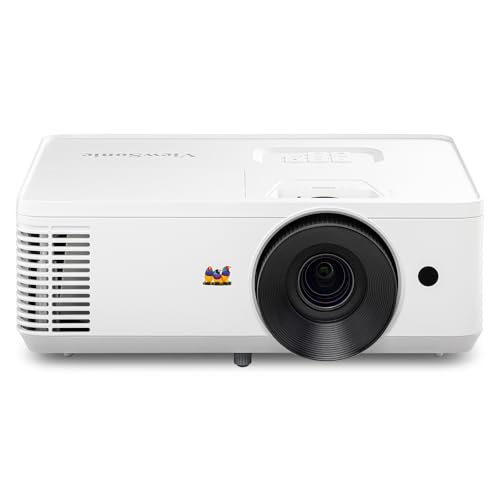
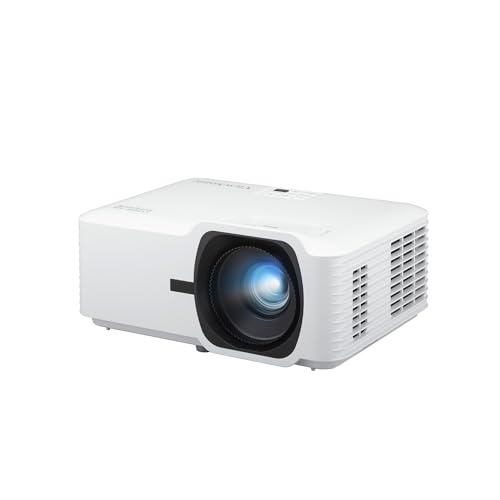

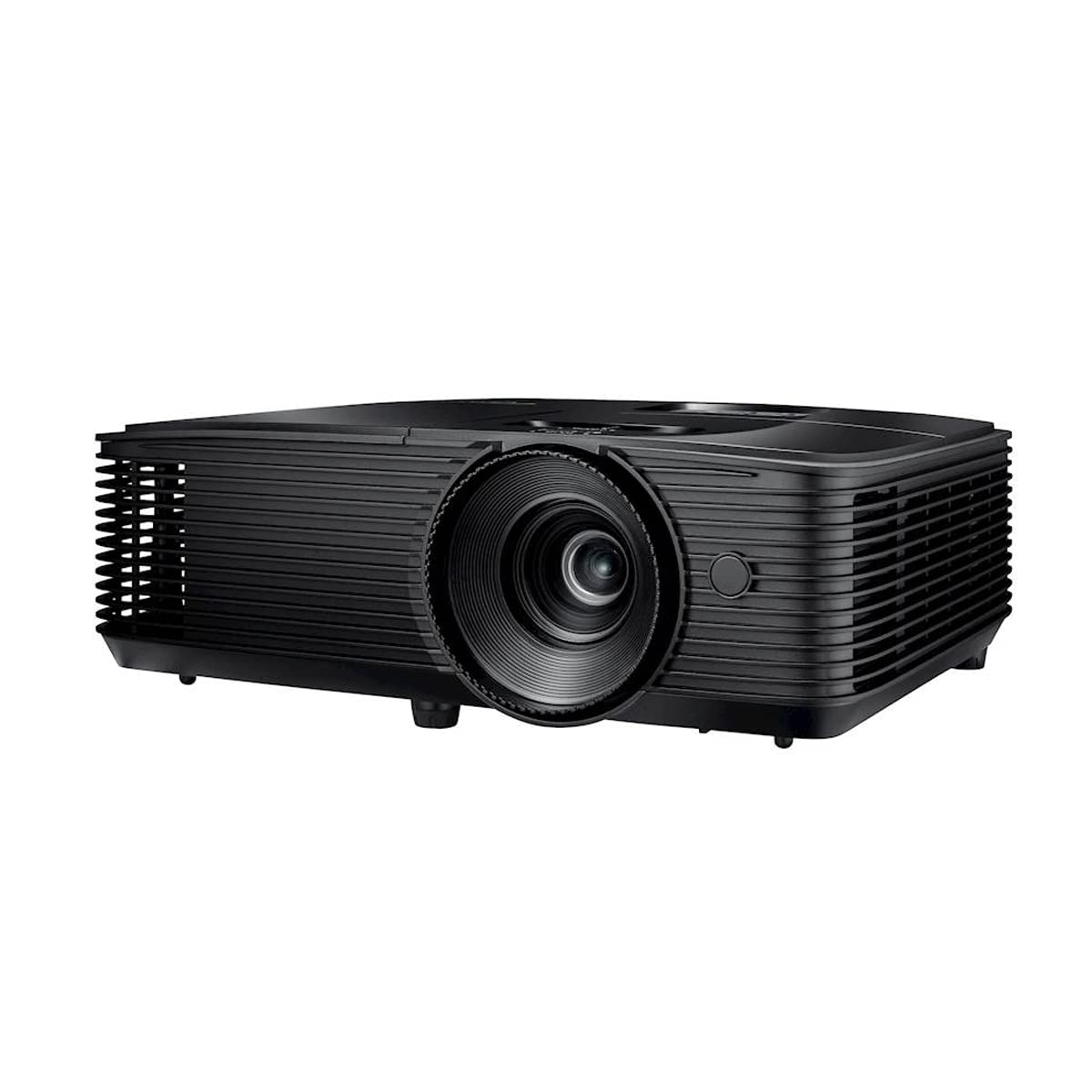

Who Should Buy Which Classroom Projector
Classrooms differ more than catalogs suggest. A primary classroom, a lecture hall and a training room each put different demands on brightness, sound and setup, so start from your own room and your own lessons.
For Teachers in Small Classrooms
Small rooms need a short throw or ultra short throw model that can fill a screen from close to the wall, leaving floor space free and keeping the teacher out of the beam. Moderate brightness is usually enough here because the screen is smaller and seats sit nearer to it. Built in speakers often cover a small room, which keeps setup simple and avoids extra cables.
For Lecture Halls and Large Rooms
Large rooms need higher brightness, a bigger image and a fixed mount that keeps the picture steady over a whole term. Sound usually needs a separate speaker system, since built in speakers rarely reach the back rows clearly. A model with wired network control also helps staff manage the room from a central point.
For Trainers and Shared Spaces
Shared spaces reward portability, fast setup and flexible connections, because a different presenter may use the room every hour. A lighter model with wireless casting and simple keystone correction makes handoffs smoother. Durable controls and a clear remote layout matter here, since many people will operate the same unit.
Classroom Projectors for Specific Needs
Best Classroom Projectors under 200: What to Prioritize
At this price, prioritize brightness over resolution, because a dim picture hurts every lesson while a modest resolution still reads well for slides and worksheets. Look for a simple connection set, a lamp or light source with a long rated life, and a focus control that is easy to reach. Accept a smaller image and a noisier fan, and plan to dim the room or pull blinds for video work.
Key Features to Compare
The features below matter in classrooms in ways that differ from home theater use. Read each one against your room size, your light and the content you show most often.
Brightness and Room Light
Brightness, measured in lumens, decides whether text stays readable with the lights on. A dim room can work with modest brightness, but a room with windows or bright overhead lights needs a much brighter model for the same screen size. As a rough guide, larger screens and brighter rooms both push the brightness requirement up, so check the two together rather than chasing one number alone.
Throw Distance and Image Size
Throw distance is the space between the projector and the screen needed to fill a given image size. Short throw models suit small rooms and reduce shadows from the teacher, while standard throw models suit larger rooms with a clear mounting point. Measure your room before you buy, and confirm that the model you want can fill your screen from the spot where it will actually sit.
Resolution and Text Clarity
Resolution decides how sharp small text looks, which matters for worksheets, code and diagrams. Full high definition suits most classroom work, while lower resolutions can blur fine print at larger image sizes. Higher resolutions help most when the screen is large or seats sit close, and they matter less for simple slides shown from the back of a small room.
Light Source and Lamp Life
Traditional lamps cost less up front but need replacement after a rated number of hours, while laser and LED light sources usually last longer and hold brightness more steadily. For a room used all day, a longer lived light source can save both money and disruption over several years. Check the rated life in the mode you will actually use, since bright modes often shorten it.
Mounting, Sound and Connections
Ceiling mounts keep the picture steady and the unit out of reach, while a cart or shelf mount suits shared rooms that need flexibility. Sound matters too: built in speakers suit small rooms, but larger rooms need an audio output for external speakers. Confirm the connection set covers your devices, including HDMI for laptops and wireless casting if presenters bring their own devices. For a compact option that moves between rooms, see our guide to the best pocket projectors and the best small projectors.
Choosing a Screen and Setting Up the Room
The screen matters as much as the projector, because a wrinkled sheet or a glossy whiteboard washes out even a bright image. A matte screen with a light gray or white surface suits most classrooms, while a fixed wall screen suits rooms where the projector never moves. Check the screen size against the throw distance you measured, and leave wall space for speakers, boards and displays that share the front of the room.
Room setup also affects comfort over a full school day. Place seats so no student sits closer than about twice the image height, and angle the screen slightly away from windows to cut glare. Run cables along walls or under covers to avoid trip hazards, and label the remote and the input switch so a substitute teacher can start a lesson without hunting for controls. A short trial run in the real room, with the real lights on, reveals problems that a spec sheet never shows.
Common Mistakes to Avoid When Buying Classroom Projectors
- Buying on price alone and ending up with a picture too dim for a bright room.
- Ignoring throw distance, then finding the image does not fit the wall from the only mounting spot.
- Choosing a huge screen that forces front row students to turn their heads to follow the lesson.
- Forgetting sound, so students at the back cannot hear video clips clearly.
- Skipping the warranty and lamp terms, which matter more in rooms used every school day.
Tips to Get the Most From Your Classroom Projector
Calibrate the picture for classroom use rather than leaving the vivid shop mode on, since vivid modes often oversaturate colors and tire eyes over a long lesson. Clean the lens and filter on the schedule the maker gives, and keep vents clear so the unit stays cool and the fan stays quiet. Never look directly into the lens while the projector is on, and keep the beam path clear of heads and hands during lessons. When you compare build quality across types, see our guide to the best quality projectors for the traits that hold up under daily school use.
Frequently Asked Questions
How long does a classroom projector last?
A classroom projector usually lasts several school years, but the light source sets the real limit. Traditional lamps need replacement after their rated hours, while laser and LED sources typically run much longer before dimming. Heavy daily use shortens the practical life, so check the rated hours in the brightness mode you will use and budget for a lamp or a replacement unit accordingly.
What size classroom projector image should I choose for my room?
Choose an image size that the back row can read without strain and the front row can take in without turning their heads. In most classrooms that means a diagonal roughly matched to the room depth, with text sized generously on slides. Check the size from the back seats before fixing a mount, and remember that a larger image needs more brightness to stay readable.
Is 4K worth it for a classroom projector?
4K helps when you show fine detail, such as maps, diagrams or close up video, on a large screen. For everyday slides and worksheets at typical classroom distances, full high definition usually reads clearly and costs less. Spend the difference on brightness or a better mount if your room is bright or your mounting options are limited.
Does refresh rate matter for classroom projectors?
Refresh rate matters little for slides and recorded lessons, where a standard rate looks smooth. It matters more for fast moving content, such as sports clips or interactive simulations, where a higher rate reduces blur. If your lessons are mostly static slides and documents, prioritize brightness, contrast and text clarity instead.
Can a classroom projector work in a bright room?
A classroom projector can work in a bright room, but only with enough brightness and some light control. Pull blinds, dim lights near the screen and choose a screen surface that suits the room. For outdoor lessons or very bright spaces, see our guide to the best projectors for outside, since those models are built around much higher brightness needs.
Should I mount a classroom projector on the ceiling?
A ceiling mount suits rooms where one projector serves the same screen every day, because it keeps the picture steady and the unit safe. A portable setup suits shared rooms where presenters move between spaces. Whichever you choose, confirm the throw distance first, and keep vents clear so the unit cools properly during long school days.
Wrapping Up
The right choice comes down to three things: enough brightness for your light, a throw distance that fits your room, and a light source suited to how many hours the room runs each week. Match those first, then weigh resolution, sound and mounting against your budget. Use the product table above to compare the main types side by side, and revisit your room measurements before you order the best classroom projectors for your school.


