Best Chromecast Speakers: A Casting Guide for 2026
Disclosure: We may earn a commission when you buy through links on this page, at no extra cost to you. As an Amazon Associate I earn from qualifying purchases. Learn more

Compare the best chromecast speakers on casting support, multiroom audio, sound quality and placement so music streams easily around your home.
Chromecast built in speakers let you cast music from a phone, tablet, or computer without pairing, and they can play together in groups around the home. Best chromecast speakers combine reliable casting, sound that suits the room, and controls that guests can use without a tutorial. The comparison table below gives a quick overview, while this guide explains casting, multiroom setup, and sound.
Casting differs from Bluetooth in useful ways, since the speaker streams directly from the internet and the phone becomes a remote rather than the source. That means calls and videos do not interrupt music, and several people can queue songs. This guide helps you choose speakers that cast smoothly and sound good in real rooms.

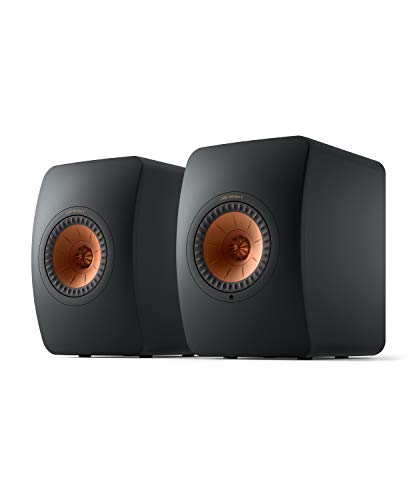

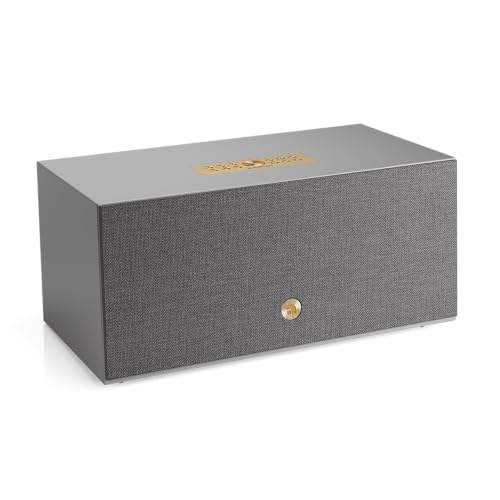


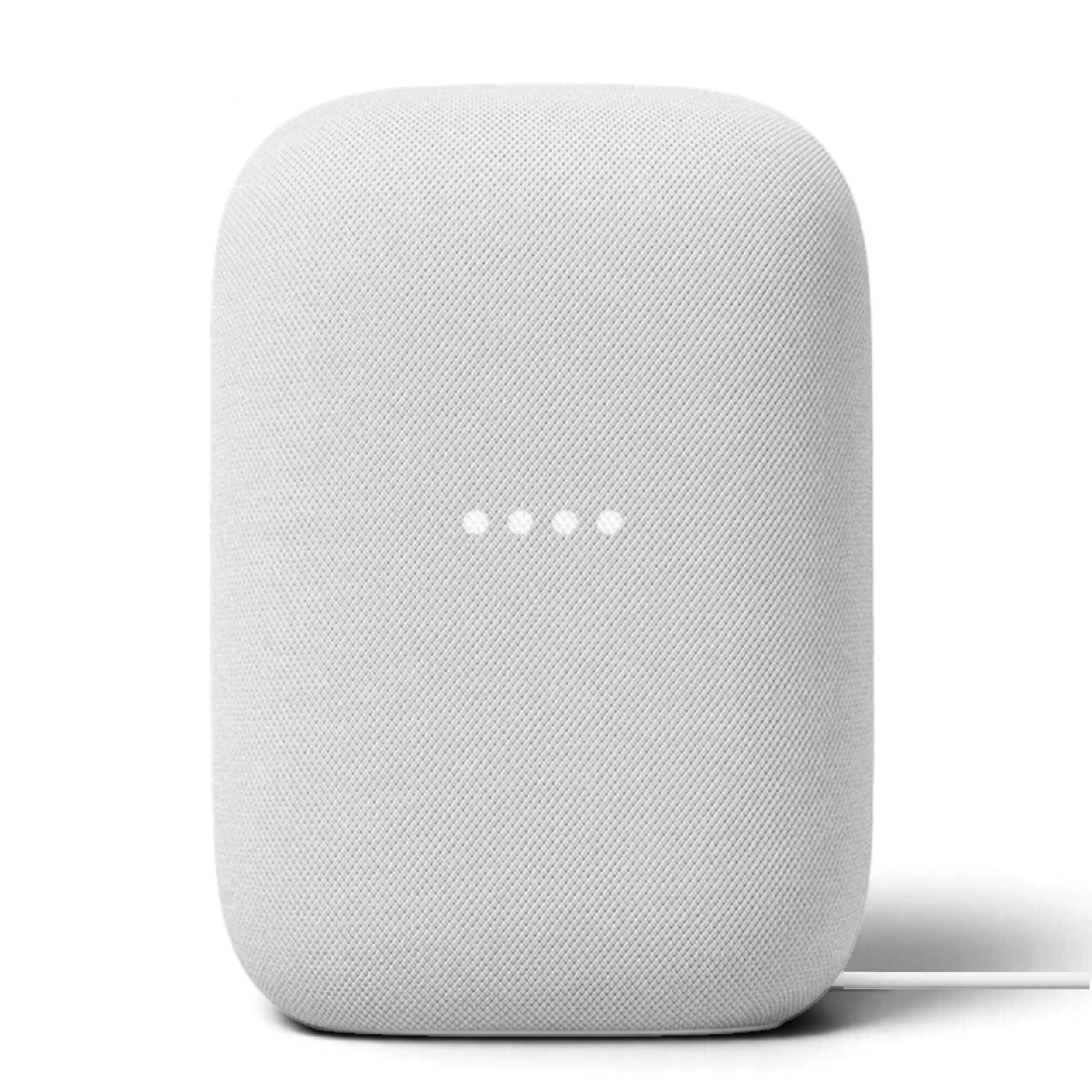
Who Should Buy Chromecast Speakers
Multi room music lovers benefit most, since grouped speakers play the same music in kitchen, living room, and bedroom at once. Households with mixed phones suit casting well, because Android and iOS devices can both cast without pairing codes or app locks. Guests can cast too, without joining the home network in complicated ways, when guest mode is set up.
Consider the main listening room first. A kitchen speaker needs splash resistance and clear voice for podcasts, while a living room speaker needs fuller bass and stereo separation for music. A small speaker suits bedrooms and offices, where near field listening matters more than room filling volume.
Key Features Worth Comparing
Casting Reliability and Network
Casting reliability depends on the home network as much as on the speaker. A strong wireless signal in each room prevents dropouts, and a modern router with good coverage helps grouped playback stay in sync. Try casting in the actual room before finalising placement, since a speaker that works near the router may struggle two rooms away.
Check app support for the services you use, since casting works through supported apps rather than every app. Most major music services cast well, but niche services may not, so confirm your must have services before buying. Voice assistant support varies too, so check assistant compatibility if voice control matters.
Sound Quality and Room Size
Sound quality should match room size and listening distance. Small speakers suit desks and bedrooms, while larger speakers with bigger drivers fill living rooms and kitchens. Bass response, clarity at low volume, and stereo pairing options matter more than peak loudness, since most home listening happens at moderate volume.
Placement changes sound greatly. A speaker in a corner gains bass but loses clarity, while a speaker on an open shelf sounds cleaner. Keep speakers away from walls when possible, and try stereo pairs with real music, since pairing widens the soundstage noticeably in medium rooms.
Controls, Power, and Extras
Controls should be simple for everyone in the home. Touch controls, physical buttons, and app controls each suit different users, and a speaker with both touch and app control covers most needs. Power options matter too, since mains speakers suit fixed rooms while battery speakers suit gardens and moving between rooms.
Extras like auxiliary input, Bluetooth fallback, and multiroom grouping add flexibility when casting is unavailable. A speaker that also works over Bluetooth suits guests without casting apps, while an auxiliary input connects turntables and older devices. Weigh extras against price, since unused features add cost without benefit.
Speaker Types Compared
Smart speakers add voice assistants and displays, which suit kitchens and family rooms where hands free control helps. Plain casting speakers focus on sound and value, without microphones or screens, which suits bedrooms and listeners who prefer privacy. Portable casting speakers add batteries for garden and travel use, while stereo pairs suit dedicated music rooms.
Related speaker guides include best speakers for chromecast audio, best bt speakers, best sounding speakers, best portable speakers, and best mobile speakers. Bluetooth speakers suit guests and travel, while casting speakers suit whole home music.
Practical Checks Before You Buy
Before ordering, check wireless coverage in each planned room, confirm app support for your music services, and check group playback limits for your system. Measure shelf and table space, and check power socket locations, since mains speakers need a nearby outlet. Keep the receipt until casting and grouping have been confirmed at home.
Start with one speaker in the main room, then add rooms only after the first speaker proves reliable. Whole home audio grows best one room at a time, with each addition checked before the next, and that patience prevents a house full of dropouts.
Building a Whole Home Music Routine
A morning routine starts whole home music pleasantly. Group the kitchen and bathroom speakers for news and music while preparing for the day, then ungroup when focus is needed. Routines in the casting app can automate groups at set times, so music starts without daily fiddling. A gentle morning playlist beats an alarm for starting the day well.
Evening listening suits different groups. Pair living room speakers in stereo for focused music, leave bedroom speakers ungrouped for audiobooks, and keep volume moderate so conversation stays easy. Stereo pairs widen sound noticeably, so try pairing before buying larger single speakers. Evening routines reward a little setup effort with much better sound.
Guest mode makes gatherings easy. Enable guest casting before visitors arrive, try it with a guest phone, and show one guest how to queue songs, so music becomes shared rather than hosted. A speaker with Bluetooth fallback covers guests without casting apps, and a simple printed note with the network name saves repeated explanations during a party.
Voice control adds hands free ease in kitchens and workshops. Ask for music, timers, and news without touching a phone with wet or dirty hands, and set default speakers so voice requests play where intended. Keep voice settings private where needed, and review voice history occasionally. Hands free control suits busy rooms best.
Playlists and radio keep casting fresh. Build playlists for cooking, working, and relaxing, and explore radio and podcast apps that cast well. Rotate playlists seasonally, since familiar music grows stale, and let family members add favourites to shared queues. Whole home music thrives on variety, and a little curation prevents the same songs repeating daily.
Room calibration, where offered, tunes a speaker to its surroundings by measuring reflections and adjusting output. Run calibration after moving a speaker, since new placement changes sound greatly. Calibration takes minutes and often improves clarity more than any equaliser tweak, especially in rooms with hard floors and bare walls.
Frequently Asked Questions
How is Chromecast different from Bluetooth?
Chromecast streams music directly from the internet to the speaker, while the phone acts as a remote, so calls and videos do not interrupt playback. Bluetooth streams from the phone itself, so the phone must stay in range and interruptions pause music. Casting also allows multiroom groups and shared queues, which Bluetooth handles less smoothly.
Can I play the same music in several rooms?
Yes, Chromecast speakers can be grouped to play the same music in several rooms at once, with playback kept in sync across the group. Groups are created in the casting app, and speakers can join or leave groups without stopping music elsewhere. Strong wireless coverage in each room keeps grouped playback smooth and dropout free.
Do I need a strong wireless network?
Yes, casting needs a reliable wireless network, since dropouts and sync problems usually come from weak signals rather than faulty speakers. Place the router centrally where possible, add coverage to far rooms, and try casting in each room before finalising placement. A speaker near the router may work well while the same model struggles two rooms away.
Can guests cast music to my speakers?
Guests can cast music when guest mode or network access is set up, depending on the speaker and app, without complicated pairing codes. Check the guest settings before a gathering, and try it with a guest phone so music works without fuss. For guests without casting apps, a speaker with Bluetooth fallback offers a simpler alternative.
Should I buy a smart speaker or a plain casting speaker?
Buy a smart speaker if voice control, timers, and hands free help matter in the room, especially kitchens and family rooms. Buy a plain casting speaker if privacy, simplicity, or sound value matter more, especially bedrooms and music rooms. Both cast equally well, so choose on control preferences and room use rather than casting alone.
Final Thoughts
The best casting speaker pairs reliable wireless coverage with sound that suits the room and controls the whole household can use. Try casting in the real room first, start with one speaker, and grow room by room. The product table above recaps the main types, but a dropout free evening of music tells you the most.
Choosing best chromecast speakers well brings whole home music within easy reach. Cast, group, and enjoy, and let the speakers fade into the background while the music takes centre stage.