
Best Chairs for Video Editing in 2026: Which One Fits the Way You Use It?
Disclosure: We may earn a commission when you buy through links on this page, at no extra cost to you. As an Amazon Associate I earn from qualifying purchases. Learn more

Not all chairs fit every routine. See which best chairs for video editing match how you actually use them, what features to prioritize, and what to skip.
Video editing asks more of a chair than most desk work does. You lean in to check a cut, sit back for a full pass, then stay still through renders and color work. The best chairs for video editing support those shifts without forcing your shoulders, back, or legs into one fixed pose. Use the comparison table below to match chair types to the way you actually edit.
There is no single winner for every editor. A chair that suits all day timeline work may feel oversized in a small spare room, while a compact chair can leave a taller editor short on seat depth. Start with your hours, desk height, and room, then judge cushion and adjustments.

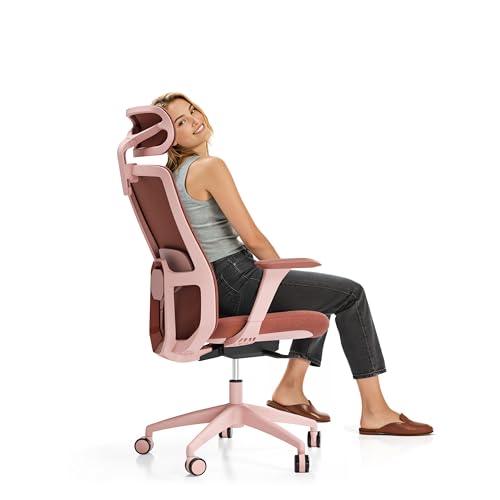
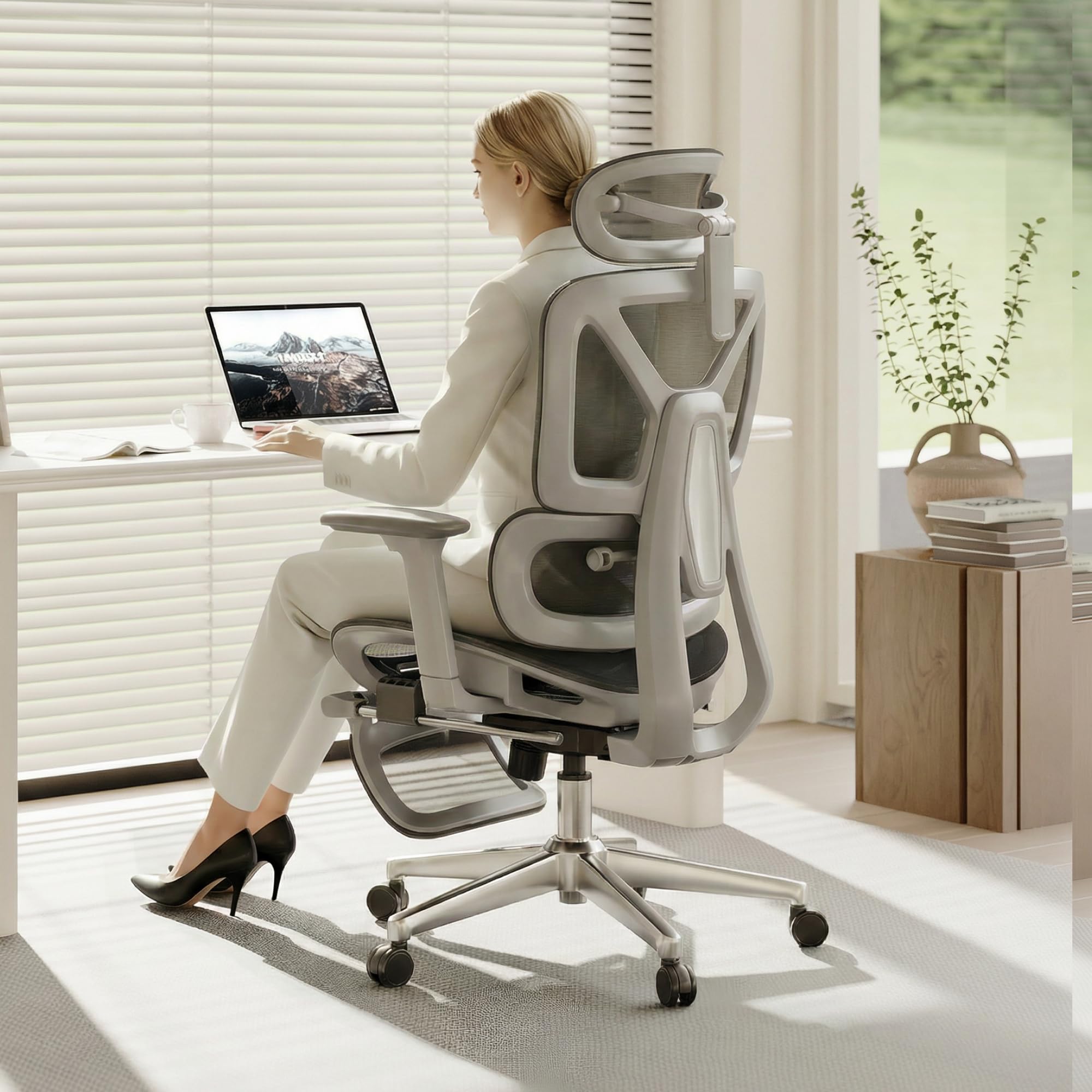
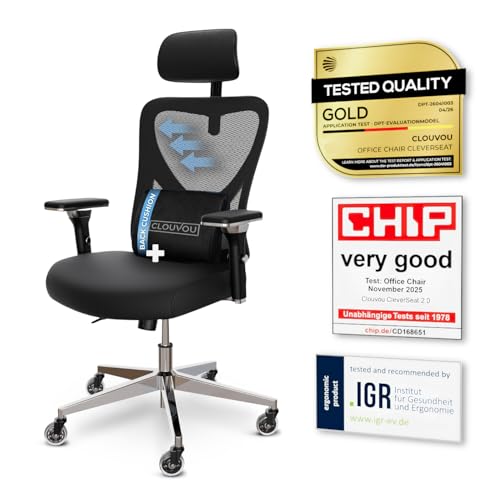


Who Should Buy Which Chairs for Editing Work?
Match the chair to the editing routine you repeat most days. Readers who want a broader shortlist can also see our guide to the best editing chairs.
Full Time Editors Who Sit Through Long Timeline Sessions
You spend most of the workday cutting and reviewing footage. Prioritize adjustable lumbar support, a seat set at the right depth, and armrests that hold your elbows near desk height. A high back with a headrest helps during playback passes, when you sit back to watch. Premium and executive models earn their price here through finer adjustments and sturdier parts.
Freelance and Home Studio Editors Watching Value
You edit hard but not always all day, and the chair shares space with the rest of your home. Balance price against the parts that wear first, such as the cushion, the armrest pads, and the casters. A mesh back keeps a small room feeling open and lets air move during summer sessions. Look for a clear warranty and replaceable pads, since those stretch the useful life of a mid priced chair more than styling does.
Gift Buyers Shopping for an Editor
You are buying for someone whose body and desk you may not know well, so safe adjustability matters more than a specific look. Choose a chair with a wide seat height range, movable lumbar support, and armrests that adjust or swing away, since those features forgive guesswork. Avoid narrow seats and fixed backs that suit only one posture. Keep the receipt and confirm the return window, because the recipient still needs a trial at their own desk.
Key Features to Compare
Compare each factor below against your own measurements and desk before you look at price. When you compare best chairs for video editing side by side, fit should outweigh styling every time.
Size, Dimensions, and Weight Capacity for Editing Desks
Start with three numbers: seat width, seat depth, and the rated weight capacity. Most standard chairs carry about 250 to 300 pounds, while reinforced models carry more, and you should leave a margin rather than sit at the limit. Measure the space under and behind your desk too, because a wide base and a reclined back need room. In a tight space, compact and space saving models trade some seat width for a smaller footprint.
Lumbar Support and Back Shape for Editing Posture
Good lumbar support fills the curve of your lower back without pushing you forward, and adjustable support matters because that curve sits at a different height on every body. A back that follows your spine lets you lean in for detail work and settle back for review without a gap behind you. Persistent back pain, numbness in your legs, or pain that spreads needs a medical professional rather than a new chair setting, so talk with your clinician about your personal needs.
Seat Cushioning, Foam Density, and Seat Depth
The cushion decides how the last hour of a session feels. High density foam holds its shape and spreads pressure across your thighs, while thin low density foam packs down fast and leaves you sitting on the frame beneath. Seat depth matters just as much: your back should touch the backrest while a small gap stays behind your knees. A waterfall front edge reduces pressure on your legs during long stretches of fine cutting.
Armrests, Tilt Lock, and Seat Height Adjustments
Set seat height so your feet rest flat and your elbows sit near desk level, since raised shoulders tire during mouse work. Armrests should adjust in height at least, and models that also move in width or angle bring your arms close without crowding your ribs. Tilt lock lets you fix a slight recline for watching footage, then return upright for detailed edits. If your desk setup is still coming together, see our guide to the best keyboards for video editing to line up desk height with your seated elbow position.
Mesh Backs, Upholstery, and Frame Build
A mesh back breathes during long sessions and flexes as you shift, though it gives a firmer feel than padded upholstery. Padded backs in fabric or faux leather feel softer at first touch and suit cooler rooms, but they hold more heat. Underneath, look at the base and lift: a sturdy five point base and a smooth gas lift should raise and lower you without wobble or sudden drops. Editors who also game at this desk can see our guide to the best video game chairs for more long session styles.
How to Set Up an Editing Chair at Your Desk
Setup takes about ten minutes and pays off on every session. Raise or lower the seat until your feet rest flat, your knees sit near a right angle, and your thighs feel level. Sit back until the backrest meets your lower back, then set the lumbar support into that contact point. Adjust the armrests last, at the height where your forearms rest while your shoulders stay low.
Next, check the chair against the desk itself. Roll close and confirm the armrests clear the desktop or slide under it, and leave space behind you to recline without striking a wall or shelf. If you are still arranging your workspace, see our guide to the best monitors for video editing for placement ideas that keep your neck neutral.
Common Mistakes to Avoid
- Choosing by appearance alone leaves you with a chair that fights your desk height and editing posture all day.
- Ignoring weight capacity and seat dimensions leads to a seat that feels cramped and wears out sooner than it should.
- Buying an oversized executive chair for a small room blocks recline space and makes rolling between desk and storage awkward.
- Locking the tilt in one upright angle for every task makes long playback and review sessions needlessly tiring.
- Skipping the warranty terms leaves you paying for a lift or caster failure that a better policy would have covered.
Care and Maintenance Tips for Editing Chairs
Tighten the bolts under the seat and armrests every few months, since daily rolling slowly works them loose. Wipe dust from the gas lift column, and check that the lift still holds height through a full session. A chair that sinks on its own needs a replacement lift or a professional repair rather than repeated readjustment.
Vacuum fabric and mesh with a soft brush to lift dust from the weave, and wipe faux leather with a damp cloth and mild soap, then dry it fully. Pull hair and thread from the casters so they roll without dragging. Keep the chair out of harsh direct sun, because steady heat and light dry out upholstery and fade fabric.
FAQs About Chairs for Video Editing
What features matter most in a chair for video editing?
Adjustable lumbar support, correct seat depth, and armrests that meet your desk height matter most for video editing. Those three decide your posture during both close cutting and relaxed playback. That is why lists of chairs for video editing mean little until you match those parts to your own body and desk. One extra check helps: confirm the chair rolls quietly, since caster noise can creep into voice recordings made at the same desk.
How do you choose the right chair size for video editing?
Choose chair size from your own measurements, starting with seat depth and width. Sit with your back against the backrest and look for a small gap behind your knees, plus room at each hip without squeezing. Taller editors should also check back height, because support that ends mid shoulder leaves the upper back working alone. If you share the chair, favor a wider height range and movable lumbar support.
What chair features matter most for long editing hours?
For long editing hours, cushion resilience and steady back support matter most. A seat that feels plush at first can still fail you if the foam flattens by hour three. Take short standing breaks between renders, since no chair fully replaces movement. If your room runs warm, a breathable mesh back can matter more than extra padding.
Is an expensive editing chair worth the cost?
An expensive editing chair is worth the cost only when the extra money buys adjustments and parts you will actually use. Finer lumbar controls, a deeper range of armrest movement, and replaceable cushions justify a higher price for daily editors. Decorative stitching and oversized styling do not. If you edit a few hours a week, a simpler chair that fits well will serve you better than a premium model bought for its looks alone.
How long should a good chair for video editing last?
A good chair for video editing should last about five to ten years with daily use, depending on cushion quality and how well the moving parts hold up. The lift and casters usually show age first, through sinking or rough rolling. Buying from a maker that sells replacement pads, armrests, and lifts extends that life at modest cost. Let damp upholstery dry fully after a deep clean before you sit again.
The Bottom Line
Put fit first: seat depth and height that suit your body, lumbar support placed where you need it, and armrests that meet your desk without lifting your shoulders. Then choose cushion and back material for your session length and room, and confirm the footprint fits.
When you compare best chairs for video editing against those points, the right type usually stands out fast. Use the product table above to check dimensions, capacity, and price, and pick the simplest chair that supports the way you edit.


