
Best Chairs for Shoulder Pain 2026: Types Compared and How to Choose
Disclosure: We may earn a commission when you buy through links on this page, at no extra cost to you. As an Amazon Associate I earn from qualifying purchases. Learn more

Confused by all the options? We compare every type of chair side by side so you can choose the best chairs for shoulder pain for your space and budget.
Shoulder ache after a few hours at a desk often traces back to one problem. Your arms have nowhere good to rest, so your shoulders carry their weight all day. The best chairs for shoulder pain fix that support first, then add a backrest and seat that keep you from hunching forward.
This guide compares compact, ergonomic, and budget types side by side, explains which adjustments change how your shoulders feel, and shows you how to size a chair to your body and desk. Use the comparison table below for the main types at a glance, then read on for the fit checks that matter most.
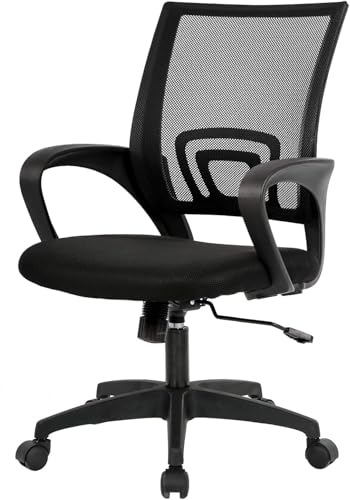
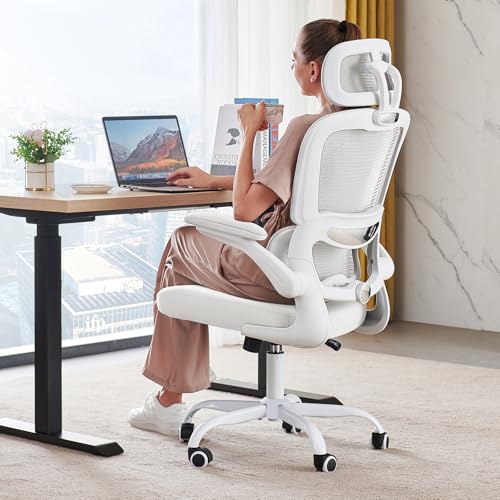
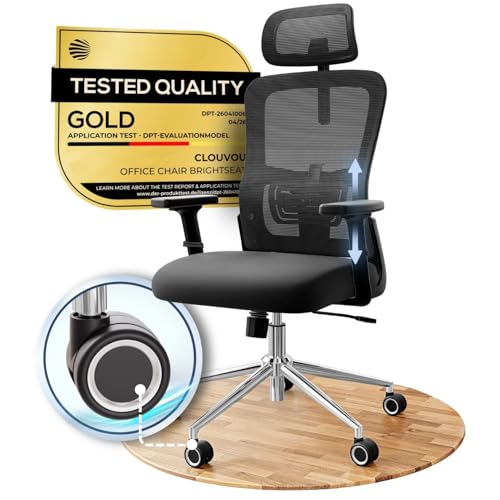
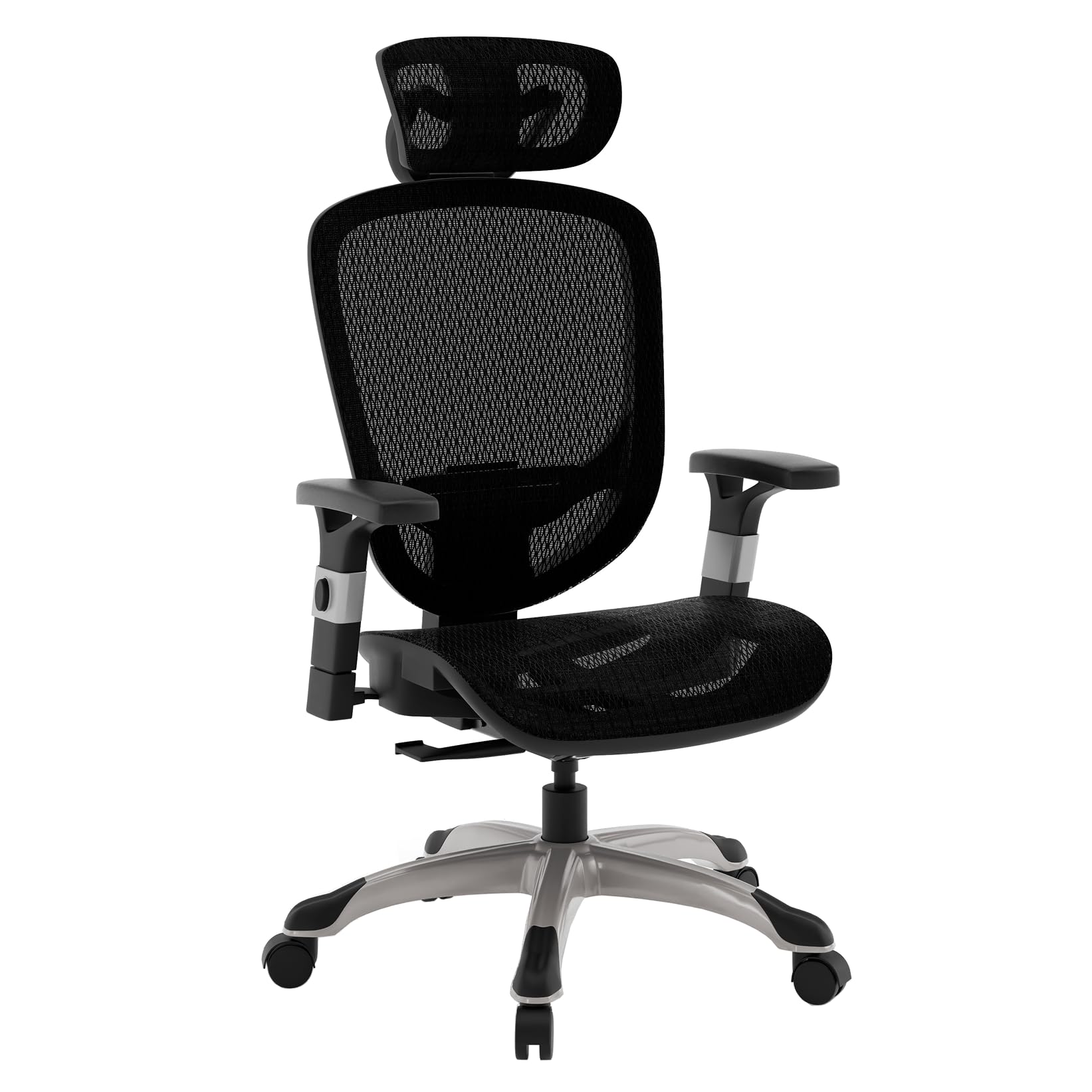
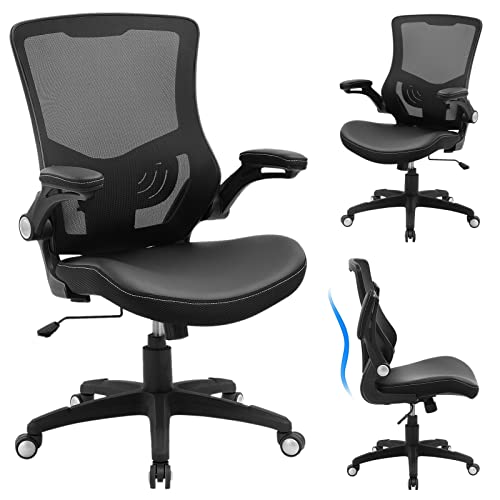
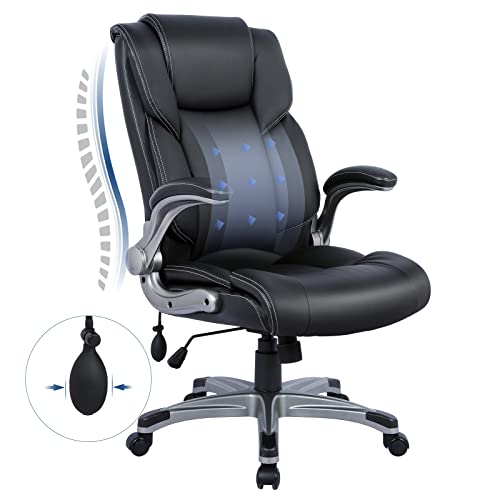
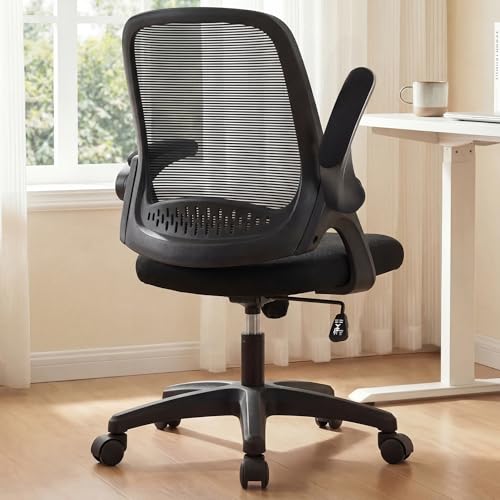

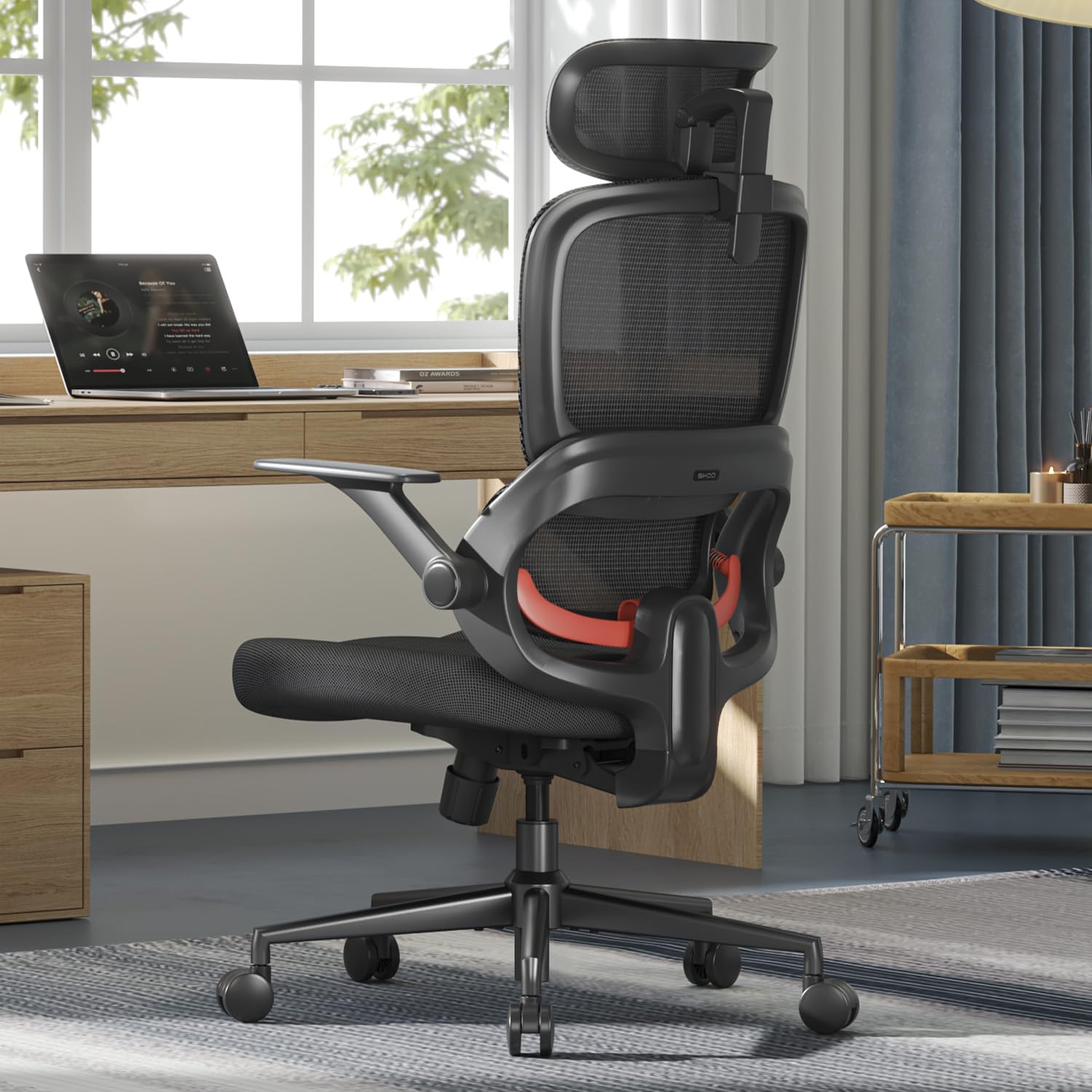
Types of Chairs Compared for Shoulder Pain
Each type below can work, but each trades support, size, and price differently. Start with your room and sitting hours, then judge each type by how well it supports your arms and upper back.
Compact and Space Saving Models
Compact models use a narrower frame, a smaller seat, and often arms that fold up so the chair slides under a desk. They suit shared rooms, small apartments, and shorter stretches of about one to three hours. The trade off is fit. A narrow seat can push fixed arms too close to your ribs, and a short backrest may end below your shoulder blades. Measure the space between the arms, and choose armrests you can raise or lower rather than arms fixed at one height.
Ergonomic Models
Ergonomic models give you the most control over arm and back support. Their armrests usually move up and down, slide forward and back, and sometimes angle inward, while the backrest adds adjustable lumbar support and a tilt you can lock at a slight recline. That range suits people who sit four hours or more, since you can set your elbows near your sides and rest your forearms fully. If your work is at a desk, see our guide to the best office chairs for shoulder pain. Expect to pay about $250 to $600.
Budget Models
Budget models, usually about $80 to $250, keep costs down with simpler frames, fixed or height only armrests, and foam that starts firm but softens sooner. They can still suit a spare room or anyone sitting an hour or two a day, as long as the basics fit. Check that the armrest height lands near your natural elbow height with your shoulders relaxed, since arms set too high will shrug your shoulders upward all day.
Compact Models vs Ergonomic Models: Which Chair Should You Choose for Shoulder Pain?
Choose a compact model when floor space is your hard limit and your sessions stay short. Its smaller footprint and fold up arms make it easy to store, but its narrower seat and shorter backrest give tall or broad users less upper back support. Price helps too, since compact chairs often cost less than ergonomic models.
Choose an ergonomic model when you sit for long workdays, share the chair, or need armrests matched to a specific desk height. Wider adjustment ranges and higher weight capacity, often about 250 to 400 pounds, make these chairs easier to fit precisely. They take more space and cost more, but the adjustable armrests alone usually justify the step up.
How to Choose the Right Chair for Shoulder Pain
Fit matters more than category. A chair only helps your shoulders when seat height, armrest height, and desk height line up so your feet rest flat, your elbows bend at about 90 to 110 degrees, and your shoulders stay relaxed. That is where choosing the best chairs for shoulder pain becomes a measuring task rather than a style choice.
A chair can improve posture and comfort, but it cannot diagnose or treat a shoulder condition. See a doctor promptly if you have pain after a fall or injury, weakness or numbness in your arm or hand, pain that spreads down your arm, swelling, or pain that keeps waking you at night. Talk with your clinician about your personal needs.
Features That Matter Most for Shoulder Pain
Adjustable armrests come first, because unsupported arms pull your shoulders forward and down. Look for armrests that adjust in height at a minimum, and ideally slide and angle as well, with padding wide enough to support your whole forearm. The pads should sit close to your body, since arms placed too wide force you to reach outward. Next, check backrest height. A back that reaches your shoulder blades supports your upper back and helps you sit tall.
Comfort and Cushioning in a Chair for Shoulder Pain
Seat cushioning shapes your shoulders more than you might expect. When a seat feels too hard or too deep, you shift, slouch, and brace with your arms, and that bracing loads your shoulders. High density foam holds its shape through long sessions, while a seat depth of about 18 to 20 inches suits many adults. A rounded front edge eases pressure behind your knees. If seat pressure is your main complaint, see our guide to the best chairs for tailbone pain.
Ergonomics and Adjustability in a Chair for Shoulder Pain
Start with seat height, commonly about 17 to 21 inches, and set it so your feet rest flat with your desk at elbow level. Lumbar support should fill the curve of your lower back without pushing you forward, since a supported lower back keeps your chest open and your shoulders back. A tilt lock holding a slight recline of about 100 to 110 degrees lets you shift weight onto the backrest. If neck ache travels with your shoulder ache, see our guide to the best office chairs for neck and shoulder pain.
Warranty and Return Policy for a Chair for Shoulder Pain
Shoulder fit is hard to judge from a product page, so the return window matters as much as the warranty. Look for at least 30 days to try the chair at your own desk, since armrest height that feels fine for ten minutes may annoy you after a week. Frame and gas lift coverage of about five to ten years signals a sturdier build, while foam and fabric often carry one to two years.
Common Mistakes to Avoid When Buying a Chair for Shoulder Pain
- Choosing fixed armrests that sit too high, which keeps your shoulders raised and tense all day.
- Buying a chair with arms set very wide, which forces you to reach outward to type.
- Perching on the front edge of a deep seat, which removes back support and rounds your shoulders forward.
- Setting the seat so high that your feet dangle, which tilts your pelvis and pulls your upper body out of line.
- Judging comfort in a five minute sit, which hides problems that appear after hours of work.
- Skipping the return policy check, which can leave you stuck with armrests that never matched your desk.
Keeping Your Settings Right So Shoulders Stay Relaxed
Recheck your seat and armrest settings every few months, since levers drift and a setting that once kept your shoulders relaxed can creep out of place. Tighten the bolts under the seat and at the armrests with the tool the maker supplied, and stop if a bolt spins freely, since that can mean a stripped fitting.
Vacuum a mesh back with a soft brush attachment so dust does not clog the weave, and wipe upholstered arms and seats with a damp cloth so skin oils do not break the fabric down. Keep the chair out of strong sunlight. If pain lower in your spine is part of your picture, our guide to the best chairs for coccyx pain covers seat shapes for that spot.
Questions About Choosing a Chair for Shoulder Pain
What features matter most in chairs for shoulder pain?
Adjustable armrests matter most in chairs for shoulder pain, followed by a backrest tall enough to support your shoulder blades. One point many buyers miss is armrest width. If the pads cannot move inward, smaller framed users lean to one side to reach a pad, which strains the opposite shoulder. Rest both forearms fully while typing before you decide the chair fits.
Is an expensive chair worth it for shoulder pain at a desk?
An expensive chair is worth it for shoulder pain only when the extra cost buys adjustments you will use, such as armrests that move in several directions and a stronger frame. It is not worth paying for decorative finishes or padding you cannot position. If you sit under two hours a day, a well fitting budget chair plus regular stretch breaks may serve you just as well.
How do you choose the right chair size for shoulder pain and your body?
Choose chair size from three measurements: your seated elbow height, your hip width, and the length from your lower back to the back of your knees. Leave about one inch of space on each side of your hips inside the armrests. If your knees press the front edge while your back touches the backrest, the seat is too deep, and a shallower model will fit better.
How long should a good chair for shoulder pain last?
A good chair for shoulder pain should last about seven to ten years of daily use, with the seat foam usually wearing out before the frame. Plan on the cushion feeling softer after about three to five years, which is when many makers sell replacement seat pads. A chair that slowly sinks overnight is telling you the gas lift needs replacing.
What features matter most in a chair for shoulder pain during long hours?
For long hours, a chair for shoulder pain needs a tilt you can unlock, since small position changes through the day rest different muscles. A rounded front edge and a breathable mesh back also help by easing leg pressure and heat buildup. Set a timer to stand every 30 to 45 minutes, since even a well supported posture grows tiring when it never changes.
Wrapping Up
Start with armrests that meet your elbows without lifting your shoulders, add a backrest that reaches your shoulder blades, and confirm the seat height works with your desk. Match the type to your space and hours, compact for short sessions and ergonomic for long workdays. When you compare the best chairs for shoulder pain with those checks in hand, use the product table above to narrow your shortlist.


