
Best Chairs for Office Sitting of 2026: Complete Buying Guide
Disclosure: We may earn a commission when you buy through links on this page, at no extra cost to you. As an Amazon Associate I earn from qualifying purchases. Learn more

Compare the best chairs for office sitting by lumbar support, seat size, foam density, armrests and dimensions so the chair fits your desk and body.
Sitting at a desk for most of the workday asks a lot from one chair. Your back, hips and shoulders feel every shortcut in seat size, support and adjustment by mid afternoon. The best chairs for office sitting match your body and your desk first, then add materials and movement you will use daily. Use the comparison table below to check the basics before you read the details.
Start with how you actually work. Note your desk height, the hours you stay seated at one stretch, and whether the chair must fit a small room. Those facts rule out many chairs quickly.
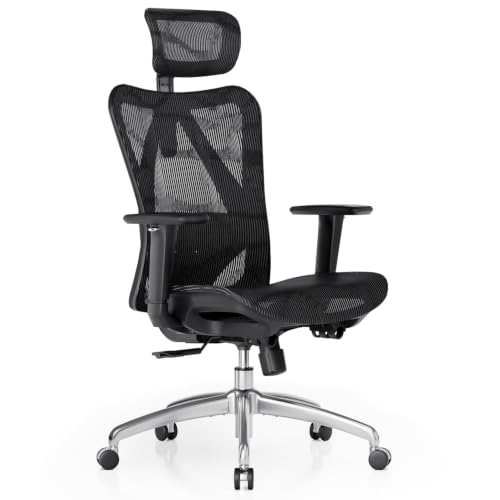
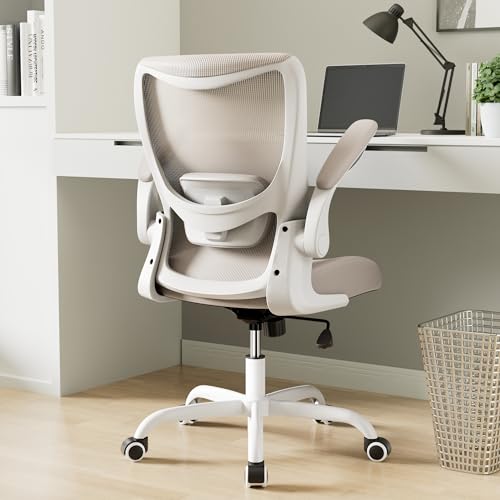
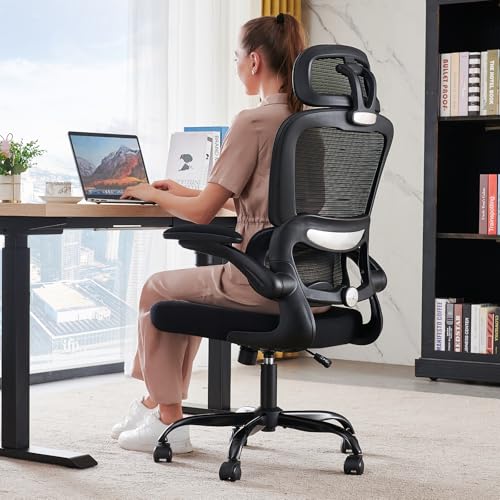

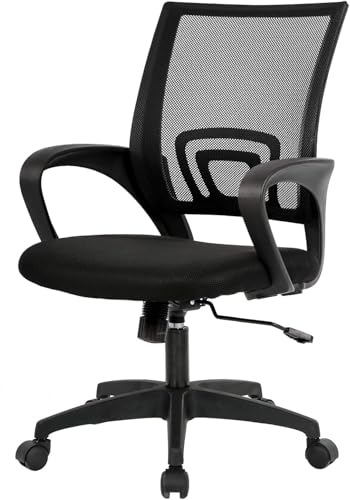

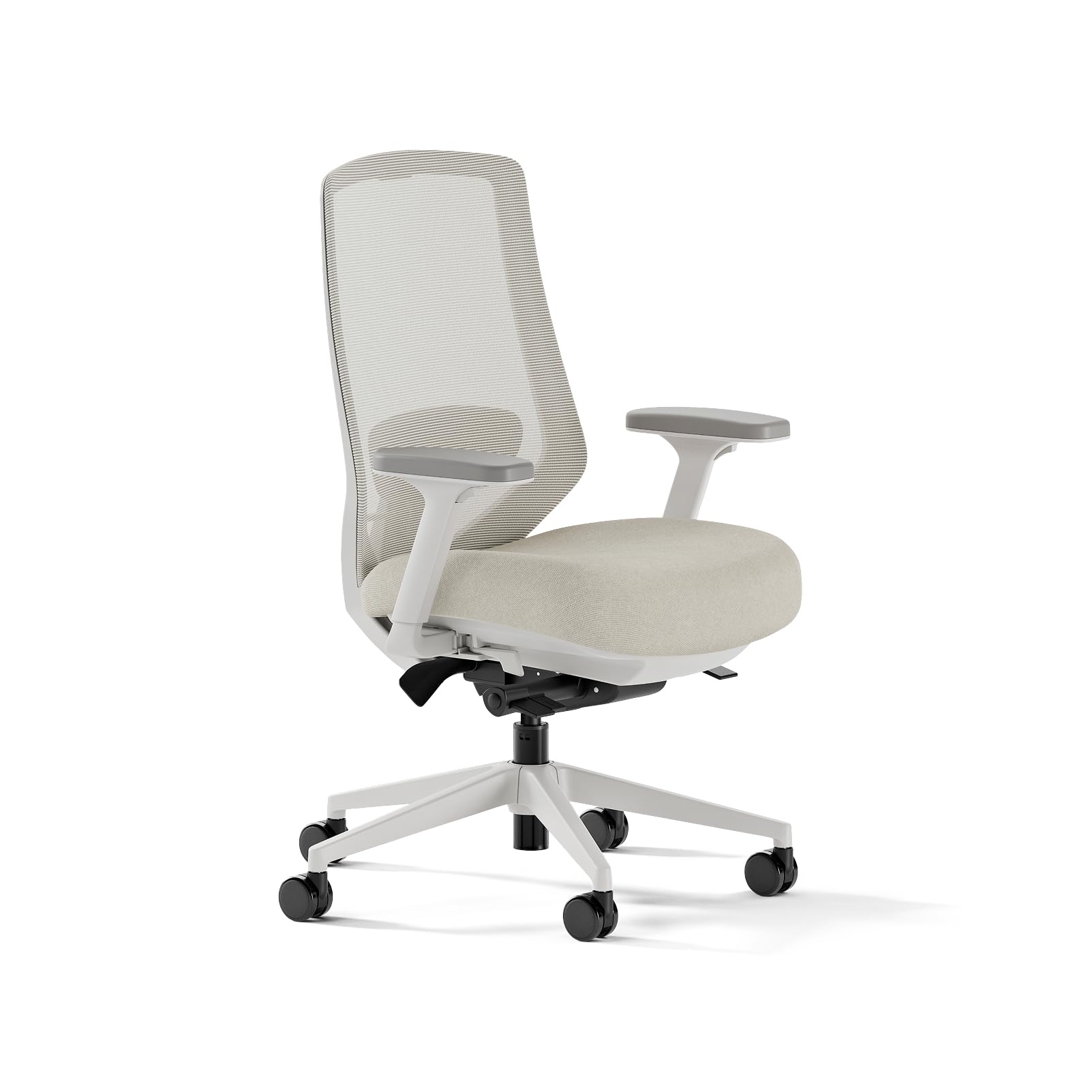

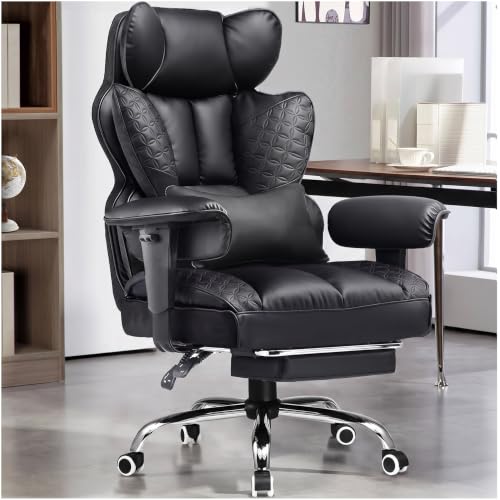
Who Should Buy Which Chairs for Office Sitting?
Office sitting covers very different days. Match the chair to your longest regular sitting stretch, not to a short task.
Full Day Desk Workers at Home
You sit in the same chair for most of the week, so fit errors compound day after day. Prioritize adjustable lumbar support, correct seat height, and armrests that meet your elbows without lifting your shoulders. If you stay seated through most of the workday, see our guide to the best office chairs for sitting all day.
Hybrid and Shared Desk Workers
You share a chair, or move between home and an office, so the chair must refit a new body in seconds. Choose reachable controls, a wide seat height range, and armrests that move without tools. For a shared desk used in rotation, see our guide to the best office task chairs, since quick adjustment matters more there than deep cushioning.
Workers in Small Home Offices
Your chair must roll clear of the desk, turn without hitting shelves, and store close to the wall. Choose a compact footprint and arms that flip up or slide under the desktop. Measure the floor space first, because a wide base can crowd a room even when the seat looks small.
Key Features to Compare
Compare these factors in order. Fit and support come first, because materials and extras cannot fix a seat that is the wrong size for your body or your desk.
Lumbar Support and Back Shape for Office Sitting
Lumbar support fills the natural curve of your lower back so you do not slump forward as the day goes on. Fixed support suits you only if its height lands on that curve, while adjustable support can move and press firmer or softer. If you have persistent back pain, numbness or tingling in your legs, or pain that spreads below the knee, do not treat a new chair as the fix. See a doctor or physical therapist, and talk with your clinician about personal needs.
Seat Height, Seat Depth and Overall Size
Seat height decides whether your feet rest flat and your knees bend comfortably. Most office chairs adjust from about 16 to 21 inches, and you should set the seat so your thighs stay roughly level. Seat depth matters just as much, since a deep seat can press behind your knees while a shallow one leaves thighs unsupported. Check seat width against your hips before you order.
Comfort and Cushioning From High Density Foam
Seat foam carries your weight for hours, so density matters more than softness on first sit. High density foam holds its shape and spreads pressure across your hips, while low density foam often feels plush at first and then flattens. A gently curved front edge reduces pressure under your thighs. Choose firmer foam than you think you need, because a seat that bottoms out leaves you shifting for support.
Mesh Back, Fabric and Faux Leather Materials
A mesh back lets air move behind you and flexes as you shift, which suits warm rooms. Fabric seats feel soft and grip clothing so you slide less, but they hold spills and need more cleaning. Faux leather wipes clean quickly and looks formal on video calls, yet it can feel warm and may crack if it dries out. Choose by room temperature and cleaning habits, and readers in long meetings can also see our guide to the best office chairs for long sitting.
Tilt, Tilt Lock and Adjustable Armrests
Tilt lets the back recline slightly so you can change position during calls, and tilt lock holds the angle you choose. Tension control sets how hard you must lean to recline, which lighter and heavier users set very differently. Adjustable armrests should move in height at minimum, and width adjustment helps if you type, mouse and write at one desk. Set arms so elbows rest lightly with shoulders relaxed.
Weight Capacity, Base and Assembly
Weight capacity tells you the load the frame, lift and base are built to carry. Most office chairs rate from about 250 to 300 pounds, with heavy duty models rated higher, and staying well under the limit reduces stress at the joints. A five point base feels stable when you roll. Most chairs take about 20 to 40 minutes to build, so check that instructions and spare bolts are included.
Types of Chairs for Office Sitting
Once fit is clear, the type narrows your budget and room needs.
Compact Space Saving Models for Office Sitting
Compact models use a smaller base, a narrower back and often arms that flip up, so the chair tucks under the desk. They suit small home offices and shared rooms. The tradeoff is less seat width and fewer adjustments, so broader full day users may find them tight.
Ergonomic Models for Office Sitting
Ergonomic models offer the widest adjustment range, including lumbar support, seat depth, tilt and movable armrests. They suit full day sitting and shared desks, because each user can reset the chair. Expect a higher price, usually about $200 to $500, and some setup time while you learn each control.
Premium Executive Models for Office Sitting
Executive models use a taller back, thicker padding and a formal finish, and they suit people who host meetings in their office. Prices often run about $300 to $700. Check the adjustment list, because some executive chairs offer fixed lumbar support and limited tilt, which matters more during long sitting than padding.
How to Measure Your Desk and Body for an Office Chair
Measure before you order, in the shoes you wear at your desk. Sit on a firm kitchen chair, note the height where your feet rest flat, and use that as your target seat height. Then measure the underside of your desk, since armrests must clear it.
Also measure the floor area, allowing room to roll back and turn. Check seat height, desk clearance and floor space against every chair you consider, including the best chairs for office sitting options in the table, before price tempts you to skip a size check.
Common Mistakes to Avoid
Most returns and sore afternoons trace back to a short list of avoidable errors.
- Buying by looks alone leaves you with a chair that strains your back at your desk height.
- Choosing a seat that is too deep presses behind your knees and makes you perch on the edge.
- Ignoring weight capacity shortens the life of the lift and base.
- Setting armrests too high lifts your shoulders and leaves your neck tense all day.
- Skipping the floor measurement buys a chair that cannot turn in your room.
- Staying in one fixed position for hours stiffens your hips and back.
How to Make Your Chair Last Longer
Set the seat height so your feet rest flat, then recheck it after the first week. Tighten bolts under the seat and at the armrests every few months, since rolling and leaning work them loose. Wipe casters clean when they drag, because grit in the wheels can scratch hard floors.
Vacuum fabric and mesh with a soft brush, and wipe faux leather with a damp cloth, so dust and oils do not build up. Keep leather and faux leather out of direct sunlight, since heat dries the finish and invites cracks. Store spare bolts in one drawer, so a loose arm can be fixed the same day.
FAQ
What features matter most in chairs for office sitting?
Fit, lumbar support and seat height matter most in chairs for office sitting. Before you pay for extras, try a firm chair with a cushion behind your lower back to learn which support height feels right. That check tells you whether fixed support could work or whether you need adjustable support.
Is an expensive office sitting chair worth the cost?
An expensive office sitting chair is worth the cost only when the extra money buys adjustment and parts you will use. Longer coverage for the lift and frame, plus replaceable casters and arm pads, add real value. A high price for finish alone, with the same fixed support as a cheaper chair, rarely pays off.
What features matter most for office sitting during long hours?
For office sitting during long hours, movement matters most, so look for easy tilt that encourages small position changes. Add a habit the chair cannot give you, and stand, walk or stretch briefly every 30 to 60 minutes. If your feet dangle once the seat fits your desk, a simple footrest solves that gap better than lowering the seat.
How do I choose the right size office chair for my body?
Choose the right size office chair by matching seat height, depth and width to your measurements first. Leave about two to three fingers of space between the seat edge and the back of your knees when you sit fully back. If you fall between sizes, favor seat depth adjustment, because height alone cannot fix a seat that reaches too far.
How long should a good office sitting chair last?
A good office sitting chair should last about seven to ten years with daily use and basic care. Foam that stays flat the next morning, a lift that sinks while you sit, or a wobbling base are signs that replacement is near. Replacing worn casters early can stretch useful life, since damaged wheels strain the base.
The Bottom Line
Match seat size and lumbar support to your body, set tilt and armrests for your daily work, and choose materials for your room. Use the product table above to confirm dimensions, capacity and price.
Chosen that way, the best chairs for office sitting stop being a gamble and become a simple fit check you can repeat for any desk or room.


