
Best Chairs for Long Computer Use: 2026 Checklist for Long Desk Days
Disclosure: We may earn a commission when you buy through links on this page, at no extra cost to you. As an Amazon Associate I earn from qualifying purchases. Learn more

Fit beats extras: a checklist for the best chairs for long computer use covering seat depth, lumbar contact, armrests and tilt.
Sitting at a computer for most of the workday asks more of a chair than a short email session does. Your back, hips and shoulders need steady support hour after hour, and small fit flaws grow tiring by midafternoon. The best chairs for long computer use match your body, your desk and your room, and this guide shows you how to judge them using the comparison table below.
Start with how you actually sit. Note your desk height, the space around it, and whether you lean back to read or stay upright to type. Those details will help you use the checklist and care tips that follow, and they will keep a low price from hiding a poor fit.
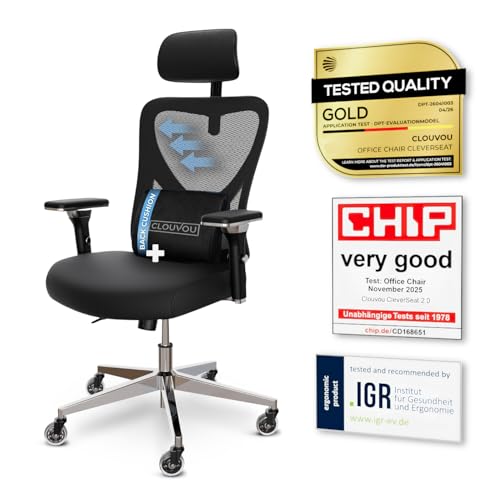
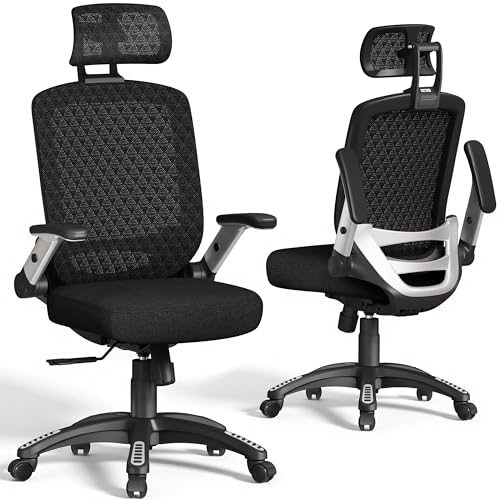

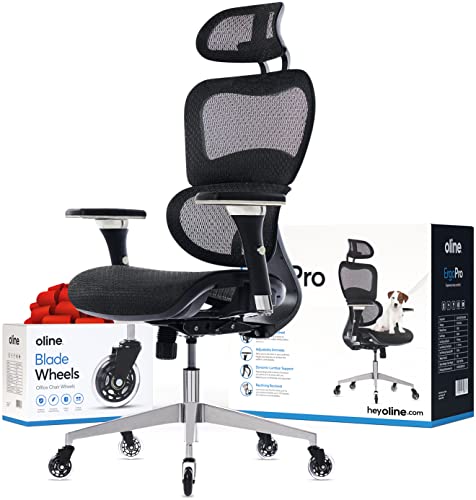
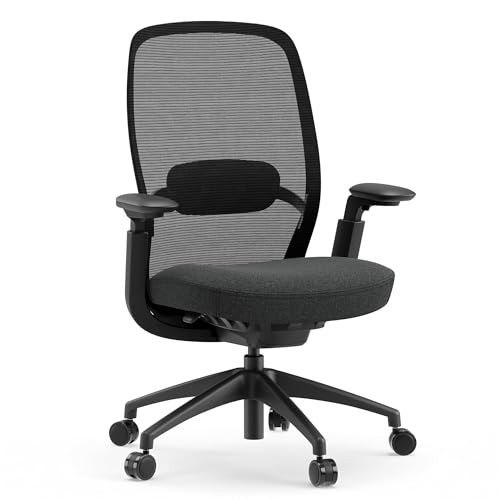

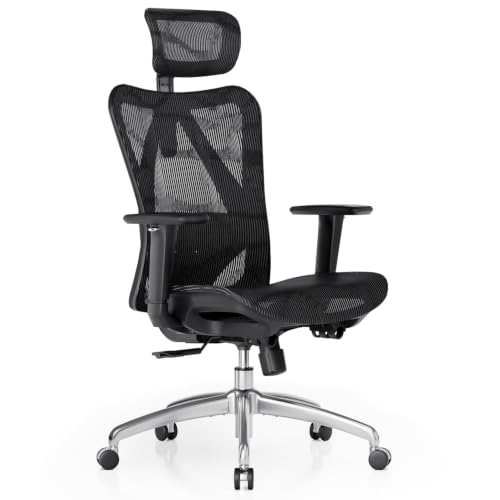
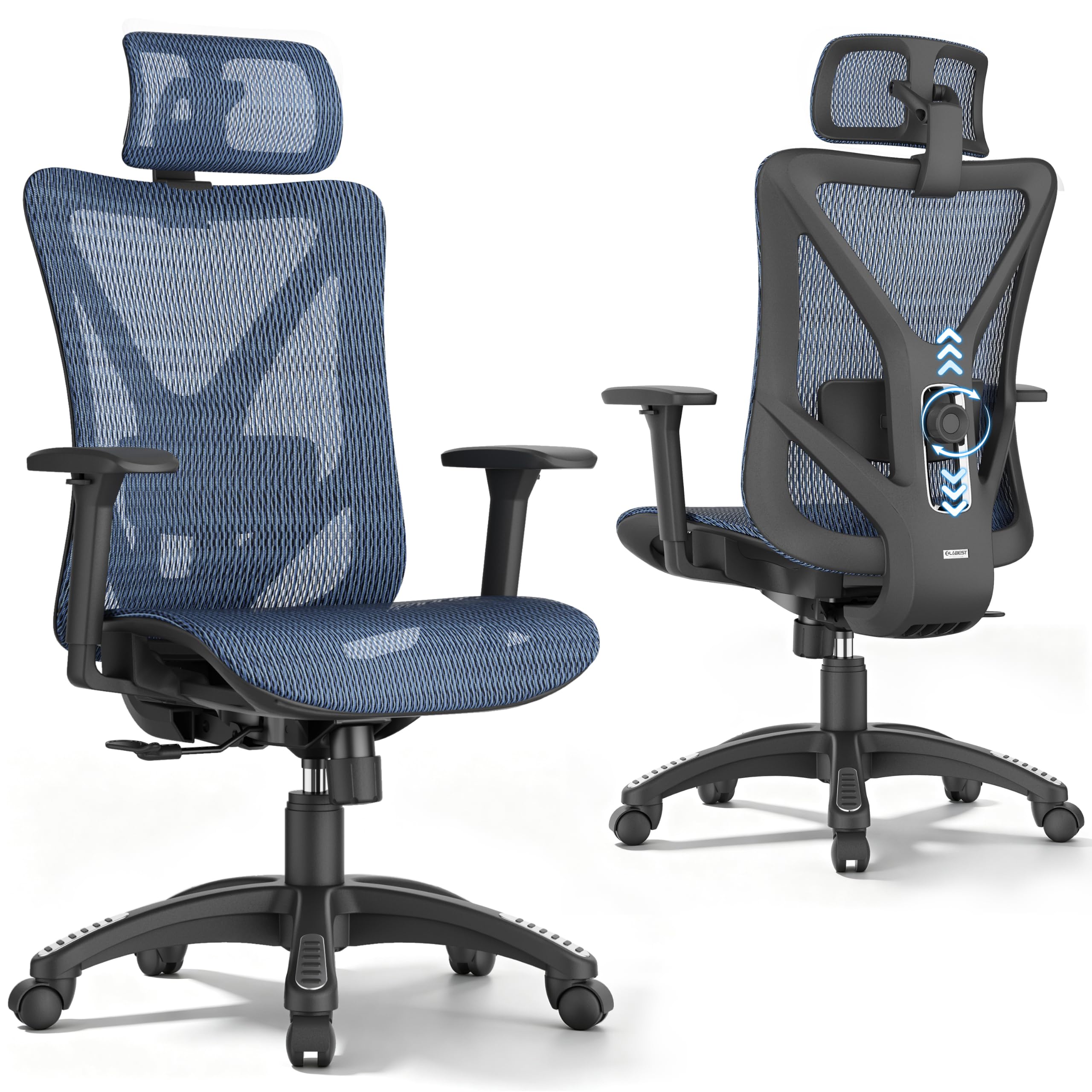

Who Should Buy Which Chair for Long Computer Use?
Long computer days are not all the same. Match the chair to your longest typical day, not to your shortest one.
Full Time Remote Workers at a Fixed Desk
You sit in one place for most of the day, so seat depth, lumbar support and a stable base matter most. Choose a seat you can raise and lower, a backrest that follows your lower back curve, and enough width to shift position without feeling pinned. A mesh back helps if your room runs warm.
Programmers, Writers and Other Focused Workers
You may sit still for long blocks, then lean back to think or read. Look for tilt tension you can adjust and a tilt lock that holds a slight recline without forcing you upright. Adjustable armrests help your shoulders stay relaxed at the keyboard. If you share the chair, pick controls that are easy to reset each morning.
Students and Workers in Small Rooms
You need comfort without a chair that swallows the room or blocks a door or drawer. Compact models with a narrower base and arms that move out of the way can slide closer to the desk when you finish. Measure the floor space first, including room to roll back.
Key Features to Compare
Compare the features below in order, because fit comes before extras.
Lumbar Support and Back Shape for Long Computer Use
Lumbar support fills the curve of your lower back so you do not slump as the day goes on. Fixed support can work if its height matches your back, but adjustable support is safer when you cannot try the chair first, because you can change its height or depth until contact feels even. If you have persistent back pain, numbness in your legs or pain that travels down one leg, talk with your clinician about personal needs before you buy, because a chair alone cannot treat those signs.
Seat Depth, Seat Width and Cushion Choice
Seat depth decides whether the front edge presses behind your knees. When you sit with your back against the backrest, you should fit about two or three fingers between the seat edge and the back of your knees. High density foam holds its shape longer and feels firm and even, while a mesh seat feels cooler but may sag sooner under daily load. A seat that is too wide can push adjustable armrests too far apart for comfortable typing.
Adjustable Armrests and Seat Height Range
Seat height should let your feet rest flat with your knees near a right angle and your elbows close to desk height. Most desk chairs adjust through about 17 to 22 inches at the seat, but check the range against your leg length and desk height. Armrests that move up and down are the minimum for long typing, and models that also move in width or angle suit narrow shoulders or wide desks. If armrests hit the desk edge, lower them or choose arms that slide back.
Tilt Tension, Tilt Lock and Recline for Computer Work
Tilt lets the seat and back move as you change tasks, which spreads pressure instead of holding one posture all day. Tilt tension sets how hard you must lean to recline, so lighter users need a soft enough range and heavier users need stronger resistance. A tilt lock holds one angle for reading or calls. This is one place where the best chairs for long computer use earn their cost, because smooth movement encourages small position changes that a stiff chair discourages.
Frame Strength, Weight Capacity and Base Stability
Weight capacity tells you the load the frame, gas lift and base are built to hold, and most everyday models are rated at about 250 to 350 pounds. Stay well under the rating if you share the chair across long shifts. A metal base feels steadier than a thin plastic base, and a Class 4 gas lift is the stronger common grade for daily use. Check that the casters suit your floor, since hard casters can mark wood.
A Buyer Checklist for Long Computer Days
Use these questions before you order. A chair that earns a yes on the first five is a strong candidate, even without extras.
- Can you adjust the seat height so your feet rest flat on the floor?
- Does the lumbar support meet your lower back when you sit fully back?
- Is there a small gap between the seat edge and the back of your knees?
- Do the armrests support your forearms without lifting your shoulders?
- Does the chair fit under your desk and roll clear of walls and drawers?
- Is your body weight well under the stated weight capacity?
- Does the warranty cover the gas lift and frame for several years?
Watch for red flags while you compare. Vague cushion claims, no stated weight capacity, no clear warranty terms and photos that hide the controls all make a chair hard to judge. For a second view focused only on posture, see our guide to the best computer chairs for posture.
Room fit deserves its own check. Measure the desk opening, then compare it with the chair width and the lowest armrest height. Readers comparing near matches may also see our guide to the best chairs for long hours and our guide to the best computer chairs for long hours.
Common Mistakes to Avoid
Most returns trace back to these buying errors.
- Buying by looks alone leaves you with a seat depth that fights your legs all day.
- Choosing a seat that is too soft lets your hips sink and pulls your back into a slump.
- Ignoring desk height leads to raised shoulders, dangling feet and wrist strain.
- Skipping the weight capacity check shortens the life of the gas lift and base.
- Keeping armrests at the wrong height forces your shoulders up and adds neck tension.
- Ordering without measuring the room leaves a chair that cannot roll back freely.
Setup, Care and Maintenance for Computer Chairs
Assembly is easier on a clear floor with the parts laid out in order. Attach the base and gas lift first, then the seat and back, and tighten bolts evenly so the frame sits square. After assembly, set the seat height, lumbar position and armrest height, then type for ten minutes before you change anything else.
Every few months, tighten the bolts under the seat and check the casters for hair and grit. Vacuum mesh and fabric with a soft brush, and wipe faux leather or plastic parts with a damp cloth and mild soap. Keep the chair out of strong direct sun, because heat and light can dry surfaces and fade fabric. If a gas lift starts to sink on its own, replace it rather than sitting on a chair that drops during work.
FAQ
What features matter most in chairs for long computer use?
Adjustable lumbar support, correct seat depth and a seat height range that fits your legs matter most in chairs for long computer use. One point buyers often miss is control placement: levers you can reach while seated get used daily, while controls hidden under a deep seat rarely get touched, so you never reset the chair for a new task.
Is an expensive chair for long computer use worth the cost?
An expensive chair for long computer use is worth the cost only when the extra money buys fit and durability you will use. Stronger gas lifts, metal bases and replaceable casters and arm pads can extend service life. If you cannot name which adjustable feature justifies the higher price for your body, a mid priced ergonomic model around $200 to $400 will likely serve you as well.
How do I choose the right chair size for long computer use?
Choose chair size for long computer use by matching seat width, seat depth and back height to your body, not by labels such as large or compact. Measure across your hips while seated and add about two inches for clothing and movement room. Petite users often do better with a shorter seat depth and a lower minimum seat height.
How long should a chair for long computer use last?
A chair for long computer use should last about five to eight years of daily work when its frame and gas lift are sound. Foam usually softens before the frame fails, so a seat that feels flat is an early sign of age even if nothing looks broken. Keeping the receipt and warranty terms in one folder makes a later claim far simpler.
How often should you stand up from a chair for long computer use?
You should stand up from a chair for long computer use about every 30 to 60 minutes, even when the chair fits well. A short walk or a minute of standing while you read resets your hips and eyes in a way no cushion can. A quiet timer on your computer works better than willpower, because focused work makes an hour pass unnoticed.
Wrapping Up
For long days at a screen, fit beats extras. Check seat depth and height first, then lumbar support, armrests and tilt, and confirm the frame rating and room fit before you order. Readers in shared setups may also see our guide to the best computer chairs for long sitting.
Use the product table above to compare the short list against your measurements and your desk. When you choose best chairs for long computer use with those checks in hand, you get a seat that stays comfortable through the last hour, not only the first.


