
Best Chairs for Designers in 2026: Which One Fits the Way You Use It?
Disclosure: We may earn a commission when you buy through links on this page, at no extra cost to you. As an Amazon Associate I earn from qualifying purchases. Learn more
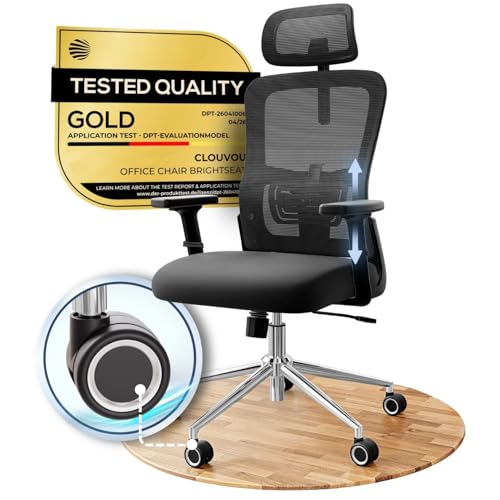
Discover the best chairs for designers for your needs. We match features to real use cases so you avoid overpaying and get the right fit the first time.
No single chair suits every designer, because your day shapes what support you need. The best chairs for designers match your main task, desk height and hours seated. Use the comparison table below to compare types by fit and features, not by looks alone.
A screen based illustrator, a product designer who sketches by hand and a studio owner who meets clients all sit differently. The sections below start with your work pattern, then explain seat, back, arm and base choices. That order helps you skip features you will never adjust.


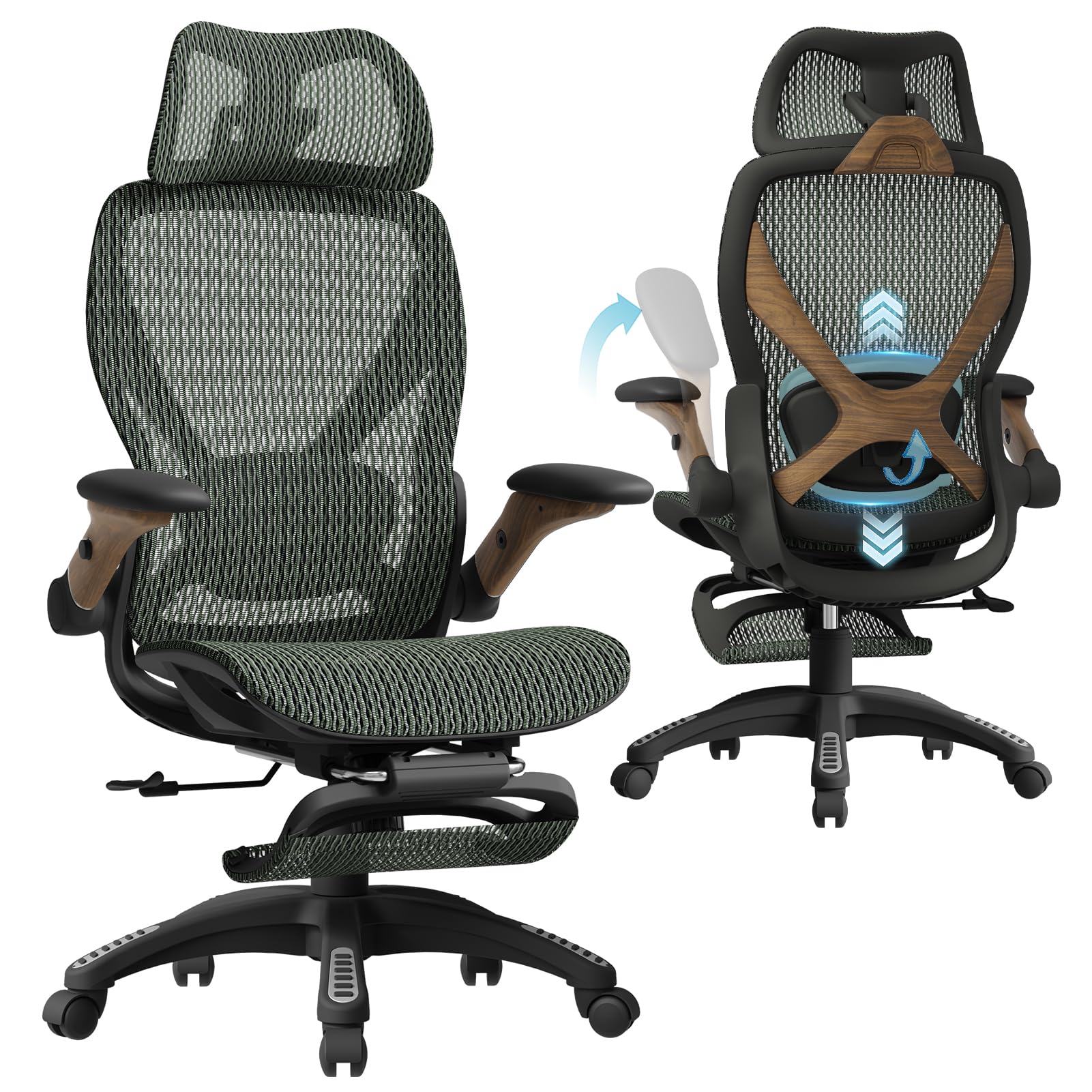
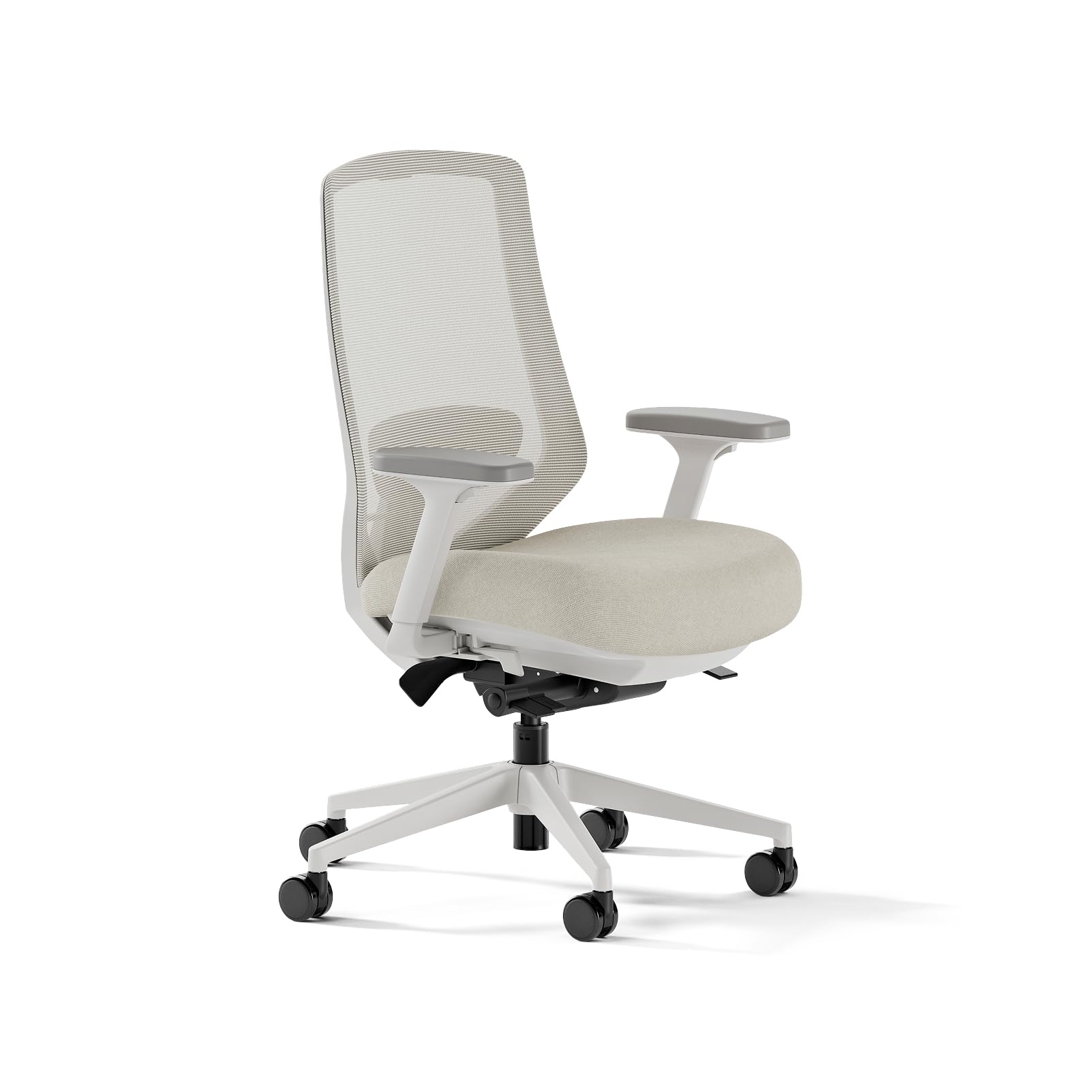
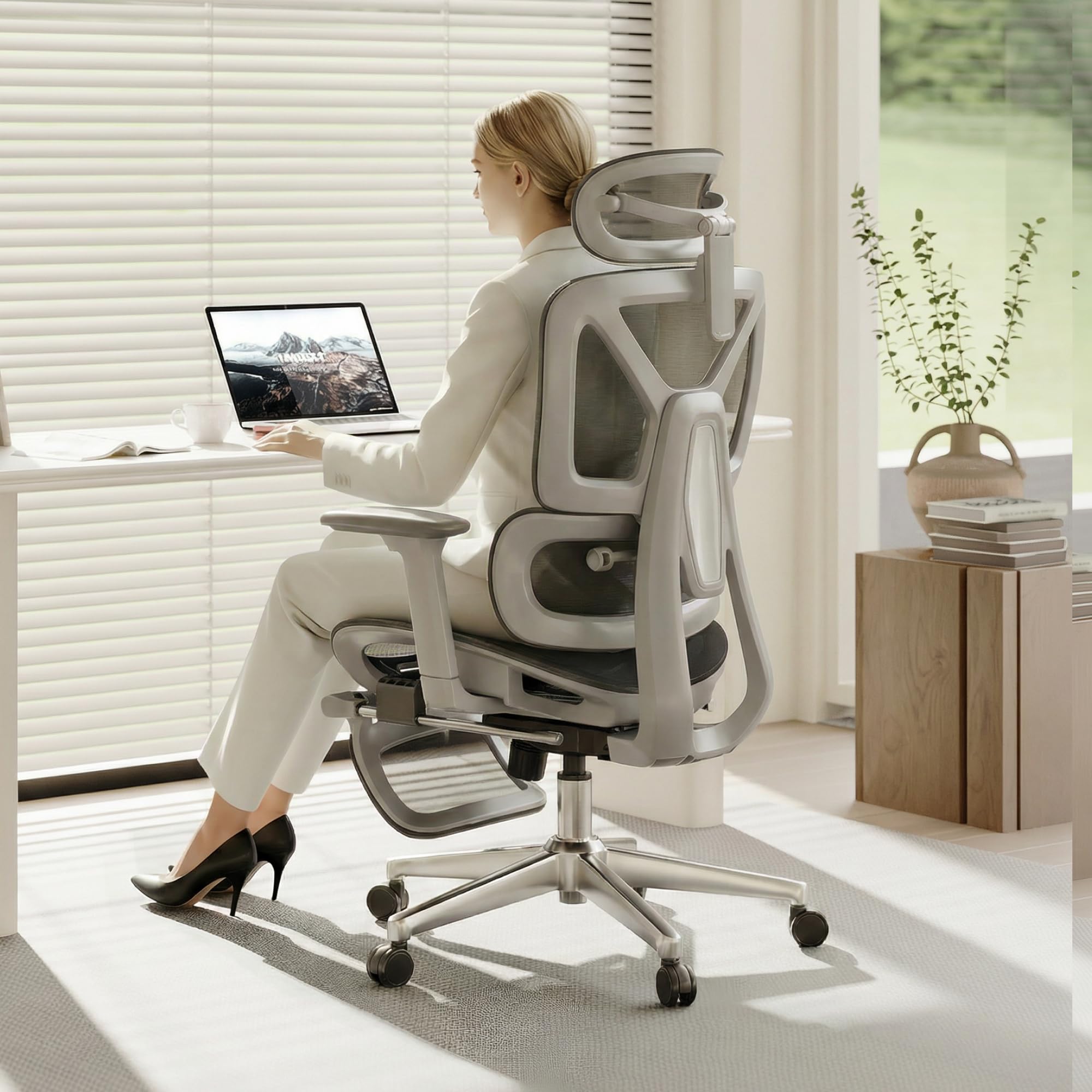

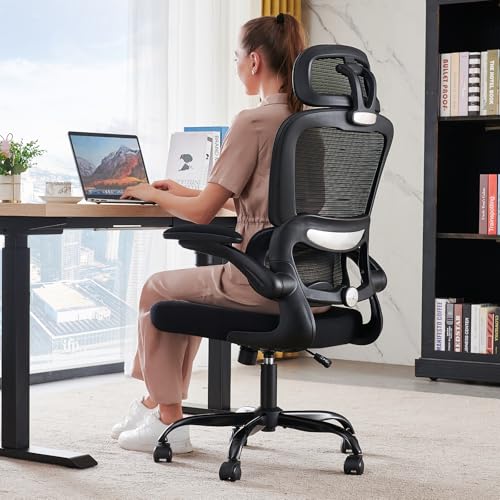
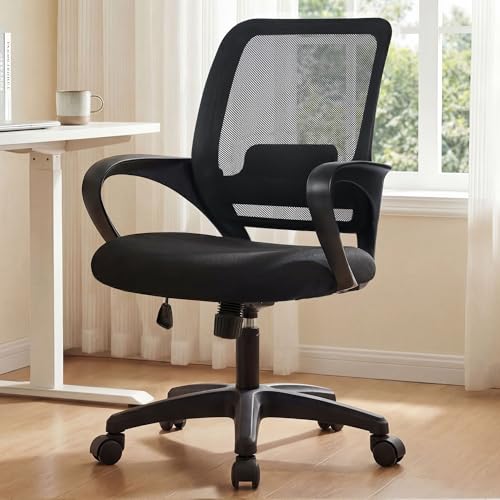

Who Should Buy Which Designer Chairs?
Start with the work you repeat most days. Your posture, tools and room size narrow the right chair type faster than price does.
Designers Who Spend Most of the Day at a Screen
You edit, lay out pages and review detail at a monitor for long stretches, so steady support matters more than a soft first sit. Choose adjustable lumbar support, a seat you can raise or lower to match your desk, and armrests that hold your forearms level while you type. If your work is mostly illustration and photo editing, see our guide to the best chairs for graphic designers.
Designers Who Split Time Between Sketching and Screen Work
You lean forward over paper or a drawing tablet, then lean back to judge the work on screen. Choose a chair that swivels smoothly and lets you lock the back upright for close work. Armrests that move back or swing aside help here, because fixed arms can push your elbows out while you draw and change the angle of your hand.
Designers Working in a Small Studio or Shared Room
You need support without a chair that fills the room or bumps into storage every time you turn. Look for a compact footprint, a back height that clears nearby shelves and casters suited to your floor. A mesh back keeps the profile light and lets air move in a warm shared space. Measure the gap between desk and wall before you buy.
Designers Who Meet Clients in Their Workspace
You need a work chair that supports you all morning and still looks calm and tidy when a client sits down nearby. Choose clean lines, upholstery that wipes or vacuums easily and a finish that fits your studio. For a separate seating corner where clients review proofs with you, see our guide to the best designer lounge chairs instead of forcing one chair to do both jobs.
Matching a Chair to Your Studio Setup
Most designers do the bulk of their work at a computer, so that setup deserves its own check. Desk height, monitor position and tablet placement all change what the chair must do.
Best Computer Chairs for Designers: What to Prioritize
Start with seat height and seat depth, because they set your eye line and leg position at the screen. Your feet should rest flat, your knees should bend at about a right angle and the seat front should leave a small gap behind your knees. Next, check armrest height against your desk top so your shoulders stay relaxed while you use a mouse. For general desk seating, see our guide to the best office task chairs.
Key Features to Compare
Compare features by how they change a workday. That balance is what separates the best chairs for designers from a general office seat bought on price alone.
Ergonomics and Adjustability for Long Design Sessions
Seat height on most work chairs adjusts through about 17 to 21 inches, and that range lets you align your eyes with the upper part of your screen. Lumbar support should meet the curve of your lower back and adjust as you change posture. A tilt lock and tension control let you hold the back upright for detail work or ease it back to review a layout. Persistent back pain, leg numbness or tingling that does not ease after you adjust your setup needs attention from a clinician or a qualified ergonomics professional, so talk with your clinician about personal needs.
Seat Cushion and Back Material
A seat in high density foam holds its shape and supports you evenly through a long session, while a thin pad can flatten and leave you sitting on the frame. A mesh back flexes slightly, lets air pass and suits warm rooms, but it offers a firmer feel. Solid upholstery feels softer at first and can suit cooler studios. Press on the seat front when you shop, because a front edge that stays firm yet rounded will feel better behind your thighs.
Features That Matter for Designers at a Drawing Tablet
Tablet work pulls you closer to the desk and lower over the surface than typing does, so small adjustments carry extra weight. Armrests with width and depth adjustment, often called 4D armrests in listings, let you bring support in close without lifting your shoulders. A seat that slides forward or back helps you reach the tablet while keeping back contact. Smooth swivel matters too, because you turn often between tablet and screen.
Style and Room Fit in a Studio
Your chair sits in photos of your space and behind you on video calls. Neutral upholstery colors keep the chair from clashing with the work on your walls and screens, and they age more gracefully than bold colors. Check back height against your backdrop and overall width against your desk opening. A chair that looks right but scrapes the desk each time you roll in will annoy you daily.
Base, Casters and Weight Capacity
Check the stated weight capacity and leave a margin above your own weight, because capacity reflects total load in normal use. A five point base gives steady support when you lean back or reach sideways. Hard floor casters roll quietly on wood or tile, while carpet needs larger casters that do not dig in. For build standards across chair types, see our guide to the best quality chairs.
Common Mistakes to Avoid When Buying Chairs for Designers
These errors come from judging a chair in five minutes instead of across a workweek.
- Choosing by color or shape alone leaves you with a chair that clashes with your desk height and strains your back by midday.
- Ignoring seat depth gives you a seat that presses behind your knees or leaves your back unsupported when you sit back.
- Buying fixed armrests for tablet work forces your elbows wide and changes your drawing angle without you noticing at first.
- Skipping the weight capacity check risks a base and lift that wear early and feel unsteady when you lean back.
- Forgetting to measure the desk opening means a wide chair may not tuck in and will crowd a small studio.
- Overlooking warranty terms leaves you paying for a new gas lift when a covered part fails.
Setup and Care Tips
Set the chair up at your own desk, because desk height drives every other adjustment. Adjust seat height so your feet rest flat, then set armrests just under your forearms with your shoulders relaxed. Raise or lower your monitor after the chair feels right. Allow about 20 to 30 minutes for assembly on most models, and lay parts out first before you tighten the final bolts.
Tighten bolts every few months, because daily rolling and leaning can loosen fixings over time. Vacuum fabric and mesh with a soft brush tool each week, and wipe solid upholstery with a damp cloth and mild soap, then dry it fully. Keep the chair out of strong direct sun where you can, since heat and light can fade upholstery. Replace a caster that cracks, because one bad caster makes the whole base drag.
Frequently Asked Questions
What features matter most in chairs for designers who review color on screen?
Neutral surroundings and steady posture matter most for color review work. A chair in a muted color will not reflect a strong tint onto your screen area, and firm lumbar support helps you hold the same viewing distance for each check. View proofs at set times of day, because changing daylight shifts how colors look more than most chair features do.
What features matter most in a designer chair for long hours at a desk?
Adjustable lumbar support and a seat cushion that holds its shape matter most for long hours. Pay attention to break habits as well, because no chair removes the need to move. Stand, stretch and look into the distance every 30 to 45 minutes before you sit again.
How do designers choose the right chair size for their desk and body?
Designers choose chair size by matching seat height, seat depth and seat width to their body, then checking those numbers against the desk. Sit with your back against the chair back and confirm a small gap behind your knees and room at both hips. Check with thick winter layers too, because they can make a snug seat feel narrow.
Is an expensive designer work chair worth it for full time studio work?
An expensive chair can be worth it for full time studio work if the extra cost buys adjustments you will use and parts you can replace. Higher prices often bring a longer warranty and replaceable cushions rather than better looks alone. Spread the cost across the years you expect to use it, and compare that with replacing a cheaper chair twice.
How long should a good chair for designers last with daily use?
A good chair for designers should last about 7 to 10 years with daily use if you care for it and replace small wear parts. The gas lift and casters usually wear first, while a sound frame often outlasts the upholstery. Keep order details and warranty papers in one place, because proof of purchase speeds up a parts claim years later.
The Bottom Line
Match the chair to your main task first, then confirm seat size, lumbar support and armrest fit at your own desk. Add style and room fit after those basics pass. Use the product table above to check dimensions, capacity and price against your short list.
When you compare best chairs for designers with those points in order, the right type usually stands out quickly. Buy the simplest chair that fits your work pattern well, and adjust it again after your first full week of use.