
Best Chairs for Graphic Designers in 2026: Matching the Right Model to Your Routine
Disclosure: We may earn a commission when you buy through links on this page, at no extra cost to you. As an Amazon Associate I earn from qualifying purchases. Learn more
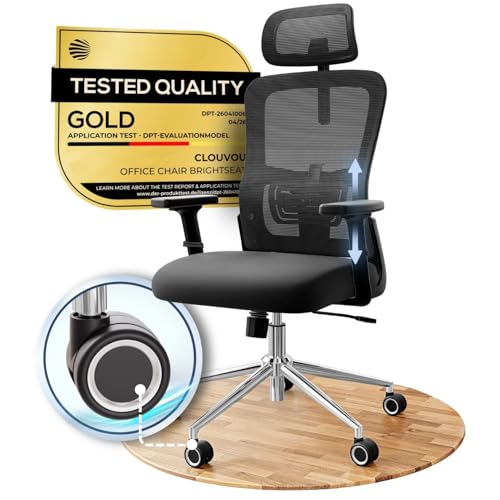
Find chairs for graphic designers that fit long desk hours, with guidance on lumbar support, adjustable arms, seat depth, mesh backs and studio size.
No single chair suits every designer, because your day shapes what support you need. Drawing on a tablet, retouching photos and laying out pages each hold your body in a different posture. The best chairs for graphic designers match that posture, fit your desk and let you shift position without losing focus. Use the comparison table below to compare support, size and price against your own routine first.
Start with how you spend most hours. If you sit still for color work, seat pressure and back support matter most. If you lean in to draw, your arms and seat edge matter more. If your studio is a corner of a living space, footprint matters too.



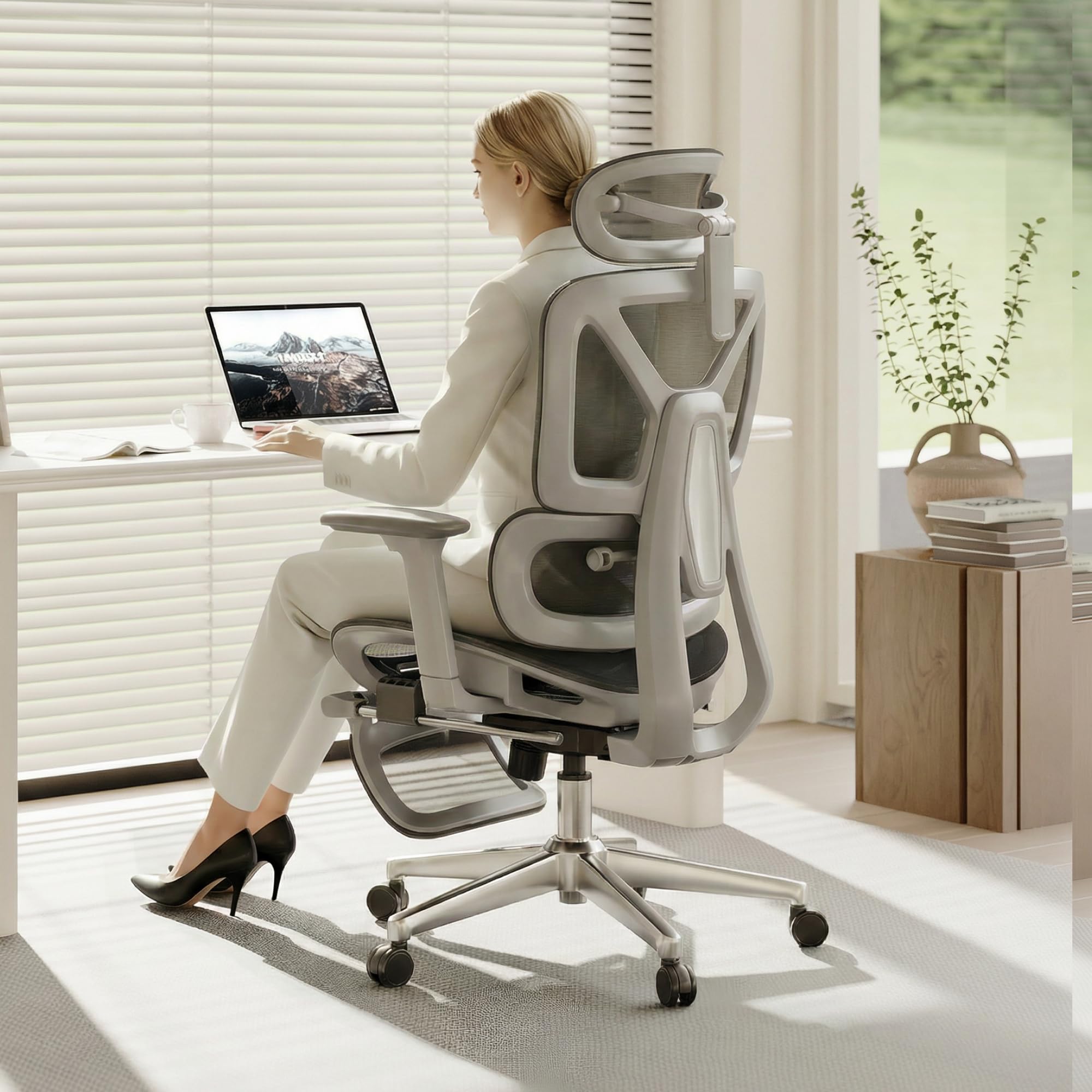
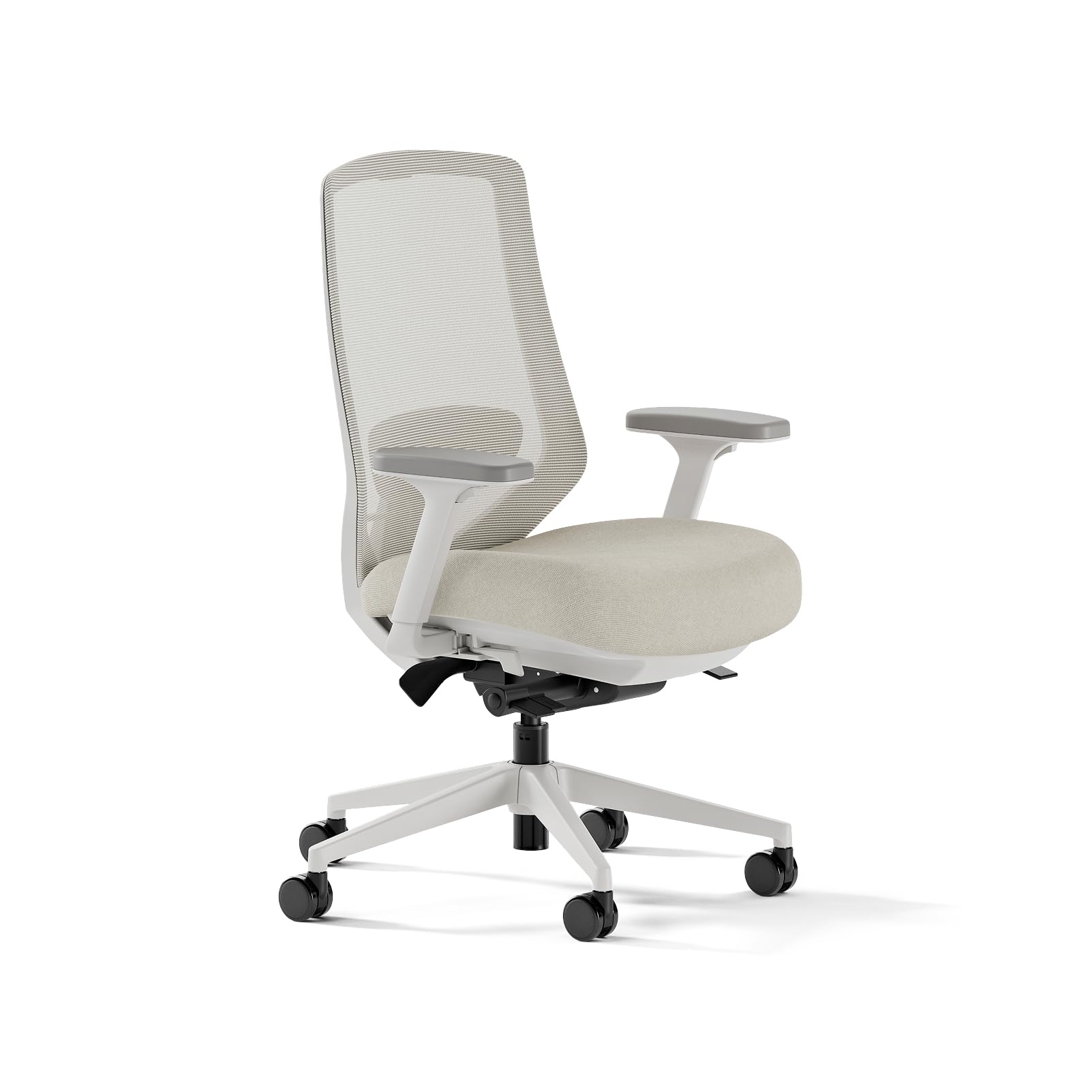
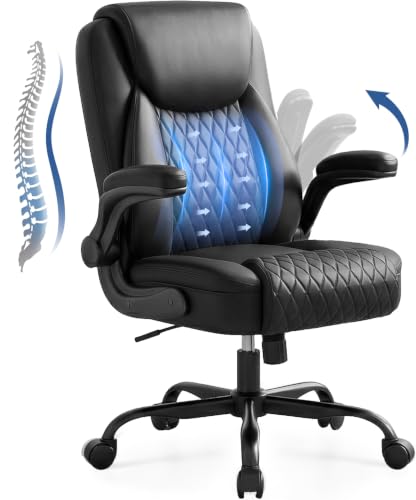
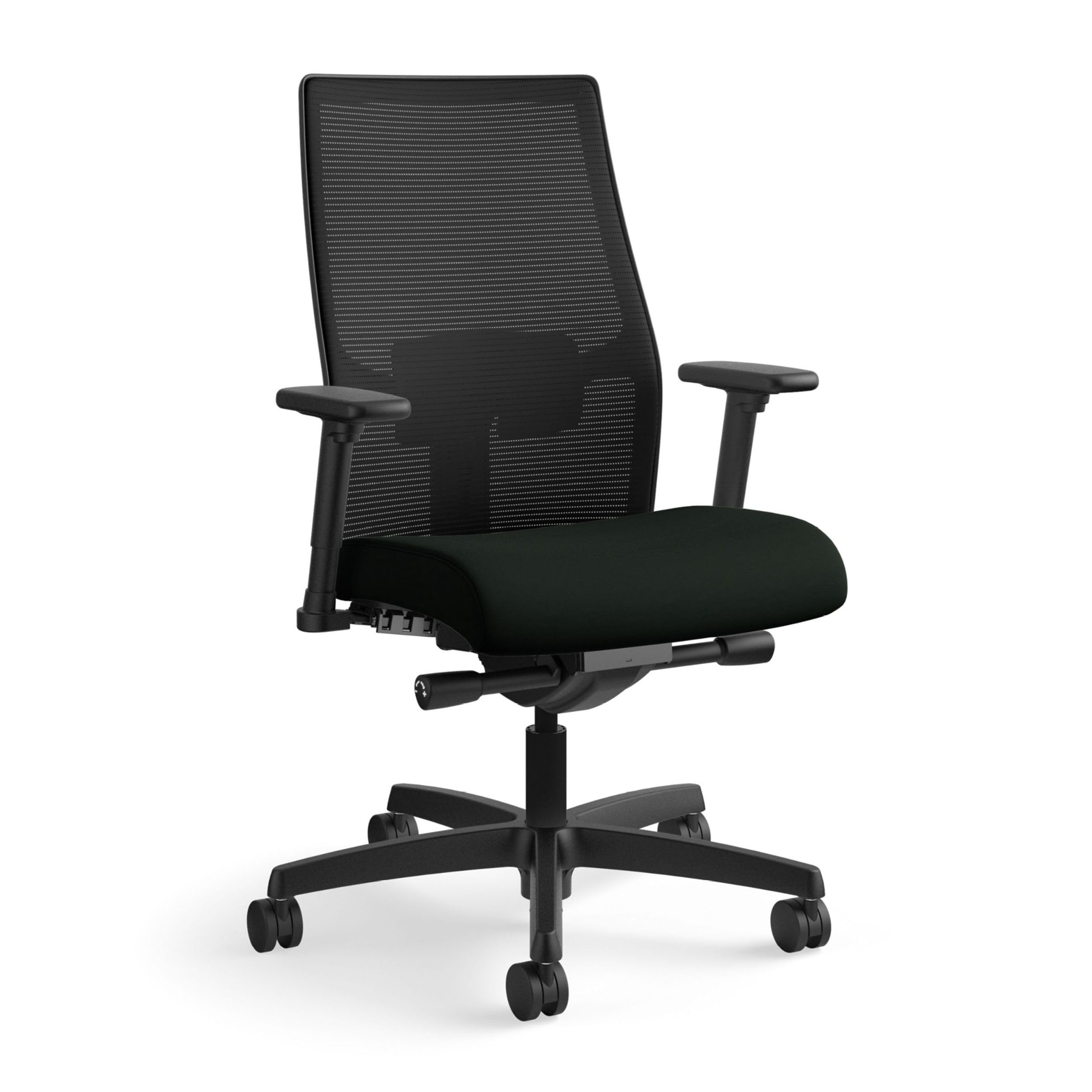
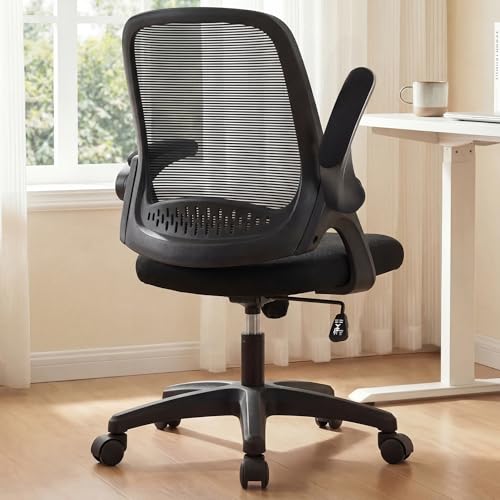
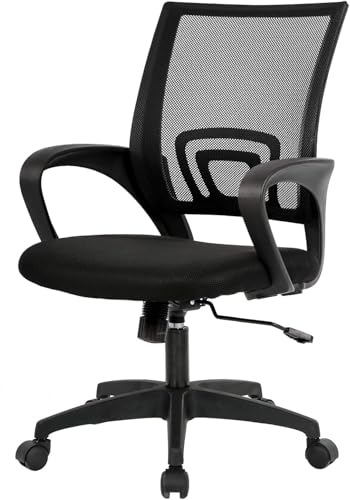
Who Should Buy Which Chairs for Graphic Designers?
Pick by the task you repeat most often. A chair that suits still mouse work can frustrate a person who draws for hours.
Illustrators and Tablet Artists Who Lean In to Draw
You lean forward and turn your shoulders as you draw. Choose armrests that lower, move back or swing aside, so your drawing elbow can travel without hitting a fixed arm. A seat edge that slopes down at the front helps, and a modest seat depth lets you sit close to the desk.
Photo Editors and Retouchers Who Sit Still for Color Work
You hold one posture for long stretches while you judge tone and detail on screen. Choose steady lumbar support, a cushion that spreads pressure evenly and a backrest that holds an upright angle without forcing it. Stability matters more for you than a deep recline.
Freelance Designers in Small Home Studios
You share space with storage, a printer and sometimes a second screen, so every inch counts. Choose a compact base, a back that tucks under the desk and casters suited to your floor. A mid size seat serves you better than a broad executive style chair that blocks drawers and walkways.
Matching Your Chair to Your Design Work
Best Desk Chairs for Graphic Designers: What to Prioritize
Desk work means layouts, email and file prep at a fixed surface, so seat height range and thigh clearance lead your choice. Your chair should slide under the desk with arms in place, and rise enough that your elbows rest near desk height. If your work is mostly office tasks, see our guide to the best office chairs for graphic designers for a desk focused comparison.
Best Computer Chairs for Graphic Designers: What to Prioritize
Computer work keeps your eyes on a screen and your hands on a mouse and keyboard for hours. Prioritize a backrest that supports upright sitting, a tilt lock that holds that angle and a seat that stays firm late in the day. Smooth swivel helps you turn toward a second screen without twisting your back each time.
Key Features to Compare
Compare support features before color or price, because best chairs for graphic designers earn their cost during the third and fourth hour of sitting, not during the first five minutes in a showroom.
Ergonomics and Adjustability for Screen Work
Look for seat height adjustment of about 17 to 21 inches, lumbar support that meets the curve of your lower back and a tilt lock that holds upright and slightly reclined angles. These settings let you keep your feet flat and your back supported while you work. If you have lasting back or neck pain, numbness or tingling in your arms or legs, or pain that keeps returning, see a clinician promptly, and talk with your clinician about your personal needs.
Comfort and Cushioning for Long Sitting
High density foam holds its shape longer than soft, thin padding, so your weight stays spread across the seat instead of sinking to the frame. A seat depth of about 18 to 21 inches suits many adults, but shorter users should choose the shallow end so the front edge does not press behind the knees. A mesh seat feels cooler, while a foam seat gives a firmer base for still work.
Adjustable Armrests That Clear Your Desk and Tablet
Armrests should meet your elbows while your shoulders stay relaxed, then move out of the way when you draw. Height adjustment is the minimum, and width or pivot adjustment helps if you switch between a keyboard and a tablet. Check the lowest arm height against your desk underside, because arms that sit too tall stop the chair from tucking in.
Back Style, Breathability and Weight Capacity
A mesh back lets air move and suits warm rooms, while a padded back feels warmer and can offer firmer contact along your spine. Check the stated weight capacity and leave a margin above your own weight, since you may lean and shift. A five point base with smooth casters keeps the chair steady when you reach sideways for a sketchbook.
Style and Room Fit in a Working Studio
Your chair sits in view on video calls and takes floor space all day, so measure its widest points before you order. Muted colors show less lint and graphite dust. If appearance leads your search for other rooms, see our guide to the best designer chairs for style led options. In a studio, let fit and support lead.
Setting Up Your Chair for Desk, Monitor and Tablet Work
Assembly for most chairs takes about 20 to 40 minutes with the included tool. Set seat height first, so your feet rest flat and your knees sit level with or slightly below your hips. Then set your screen so the top part of the display sits near eye level. To complete that layout, see our guide to the best monitors for graphic designers and our guide to the best laptops for graphic designers.
Place your tablet flat or on a low stand directly in front of you, so your neck stays straight while you draw. Leave a clear zone under the desk for the chair base, and test a full turn toward your printer before you settle the layout. A chair mat helps casters roll on carpet.
Common Mistakes to Avoid
- Choosing a chair by looks alone leaves you with weak lumbar support that you feel during every long editing session.
- Buying fixed armrests that sit above your desk line blocks the chair from tucking in and pushes you away from your tablet.
- Ignoring seat depth gives shorter users pressure behind the knees and gives taller users too little thigh support.
- Setting the seat so high that your feet dangle raises pressure under your thighs and makes your posture drift.
- Ordering a broad executive style chair for a narrow desk leaves no room to turn, open drawers or store the chair.
Care and Maintenance for a Studio Chair
Vacuum fabric and mesh weekly with a soft brush, because graphite dust, eraser crumbs and paper fibers settle into weave and seams. Wipe spills at once with a clean, damp cloth, and let the seat dry fully before a long session. Check caster wheels for hair and thread, since wrapped debris makes the chair drag.
Tighten the bolts under the seat and at the armrests every few months, because small shifts in your weight work fixings loose over time. Replace a lift cylinder that sinks slowly. Keep the chair out of strong direct sun when you can, since steady light can fade fabric.
FAQ
What features matter most in a chair for graphic designers who edit photos?
Steady lumbar support, an even seat cushion and a backrest that holds an upright angle matter most for photo editing. Those features keep your view of the screen consistent while you judge fine detail. As a new point, check how smoothly the chair swivels, because small, controlled turns toward reference prints help you compare color without repeated twisting or scooting.
How long should a chair for graphic designers last with daily studio use?
A well built chair for daily studio use should last about seven to ten years. The frame and base usually outlast the foam and fabric, which soften and wear first. As a guide, look for replaceable arm pads and a warranty that covers the lift cylinder and base for several years, since those parts show how long the maker expects the chair to serve.
How do you choose the right chair size for graphic design desk work?
Choose chair size by seat width, seat depth and the space under your desk, not by a size label alone. Sit with your usual work shoes on, leave about two to three fingers of space between the seat edge and the back of your knees, and confirm your thighs and armrests clear the desk underside. That shoe and clearance check is the step most buyers skip.
What helps a chair for graphic designers stay comfortable during long hours?
No chair stays comfortable for long hours if you never change position, so small shifts matter as much as padding. Change your tilt angle between tasks, relax your shoulders when you review work and stand briefly between files. If your feet do not reach the floor at the height your desk requires, a simple footrest gives your legs a stable base.
Is an expensive chair for graphic designers worth the cost?
An expensive chair can be worth the cost if you sit for most of your workday and the extra money buys adjustments you will use daily. Think in cost per year rather than price on the day, because a chair that serves eight years spreads its price widely. Skip paying more for rare extras, such as a headrest you never touch, and put that money toward better arm and back adjustment.
Our Verdict
Match the chair to your main task first, then to your room and budget. Illustrators need arms that move aside, editors need steady upright support and small studios need a compact base. Use the product table above to check seat size, adjustment range and capacity.
Chosen with those points clear, the best chairs for graphic designers support your work quietly for years. Buy the simplest chair that fits your posture, your desk and your floor, and set it up with care on the first day.

