Best Casual Gaming Laptops of 2026: Complete Buying Guide
Disclosure: We may earn a commission when you buy through links on this page, at no extra cost to you. As an Amazon Associate I earn from qualifying purchases. Learn more

Casual players do not need top tier hardware. Compare the best casual gaming laptops by graphics card, screen, cooling, and price.
Not everyone who plays games needs a laptop built for esports. If you play a few evenings a week, mix in streaming and work, and want something you can carry to a sofa or a desk, the best casual gaming laptops are the mid range models that run popular games smoothly without the weight, noise, and price of a top tier machine.
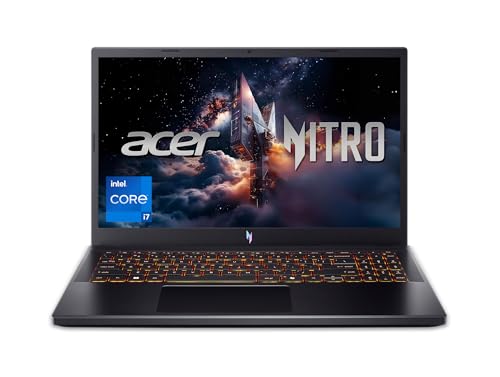
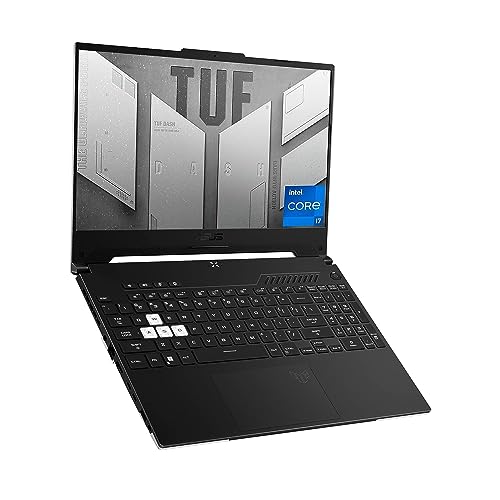
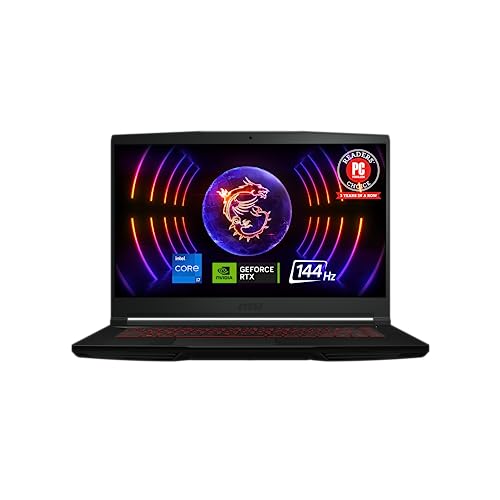
This guide explains what casual players should prioritize, which parts matter most, and where you can save money. The product table above shows current models to compare as you read.



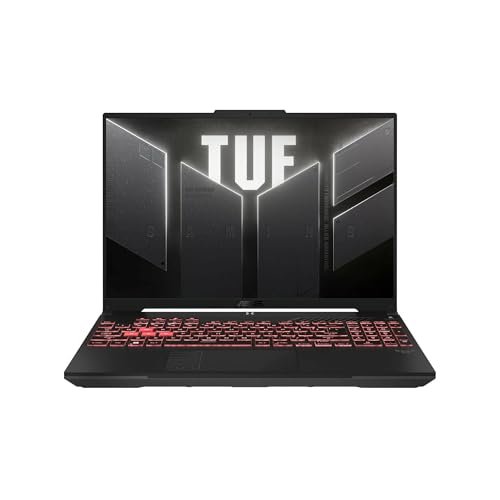

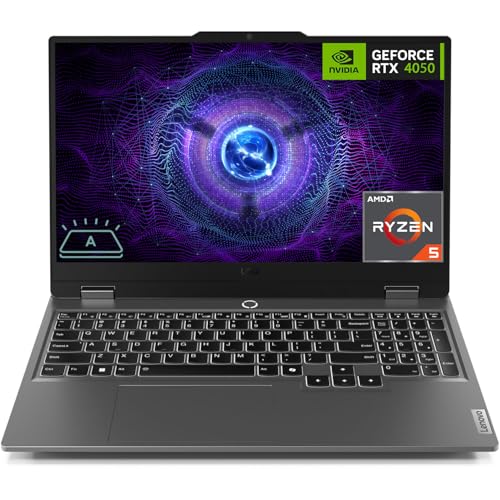
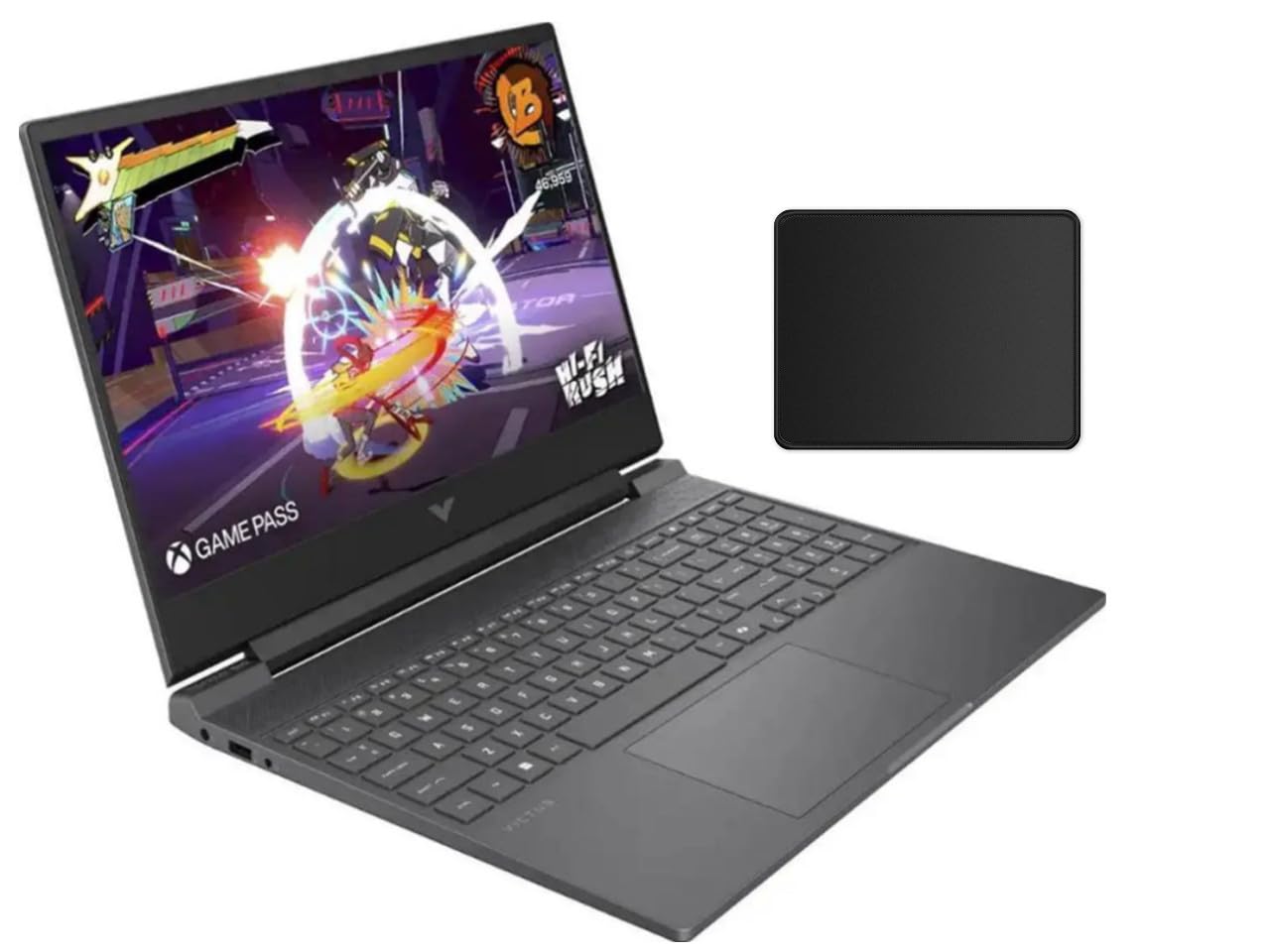


What Casual Gaming Really Needs
The best casual gaming laptops match the games you play. A casual player cares about smooth play in a handful of popular titles, not the highest settings in every new release. That changes the shopping list. You want a capable graphics card, enough memory, a screen that looks good, and a build that you can live with every day.
You can skip features aimed at competitive players, such as the fastest possible screens and extreme cooling systems. Those add cost and weight, and they are hard to notice in relaxed play. Spend instead on a good display, solid battery behavior for non gaming use, and a keyboard you enjoy typing on.
The Graphics Card Comes First
The graphics card, or GPU, decides how well a laptop handles games. Entry level gaming GPUs run older and lighter titles well and can handle many new games at lower settings. Mid range GPUs give you a comfortable margin at the screen's native resolution. High end GPUs add headroom you may never use.
Check the full name of the GPU in the listing, because laptop versions of the same card can vary in power depending on how the manufacturer tunes them. Models from the same family can feel quite different in games, so compare buyer feedback on real game performance rather than the marketing name alone.
Processor and Memory
A modern mid range processor is enough for casual gaming. Extra cores help if you stream, edit video, or run many programs at once, but most games lean more on the graphics card. Look for a recent generation, since newer chips use less power and run cooler.
For memory, aim for a model with enough capacity to run a game plus a browser and chat program at the same time. More memory also helps with heavier programs later. Check whether the memory is upgradeable, because that can extend the useful life of the laptop.
Screen Size and Display Quality
Screen size changes the whole experience. A 15 or 16 inch screen is the most common choice and gives a good balance between immersion and portability. Smaller screens are easier to carry but can feel cramped for some games, while larger ones weigh more.
A smooth refresh rate makes motion look cleaner, and many mid range models include it. Brightness and color quality matter too, especially if you also watch video or work on the laptop. A dim, washed out panel is a poor value even on a powerful machine.
Storage, Battery, and Weight
Choose a solid state drive with enough room for your games, because modern titles can be very large. If you play several games, look for a model with a second drive slot so you can add storage later.
Gaming laptops last far less on battery than ordinary laptops when you play, so expect to be plugged in for games. For everyday browsing, battery life is more reasonable. Weight matters if you carry the laptop daily, and the charger adds more than people expect, so check the full carry weight.
Cooling, Noise, and Heat
Gaming makes laptops hot, and fans run loudly under load. A casual player who uses the laptop on a lap or in a shared room should look at buyer feedback on noise and surface temperature. Raising the back of the laptop on a stand or a hard surface helps airflow, and a clean vent keeps temperatures down.
If you play on a bed or sofa, avoid blocking the vents with soft fabric, since that can cause overheating and slow the game down.
Ports and Connectivity
Check that the laptop has the ports you use: USB for a mouse and headset, an HDMI or similar output for a monitor, and a wired network port if you prefer a stable connection. A modern wireless card keeps online play steady. If you plan to use a controller, make sure the games you like support it.
Where to Save and Where to Spend
Save by skipping the top tier graphics card, flashy lighting, and extreme refresh rates. Spend on a good screen, a reliable cooling design, and enough memory and storage to avoid early upgrades. A slightly older model with strong buyer reviews often beats a new model with a weaker cooling system.
Prices for capable casual models commonly fall between about $850 and $1,300. Check warranty terms, because repairs on gaming hardware can be costly. For a broader look at everyday machines, see our guide to the best casual laptops.
Frequently Asked Questions
Can a casual gaming laptop run new games?
Many can, at medium settings, if the graphics card is current. Check the game's recommended requirements against the laptop's GPU and memory before you buy.
Is a gaming laptop worth it over a desktop?
A laptop is worth it if you want one device for work, travel, and games. A desktop gives more performance for the money and is easier to upgrade, but it does not move.
How much memory do I need?
Enough to run your games plus a browser and chat program. More is better if you also edit video or run many programs, and upgradeable memory gives flexibility.
Do I need a high refresh rate screen?
It is nice for fast action games but not essential for casual play. A good quality panel with strong color and brightness is often a better use of money.
How long does a gaming laptop last?
Many last several years, though game demands rise over time. Good cooling, clean vents, and avoiding heat extend its life.
Final Thoughts
Focus on the graphics card, a good screen, and sensible cooling, and skip the extras that serve competitive players. Use the product table above to compare current models and prices. The best casual gaming laptops let you play your favorite games comfortably and still work well as an everyday computer.