
Best Cameras for Zoneminder 2026: What Actually Matters Before You Buy
Disclosure: We may earn a commission when you buy through links on this page, at no extra cost to you. As an Amazon Associate I earn from qualifying purchases. Learn more

A checklist for the best cameras for zoneminder covering RTSP, ONVIF, PoE and night vision, plus setup tips to cut false alerts and CPU load.
ZoneMinder records video on your own server, so a camera works well only if it sends a clean, standard stream the software can read all day. The best cameras for zoneminder are not the ones with the longest feature list. They are the ones with open stream access, steady connections, and clear night images that trigger alerts for people rather than shadows and rain.
This guide uses a checklist built around compatibility first, then image clarity, power, and placement. Note the spots you need to cover, work through the factors below, and use the comparison table below to match each camera type to those needs.




Who Should Buy Cameras for a ZoneMinder Setup
Homeowners Who Want Local Recording Without a Monthly Subscription
You want entry, porch, and driveway coverage that saves video on a drive at home, with no cloud plan needed to review clips. Prioritize cameras that keep recording when the internet drops and expose a direct stream without a vendor app. For a front entry that needs a closer view, see our guide to the best door cameras alongside wider yard cameras.
Small Business Owners Who Need Reliable Overnight Coverage
A shop, office, or workshop needs cameras that stay online overnight and hold up outdoors or in dusty indoor spaces. Favor wired power and wired data, strong infrared reach for dark stock rooms, and housings staff cannot knock out of aim. Plan one camera per zone, such as the till, the entrance, and the loading area, so ZoneMinder can set different sensitivity for each view.
Home Server Users Who Enjoy Tuning Their Own System
You run a home server or plan to add one, and you like setting zones, masks, and alert rules yourself. Look for cameras with several stream profiles, adjustable frame rates, and full ONVIF control, since those options let you balance clarity against processor load. Start with two or three cameras, confirm the server stays comfortable, and expand after you know what each added view costs in storage.
Key Features to Compare
Judge every camera against the same five factors below. The best cameras for zoneminder earn their place here through compatibility and connection strength, not through a headline resolution number, because ZoneMinder can only use what a camera will actually send it.
RTSP and ONVIF Support for ZoneMinder
RTSP is the stream protocol ZoneMinder pulls video through, and ONVIF is the shared standard that lets the software find the camera, read its profiles, and control supported movement. Choose cameras that list both openly and let you enable the stream without a paid account. Avoid models that only work inside a closed phone app, since ZoneMinder cannot record a stream it cannot reach.
Resolution, Frame Rate, and Motion Detection Load
Higher resolution helps you read a face or a plate across a yard, but every added pixel raises the work ZoneMinder does when it checks frames for movement. A 4 megapixel or 5 megapixel camera at about 10 to 15 frames per second suits most homes and keeps that analysis light. Use the lower resolution substream for detection and the main stream for recording, so alerts stay fast while clips keep detail. Prefer H.264 or H.265 streams, since both keep recording file sizes manageable.
PoE, Wired Ethernet, and WiFi Connection Choices
Power over Ethernet, usually shortened to PoE, sends power and data through one network cable, which removes weak signal spots and battery charging from the job. Wired Ethernet with a separate adapter works well near an outlet, while WiFi suits a spot you cannot cable. Remember that WiFi cameras still need power, and a crowded wireless network can cause the dropped frames that lead to gaps in ZoneMinder clips.
Night Vision and Low Light Clarity
Most incidents you care about happen after dark, so judge a camera by its night image rather than its noon image. Infrared rated for about 60 to 100 feet covers a typical yard, and a larger sensor with a wide aperture keeps faces readable before infrared takes over. If you compare general image quality across camera types, see our guide to the best quality cameras, then favor the option that holds detail at your longest night distance.
Weather Resistance and Mounting for Outdoor Use
Outdoor cameras should carry an IP65 or IP66 rating, which means the housing resists dust and driven rain when the cable entry points down and stays sealed. A metal bracket with a lockable aim holds position through wind better than a loose ball mount. Mount cameras about 8 to 10 feet high, high enough to deter tampering and low enough that caps and hoods do not hide faces.
IP, PoE and PTZ Types for Your Setup
Best IP Cameras for Zoneminder
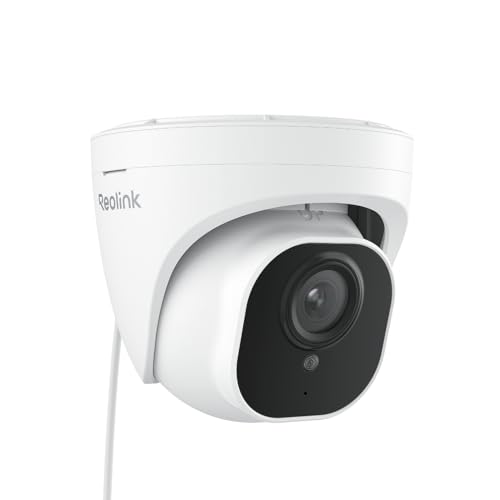
The phrase best ip cameras for zoneminder describes network cameras in general, and nearly every camera here fits that label. Focus on open stream access, a wired connection option, and a spec sheet that names its protocols plainly. A fixed lens bullet or turret style suits most single views, costs less than moving models, and gives ZoneMinder a stable picture that is easy to divide into motion zones.
Best Poe Cameras for Zoneminder
When you shop the best poe cameras for zoneminder, check the PoE standard the camera needs and the total power budget of your switch, since a switch can run out of watts before it runs out of ports. Leave spare capacity for infrared at night, when power draw rises. One cable per camera also makes it simple to restart a single camera from the switch.
Best Ptz Cameras for Zoneminder
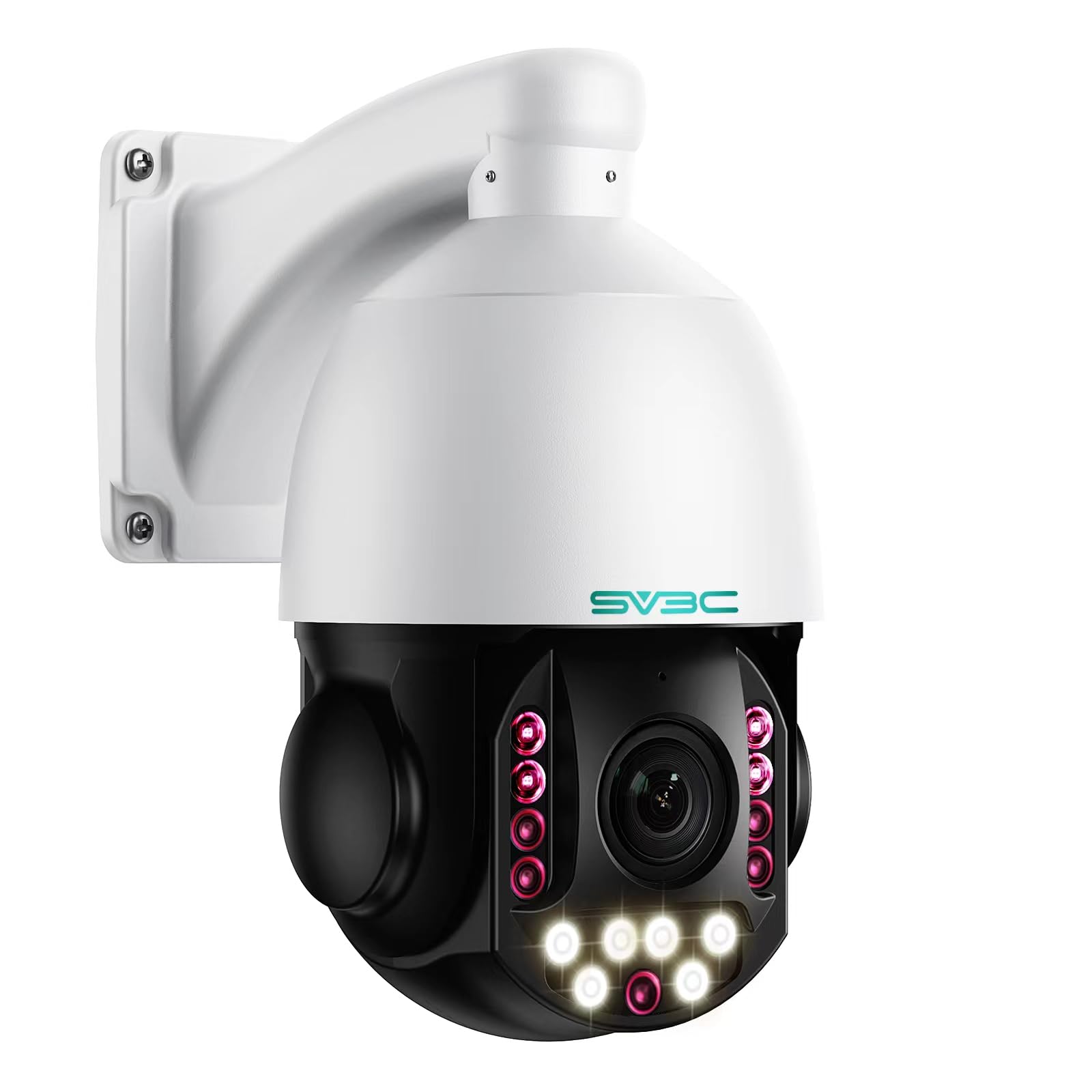
The best ptz cameras for zoneminder add pan, tilt, and optical zoom that ZoneMinder can drive through ONVIF, so confirm movement control is listed and not limited to the vendor app. Use one for a large yard where a single wide view lacks detail, and set preset positions for key spots. A PTZ camera only records where it points, so fixed cameras should still guard doors.
Spec Sheet Checks Before You Order
Answer each question before you order. A no on the first three items usually means you should cross that camera off your list.
- Does the spec sheet list RTSP and ONVIF in plain terms?
- Can the camera record without a cloud account or a vendor app?
- Does it offer a lower resolution substream for motion detection?
- Have you counted the PoE ports and watts your switch can supply?
- Does the outdoor housing carry at least an IP65 rating?
- Have you planned storage for at least one to two weeks of clips?
- Can you set a strong unique password and update the firmware?
Common Mistakes to Avoid
- Buying a camera that only streams through a closed app, so ZoneMinder has no stream to record.
- Running every camera at maximum resolution and frame rate, so the server saturates and alerts lag.
- Mounting a camera where porch lights shine into the lens, so night clips wash out.
- Trusting WiFi signal at midday, so evening traffic causes dropped frames and broken clips.
- Leaving the default camera password unchanged, so an exposed stream becomes an easy target.
Care and Maintenance for ZoneMinder Cameras
Wipe each lens with a clean microfiber cloth about once a month, since dust and pollen soften night images before you notice the change in daylight clips. Check mounts after strong storms, update firmware a few times a year, and review clips monthly to confirm each camera still records as expected. Keep a short note of each camera address, stream path, and password location so a replacement takes minutes.
FAQ
What features matter most in a camera for a ZoneMinder system?
Open RTSP and ONVIF access matter most, because ZoneMinder cannot record or control a camera that hides its stream. Next judge night clarity, connection stability, and whether a substream is offered. One point buyers often miss is time sync, so set each camera to the same network time source as the server, since mismatched clocks make it hard to line up clips from two cameras.
How much should you spend on a first camera for ZoneMinder?
Plan on about $60 to $150 for a solid fixed camera, and expect PTZ and long range models to cost more. Spending a little more on wired power and a better night sensor helps more than paying for extra resolution. If you are learning what a first system involves, see our guide to the best starter cameras, then put most of your budget toward the server drive.
Which ZoneMinder cameras work better in low light?
Cameras with larger sensors, wide apertures, and strong infrared work better in low light than models that rely on digital brightening alone. Look for a low minimum illumination rating and a stated infrared distance that exceeds your yard depth. Test one camera before you buy several, and review a clip of a person walking at the far edge, since still test images often flatter a weak sensor.
Can ZoneMinder use cameras that require a cloud app?
Only if the camera also offers a direct local stream that stays available without the app. Many app driven models route video through vendor servers or disable local streams after a trial ends. Check the manual for a local stream setting, test it on your own network during the return window, and avoid any model where the seller cannot confirm local access in writing.
What specs matter most for beginners setting up ZoneMinder?
Beginners should start with one or two fixed PoE cameras, a modest resolution, and default detection settings before adding zones and masks. The spec that saves the most frustration is a documented stream path, because setup guides expect a standard address format. Keep the first install small for a week, learn how alerts behave in wind and rain, and only then expand.
Our Verdict
Start with compatibility, then buy for your darkest and longest view rather than your brightest one. A wired camera with open streams, a useful substream, and honest night range will serve you for years. When you compare the best cameras for zoneminder for your own home, use the checklist above, begin with a small install, and check the product table above before you order.


