Best Cameras for Your House of 2026: Complete Buying Guide
Disclosure: We may earn a commission when you buy through links on this page, at no extra cost to you. As an Amazon Associate I earn from qualifying purchases. Learn more

Learn how to choose cameras for your house by comparing indoor, outdoor and doorbell types, coverage, storage plans and prices for each part of your home.
A house asks more of a camera than one room or one doorway. You may want a watch on the front path, an eye on the living room while you travel, and a record of the back yard at night, and each job suits a different type. This guide walks through the best cameras for your house by job first and feature second. The comparison table below sets out the main types and prices to start with.
It also covers the honest limits of home monitoring, what the features mean in plain terms, how storage plans change the running cost, and how to place cameras so they help your household without spying on it.



What a House Camera Can and Cannot Do
Start with the honest limit. A house camera is a monitoring aid, and nothing more. It records what happens, sends an alert to your phone and keeps a clip you can review or share, but it prevents no break in, stops no vandal and summons no help by itself.
Its value is awareness and evidence, and a camera chosen for those two jobs will serve you well. Treat any promise beyond that as marketing.
Watching Doors, Porches and Driveways
Entries are where a house camera earns its keep, because most visitors, deliveries and intruders pass a door or a drive. Mount the camera about 8 to 10 feet up, angled down, so faces pass through the frame instead of under it. Faces stay clear at about 15 to 20 feet in daylight, so place the camera where people approach, not where they have already arrived. Our guide to the best security cameras for your house looks at entry coverage in more depth.
Watching Shared Indoor Spaces
Indoors, the right places are the shared ones: the living room, the hall and the entry, where a camera watches the house rather than the people in it. Bedrooms and bathrooms are never camera places, for your family or for guests, and a camera in a private room can break the law as well as trust. Tell everyone in the household where the indoor cameras are, and use a privacy mode when you are home if the camera offers one.
Keeping the Camera and the Account Safe
A camera is only as safe as the account behind it. Use a long and unique password, turn on two factor sign in, and install updates when the maker offers them, because updates close the holes that strangers look for. Change the password if you ever share access and later take it back. A camera left on an old password is a window left open.
How to Choose the Best Cameras: Buying Guide
Choosing the best cameras for your house starts with the job list from the section above, then runs through the features below in order.
Features That Matter for Your House
Four features decide daily value. Person alerts cut the flood of clips that passing cars and swaying branches cause. Two way talk lets you speak to a courier or a child through the camera.
Night vision decides what the record shows after dark. Speed of notice matters more than any of them, so rank a fast and reliable alert first.
Resolution and Night Detail
Resolution runs from 1080p up to 4K, and more pixels do help you name a face. The catch is distance and light: a face stays clear at about 15 to 20 feet in daylight and at about half that range at night, whatever the box says. A camera with strong night detail at a modest resolution often beats a sharper camera that goes blind after dark.
Placement, Power and Mounting
Battery cameras can go almost anywhere and run for months on a charge, but they wake on motion and can miss the first second. Wired cameras watch without pause and never need charging, at the cost of a cable run or an outdoor socket. Pick per spot: battery power for the awkward corner, wired power for the door that matters most.
Durability and Weather Resistance
Outdoor cameras live in rain, dust and frost, so read the weather rating the maker states and match it to your climate. A sheltered porch is kinder than an open wall, and a camera under the eaves lasts longer in both cases. Check the stated temperature range too, because a hard winter can stop a battery camera that summer suited perfectly.
Lens and Field of View
Field of view runs about 110 to 160 degrees on house cameras. A wider lens covers a whole yard from one corner, but faces shrink as the view stretches, so a wide camera watches more ground and identifies less of it. For a door, a narrower view that fills the frame with the visitor is usually worth more.
Video Storage and Subscription Plans
Storage decides how much of the past you can look back at. A memory card in the camera keeps clips at no monthly cost but leaves the record where a thief can take it. A cloud plan, typically about $3 to $15 a month, keeps the record off site and governs your history, from a few days of clips up to about two months on the richer tiers. Price the plan into the camera before you buy.
Types of Cameras
Three types cover most houses, and many homes end up with a mix of two or three.
Indoor Cameras
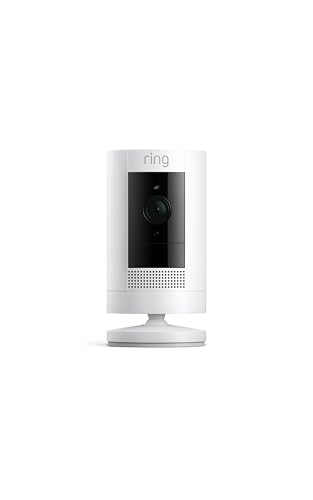
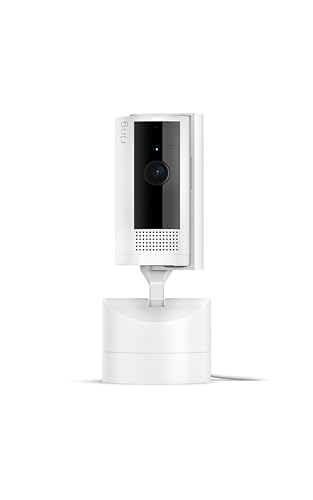
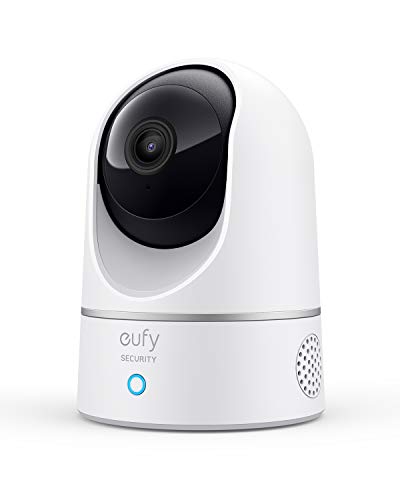
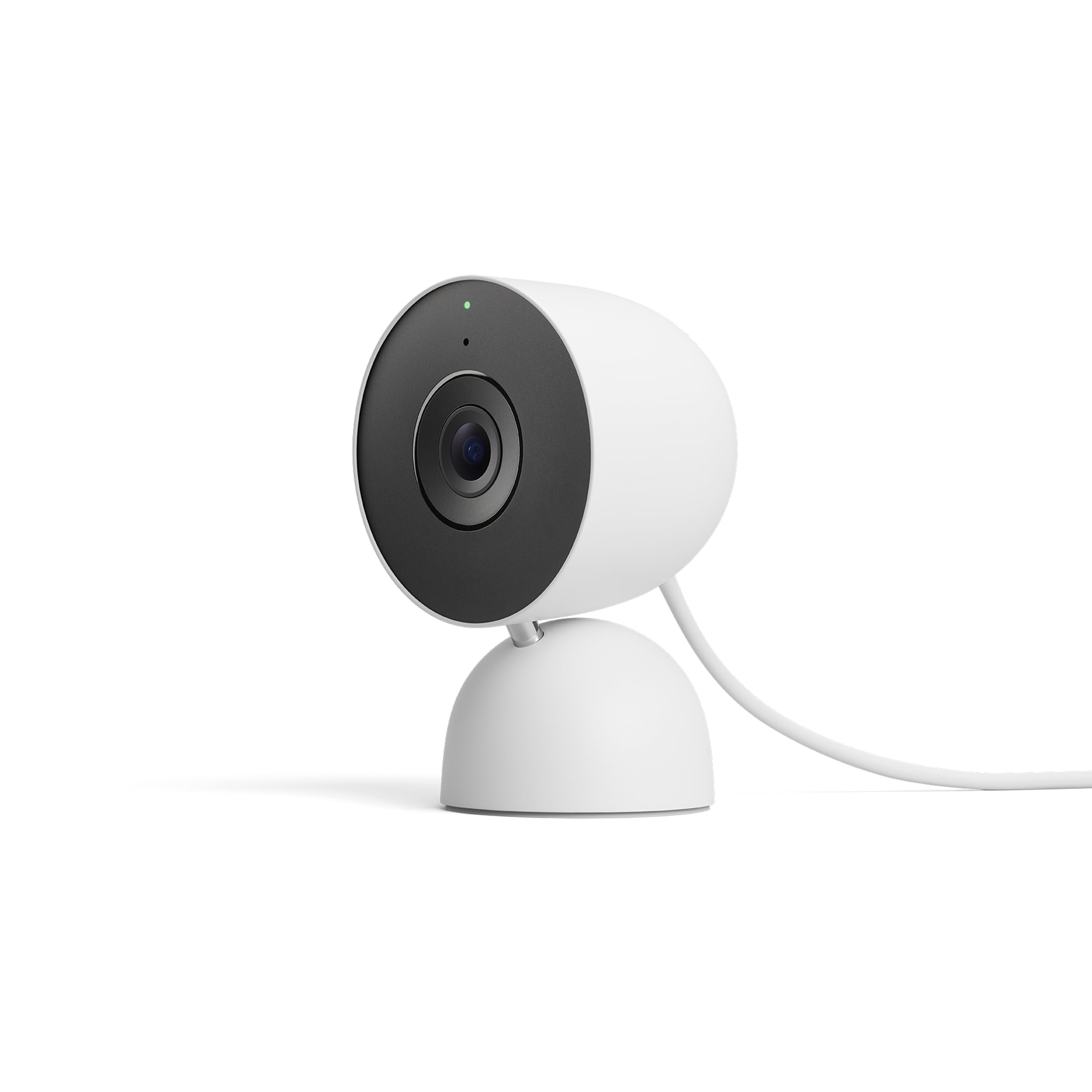
Indoor cameras are small plug in units for halls and living rooms, strong on alerts and two way talk, and cheap enough to place in pairs. They carry no weather sealing and only a modest night range. Our guide to the best house cameras compares the indoor field in more depth.
Outdoor Cameras
Outdoor cameras add weather sealing, stronger night vision and often a small spotlight that lights the scene for a clearer record. They cost more and need a ladder and some patience to mount well. Shoppers focused on the yard and the fence line can compare options in our guide to the best house cameras outdoor.
Doorbell and Porch Cameras
A doorbell camera watches the step where deliveries land, runs on the doorbell wires or a battery, and frames visitors from the front at close range. It is the single most useful first camera for many houses. It also pairs well with one outdoor unit watching the drive.
Picking the Right Cameras for Different Uses
Best Surveillance Cameras for House
Surveillance here means a watch that does not blink: continuous recording rather than motion clips alone. That job governs the choices, because nonstop recording wants wired power and storage sized in days, not clips. A card of 128 GB or a plan with a long history suits it, and a camera on the drive or the main entry earns the setup first. Options for this stricter job are compared in our guide to the best security cameras for house.
How to Make Your Camera Last Longer
House cameras ask for little, but these habits keep the record reliable year after year.
- Clean the lens with a soft cloth every few months, since dust and spider webs blur night footage first.
- Check mounts and seals after storms, and tighten or replace any fixing that has worked loose.
- Test the alert and the live view about once a month, so a silent failure never hides until the day you need the clip.
- Recharge battery cameras before they run flat, and note the season, since cold weeks shorten every charge.
- Clear spider webs from around the lens, because webs reflect the night light back into the camera and wash out the frame.
Cameras: Your Questions Answered
What features matter most in cameras for your house?
Person alerts, honest night range and a power source that suits the spot matter most. A point the feature lists bury is the phone app: you will live in it daily, checking alerts and clips, so a clear and fast app is worth more than a small edge in resolution. Read recent app reviews before you choose the camera that comes with it.
Where should a first house camera go?
Put the first camera at the main entry, facing the approach path. Almost every visitor, courier and stranger uses that door, so one camera there covers the largest share of what you will ever want to review. Add the drive or the back door second. A common beginner error is starting with a wide yard view that shows everything and identifies nothing, so begin close and specific.
Is it sensible to put a camera in a bedroom?
No. Bedrooms and bathrooms are private rooms, and a camera there records people who have not agreed to be watched, which can break the law and will certainly break trust. If the worry is a window entry, watch the approach outside that window instead. An outdoor camera covers the same entry point without filming the room itself.
How much should I spend on my first house camera?
A single capable camera runs about $40 to $120, and a set with a plan costs more over time than on the shelf. Budget for the extras the box leaves out: a memory card, a mount for the spot you chose, and the first year of any plan, which can add about $36 to $180. Spending on the door camera first and adding units later keeps the total honest.
Is a smartphone enough instead of a house camera?
An old phone can stream a room in daylight, but it falls short as a house camera in the ways that matter. It has no real night vision, its battery suffers under constant charge, and app support for old phones ends without warning. Treat it as a trial to learn where a camera helps, then buy a purpose built unit for the spot.
What helps a house camera see clearly at night?
Infrared light built into the camera does most night work, showing a grey image that stays clear at about half the daylight range. A camera with a small spotlight trades stealth for colour, which can make clothing and car colours readable in the clip. Either way, keep the lens clean and the view free of any wall close beside the camera, because a near wall bounces the light back and washes the frame out.
Wrapping Up
Choose by job, then by night detail, power and storage, and place each camera where people approach rather than where they have already passed. The product table above gathers the types and prices for a quick comparison. Worked through in that order, the best cameras for your house is a short and confident list, and every camera on it will be watching the right thing.