
Best Cable for CCTV Cameras: A First Time Wiring Guide for 2026
Disclosure: We may earn a commission when you buy through links on this page, at no extra cost to you. As an Amazon Associate I earn from qualifying purchases. Learn more

Planning your own camera wiring? Compare pre-made and bulk CCTV cable, copper grades and outdoor jackets to get a clear picture on every channel.
Wiring a camera system for the first time is mostly a cabling job, and a poor choice shows up later as snow on the screen, a dead camera at the far corner of the house, or a wall you have to open again. The best cable for cctv cameras is the one that matches the recorder you already own, reaches the farthest camera and survives the place it is pulled through. This page is a practical planning guide for people who are running cable themselves, and the product table lists current cable options to compare.
Instead of ranking cable by price, it follows the order of the job: decide the system type, choose pre-made or bulk, handle the outdoor stretch, then fit the connectors and check the result. For a wider view of how cables fit with different recorders, our guide to the best cable for security cameras covers the same ground from a buying angle.





Start With the Recorder, Not the Cable
CCTV wiring splits into two worlds. Older and low-cost analog systems (often sold as HD analog, with TVI, CVI or AHD on the box) send video over coaxial cable to a DVR. Network systems send video over Ethernet to an NVR. The two cables are not interchangeable, so read the model label on your recorder before you open a box of wire.
Analog and HD Analog Systems
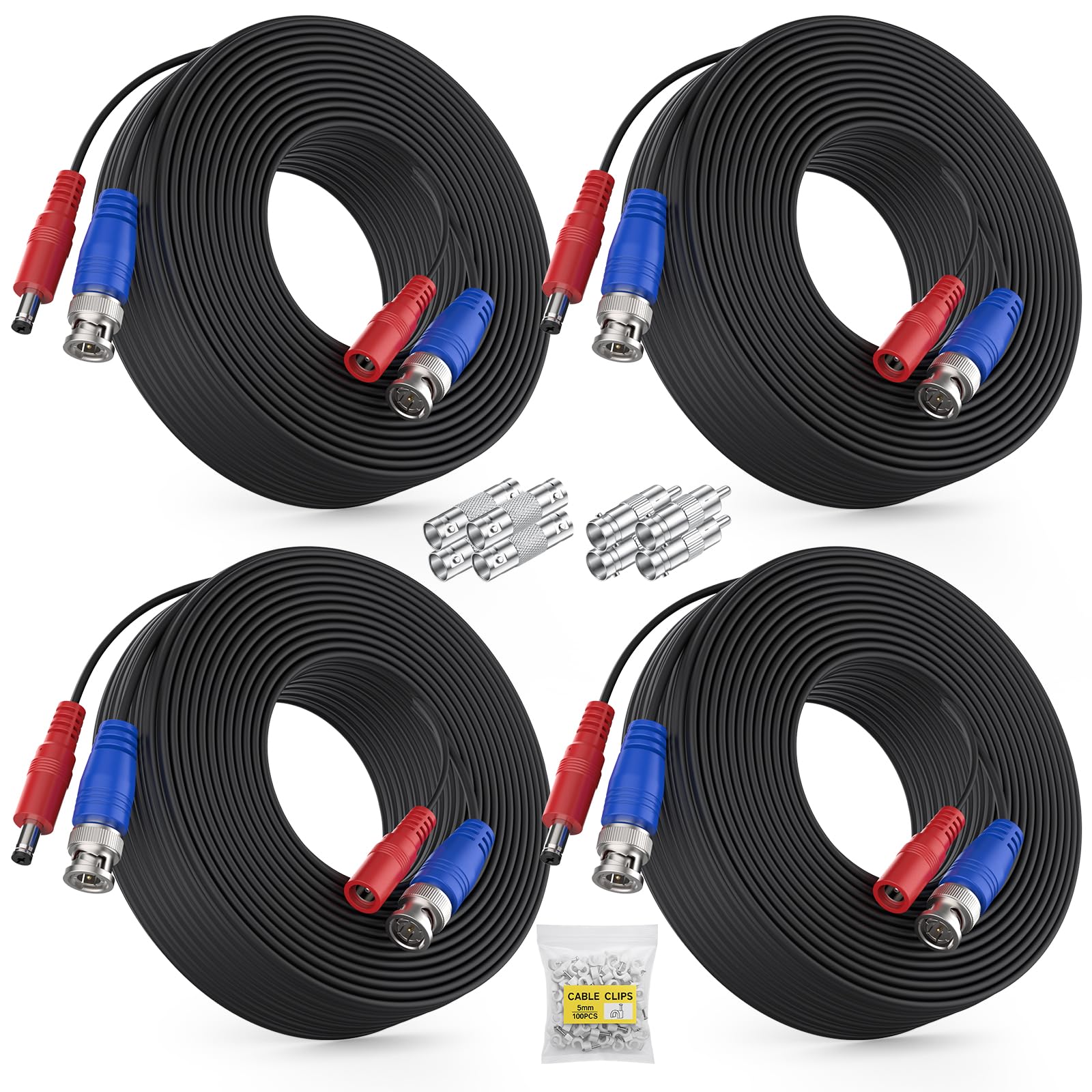
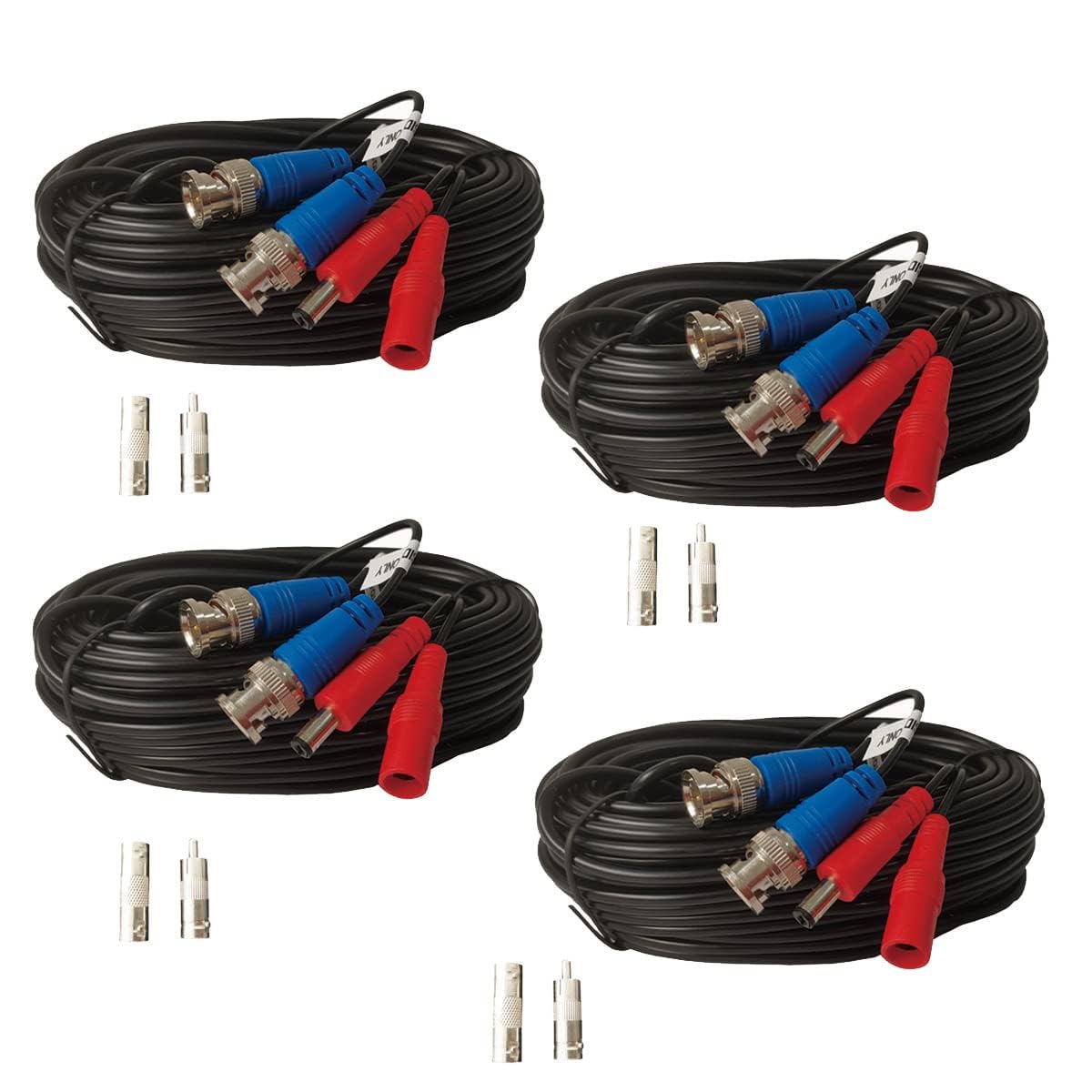
These cameras use a BNC video connector and a separate power plug. Most installers buy Siamese cable, which bundles a coaxial line for video with a two conductor line for power inside one jacket. You pull one cable per camera and still plug a small power supply in at the recorder end.
Network Cameras on Ethernet
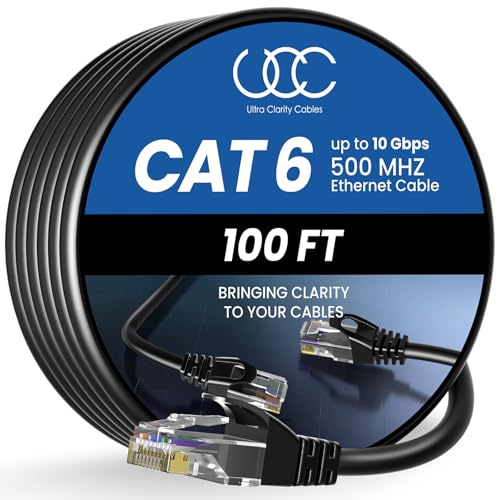
IP cameras use a twisted pair cable with RJ45 plugs. If the camera supports power over Ethernet, that single cable also feeds it power, so you need no outlet near the lens. Category 5e is common, and Category 6 adds headroom for higher resolution streams.
Pre-Made Lengths or a Bulk Spool?
Pre-made cables arrive with connectors already crimped, which suits a small house with four or fewer cameras and short, tidy routes. Bulk cable on a spool costs less per foot and lets you cut exact lengths, but you must crimp or compress your own connectors, and a bad crimp is a common reason a camera drops out.
- Choose pre-made when each run is under about 100 feet and you want a quick install.
- Choose bulk when you have many cameras, awkward routes through attics or when you want clean ends with no excess coil.
- Whichever you pick, buy a little longer than the measured path, because the route around beams and corners is always longer than a straight line.
Materials That Decide Picture Quality
Solid Copper Against Copper Clad Aluminum
Copper carries current and signal with less loss. Copper clad aluminum is lighter and cheaper, but it has higher resistance, so cameras at the end of a long run may restart at night when infrared lights draw more power. For anything beyond a short run, look for the words pure copper or bare copper in the description.
Wire Gauge and Distance
A thicker power conductor (a lower gauge number) loses less voltage over distance. Thin 22 gauge power wire is fine for a few feet, while 18 gauge is the sensible standard for typical house runs. If a camera looks washed out or reboots only after dark, voltage drop is the first suspect.
Jacket and Shielding
Standard jackets are fine inside walls and attics. Outdoor stretches need a UV resistant jacket, and a run buried in the ground needs cable marked for direct burial. Shielding helps when cable passes close to power lines, dimmer switches or fluorescent fixtures that can add interference lines to the picture.
Matching Cable to Camera Features
Modern cameras ask more of the cable than older ones. Higher resolution models push more data through the same coax, and cameras with infrared night lights or built-in heaters draw more current after dark. When you compare the best cable for cctv cameras that carry 4K or 8 megapixel video, check that the description names the resolution it supports and lists a power conductor of 18 gauge or thicker.
Pan and tilt cameras are a special case, because a motorized head needs more power and sometimes a data line for control. Buy a cable made for that purpose rather than hoping a basic Siamese run will cope, and keep the run short where you can.
A Simple Plan for Your First Install
- Sketch the house and mark each camera position and the recorder location.
- Measure each route along the wall and through the attic, then add 10 to 15 percent.
- Pick one cable family for the whole system so connectors and tools match.
- Run the cable before mounting cameras and label both ends with tape.
- Check each camera on the recorder screen before you close up any wall.
Fixing Common Picture Problems Caused by Cable
Rolling bars or a flickering image usually point to a loose BNC connector or interference near a power source. A camera that works by day and resets at night often has too much voltage drop. A blank screen on one channel with others working suggests a broken conductor or a connector pulled free during the pull. Swapping in a short known good cable is the quickest way to tell cable from camera.
FAQ
Can I use regular TV coax for CCTV?
Not reliably. Satellite style RG6 can carry video, but CCTV systems expect RG59 style cable for short runs, and you would also need a separate power line to the camera.
How long can a CCTV cable run be?
Analog coax commonly reaches several hundred feet for standard definition and less for high definition, while Ethernet is limited to about 328 feet per segment. Powered cameras may need a thicker power wire near those limits.
Do I need special tools?
For pre-made cable you need none. For bulk cable, a stripper and a compression or crimp tool make clean connectors, and a cheap cable tester saves hours of guessing.
Is outdoor cable worth the extra cost?
Yes for any section exposed to sun and rain. Indoor jackets crack under sunlight, and water inside a connector is the most common reason an outdoor camera fails after one season.
Final Thoughts
Pick the cable family that matches your recorder, buy copper, add spare length and protect every outdoor connector. Do that, and the best cable for cctv cameras in your home will be the one you never have to think about again.


