
Best Business Laptops Under 500 for 2026: What to Expect
Disclosure: We may earn a commission when you buy through links on this page, at no extra cost to you. As an Amazon Associate I earn from qualifying purchases. Learn more

What to expect from the best business laptops under 500, which specs matter for office work, and the shortcuts to avoid.
A work laptop under $500 has to do a few things well: open a dozen browser tabs without freezing, keep a video call running, and survive being carried to the office every day. The best business laptops under 500 are not the fastest machines you can buy, but the right model will handle email, documents, spreadsheets, and web apps reliably.
This guide explains what you can realistically expect at this price, which specifications matter most, and which shortcuts to avoid, so you can read the product table above and spot the models that suit office work rather than just looking good on a listing.
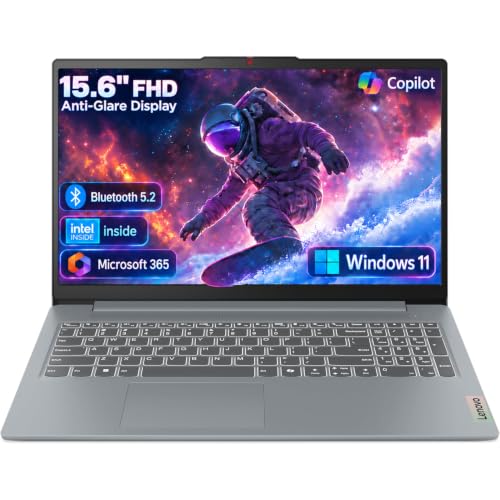
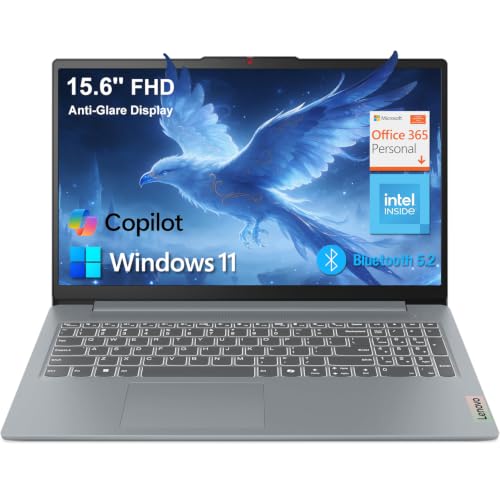
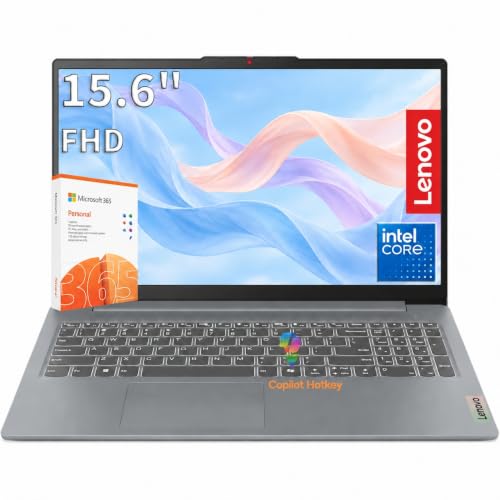
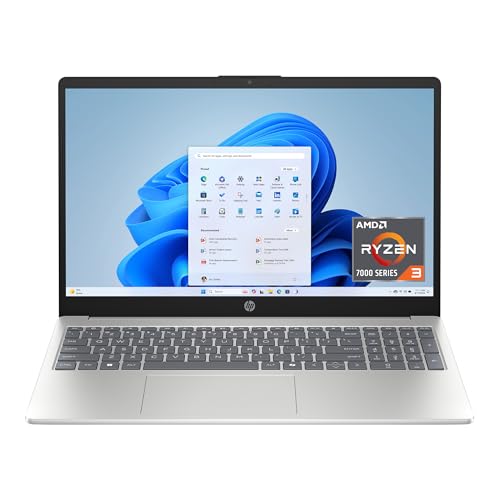
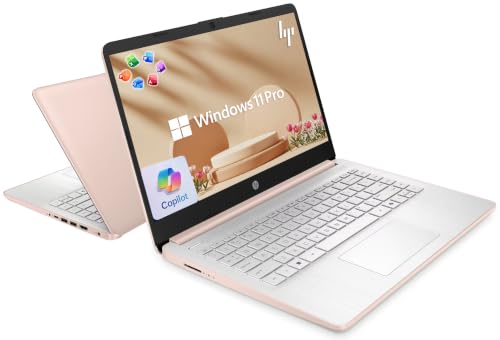
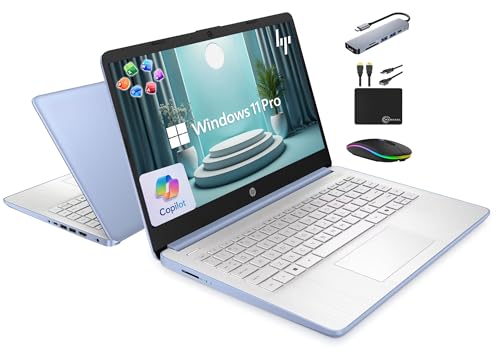
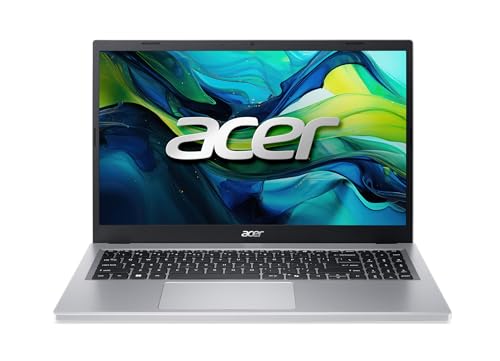
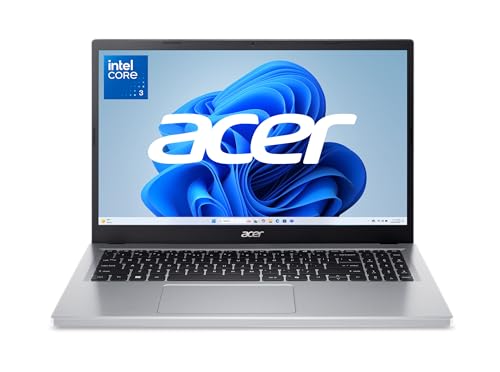


Business Laptops Under 500: What to Expect
At this price you will find 14 to 15.6 inch laptops with entry-level or midrange processors, plastic or partly metal bodies, and screens that are usable but not bright. Memory and storage are where makers cut costs. Many models ship with 8 GB of memory and 128 or 256 GB of storage, and some use slower eMMC or UFS storage instead of a solid state drive.
The compromises are real but manageable. You give up premium screens, strong speakers, backlit keyboards on some models, and the all-day battery life of pricier laptops. What you keep is a machine that runs office software, joins video calls, and connects to your company network.
Who This Price Range Suits
Students and New Starters
If you need a work machine on a tight budget, an under-$500 laptop covers coursework, reports, and online meetings.
Remote Workers Using Web Apps
When your tools live in a browser, such as email, shared documents, chat, and a customer system, a modest processor is enough.
Small Teams Equipping Several Desks
Buying five identical laptops at this price keeps the total manageable and makes support simple.
Backup Machines
A second laptop for travel or emergencies does not need premium specs.
Specifications That Matter Most
When you compare the best business laptops under 500, these specifications separate a dependable work machine from a frustrating one.
Memory
Eight gigabytes is the practical minimum for Windows with a browser and video call running together. Sixteen gigabytes gives smoother multitasking and a longer useful life, and it is worth paying a little more for when you can find it.
Storage
A solid state drive makes a laptop feel fast. Avoid very small drives, because updates and files fill 128 GB quickly. Cloud storage helps, but a full drive still slows everything down.
Processor
Recent entry-level and midrange chips from Intel and AMD are enough for office use. Do not pay extra for gaming features. Processor generation matters more than the model name, so check which generation a listing offers.
Screen
Look for a Full HD display. A 1366 by 768 screen makes spreadsheets cramped and text fuzzy. Brightness around 250 nits or more helps in bright rooms.
Keyboard
You will type for hours, so key travel and layout matter. A numeric keypad helps if you enter figures, and a backlight is a bonus.
Battery and Charging
Expect around five to eight hours of mixed use. Carry the charger if you work away from outlets.
Ports
HDMI, at least one USB-C port, and a headphone jack cover most needs. A full-size USB-A port saves buying adapters.
Software and Security
Many budget laptops include a trial of an office suite, which is not the same as a lifetime license. Check what you actually receive, and budget for a subscription or use free web versions. Make sure the system runs a current version of Windows and receives updates, set a strong sign-in, enable disk encryption if the edition supports it, and back up important files regularly.
Chromebook or Windows Laptop
Chromebooks start fast, update quietly, and suit browser-based work, but they cannot run all desktop software. If your company uses Windows-only programs, a VPN client, or special printer drivers, choose Windows. Make a list of your five most-used tools and confirm each one runs on the system you choose.
Where the Money Goes at Each Step
Between about $300 and $380, expect the minimum: modest memory, small storage, and a plain screen. These laptops suit basic web work and occasional documents. Between $380 and $450 you often gain a better keyboard, a brighter display, or double the storage, which is the sweet spot for most office users. Between $450 and $500 the best finds are models with 16 GB of memory, a metal or reinforced lid, or a newer processor generation. If two laptops cost the same, choose the one with more memory and a better screen before you consider extras such as a fingerprint reader.
Screen Size and Portability
A 14 inch laptop is easier to carry and fits on a train tray table, while a 15.6 inch model gives more room for side-by-side documents and usually includes a numeric keypad. Weight differences of a pound matter if you commute daily. Check the dimensions and weight in the listing, and remember to add the charger to the total.
Setting Up Your New Laptop
Charge it fully, run every Windows update, and remove trial software you do not need. Create a restore point or backup before installing your work tools, sign in to cloud storage so files sync automatically, and adjust text scaling so documents are comfortable to read. A clean start makes a modest laptop feel noticeably faster.
Mistakes to Avoid
- Buying a laptop with 4 GB of memory, which slows down quickly.
- Choosing a listing that does not state the processor generation or storage type.
- Ignoring the return policy, which protects you from a dim screen or loose hinge.
- Paying extra for a touchscreen you will rarely use.
- Forgetting to budget for a sleeve, a spare charger, or a mouse.
Care and Longevity
Keep vents clear, avoid using the laptop on soft surfaces that block airflow, and restart regularly so updates install. Remove programs you do not use, and keep at least 20 percent of the drive free. A budget laptop treated well can serve for three to four years of office work.
Related Guides
For wider options at this price, see laptops 500 and under and Windows laptops under 500. You can also compare computer laptops under 500 or read the laptops under 500 dollars roundup.
Frequently Asked Questions
Can I run office software on a laptop under $500?
Yes. Office suites, browsers, email, and video calls run well on a modern entry-level laptop with 8 GB of memory.
Is 8 GB of memory enough?
It is enough for light multitasking, but 16 GB gives better headroom if you can find it in your budget.
How long will a budget laptop last?
Three to four years is realistic with care. Battery capacity will fade first.
Should I buy a refurbished business laptop instead?
Renewed premium models can offer better build quality at this price, but check the warranty and battery condition carefully.
Do I need a dedicated graphics card?
No. Integrated graphics handle documents, calls, and multiple monitors easily.
Final Thoughts
The best business laptops under 500 balance memory, storage, screen, and keyboard rather than chasing a high specification number. Aim for 8 GB of memory at minimum, a solid state drive, and a Full HD display, and keep the return policy handy. Compare the models in the product table above against those priorities, and you should land on a dependable work machine without stretching your budget.


