
Best Budget Gaming Laptops: Buying Guide for 2026
Disclosure: We may earn a commission when you buy through links on this page, at no extra cost to you. As an Amazon Associate I earn from qualifying purchases. Learn more

GPU, RAM, display, cooling and ports explained across three price tiers, so you can choose the best budget gaming laptops for your games.
Gaming laptops used to demand a serious budget, but the entry point has dropped a lot in the last few years. The catch is that cheap gaming laptops vary wildly, and a bargain with the wrong graphics chip or a dim screen stops feeling like a bargain very fast. This guide walks you through the best budget gaming laptops in the only way that matters, by the specs and trade offs that decide how your games actually run.
You will learn which parts deserve your money, which corners are safe to cut, and how the three budget tiers differ in real use. Start with the comparison table below, then use the buying guide to check any model against your own list of games.
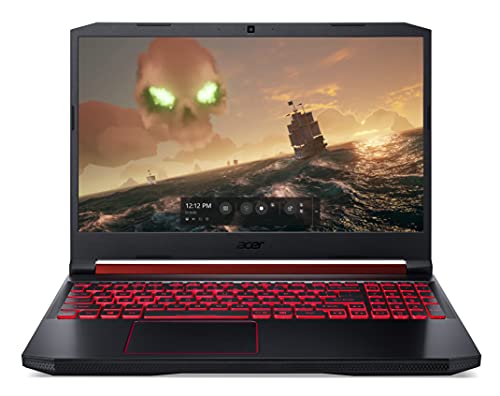


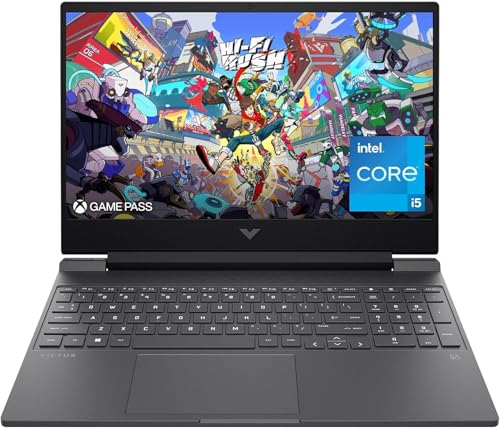


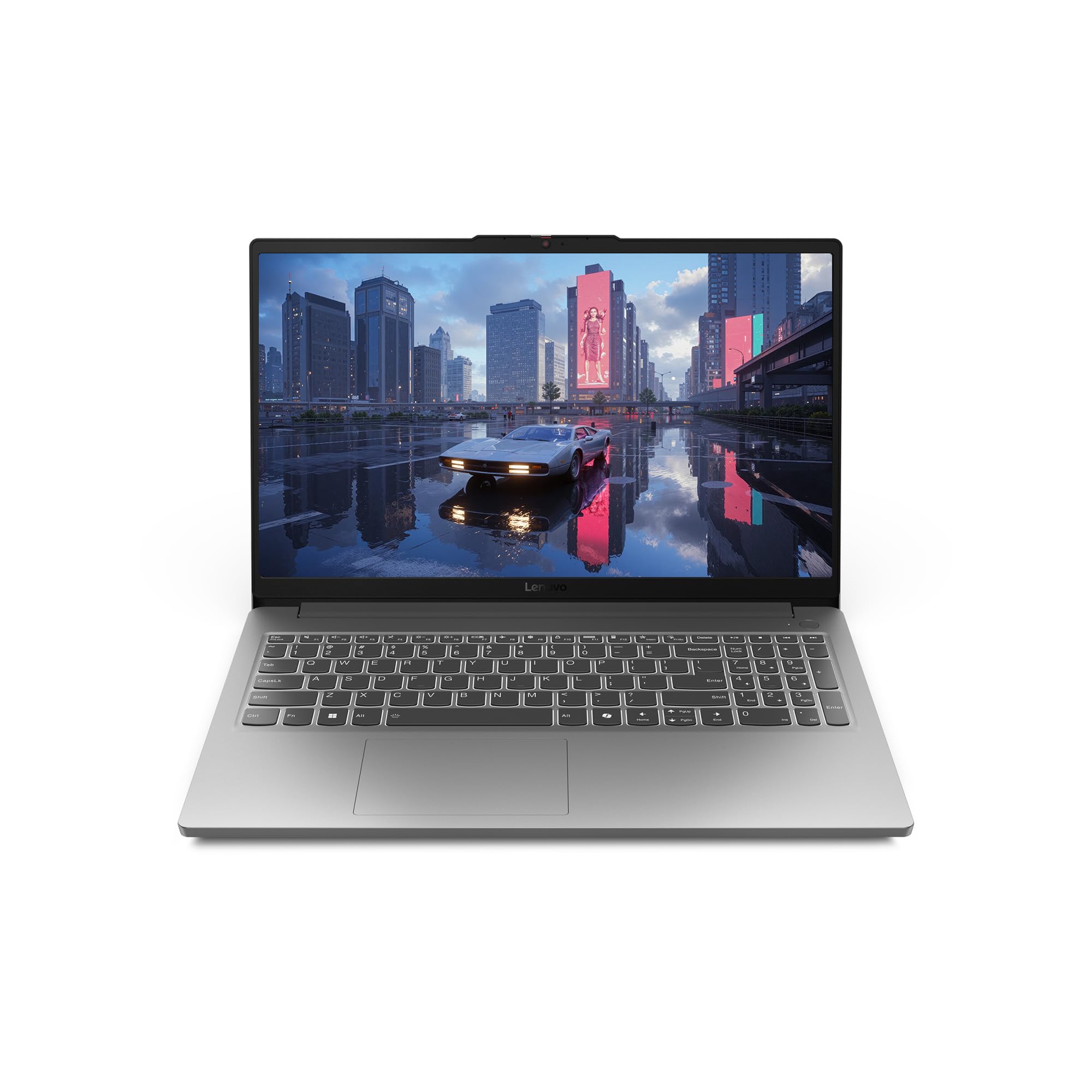

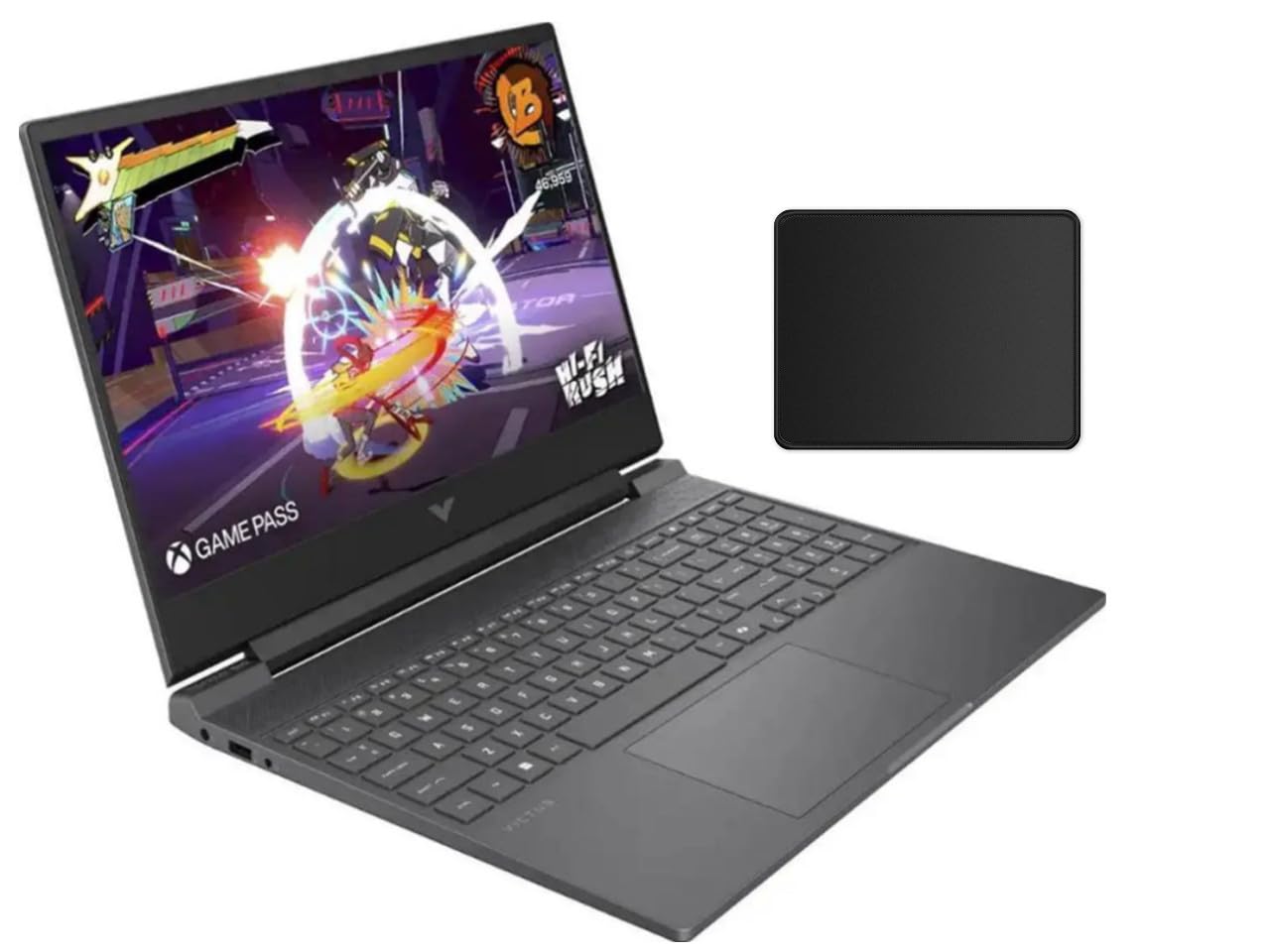
Budget Tiers at a Glance
Instead of chasing one single model, think in tiers. Each tier below describes the combination of specs worth paying for at that level, so you can spot the same profile in whatever is on sale this month. Prices move weekly, so judge a laptop by how closely it matches its tier, not by a temporary discount alone.
The Sweet Spot Tier
The overall sweet spot usually sits around $800 to $1,100. At this level, look for a current mid range dedicated GPU, a six core or better processor, 16GB of RAM, and a 512GB SSD. A 144Hz screen with decent brightness should also be standard here. This tier runs modern games at 1080p high settings without constant tweaking, and it stays useful for about four to five years. The main limit is build quality, since plastic chassis and modest speakers are still common at this price.
The Value Tier
The value tier, roughly $600 to $800, is where smart compromises live. Expect a slightly older or lower wattage GPU, 16GB of RAM if you are lucky and 8GB if you are not, plus a 512GB SSD. Esports titles and older AAA games run well at 1080p medium to high settings. You give up some cooling headroom and screen quality, but the cost per year of use is often the lowest of any tier, especially if the RAM and storage can be upgraded later.
The Premium Tier
Stepping up to about $1,100 to $1,500 buys polish as much as power. You get a stronger GPU with more video memory, a brighter and more accurate display, better cooling, and often a metal lid or deck. Battery life and keyboard quality also improve. If you also edit video or stream, this is the tier where the laptop stops feeling like a compromise, and guides to the best quality gaming laptops show how far that polish can go.
How to Choose the Best Budget Gaming Laptops: Buying Guide
This is the section to read slowly. When people search for the best budget gaming laptops, they usually compare prices first, but the order below reflects what actually changes your experience. Work through each part in sequence and you will have a shortlist that fits your games, your desk, and your wallet.
Processor and Performance Tier
The processor feeds the graphics card, so a weak CPU can hold back a good GPU in strategy games, simulation titles, and busy multiplayer matches. For budget gaming, a modern six core Intel Core or AMD Ryzen chip is the comfortable minimum, and eight cores give extra headroom for streaming or background apps. Avoid older dual core and quad core parts sold in lookalike shells. Single core speed matters for many games, so a newer generation at a lower tier often beats an older chip with a fancier name.
Operating System
Windows is the default choice for gaming because nearly every PC game, launcher, and mod tool supports it first. Make sure the laptop ships with a full Windows license rather than S mode, which limits you to one app store. Linux works for a growing share of games through compatibility layers, but it adds setup work a first time buyer rarely wants. ChromeOS and macOS sit outside serious gaming for different reasons, limited game support on one side and high prices on the other, so treat them as school or work systems instead.
Display Size, Resolution, and Brightness
A 15.6 inch or 16 inch screen at 1080p is the budget standard, and that resolution is a feature, not a flaw, because it lets a modest GPU hold high frame rates. Refresh rate matters more than extra pixels here, so prefer 120Hz or 144Hz over a 60Hz panel. Brightness around 300 nits keeps the picture clear near windows. If you plan to add an external screen later, the advice in our guide to the best gaming monitors will help you match resolution and refresh rate to your GPU.
RAM and Storage
Sixteen gigabytes of RAM is the amount to aim for, since modern games plus a browser and chat apps can push past 8GB and cause stutters. If a cheap model ships with 8GB, check that it has a free slot or replaceable sticks so you can upgrade in ten minutes with one screwdriver. Storage should be an SSD, never a spinning hard drive, and 512GB is the practical floor now that single games can pass 100GB. An empty second SSD slot is a quiet bonus worth real money over time.
Graphics (Integrated vs Dedicated GPU)
The graphics chip is the single most important part in a gaming laptop. Integrated graphics, built into the processor, handle esports and older titles at modest settings, and the best current integrated chips are surprisingly capable at 720p or low 1080p. A dedicated GPU with its own video memory is what unlocks high settings and ray tracing in modern releases. Compare video memory as well as the chip name, and watch wattage, because the same GPU at low wattage can run notably slower in a thin chassis.
Weight and Portability
Most budget gaming laptops weigh about 4.5 to 5.5 lb, and the power brick can add another pound or more, so check the combined carry weight if the machine will ride in a backpack daily. Slimmer models run hotter and louder under load, which is the price of easy carrying. If portability matters more than play, the slimmer machines covered in our guide to the best notebook laptops show the other end of the trade off, while gaming models accept extra bulk for cooling and power.
Ports and Connectivity
A useful port mix saves you from carrying a hub everywhere. Look for at least two full size USB ports for a mouse and headset, one USB C port, HDMI for a TV or monitor, and an Ethernet jack if your WiFi is unreliable, since wired play cuts lag spikes. WiFi 6 or 6E keeps wireless speeds strong on modern routers. An SD card slot is a small extra that creators appreciate. Also check where the ports sit, because cables bunched on the right side can crowd your mouse hand.
Budget Gaming Laptops vs Other Options
A gaming laptop is not the only way to play or work on the move. The three options below each beat it in one area and lose badly in another, so the right choice depends on what you will do most days.
Tablets
Tablets win on weight, battery life, and instant on convenience, and they are great for reading, notes, and streaming video. Their games, though, are mostly mobile titles, and touch controls cannot replace a keyboard and mouse for shooters or strategy games. Add a keyboard case and the price climbs toward laptop territory without matching laptop power. Choose a tablet as a second device for media, not as your main gaming machine.
Ultraportables
Ultraportables are thin, light laptops built for travel and office work, with long battery life and quiet fans. The best ones now include capable integrated graphics that handle light gaming at low settings. What they lack is a dedicated GPU and the cooling to sustain one, so demanding games run slowly or not at all. If your play list is mostly older or indie titles and you value a light bag, an ultraportable can work, but serious players will outgrow it quickly.
2 in 1 Convertibles
Convertibles fold into tablet mode and often support a pen, which suits students who annotate slides and sketch. That flexible hinge and touch screen add cost, so a convertible at a gaming laptop price usually has weaker graphics. Thermals are also tighter in the thin bodies. For a fuller picture of combined work and play machines, see our guide to the best gaming computers laptops, and treat convertibles as a note taking first choice rather than a gaming first one.
How to Make Your Budget Gaming Laptop Last Longer
A budget machine can serve for years if you treat its heat and battery well. These habits cost nothing and prevent the most common early failures.
- Keep the OS and firmware updated, since graphics drivers and BIOS updates often fix fan curves, charging bugs, and game crashes.
- Avoid running at 100 percent charge all the time if you mostly play plugged in, and use the battery limiter in the maker settings when one is offered.
- Play on a hard flat surface or a simple stand so the underside vents can breathe, and never game with the laptop sitting on a bed or sofa.
- Clean the vents with short bursts of compressed air every few months to stop dust from insulating the fans and heatsinks.
- Use a padded sleeve when commuting, because one hard knock on a corner can crack a plastic chassis or damage a hinge.
- Uninstall bundled trial software you never use, which frees storage and stops background tasks from competing with your games.
FAQs
Is a dedicated GPU worth it?
Yes, if you play modern 3D games, a dedicated GPU is the upgrade that changes everything else from optional to secondary. It carries its own video memory, renders far more frames than integrated graphics, and unlocks features like ray tracing and AI upscaling. The one case against it is a play list limited to browser games and very old titles, where integrated graphics and a lower price make more sense.
How much RAM do I need?
Sixteen gigabytes is the right target for gaming today, with 32GB only worth it if you stream, edit video, or keep many apps open while you play. Watch the configuration as well as the total, because two matched sticks run in dual channel mode and lift frame rates compared with one stick of the same size. If a deal ships with 8GB, price the upgrade before you buy.
Is a Chromebook enough for school?
A Chromebook is enough for school work like documents, email, and web research, and that is exactly why it tempts budget shoppers. It is not enough for a gaming laptop role, because most PC games do not run on ChromeOS and cloud streaming depends on fast, stable internet plus a subscription. Buy one as a study tool if you like, but do not expect it to replace a Windows gaming machine, a point our guide to the best inexpensive gaming laptops makes when comparing real alternatives.
How long should a budget gaming laptop last?
A realistic span is four to six years, with the GPU setting the gaming limit long before the rest of the machine wears out. You will likely lower settings over time, moving from high to medium as new releases arrive. The battery usually fades first, often after three to four years of daily cycles. Treat four strong years as the value benchmark when you divide the price by the years of play.
Should I buy a laptop or a tablet?
Buy the laptop if gaming, school software, or typing long documents sits anywhere in your week, because it does all three without add ons. A tablet only wins when reading, drawing, and video are nearly the whole job. One practical check is your game library itself: if your titles live on PC launchers and expect a keyboard, the laptop answer settles itself in seconds.
Our Verdict
Start with the graphics chip, confirm 16GB of RAM and a 512GB SSD, then check that the screen hits at least 120Hz. Those three calls decide most of your experience, and everything else is fine tuning. Match the tier to your games, keep an eye on upgrade slots, and the best budget gaming laptops stop being a gamble. Look back at the product table above and check each option against this short list before you buy.


