Best Bose Computer Speakers: A Practical Guide for Buyers 2026
Disclosure: We may earn a commission when you buy through links on this page, at no extra cost to you. As an Amazon Associate I earn from qualifying purchases. Learn more
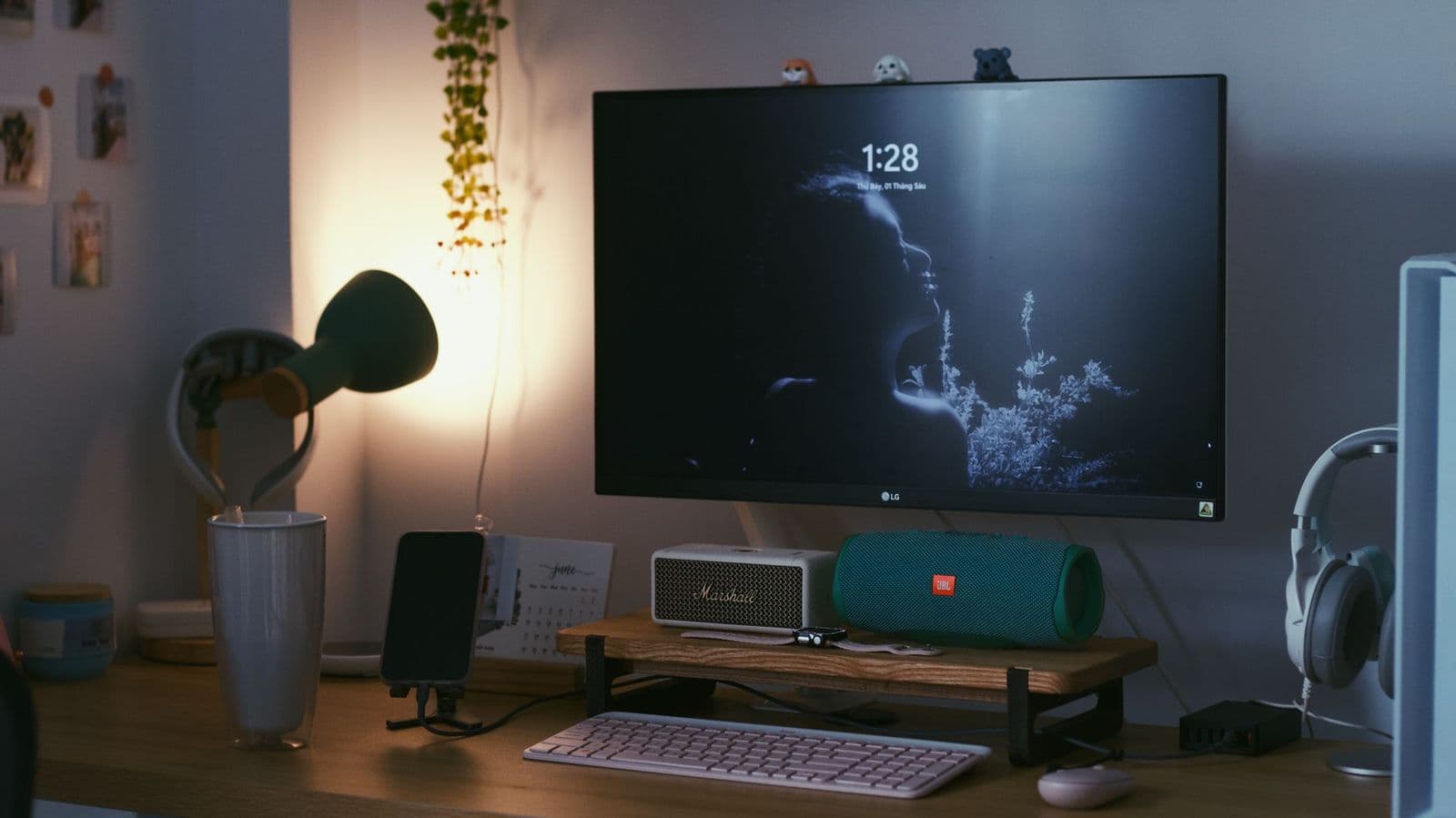
A practical guide to the best bose computer speakers: what to check on connections, desk space and sound before choosing a set for your computer.
Bose built its reputation on compact speakers that sound bigger than they look, which is exactly what a desk needs. The best bose computer speakers are the ones that fit your desk, connect to your computer without adapters, and stay clear at the low volume most people use while working. This guide explains how Bose desktop audio is organized, what to check before you buy, and how to set it up so it sounds as good as it can.
Desktop speakers sit close to your ears, so small flaws such as hiss, harsh treble or a wobbling stand are easy to notice. Work through the sections below in order: space first, connections second, sound third.
How Bose Desktop Audio Is Organized
Bose has sold several families of speakers that suit a computer. The Companion line was designed as multimedia speakers for a desk, with a stereo pair that connects through a standard 3.5 mm cable, and larger versions add a bass module that sits on the floor. Its newer wireless speakers, such as the portable Bluetooth models and the compact TV soundbars, can also serve a desk when you want fewer cables.
Because lineups change and many older desktop sets are no longer made, availability varies. Treat the descriptions below as categories to look for rather than a fixed list, and confirm the inputs on the exact model before you order.
Stereo Desktop Pairs
A stereo pair is the classic desk setup: two small speakers placed left and right of the monitor, connected to the computer by a single cable. This layout gives the clearest stereo image for music, video calls and games, and it keeps the desk tidy. The trade off is limited bass, so these pairs suit work and casual listening more than loud parties.
Pairs With a Bass Module
Larger multimedia sets add a bass module under the desk, which gives movies and music more weight. They need floor space and one more power connection, and the module should sit where it will not rattle the desk. Choose this layout if you watch films at your computer or listen to bass heavy music, and your neighbors will not mind.
Bluetooth and Soundbar Alternatives
A compact Bluetooth speaker or a short soundbar can replace a pair when your desk is tight or you move between a laptop and a phone. Wireless links add a small delay, which can be noticeable in video editing or fast games, so look for a wired input as a backup. A soundbar under the monitor keeps sound centered but offers less stereo width than two separate speakers.
Key Features to Check Before You Buy
Use this short checklist to compare any Bose desktop option. Each point is easy to verify on the listing or the manual.
Connections and Computer Compatibility
Many desktop speakers use a 3.5 mm analog input, which works with almost every laptop and desktop. Newer laptops sometimes drop that port, so check whether you need a USB adapter or a Bluetooth connection. If you want one set of speakers for a computer and a phone, look for a model with both a wired input and Bluetooth pairing, and confirm it can hold two devices at once.
Desk Footprint and Speaker Angle
Measure the space beside your monitor before you shop. Small satellites need only a few inches, while a soundbar needs a clear shelf in front of the screen. Aim the speakers at ear height so they point toward you, and keep them away from the wall behind the desk, which can make bass sound boomy. If the desk is too shallow, a pair of small stands or isolation pads can lift the speakers closer to ear level.
Sound Style for Work, Music and Games
Bose tuning usually favors clear voices and smooth, full sound at low volume, which suits calls, podcasts and background music. Gamers may want a model with a bass module for effects, while people who edit audio should look for a flatter response and a wired connection. If you plan to listen for hours, choose a speaker that stays comfortable at low volume instead of one that only sounds exciting when loud.
Volume Controls and Headphone Jack
A volume knob on the speaker itself saves you from reaching for the keyboard. A headphone jack on the speaker lets you switch to private listening without unplugging anything, which is handy in shared spaces. Check that the controls are easy to reach from where you sit.
Setting Up Bose Computer Speakers
Place the left and right speakers about as far apart as your distance from the screen, and angle them slightly inward. Connect the cable to your computer, set the speakers as the default sound output, and start with the computer volume near the top and the speaker volume low. That order keeps the signal strong and the noise low.
If you hear a faint hum or buzz, route the audio cable away from power cables and phone chargers. A ground loop can also cause hum when the speakers and the computer use different outlets, so try plugging both into the same power strip.
Common Mistakes to Avoid
- Placing speakers behind the monitor, which blocks sound and narrows the stereo image.
- Buying a wireless only speaker, then finding that your computer or video app adds noticeable delay.
- Ignoring the port on your laptop, then needing an adapter that was not in the box.
- Putting a bass module against a wall or under a desk drawer, which makes bass boom and rattle.
- Keeping the volume maxed on the speaker while the computer volume is low, which adds hiss.
Care and Long Term Use
Dust the grilles with a dry brush or soft cloth, keep drinks away from the speakers, and avoid placing them in direct sun. Coil cables loosely instead of bending them sharply at the connector. If a pair develops crackling, try a different cable and port before assuming the speakers have failed, since a worn cable is the most common cause.
Frequently Asked Questions
Are Bose speakers good for a computer?
Yes, Bose speakers suit a computer when you choose a model with the right input. Their compact size, clear voices and balanced sound work well for music, calls and video. Check that the speaker has a wired input or reliable Bluetooth for your computer.
Do I need a subwoofer with desktop speakers?
A bass module adds weight for films and games, but it is not essential. For work, calls and casual music, a stereo pair is usually enough, and it saves space and cost. Add a module only if you have the floor space and do not mind the extra cable.
Can I use a Bose Bluetooth speaker with my computer?
Yes. Most computers pair with Bluetooth speakers easily, and a speaker with multipoint pairing can stay connected to a phone as well. Expect a little delay on video, so use a cable if lip sync matters to you.
How should I place speakers on a small desk?
Put one on each side of the monitor at ear height, angled slightly toward you. If space is very tight, a compact soundbar under the screen or a single small speaker beside the keyboard can work, though you lose stereo width.
How long do desktop speakers last?
Well cared for speakers often last many years, because there is little to wear out apart from cables and volume knobs. Wireless models also depend on battery health and app support, so they may age faster than a simple wired pair.
Final Thoughts
Start with your desk space, confirm the connection your computer needs, and choose a sound style that matches how you work. Keep expectations realistic about bass, and use placement to improve what you hear before spending more. Chosen this way, the best bose computer speakers will give you clear, comfortable sound for years of daily use.
For a wider look at the brand, see our guide to best bose speakers, and for general desktop options see our guide to best sounding computer speakers.