Best Borderless Printers: What Actually Matters Before You Buy for 2026
Disclosure: We may earn a commission when you buy through links on this page, at no extra cost to you. As an Amazon Associate I earn from qualifying purchases. Learn more
Choose the best borderless printers with a clear checklist on print size, ink costs, paper handling, connectivity, and setup for photos and documents.
Borderless printing sounds simple until you learn that not every model prints edge to edge at every paper size, and ink costs can dwarf the purchase price. This checklist for best borderless printers helps you judge the specs that change daily use. You will check size limits, paper handling, running costs, and setup before you compare prices.
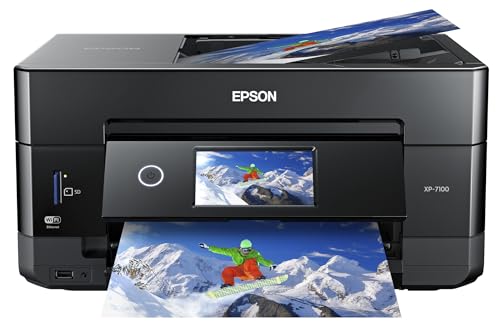
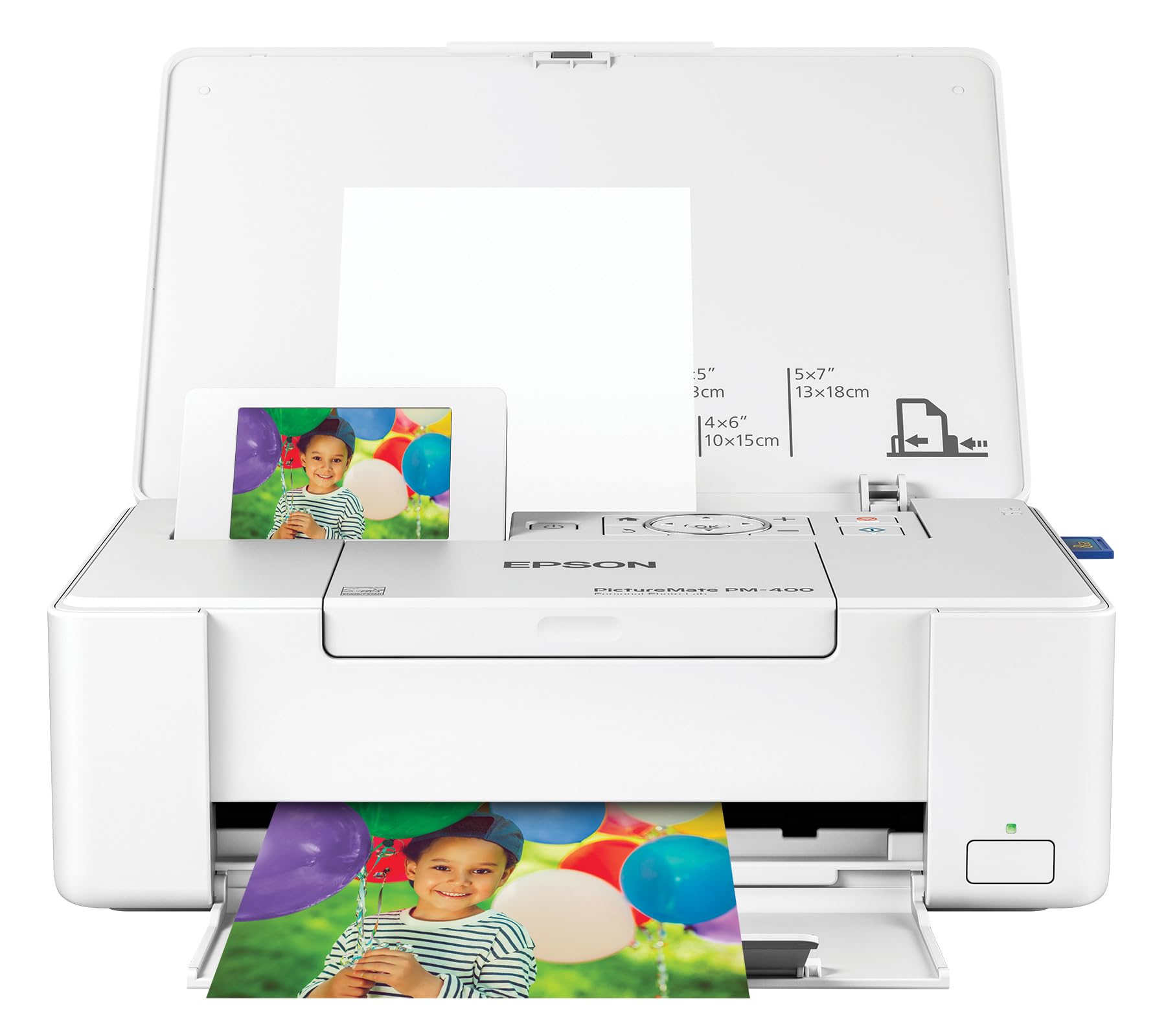
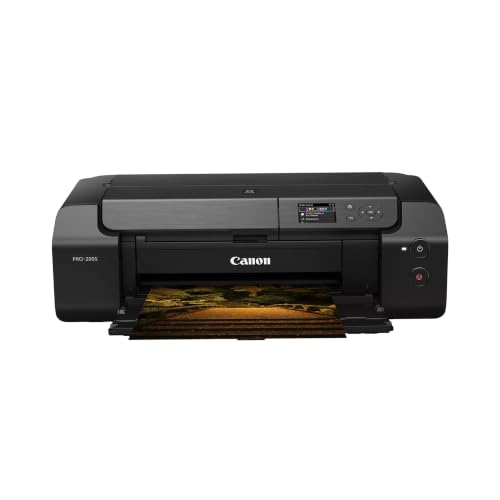
Work through each criterion with your real jobs in mind, such as family photos, art prints, flyers, or school projects. Start with the comparison table below, then use the checklist to rule out models that fail your main job.
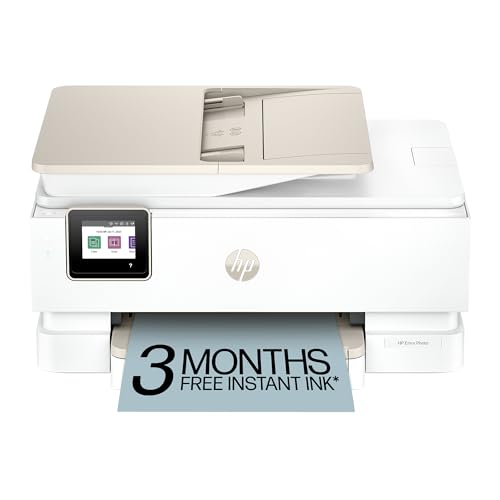
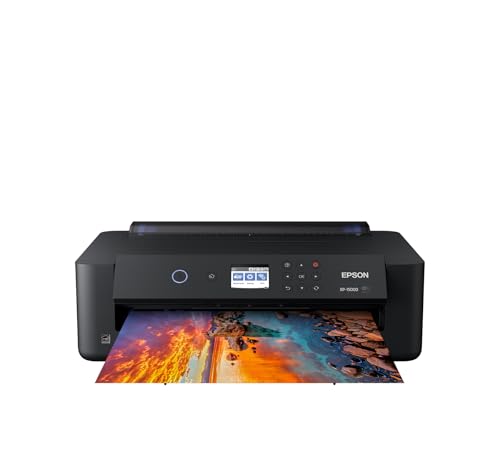


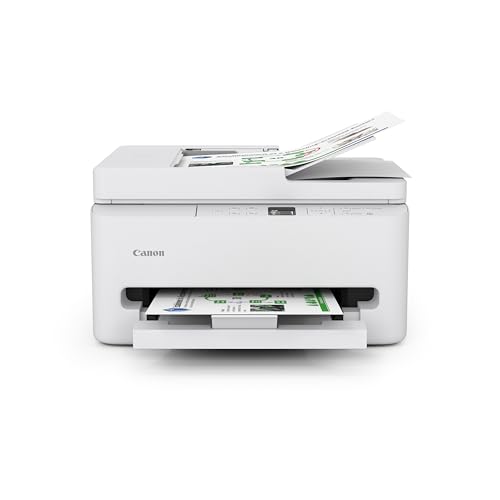

How to Evaluate Borderless Printers
Score any model against the six points below. A printer that wins on speed but fails on supported borderless sizes or paper weight will disappoint, no matter how strong the headline specs look. Note your must have items first, then treat the rest as trade offs.
Printer Type: Inkjet, Laser, or Ink Tank
For borderless photos and color documents, inkjet is the relevant type, and nearly all home borderless models use ink. Tank models carry large ink reservoirs and suit frequent printing, while cartridge models suit light use and lower upfront cost. Laser printers rarely offer true borderless output, so confirm the claim in the manual rather than trusting a store label.
Ease of Setup and Calibration
Good setup means clear steps for WiFi joining, driver or app install, paper loading, and print head alignment. Most home users should be printing a test photo within about thirty minutes of unboxing. Look for on screen guidance, a paper sensor that reduces wasted sheets, and alignment tools you can rerun after moving the printer.
Run a small borderless sample on plain paper settings first to confirm margins and centering, then use photo paper for the real run. That order saves costly sheets when an app defaults to a bordered mode. Keep the manual link saved, because error codes are easier to solve from the source.
Footprint and Noise
Measure your shelf or desk including space for the output tray, cable bend, and the rear feed if you plan to use thick paper. Many borderless models need extra depth when the tray is open, so a closed size on a box can mislead. Leave air space around vents and keep the printer level for even paper feeding.
Noise matters in bedrooms, shared offices, and classrooms. A quiet mode usually exists on home models and trades a little speed for calmer operation during calls or study time. If the printer will sit near a baby room or a recording corner, weight quiet mode and standby noise more heavily in your choice.
Print Speed
Speed figures are usually quoted for plain text on standard paper, not for full color borderless photos. A borderless photo can take several times longer because the printer lays more ink and may slow to protect quality. Judge speed by the job you do most, and treat pages per minute claims as a rough guide only.
If you print batches of flyers or school handouts, look for steady output and a tray that holds enough paper to finish the run. If you print a few photos each week, quality and color accuracy matter far more than a small speed gap. Warm up time also counts for short urgent jobs.
Connectivity and Mobile Printing
Dual band WiFi, AirPrint, and a solid phone app make it far easier to print photos where they live, on your phone. Check that the app lets you select borderless mode, paper type, and size before printing, because missing settings in the app are a common source of white edges. A USB option is a useful backup when WiFi fails.
Multidevice homes should confirm that several users can join without complex steps. For broader home needs, see our guide to best computer printers for home to weigh shared use, scanning, and everyday document features alongside borderless photo output.
Cost per Page and Ink Costs
Cost per page is the ink cost of one printed page, based on cartridge or tank yield and price. Borderless photos use far more ink than text, so estimate photo cost separately using high coverage yields when makers publish them. Tank systems usually cost more upfront and far less per photo, which favors frequent printers.
Add paper cost to your estimate, because photo paper often costs more than ink for small prints. Subscription ink plans can suit steady light use but may penalize heavy months. For photo focused comparisons, see our guide to best printers for pictures and apply the same cost math to any model there.
Printer Tiers by Use
Use these tiers as buying guidance rather than named products. Each tier suits a different user, and the limits tell you when to step up or step down. Compare models inside one tier on borderless sizes and ink cost first.
Balanced Home Printers
The balanced tier suits families and hobby photographers who print photos up to common album and letter sizes, plus daily documents. Expect borderless support at several photo sizes, a rear feed for thicker paper, reliable WiFi and app control, and moderate ink costs. Typical prices are often about $150 to $300, depending on tank size and added features such as a scanner.
This tier balances quality, cost, and ease better than extremes at either end. Its limit is pro level color control and very large formats, which most home users do not need. If your prints stay at standard sizes, this tier will likely cover years of mixed home use.
Budget Cartridge Printers
The value tier suits light users who print occasional photos, cards, and school or craft projects and want borderless output without a large upfront spend. Expect borderless printing at core photo sizes, cartridge ink, and simple app setup, often around $80 to $150. Running costs per photo will be higher, so volume is the key limit to respect.
Choose this tier when you print a few times a month and value low purchase price over low page cost. Keep spare cartridges on hand, because small cartridges can run out mid batch. If your volume grows, the ink bill is your signal to move to a tank model next time.
Compact Printers
The compact tier suits dorm rooms, small desks, and craft corners where space decides the purchase. Expect a smaller footprint, lighter weight, and borderless support at smaller photo sizes, often around $100 to $200. Some compact models also run on an optional battery for events, though most buyers will use wall power at home.
The limit is tray capacity and maximum paper size, plus slower batch printing. Measure open tray depth before you buy, because compact closed dimensions hide the space a working printer needs. For quality benchmarks across sizes, compare notes with our guide to best quality printers before you settle for the smallest option.
Quick Buyer Checklist
- Does the manual list borderless printing at every paper size you plan to use?
- Does the printer accept the paper weight and finish you prefer, including a rear feed for thick stock?
- Have you estimated ink and paper cost for your monthly photo and document volume?
- Does the phone app expose borderless mode, paper type, and print quality settings?
- Have you measured open tray space, not just the closed footprint on the box?
- Do you need scanning or duplex printing, and does this model include the version you expect?
- Is replacement ink easy to buy locally or by delivery at a fair price?
- Does the warranty cover the print head, and for how long?
Red Flags to Watch For
- Borderless claims with no list of supported sizes in the manual or spec sheet.
- Very low printer price paired with tiny starter cartridges and no published page yields.
- Vague color specs, no paper weight range, and no rear feed on a model sold for art prints.
- An app with poor recent reviews that lacks paper type or borderless controls.
- Short warranty, unclear print head coverage, and hard to find genuine ink.
If two or more flags appear on one model, keep looking. Borderless quality depends on precise paper handling and software control, so unclear documentation is a real risk, not a minor gap. A slightly higher price for clear specs usually saves money on wasted paper and ink.
How to Make Your Borderless Printer Last Longer
Print a small color page each week or two to keep ink flowing and reduce clog risk, especially in dry rooms. Use genuine ink or a reputable alternative that matches your model, and store paper flat in its pack away from humidity. Keep the paper path clean, update firmware when the maker advises it, and never force thick stock through a feed that is not rated for it.
FAQs
What does cost per page mean?
Cost per page means the ink cost to print one page, found by dividing cartridge or tank price by its page yield. Photos cost more per page than text because they cover more of the sheet with ink. For borderless work, add photo paper cost as well. That full figure, not the printer price, shows what regular printing will cost you.
Are ink tank printers worth it?
Ink tank printers are worth it when you print often enough that lower ink cost repays the higher purchase price. Frequent photo printing, school projects, and home office color work reach that point quickly. Light users who print a few pages a month may never recover the gap, so a cartridge model can be the smarter value for them.
Inkjet or laser: which is cheaper long term?
For borderless photos, inkjet is the practical choice because most laser models cannot print true edge to edge color on photo paper. For heavy text only work, laser toner often costs less per page and handles volume well. Many homes solve both needs with one inkjet for photos and color, accepting higher text costs as the trade off.
Our Verdict
Confirm borderless sizes first, estimate real ink and paper costs second, and check app controls and open tray space third. Those three steps prevent nearly every common disappointment with this category. Review the product table with your checklist in hand, and the best borderless printers for your desk will be the ones that pass on paper, not just on price.