
Best Bluetooth Speakers for Side by Side 2026: Pairing and Placement
Disclosure: We may earn a commission when you buy through links on this page, at no extra cost to you. As an Amazon Associate I earn from qualifying purchases. Learn more

How to pick the best bluetooth speakers for side by side: stereo pairing, party mode and placement for two speakers.
Two speakers set side by side can sound very different from one speaker on its own. The best bluetooth speakers for side by side pair cleanly, split left and right channels or play the same sound in two places, and stay in step with each other so music does not echo or lag between them. Not every Bluetooth speaker can do this, which is why it deserves a closer look before you buy.
This guide explains how stereo and party pairing work, which features to look for and how to place two speakers for the best result. Use the product table to compare models that support pairing.


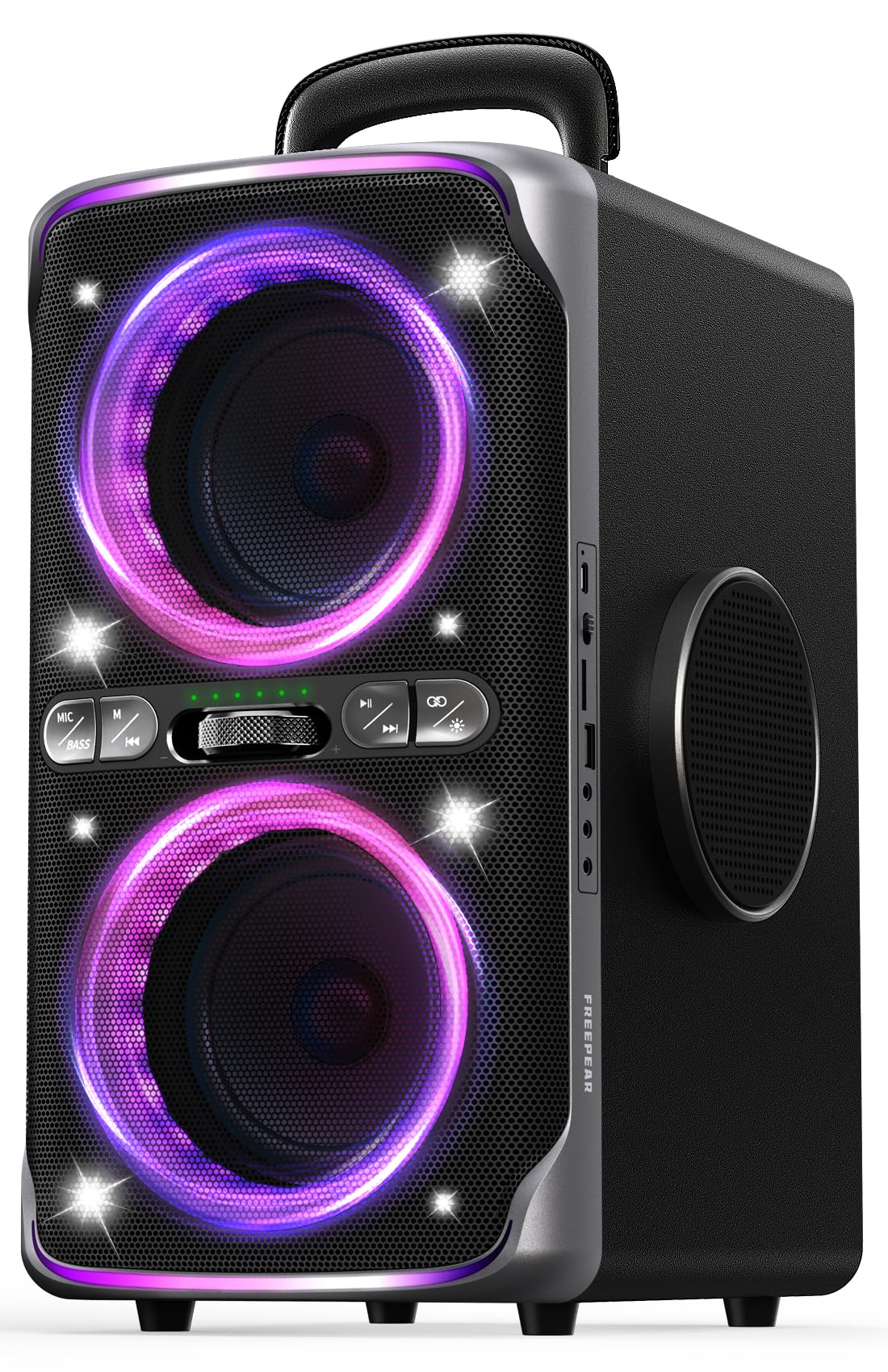
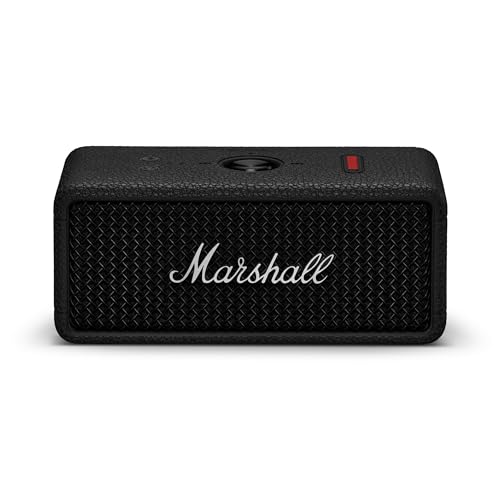


Stereo Pairing and Party Mode
Stereo pairing assigns one speaker to the left channel and one to the right. It gives real separation and a wide sound stage, and it suits listening from a fixed spot. Party mode plays the same signal on both speakers, which fills a bigger space and suits gatherings.
Both modes need speakers that support the same feature. Most makers pair their own models only, so two speakers from different brands will not link.
Brand Ecosystems and Compatibility
Pairing features have maker specific names, and some work with many models of the same brand, while others require an identical model. Check the manual or the listing for a compatible list before you buy two speakers. If you plan to add a second speaker later, choose a family with a long run of models that stay compatible.
Mixing different models of the same brand may work in party mode but not in stereo mode. Matching models are the safest choice for true stereo.
Placement for the Best Stereo Image
Place the speakers about as far apart as you sit from them, and angle them slightly toward you. Keep them at the same height and the same distance from side walls. Avoid corners, which boost bass and unbalance the image.
Side by side on a single shelf is fine for a desk, but a wider spacing improves separation in a larger room. If the speakers are only a few inches apart, party mode may sound better than stereo.
Latency Between Speakers
Pairing features should keep the two speakers in sync. A small delay between them causes an echo that is easy to hear. Reputable ones use a dedicated link between the speakers to avoid it, while cheap true wireless pairing sometimes drifts.
If you hear an echo, move the speakers closer to the source and to each other, update firmware and restart both speakers.
Battery and Portability for Pairs
Two speakers mean two batteries. Check that both last as long as your event. A pair that you can carry to a park or a picnic needs a matching handle or strap, and charging two speakers means two cables. A USB C pair simplifies this.
For smaller, easily carried options, see our guide to the best tiny bluetooth speakers.
Everyday Scenarios for a Pair
At a desk, two small speakers on either side of a monitor give a more natural image than one speaker to the left or right. They also let you keep volume lower, which is kinder to colleagues and family. In a bedroom, a pair on either side of a bed or a dresser creates a stereo field without a large system.
In a living room, a pair on either side of the TV turns film audio from a narrow beam into a wide soundstage. Outdoors, party mode with two speakers placed apart covers a bigger area than one speaker at full volume.
For travel, many people carry a single speaker and add a second at home. That works well if both speakers are from a family that supports pairing, so check this before you buy the first one.
Troubleshooting a Pair
If only one speaker plays, restart both and pair them again. Make sure both have the latest firmware and that the pairing feature is switched on in the maker app. If the left and right channels sound swapped, most apps let you reverse them.
If you hear an echo between the speakers, move them closer to the source and to each other, and try reducing the distance between speaker and phone. Interference from Wi-Fi routers can cause dropouts, so keep the speakers away from them.
Keep both batteries charged. If one speaker dies first, the pair falls back to mono or stops playing. Charging them together after each use avoids surprises.
Comparing the Best Bluetooth Speakers for Side By Side in the Product Table
Start with pairing support, then compare size, battery and sound. Make sure the listing says the pairing feature works with the model you want. Buying a bundled pair avoids compatibility questions and is often cheaper.
Check the return terms, because pairing quirks sometimes appear only at home.
Frequently Asked Questions
Can any two Bluetooth speakers be paired?
No. Pairing usually needs speakers from the same maker that support the same feature.
What is the difference between stereo and party mode?
Stereo splits left and right channels. Party mode plays the same sound on both speakers.
Do two speakers sound twice as loud?
They sound louder and fuller, but not twice as loud. The main gain is spread and stereo separation.
Can I pair a speaker with a different model?
Sometimes in party mode, but check the maker's compatibility list.
Do I need a pair for a small room?
Not usually. One good speaker is enough, and a pair helps most in larger rooms or at a desk.
Final Thoughts
Choosing the best bluetooth speakers for side by side starts with pairing support and compatibility, then size and battery. Place the speakers with care and the result will sound much bigger than one speaker alone. Use the product table to compare models, and consider a bundled pair if you want to avoid compatibility questions. A well placed pair is one of the best upgrades for home listening.


