
Best Bluetooth Speakers for Multiple Rooms 2026: Party Link or Wi-Fi Groups
Disclosure: We may earn a commission when you buy through links on this page, at no extra cost to you. As an Amazon Associate I earn from qualifying purchases. Learn more

How to pick the best bluetooth speakers for multiple rooms: party link versus Wi-Fi grouping, sync and room by room control.
Playing the same music in several rooms is one of the nicest upgrades to a home, and one of the easiest to get wrong. Bluetooth alone usually connects to one speaker at a time, so true multi room playback needs either speakers that link with each other or a Wi-Fi system. The best bluetooth speakers for multiple rooms make grouping simple, keep every room in sync and let you control volume per room.
This guide explains the difference between Bluetooth, party link and Wi-Fi multi room, how to plan speaker placement across a home, and what to check before you buy. Use the product table to compare options once you know how many rooms you want to cover.

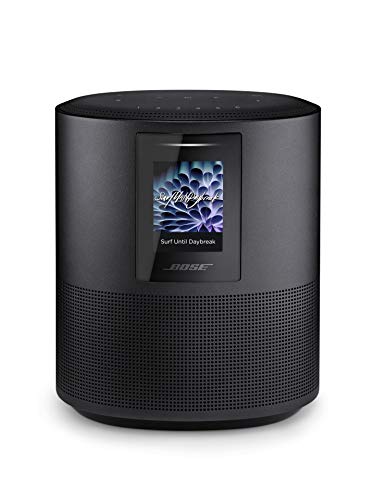


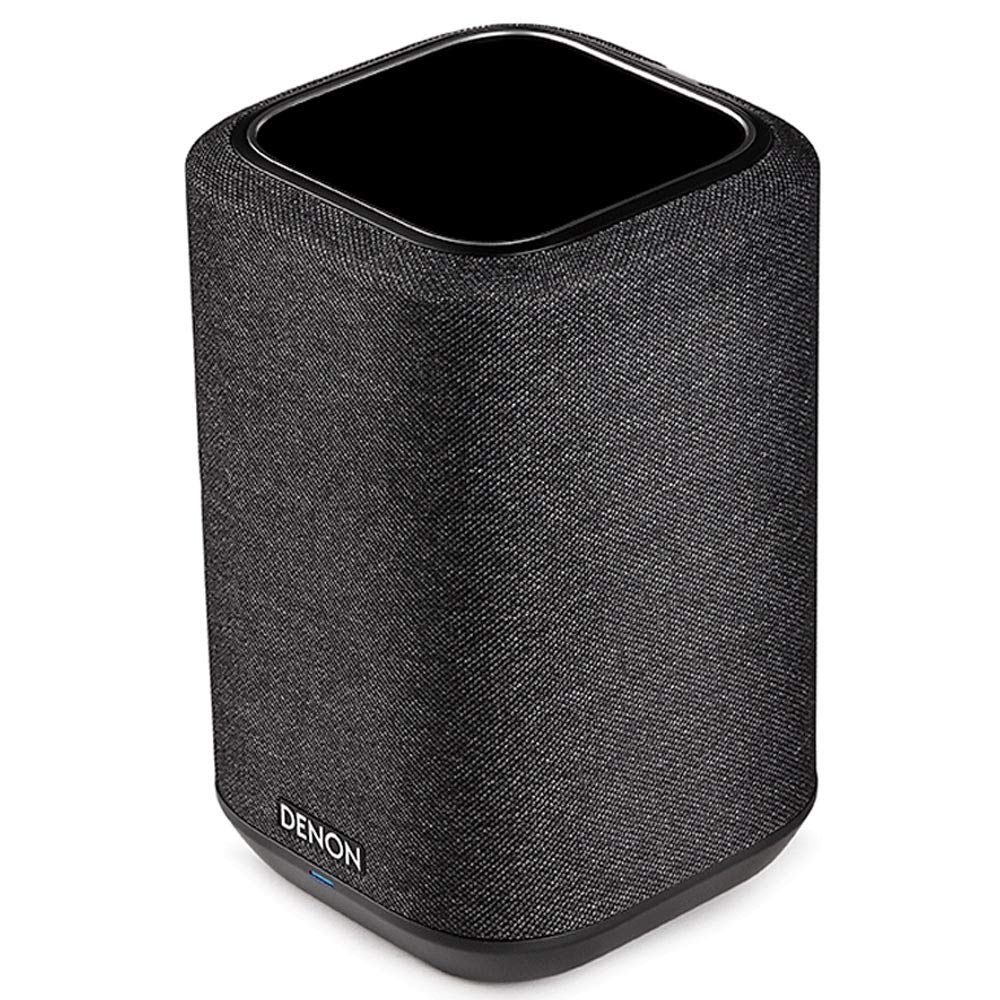

Three Ways to Play in Several Rooms
The first is a maker's party link feature, where Bluetooth speakers of the same family connect to each other and play the same track. It is cheap and portable, but range is limited and every speaker plays the same thing at the same time. The second is Wi-Fi multi room, where speakers join your network and stream directly, so each room can play its own source or join a group. The third is a hybrid system that supports Bluetooth for guests and Wi-Fi for the household.
Wi-Fi systems are the most flexible. They keep playing when your phone leaves the house, they support separate volumes and they are the easiest to expand room by room.
Sync and Stability
In a multi room setup, sync matters. If two speakers in neighbouring rooms are even a fraction of a second apart, you hear an echo as you walk between them. Wi-Fi systems usually keep a very tight sync, and party link features are good in the same room but can drift across a bigger distance.
Strong Wi-Fi is essential. Weak coverage in a far bedroom or the garden causes dropouts. A mesh router or an extra access point can fix this before you buy more speakers.
Choosing Speakers for Each Room
Match speaker size to each room instead of buying the same model everywhere. A bedroom or bathroom needs a small, quiet speaker, while a living room benefits from a larger cabinet. Kitchens and bathrooms add moisture, so splash resistance helps.
Keep to one family for compatibility. Mixing brands usually means separate apps and no grouping.
App Control and Voice
The maker's app is the control centre. Check that it is stable, easy to use and available on your phone. Voice control is a bonus for starting playback hands free, but make sure the voice assistant you prefer is supported.
Look for features such as room names, group presets and per room volume. These make a big difference in daily use.
Planning Placement
Walk through your home and mark where you want music: kitchen, living room, bedroom, patio. Check for power outlets and shelf space. Avoid corners where bass becomes boomy and keep speakers off the floor.
Related guides cover neighbouring needs, including the best multi room bluetooth speakers and the best home bluetooth speakers.
Starting Small and Expanding
Start with two rooms and add more later. A family of speakers that supports grouping lets you add a room without replacing earlier speakers. Check that older models remain supported by the maker, since software support ends eventually.
Buy from a maker with a record of long software support.
Example Setups for Different Homes
A small flat might use two speakers: one in the living room and one in the bedroom. A Wi-Fi pair or a party link pair is enough, and the cost stays modest. A family home might use four or five speakers: living room, kitchen, main bedroom, kids room and patio. Here a Wi-Fi system with a good app makes it easy to group the downstairs rooms for a party and keep bedrooms separate.
A large home may need a mesh Wi-Fi system and larger speakers in open plan areas. Splash resistant models suit kitchens, bathrooms and patios. Smart features such as voice control help when your hands are busy.
Whatever your setup, plan the app names first. Naming rooms clearly saves time and confusion, especially when guests use the system.
Troubleshooting a Multi Room System
If speakers drop out, check Wi-Fi coverage in that room and move the router or add a node. If sync is off, restart the speakers and update firmware. If a speaker disappears from the app, check that it is on the same network and has power.
If volume differs between rooms, adjust each speaker separately and save a group preset. If you hear an echo, make sure that all speakers are in the same group and that no speaker is connected over Bluetooth at the same time.
When the system is stable, avoid changing your router or network name. If you must, plan a short reset session for the speakers.
Comparing the Best Bluetooth Speakers for Multiple Rooms in the Product Table
Start with the system type and the number of rooms, then compare room size, features and price. Read return terms and make sure grouping works with your phone before the return window closes.
A system that is easy to use will be used every day.
Frequently Asked Questions
Can Bluetooth speakers play in several rooms?
Some can link to each other with a party feature. True multi room usually needs Wi-Fi.
Do I need Wi-Fi?
For reliable multi room playback, yes. Bluetooth alone is limited.
Can different rooms play different music?
With a Wi-Fi system, yes. Party link features usually play the same track everywhere.
Will it work with my phone calls?
Wi-Fi speakers keep playing during calls. Bluetooth connections may pause.
How many speakers can I link?
It depends on the system. Many support six or more.
Final Thoughts
Choosing the best bluetooth speakers for multiple rooms starts with deciding between a party link feature and a Wi-Fi system. Strong Wi-Fi, a stable app and speakers matched to each room make a multi room setup work. Use the product table to compare options, and start small. A system that grows with your home will keep paying off.


