
Best Bluetooth Speakers for Calls: Everything to Know Before Your First Purchase for 2026
Disclosure: We may earn a commission when you buy through links on this page, at no extra cost to you. As an Amazon Associate I earn from qualifying purchases. Learn more

Home office and family callers can compare microphones, echo control, voice tuning and battery life to find the best bluetooth speakers for calls.
A speaker that sounds great for music can still fail you on a work call if voices sound distant or echo fills the room. First time buyers often focus only on loudness, then discover that microphone quality and voice tuning matter far more for conversation. This guide explains the best bluetooth speakers for calls from the basics up, so you can choose for clear meetings and family calls alike, with the comparison table below to compare key features quickly.
You will learn what a speakerphone actually does, which specs predict clear voices, and how placement affects what other people hear. No technical background is needed. By the end, you will have a simple checklist you can use for any model.






Bluetooth Speakers 101: The Basics
A Bluetooth speaker for calls works in two directions. It plays the other person voice through its drivers, and it captures your voice through built in microphones and sends it back through your phone or computer. That two way job is called speakerphone use, and it is harder than music playback because echo, room noise, and distance all affect clarity.
Your phone or laptop still handles the call itself through your meeting app or phone service. The speaker is the audio endpoint, so its microphones, echo processing, and voice focused tuning decide how professional you sound. A model designed for music alone may have a single basic microphone that struggles beyond a few feet.
Key Specs Explained in Plain English
Each spec below answers a practical question about calls. Read them in order, because microphone and tuning choices matter more than maximum volume for this use.
Features That Matter for Calls
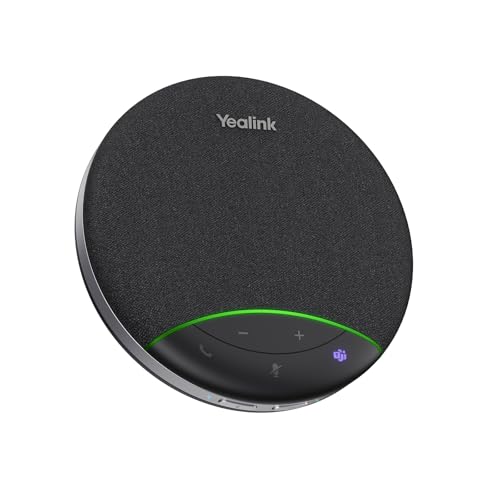
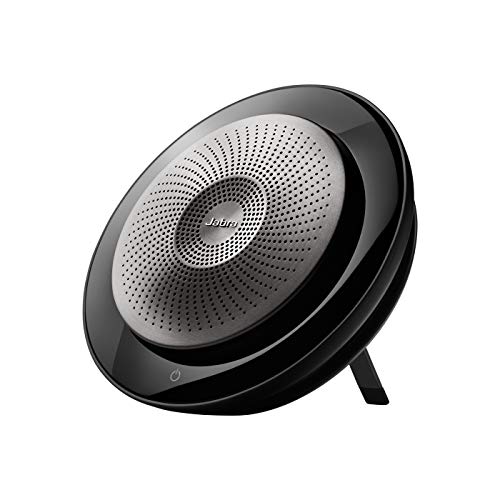
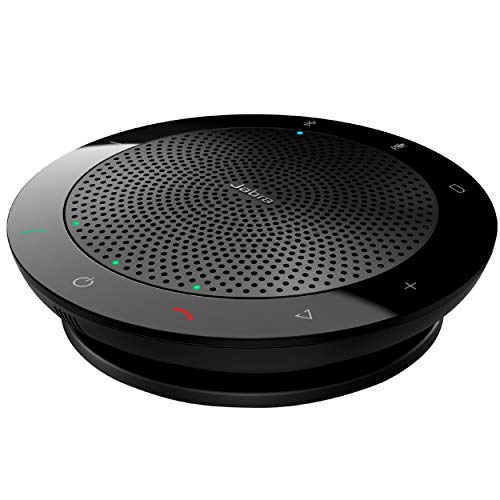
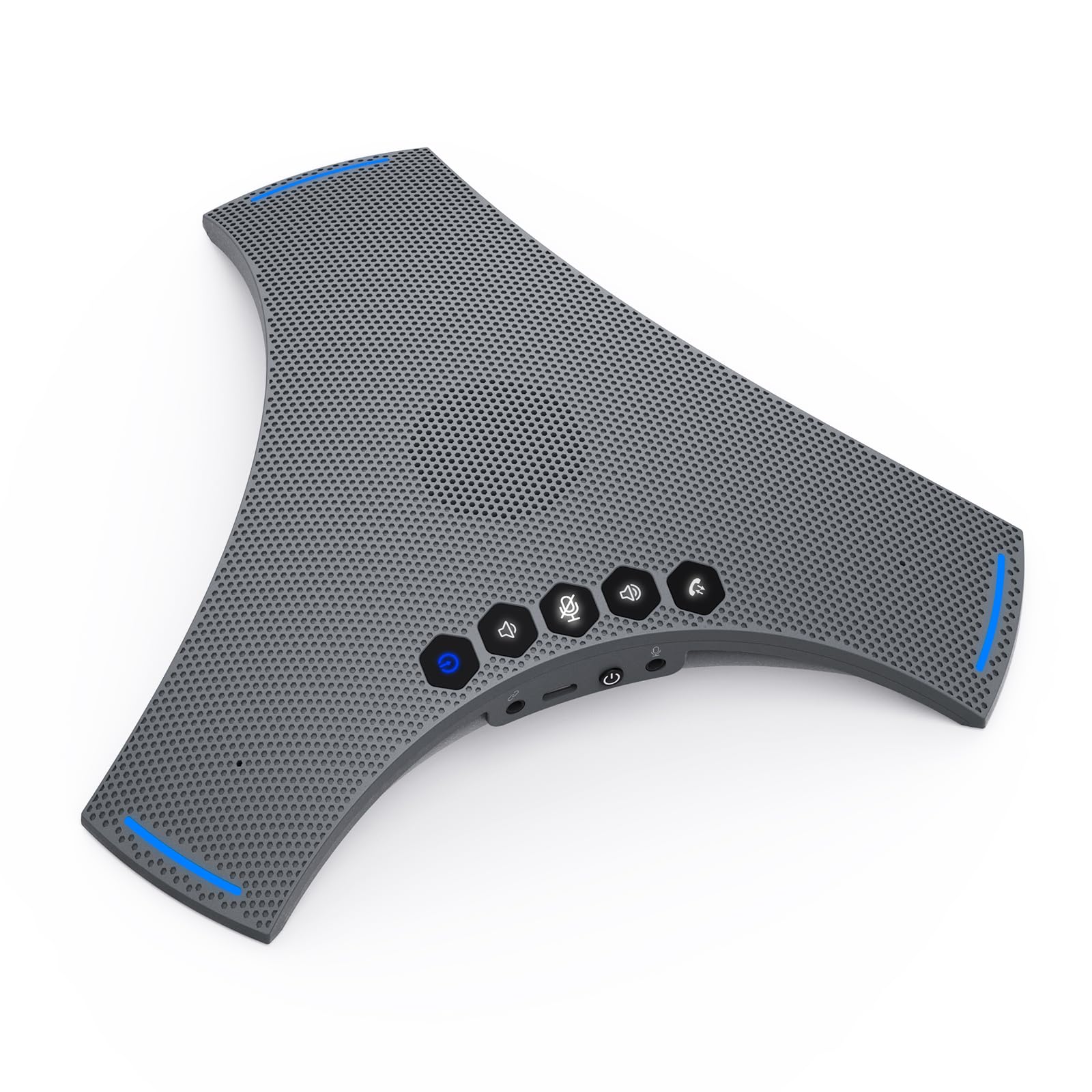
Call focused speakers need multiple microphones, echo reduction, and noise reduction that focuses on voices. Look for microphone coverage stated for a small meeting, clear pickup from about 6 to 10 feet, and physical mute and answer buttons you can reach without your phone. Multipoint pairing helps if you switch between a laptop for meetings and a phone for personal calls.
Bluetooth 5.3 gives a stable link that reduces dropouts mid sentence. If you host group calls around a table, a model with 360 degree microphone pickup serves everyone better than a front facing design. For larger meeting needs, see our guide to the best bluetooth speakers for conference calls for group coverage points.
Sound Quality and Tuning
For calls, the midrange is king because human voices live there. A speaker tuned for heavy bass may sound exciting for music but muddy for speech, especially for older voices or soft speakers. Look for a voice or call mode if offered, or an equalizer that lets you reduce bass and lift midrange clarity slightly.
Driver size still helps, because a larger driver reproduces voices with less strain at moderate volume. Frequency response that is smooth through the vocal range matters more than extreme bass extension here. Practical tip: test a speaker with a podcast first. If spoken words are clear at low volume, calls will likely sound clear too.
Battery Life and Charging
Call use and music use drain a battery at similar rates, but a dead speaker during a workday is more disruptive than during leisure listening. Look for at least 12 to 16 hours of play time, USB C charging, and the ability to play while plugged in at a desk. That last point turns a portable speaker into a reliable desk speakerphone.
Build a charging habit around your work routine. Charge overnight once or twice a week rather than waiting for a low battery warning before an important call. If you travel for work, carry the same USB C cable you use for your phone to reduce clutter and backup risk.
Placement and Room Size (for Speakers)
Placement decides call quality as much as hardware does. Place the speaker on a stable surface near the people who will speak, ideally within a few feet, and keep it away from walls that reflect sound back into the microphones. A central table position works best for two or more speakers in a small room.
Room size sets expectations. A compact speakerphone covers a home office or small meeting room well, but a large boardroom needs a larger system or more than one unit. Soft furnishings, curtains, and carpet reduce echo, so a furnished office will almost always sound better than a bare room with hard floors.
Connectivity (Bluetooth Version, Codecs, Wired)
Bluetooth version affects stability and range, while codecs affect audio efficiency. AAC suits Apple devices, SBC works universally, and aptX can help with supported Android and Windows hardware. For calls, stability matters more than codec choice, because a dropped connection loses whole sentences while a codec difference is subtle.
Multipoint lets the speaker stay connected to two devices and switch when a call arrives. A wired USB or auxiliary option is a valuable backup for important meetings, because it removes wireless interference from the equation. If overall sound quality also matters for music after calls, see our guide to the best quality bluetooth speakers for tuning trade offs.
Rookie Mistakes to Avoid
- Buying a music speaker with one basic microphone for daily work calls. Your listeners will hear the room more than your voice.
- Sitting far from the speaker and raising your voice. Distance adds echo and noise that processing cannot fully remove.
- Placing the speaker beside a loud fan, air conditioner, or open window. Constant noise competes with speech all call long.
- Forgetting a mute button check. A clear physical mute control prevents awkward moments when you need privacy quickly.
- Skipping a test call before an important meeting. A two minute test with a friend reveals placement and volume issues early.
These mistakes are common because music marketing dominates speaker packaging. For call use, always read the microphone section of the description first. If it is vague or missing, that tells you calls were not a design priority.
Getting Started: Setup and First Use
Charge the speaker, pair it with your phone and your computer one at a time, and name it clearly in your Bluetooth settings if your system allows it. Update firmware through the companion app right away, because updates often improve echo processing and connection stability for meeting apps.
Set the speaker in its permanent call position, then make a test call at your normal speaking volume. Ask the other person whether your voice sounds clear, natural, and free of echo. Adjust distance before you adjust settings. Store the speaker on your desk or in a case to protect the drivers and microphones from dust and knocks.
Practical tip: keep meeting app audio settings consistent. Choose the speaker as both input and output device, rather than mixing a laptop microphone with speaker output, which can create echo. That single setting fix solves many first week call problems. If you also need a speaker for a patio or garden between calls, see our guide to the best exterior bluetooth speakers for weather protection points.
FAQs
What features matter most in bluetooth speakers for calls?
Multiple microphones with echo and noise reduction matter most, followed by clear midrange tuning. Those features decide whether listeners hear you or your room. Add multipoint pairing and a physical mute button for daily convenience, and you have the core of a strong call speaker for a home office.
Do I need a special codec?
No special codec is needed for clear calls, because voice audio uses modest bandwidth. Stability from Bluetooth 5.3 matters more than codec choice here. Use AAC with Apple devices if available, and focus your budget on microphones and processing rather than premium codec badges.
What IP rating do I need for outdoor use?
For occasional outdoor calls on a patio, IPX5 protection against splashes is usually enough. IP67 is better if the speaker will face rain, dust, or poolside use. Whatever the rating, dry the speaker before charging and bring it inside after outdoor use to protect microphones. For more outdoor options, see our guide to the best bluetooth speakers for outside.
Is ANC worth the extra cost?
For speakers, noise reduction for microphones is worth paying for, but headphone style cancellation is not the point. What you want is processing that reduces background noise in what you send to listeners. That improves meetings in a busy home far more than any feature aimed at music playback.
Wired or wireless: which sounds better?
Wired USB often sounds most stable for calls because it avoids wireless interference and pairing delays. Wireless sounds clear in a normal office and gives you freedom to place the speaker at the center of a table. Many buyers use wireless daily and keep a cable ready for critical calls. If desk space is very tight, see our guide to the best tiny bluetooth speakers for compact options and their microphone limits.
Final Thoughts
Put microphones first, voice tuning second, and stable connectivity third, and your call quality will improve immediately. Test placement with a real call before you judge any speaker, because position shapes what listeners hear. Compare your short list in the product table above, and you will find the best bluetooth speakers for calls for your office, your room, and your workday.


