
Best Bluetooth Smart Speakers 2026: Complete Buying Guide
Disclosure: We may earn a commission when you buy through links on this page, at no extra cost to you. As an Amazon Associate I earn from qualifying purchases. Learn more

Compare smart Bluetooth speakers by voice assistant quality, sound, privacy controls, smart home support, and room size for everyday home use.
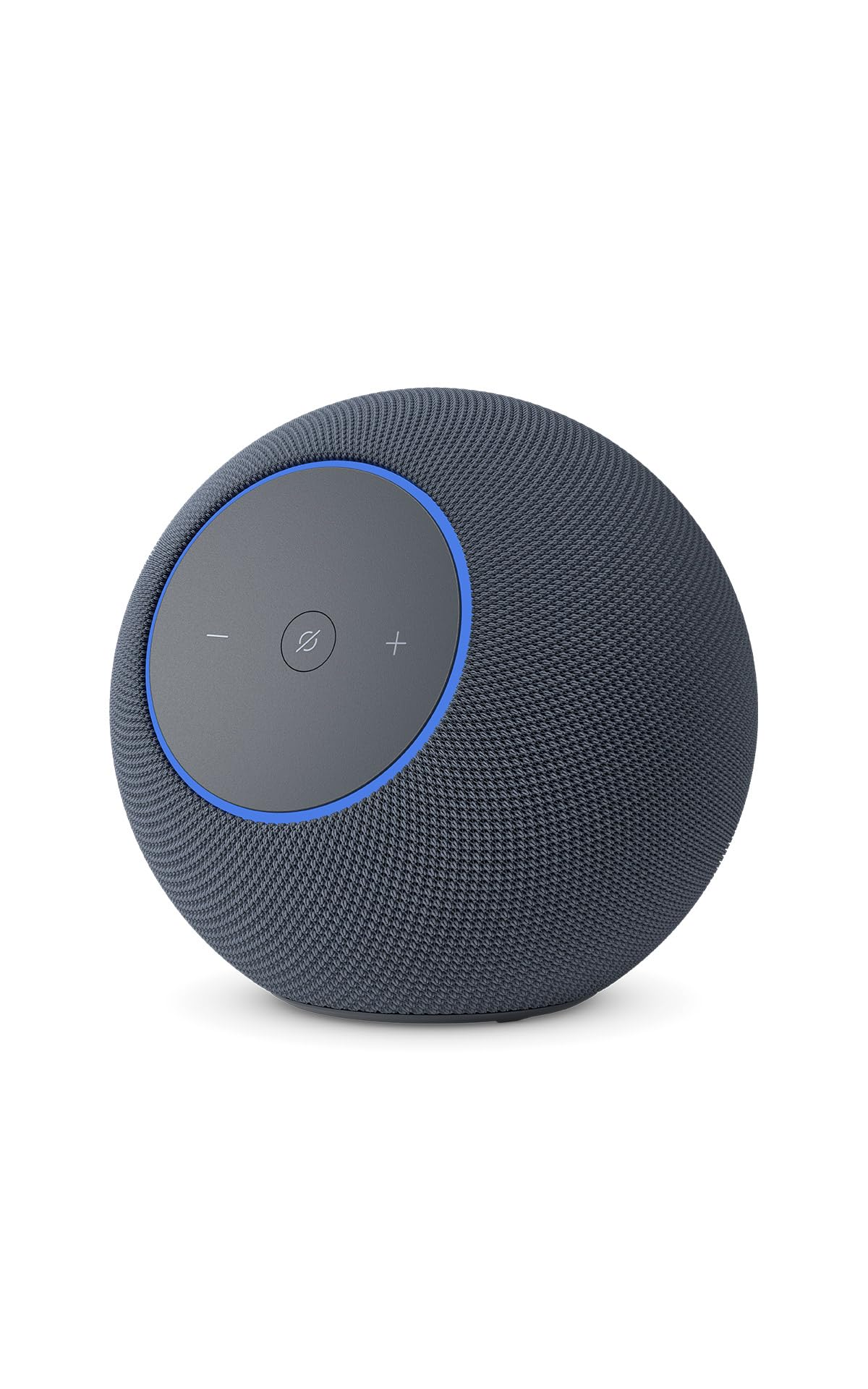
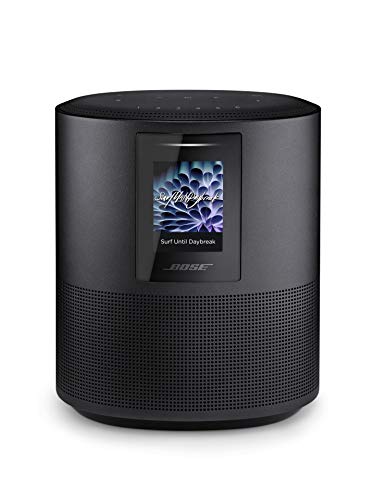
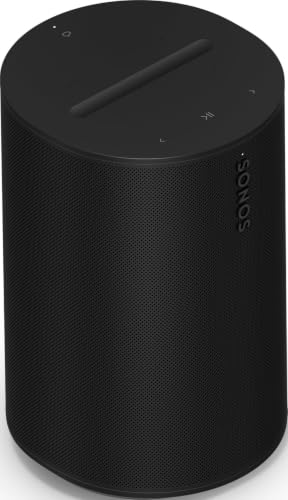
Smart speakers answer questions, play music, control lights, and set timers from across the room, all through voice. The comparison table below compares the main choices, so decide first which voice assistant already fits your home. Best bluetooth smart speakers add Bluetooth streaming to that voice control, letting guests and family play music without joining your smart home account.
Sound quality varies widely among smart speakers, from small models suited to kitchens to larger ones that anchor a living room. Think about where the speaker will live, who will use it, and how much you care about music versus voice convenience. A speaker that sounds good and hears you reliably will get used far more than a clever one that frustrates.






Voice Assistants and Everyday Commands
Voice assistants differ in how well they handle music, questions, timers, reminders, and smart home routines. If your home already uses one assistant for lights or thermostats, staying with that assistant avoids duplicate apps and conflicting commands. Test the wake word from your usual spots, since a speaker that misses commands from the kitchen counter quickly annoys.
Consider household use too: voice profiles, guest access, and controls for children vary by system. Check whether the speaker distinguishes voices for personal results, and whether you can limit purchases or messages by voice. Those household settings matter more over time than a long list of demo commands.
Sound Quality and Room Placement
Small smart speakers suit bedrooms, kitchens, and offices where background music and voice answers matter most. Larger smart speakers suit living rooms, with fuller bass and wider sound for focused listening. Place the speaker away from corners if bass sounds boomy, and keep it clear of walls that block microphones.
Microphone placement affects voice pickup as much as sound quality affects music. A speaker tucked behind objects hears poorly, even if it sounds fine. Give the speaker a clear position with space around it, and test voice commands from the far side of the room before finalizing placement.
Privacy, Microphones, and Controls
Smart speakers listen for a wake word, which raises fair privacy questions for many households. Look for a physical microphone mute button or switch, clear indicator lights, and settings to review or delete voice recordings. A visible mute control matters most in bedrooms and private conversations.
Review privacy settings during setup, not months later. Decide who can access recordings, whether voice purchasing is allowed, and how long recordings are kept. If privacy is a top concern, choose a speaker with strong mute controls and place it outside bedrooms, or rely mainly on Bluetooth playback with the microphone muted.
Smart Home Compatibility
Smart home compatibility decides whether one voice command controls lights, locks, thermostats, and cameras, or only a few of them. Check that your existing devices work with the speaker assistant, including any hubs or bridges they need. Compatibility lists change, so confirm current support for your exact device models.
Routines tie several actions to one command, such as dimming lights and playing music at bedtime. Test one routine early to see how reliably it runs, since flaky routines discourage use. If your home uses several brands, a speaker supporting common standards usually integrates more smoothly than a closed system.
Bluetooth, Multi Room, and Daily Use
Bluetooth lets visitors stream music without accounts or passwords, which suits parties and family gatherings. Check pairing ease, reconnection behavior, and whether Bluetooth playback pauses voice features or works alongside them. Some speakers prioritize voice, others treat Bluetooth as an equal source, and that difference affects daily feel.
Multi room audio groups several speakers for whole home music, but grouping behavior and sync quality vary. Test grouping with your actual speakers and network before expanding. A stable home Wi Fi network matters more for multi room use than speaker price, so fix weak Wi Fi spots first if playback stutters.
Getting the Most From Your Smart Speaker
Teach the household a few reliable voice commands first, such as playing music, setting timers, and controlling main lights, rather than overwhelming everyone with advanced routines. Simple commands that work every time build confidence, while complex routines that fail frustrate and discourage use. Add routines gradually once basic commands feel natural for all users.
Review voice history and privacy settings monthly, deleting recordings you do not need and checking which devices and people can access the speaker. Household privacy habits matter more than any single setting, so agree on microphone mute use for private conversations and bedrooms. A speaker managed thoughtfully feels helpful rather than intrusive.
Place the speaker where it serves its main room without dominating it, away from televisions that trigger false responses and kitchens where steam and splashes threaten electronics. A stable Wi Fi connection matters more than speaker price for reliable voice control, so fix weak signal spots before blaming the speaker for missed commands.
A Final Check Before You Order
Before ordering, confirm that your lights, thermostats, locks, and music service work with the chosen voice assistant, checking current compatibility for exact models. List devices that must integrate, and test one critical routine early in the return period. Compatibility gaps discovered late cause the most smart home disappointment.
Finally, decide on microphone placement and household rules before installation, especially for bedrooms and children's rooms. Choose a model with a clear physical mute control if privacy concerns you, and agree on voice purchasing limits. Thoughtful setup prevents most smart speaker friction before it starts.
Related reading includes best smart speakers, best quality bluetooth speakers, best exterior bluetooth speakers, and best bluetooth speakers for outside. They cover voice focused models and outdoor alternatives for patios and gardens.
Frequently Asked Questions
Which voice assistant should I choose?
Choose the voice assistant that already supports your smart home devices, music service, and household routines. Switching assistants later means rebuilding routines and relearning commands, so staying consistent saves effort. If you have no existing system, try each assistant with your most common requests and pick the one that understands you most reliably.
Do smart speakers always listen?
Smart speakers listen locally for a wake word and send audio for processing only after hearing it, according to maker privacy documents. You can mute the microphone physically on most models, review recordings, and delete history. If you remain uneasy, use the mute button in private moments or keep the speaker out of bedrooms.
Can guests play music by Bluetooth?
Yes, guests can usually pair by Bluetooth and play music without joining your smart home account, which suits visitors and parties. Check whether pairing needs a button press or app approval, since open pairing in a shared building can invite unwanted connections. Turn off discoverability or unpair guests after gatherings for tidiness.
Do smart speakers work without internet?
Smart speakers need internet for voice answers, streaming, and most smart home commands, though Bluetooth playback from a phone can work locally on some models. Without internet, voice features fail and routines stop. Keep a stable Wi Fi connection for the rooms where you rely on voice control daily. A speaker that also plays by Bluetooth stays useful for music during outages, even when voice features stop.
How do I improve voice recognition?
Place the speaker in the open, away from televisions and noisy appliances, and speak at normal volume facing the speaker. Retrain voice profiles after moving the speaker or changing rooms, and reduce background noise during setup. If recognition stays poor, check microphone mute status and Wi Fi strength before assuming a hardware fault.
Final Thoughts
Pick a smart speaker around the assistant you already use, the room it will live in, and privacy controls you trust. Sound quality and reliable voice pickup matter daily, while extra features matter only if they fit your routine. The product table above helps you weigh those everyday factors.
A good smart speaker should fade into your routine: quick answers, easy music, and simple smart home control without constant troubleshooting. When it does that, it earns its place. That is the real test of a best bluetooth smart speakers purchase.


