
Best Bluetooth Projectors for Every Need in 2026: How to Pick the Right One
Disclosure: We may earn a commission when you buy through links on this page, at no extra cost to you. As an Amazon Associate I earn from qualifying purchases. Learn more

Match the best bluetooth projectors to your room by brightness, native resolution, throw distance and sound setup.
No single model suits every room, screen and budget. The best bluetooth projectors for a dark bedroom differ from the right choice for a bright office or a backyard night. This guide matches each use to brightness, throw, sound and connections so you can read the comparison table below with a clear shortlist in mind.
Start with one key fact. Bluetooth on most projectors sends sound out to a speaker, a soundbar or headphones. It does not carry the picture. The picture still comes from HDMI, a streaming stick or WiFi casting, and that split shapes most buying choices that follow.
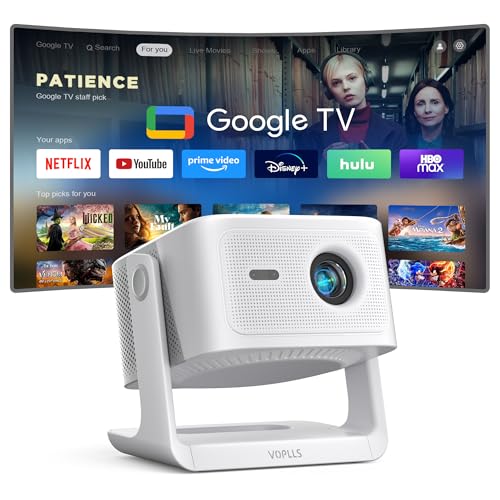


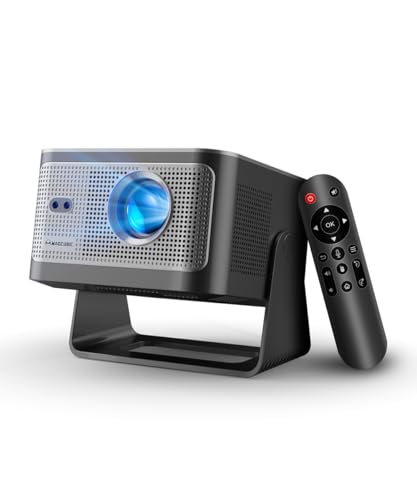
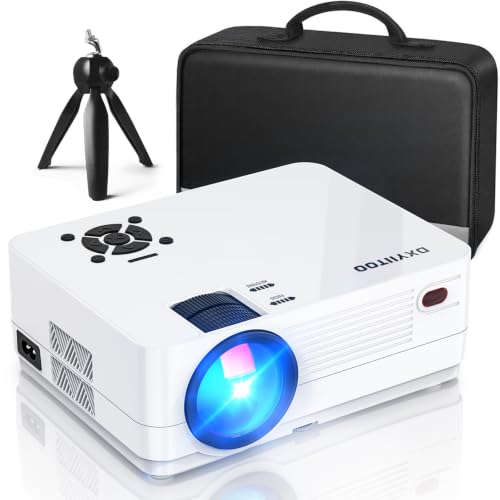

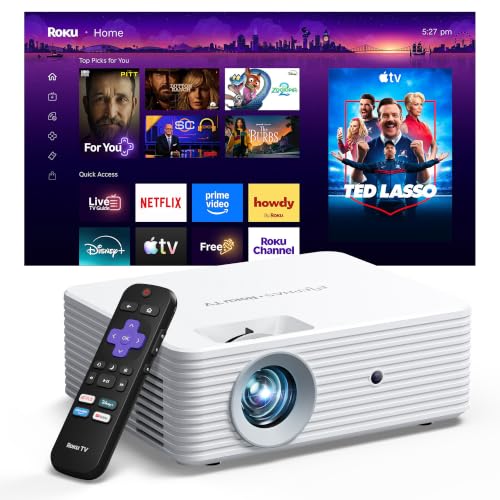
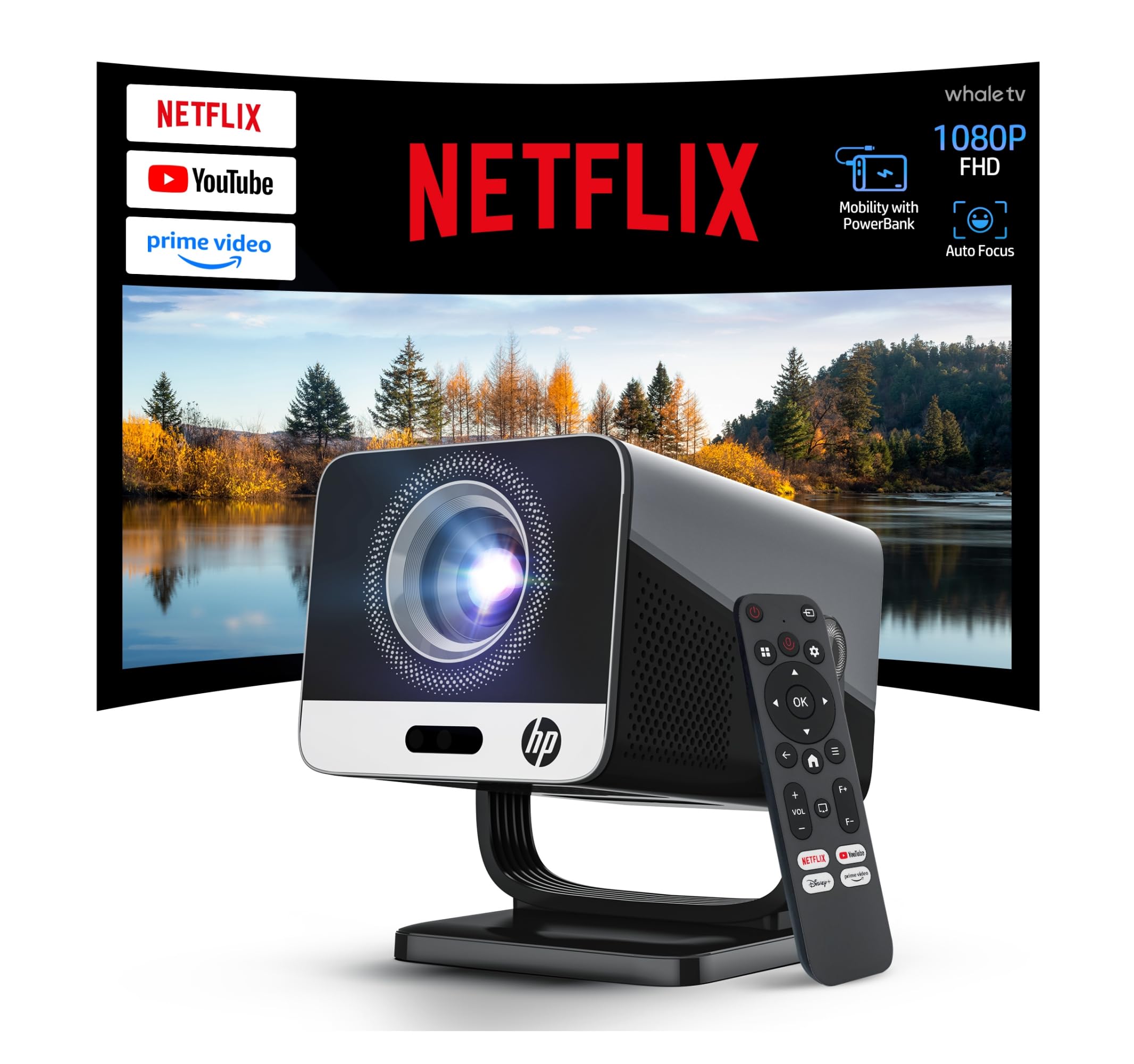
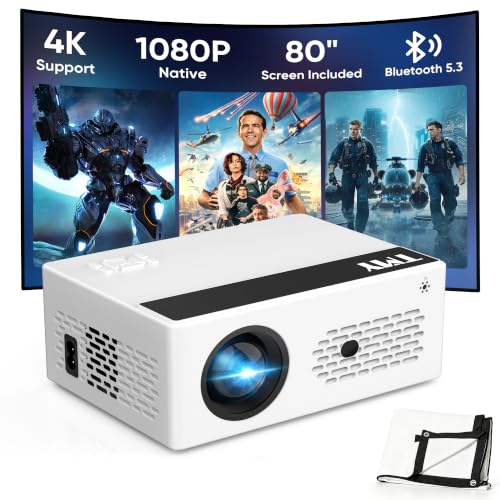
Who Should Buy Which Bluetooth Projectors?
Pick by the session you repeat most often. Your room light, screen distance and sound setup matter more than a long list of extra modes.
Gamers Who Want Low Input Lag
You need a picture that keeps pace with your controller and sound that does not trail behind the action. Prioritize low input lag in game mode, a native 1080p image and a stable HDMI link for your console or PC. Send sound to a wired speaker where you can, because Bluetooth audio adds a small delay. An audio delay setting helps you line speech up with the picture.
Travelers and Guests Who Watch Away From Home
You need a small body, a simple setup and sound that works in a hotel room, a dorm or a rental home. Choose a compact model with a carry case, a tripod mount and battery life for one full film where battery power matters. Built in speakers save space, yet a small Bluetooth speaker gives fuller sound. If you often watch outdoors, see our guide to the best outdoor projectors with bluetooth for open air models.
Remote Workers and Presenters
You need clear text, quick setup in rooms you do not control and sound a small group can hear. Prioritize brightness for lit rooms, sharp focus at the edges of slides and a remote that advances pages from across the room. Bluetooth audio helps when the room has a speaker to pair with, but bring an HDMI cable as a backup. Quiet fan noise matters during calls.
Picking the Right Bluetooth Projectors for Different Uses
Two labels cause most of the confusion in this category. The sections below separate what each label really changes for you.
Best Wireless Bluetooth Projectors: What to Prioritize
The phrase best wireless bluetooth projectors covers two separate wireless jobs, and you should check both. WiFi handles casting from a phone or laptop and streaming apps on models that include them. Bluetooth handles audio out to a speaker or headphones. Confirm the model supports the casting method your phone uses, and test pairing before a party so a new speaker does not delay the start.
Best Mini Bluetooth Projectors
The label best mini bluetooth projectors points to size first, so judge what that small size trades away. Mini models usually give lower brightness and a smaller speaker than full size models, and they suit dark rooms and screens of about 60 to 80 inches. Look for a tripod mount and a focus ring that turns smoothly. For yard nights, see our guide to the best projectors for outside before you settle on a tiny model.
Key Features to Compare
When you compare the best bluetooth projectors side by side, work through these six factors in order. Each one changes what you see or hear every time you watch.
Bluetooth Audio Pairing and Latency
Bluetooth on a projector is mainly an audio output, so check what it can pair with and how many devices it can remember. Newer Bluetooth versions tend to hold a steadier link and use less power, which helps battery models. Latency is the gap between picture and sound, and you notice it most in dialogue. A speaker close to the projector with a clear path pairs more reliably. For a bigger room, see our guide to the best bluetooth speakers for projector.
Brightness in Lumens and Room Light
Brightness decides whether the image looks washed out or rich. Compare ANSI lumens where brands list them, because that measure follows a shared standard and is harder to inflate than vague peak claims. A dark bedroom may need only a few hundred lumens, while a living room with lamps or daylight needs far more. Screen size spreads the same light over a larger area, so a bigger picture looks dimmer. Choose brightness for the brightest room you use often.
Native Resolution and Image Detail
Native resolution is the detail the projector can truly show, and it differs from the largest signal it can accept. A model may accept a 4K signal yet show a native 720p or 1080p picture. Native 1080p gives crisp text and clean edges for films and slides at common screen sizes. Native 720p can suit small screens and tight budgets, but fine text looks soft. Check the native figure in the spec list, not only the supported figure on the box.
Throw Distance, Screen Size and Focus Correction
Throw ratio tells you how far the projector must sit from the screen for a given picture width. Short throw models fill a large screen from a few feet away, while standard throw models need a longer room. Measure your room before you buy, and leave space behind the unit for cables and airflow. Keystone correction squares the image at an angle, and autofocus saves repeated trips to the focus ring. Digital keystone can soften detail, so straight placement is best.
Ports, Casting and Source Connections
Ports decide how you feed the picture, and they matter as much as the wireless features. At least one HDMI port covers consoles, laptops and streaming sticks, and a USB port can power a stick or play files from a drive. WiFi casting sends video without a cable, but it can pause on a weak network signal. A wired HDMI link stays the most stable choice for games and live sport.
Light Source Life and Fan Noise
Most models use LED or laser light, and both last far longer than the replaceable lamps in older designs. Brands often rate light life in tens of thousands of hours, though brightness fades slowly over that span. Fan noise rises with brightness, so a loud fan can intrude during quiet scenes. Look for a stated noise level and an eco mode that lowers fan speed. If picture quality is your top concern, see our guide to the best quality projectors.
Common Mistakes to Avoid When Buying Bluetooth Projectors
These errors are common because spec sheets push the numbers that matter least.
- Assuming Bluetooth carries the picture leaves you with no cable or casting plan when the first film night arrives.
- Judging brightness by a peak lumen claim with no standard behind it leads to a dim picture in a lit room.
- Confusing supported resolution with native resolution means fine text and faces look softer than you expected.
- Ignoring throw distance leaves you with a picture that is too large or too small for your wall.
- Pairing a distant Bluetooth speaker through walls causes dropouts and sound that drifts away from the picture.
How to Make Your Bluetooth Projector Last Longer
Clean the lens only with a dry microfiber cloth and a light touch, because grit dragged across the glass can leave fine marks. Keep the vents clear and leave space around the body so hot air can escape. If your model has a dust filter, check it on the schedule in the manual and clean or replace it as directed.
Let the fan finish its cool down cycle before you unplug or pack the unit away. Store it in its case in a dry room, away from direct sun and kitchen steam. Coil cables loosely, because sharp bends can damage the wires inside over time.
FAQ
Can a Bluetooth projector play video from a phone without WiFi or cables?
No, a Bluetooth projector cannot take video from a phone over Bluetooth alone. Bluetooth carries audio and control signals, not a full video stream. Some phones and projectors support a direct casting mode that sets up its own link without your home network. In a hotel, that mode also avoids shared networks that block such links.
How many Bluetooth speakers can a Bluetooth projector connect to at once?
Most Bluetooth projectors connect to one audio device at a time. A few newer models allow two pairs of headphones or two speakers, but this is not standard and the manual must state it clearly. If you need sound in two spots, use one larger speaker placed centrally instead. Switching between two saved speakers is usually quick in the audio menu.
Does a brighter Bluetooth projector always look better in a dark room?
No, a brighter Bluetooth projector does not always look better in a dark room. Too much brightness on a small screen can lift black levels and make night scenes look grey. Screen gain plays a part too, because a high gain screen throws more light back at you. In a small dark room, a moderate brightness setting often gives deeper contrast.
How long does a Bluetooth projector light source usually last?
A Bluetooth projector light source usually lasts for tens of thousands of hours before it fades to half brightness. The fade is gradual, so the picture dims slowly rather than failing at once. Running an eco mode can extend that span and cut fan noise. Heat is the main enemy, so good airflow protects the rated life.
What screen size works best for a Bluetooth projector in a small bedroom?
A screen of about 60 to 80 inches works best for most small bedrooms. That size keeps the picture bright from a modest projector and leaves wall space for furniture. Sit far enough back that you can take in the full frame without turning your head. A smooth light wall can serve as the screen while you test sizes with tape.
Wrapping Up
Settle your room, screen size and sound plan first, then let brightness, native resolution and throw confirm the shortlist. Use the product table above to check those points against price. When you judge best bluetooth projectors by the session you run most often, the right balance becomes much easier to spot.


