
Best Bluetooth Monitor Speakers 2026: A Practical Guide
Disclosure: We may earn a commission when you buy through links on this page, at no extra cost to you. As an Amazon Associate I earn from qualifying purchases. Learn more

How to choose the best bluetooth monitor speakers: compare driver size, inputs, tuning and placement for clean desk sound.
The best bluetooth monitor speakers combine the clear, flat sound of powered desktop monitors with the convenience of streaming music from a phone or laptop. They suit home studios, desk setups and small rooms where you want honest sound without cables across the desk. The product table below gives a quick overview, and this guide explains what to compare.
Monitor speakers are tuned to reveal detail rather than flatter the music, so they can sound more neutral than typical consumer speakers. That is a strength for mixing, editing video and critical listening, and it also makes everyday music sound clean and balanced.


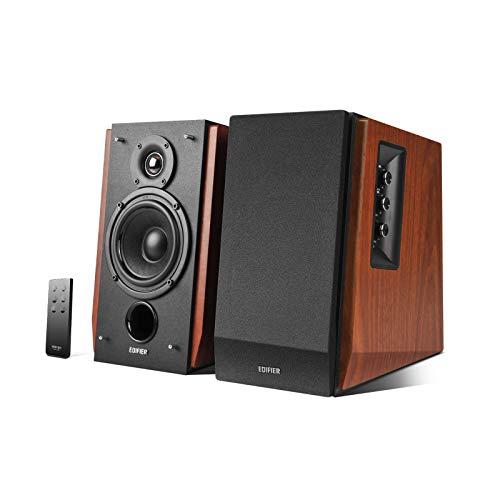
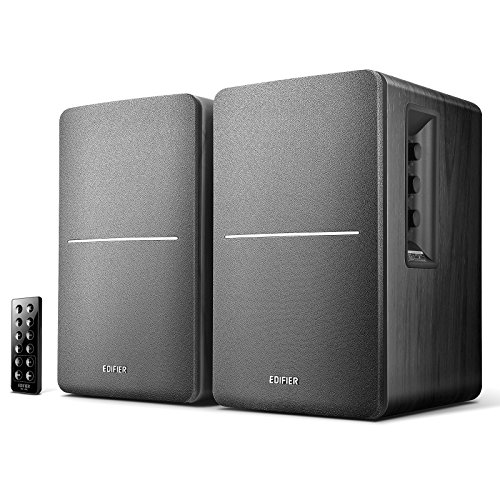

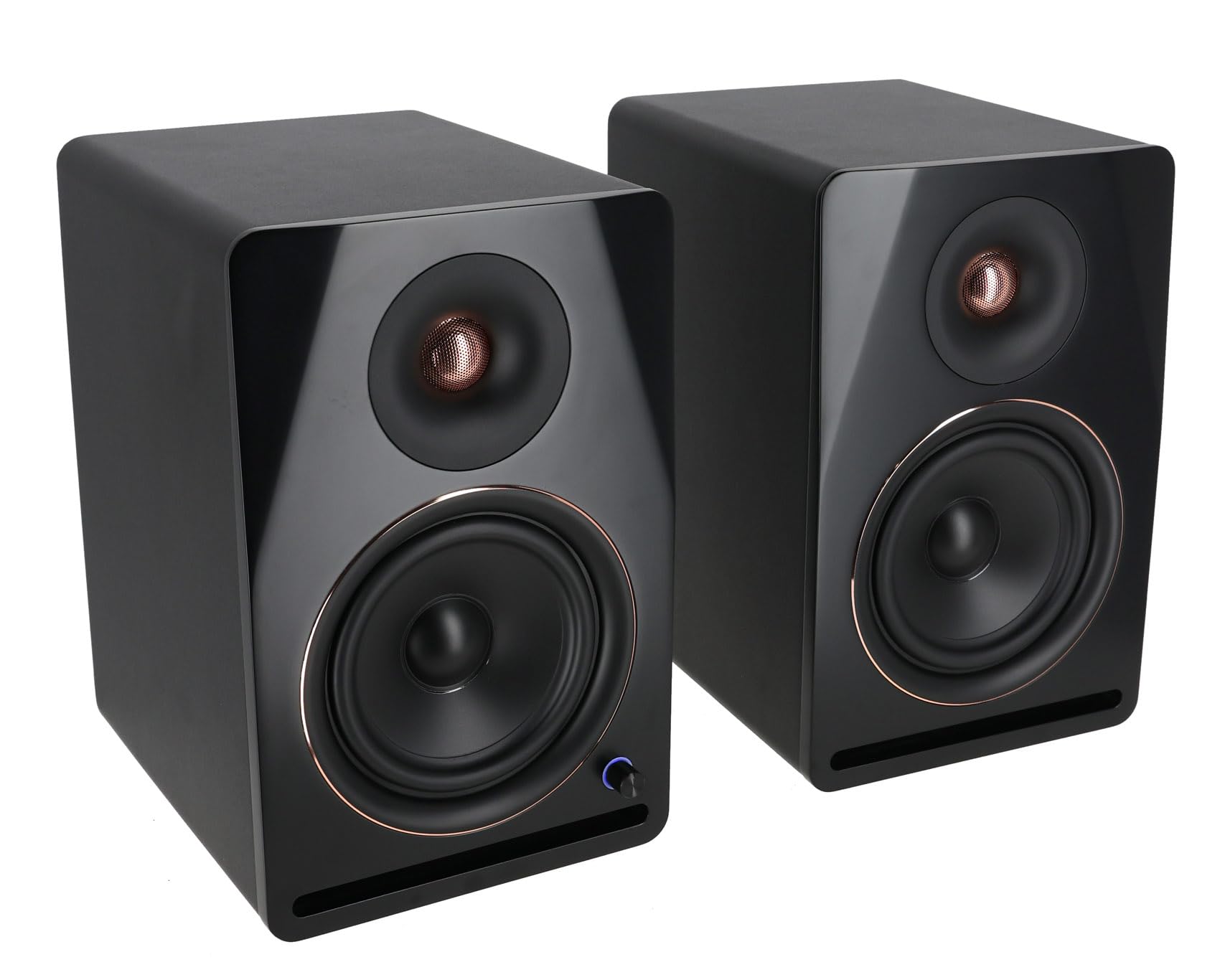


Who Should Buy Bluetooth Monitor Speakers
They suit musicians, podcasters and video editors who want accurate sound at a desk, and they also suit anyone who likes a clean, detailed sound for music and films. Bluetooth adds the freedom to play a playlist from a phone while you work, without swapping cables.
If you only want background music, a standard Bluetooth speaker is simpler. If you mix, record or edit, look for wired inputs as well as Bluetooth, since a wired connection gives the most reliable timing for production work.
Key Features of the Best Bluetooth Monitor Speakers
Driver Size and Room Fit
Woofer size sets how much bass the speakers can produce and how far they can fill the room. Four to five inch drivers suit a desk about an arm's length away. Six to eight inch drivers give deeper bass but need more space and can overpower a small room.
Inputs and Bluetooth Quality
Check for balanced inputs such as TRS or XLR if you connect an audio interface, and RCA or 3.5 mm inputs for a computer or turntable. Look for a recent Bluetooth version, and for aptX or AAC support if you stream from a compatible phone. Bluetooth adds a small delay, so use a wired input when timing matters.
Tuning and Controls
Many monitors include acoustic tuning switches that adjust the high and low frequencies for desk and wall placement. These controls help a small room sound balanced. Front panel volume and a headphone output are convenient on a desk.
Power and Build
Wattage matters less than clean output at normal listening levels. Look for a solid cabinet, a bass port that does not hiss and a power switch you can reach. Magnetically shielded monitors are better placed next to a computer screen.
Types of Monitor Speakers
- Desktop studio monitors: compact powered pairs for mixing and editing at a desk.
- Bluetooth bookshelf monitors: larger cabinets with more bass for music and film.
- Near field monitors with a subwoofer output: room to add bass later.
For more options, see our guides to the best monitor speakers and the best bluetooth studio monitor speakers, or compare with the best quality bluetooth speakers.
Placement and Setup
Place the speakers at ear height, angled slightly toward you, forming a triangle with your head. Keep them a few inches from the back wall to limit boomy bass, and use isolation pads to stop desk vibration. Keep the tweeters at ear level for the clearest sound.
Pair the speakers with your phone or laptop in Bluetooth settings, then set the input and volume. Use the tuning switches to suit your desk. Avoid pushing the volume to the limit, where powered monitors can distort.
Wired and Wireless Connections
Bluetooth is convenient for streaming from a phone, but a wired connection is better for anything where timing matters. Balanced TRS or XLR cables from an audio interface reject noise over longer runs, while RCA or 3.5 mm cables suit a computer or a turntable. Many Bluetooth monitors let you keep both connected and switch between them, so you can stream a playlist while you work and plug in for a mix.
Check that the speakers remember your last paired device and reconnect automatically when you turn them on. Also check for a mode that switches off Bluetooth when you only use cables, since an idle wireless radio can add a faint hiss on some models.
Budget and Value
Compact Bluetooth monitors start around $100 to $200 for a pair, and well regarded models run $200 to $500. Spend more only if your room and use justify it, since larger monitors need more space and a quiet room to show their strengths.
Care and Common Mistakes
Dust the cabinets with a soft cloth, keep vents clear and turn the speakers off at the switch when not in use. A common mistake is placing monitors in a tight corner, which exaggerates bass. Another is judging sound at maximum volume instead of at the level you normally use.
Frequently Asked Questions
Are monitor speakers good for music listening?
Yes. They sound balanced and detailed, which suits critical listening, though some people find them less bassy than consumer speakers.
Does Bluetooth work for recording and mixing?
Use a wired connection for production, because Bluetooth adds delay. Keep Bluetooth for casual playback from a phone.
Do I need a subwoofer?
Not for a desk setup with five inch or larger drivers. A subwoofer helps in a larger room or for film and electronic music.
Can I use them with a TV?
Yes, through an optical, RCA or 3.5 mm input if available. Check for the right input on the speakers before you buy.
How far apart should I place them?
Place them about as far apart as you sit from them, forming an equal sided triangle with your head.
What is the difference between monitor speakers and regular speakers?
Monitor speakers aim for flat, accurate sound so you can hear a recording as it is, while regular speakers are often tuned to flatter music with extra bass or treble. Powered monitors also have amplifiers built into the cabinet, so you only need a source and a power outlet.
Do powered monitors need an audio interface?
Not for casual listening. Bluetooth, a 3.5 mm cable or RCA from a computer or phone is enough. An audio interface helps if you record or mix, because it gives cleaner balanced connections.
How loud should I run monitor speakers?
Run them at a comfortable level for a long session rather than at maximum, which can cause distortion and tire your ears. Small desktop monitors sound best at moderate volume.
Final Thoughts
Choose the driver size that fits your room, the inputs you need and a tuning option that suits your desk. Compare the shortlist in the product table above, and the best bluetooth monitor speakers for your setup should stand out quickly.


