
Best Bluetooth Keyboards for iPad Pro 2026: Guide
Disclosure: We may earn a commission when you buy through links on this page, at no extra cost to you. As an Amazon Associate I earn from qualifying purchases. Learn more

Find Bluetooth keyboards for iPad Pro with strong iPadOS shortcuts, comfortable keys, trackpad options, and portable designs that suit work on the move.
An iPad Pro becomes a far more capable work device with a good keyboard, turning quick notes into full documents and long emails. The comparison table below compares the main types, so decide first whether you want a keyboard case or a standalone keyboard. Best bluetooth keyboards for ipad pro options differ in key feel, trackpad support, weight, and how they attach or travel with the tablet.
iPadOS adds its own shortcut system, so a keyboard designed with Apple layouts in mind usually feels smoother than a generic one. Check shortcut support, function keys, and trackpad gestures for your iPad Pro size, since an 11 inch and larger model need different fits. A keyboard that matches your iPad size and workflow will get used daily.
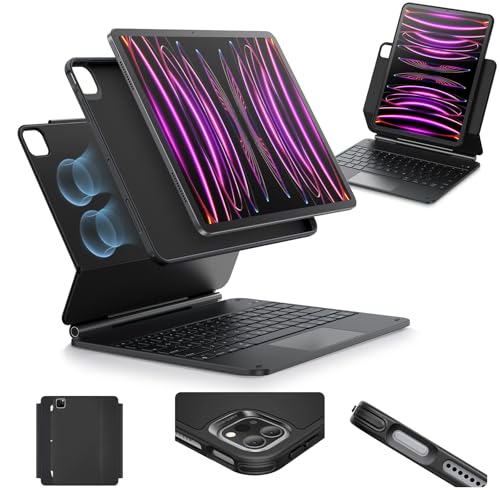
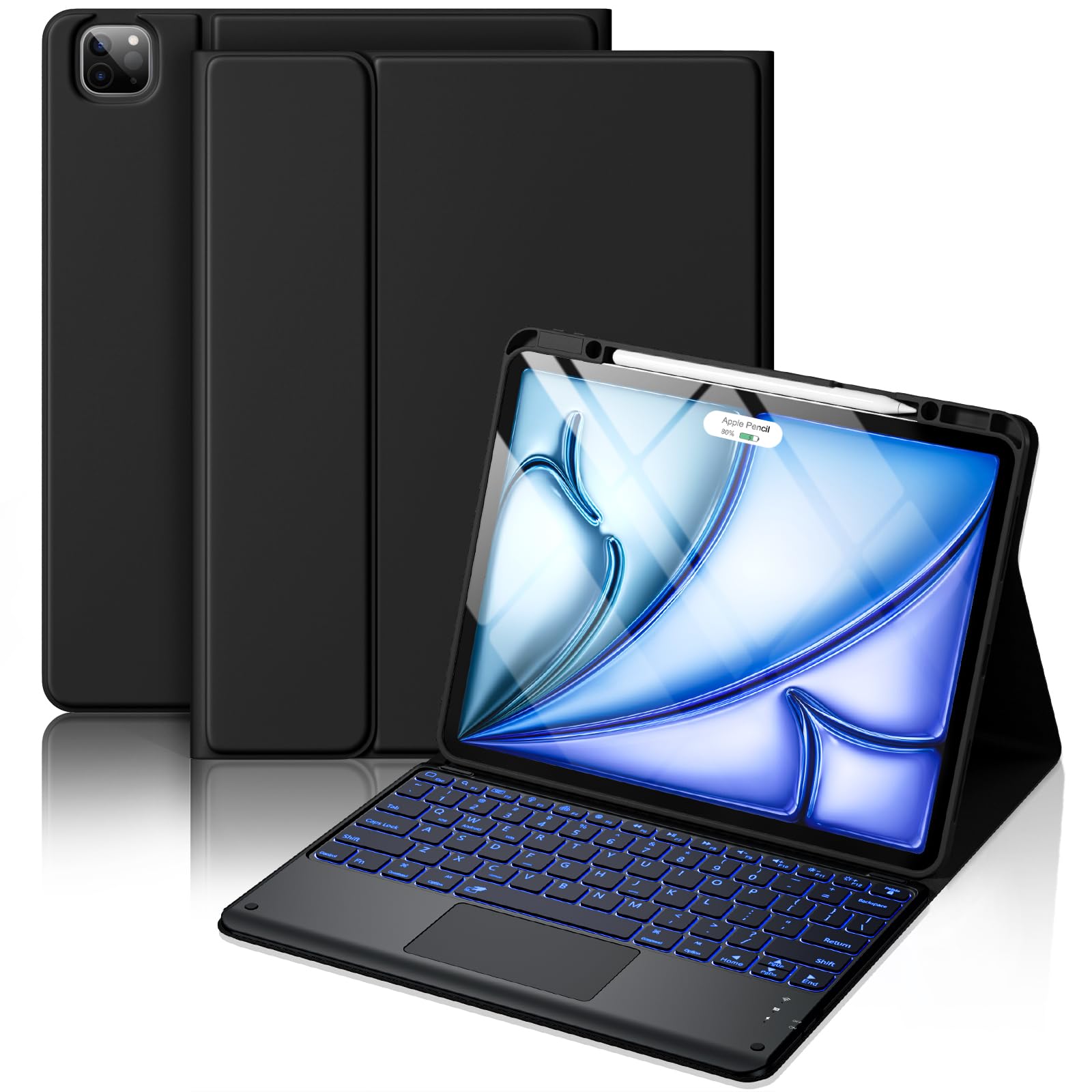
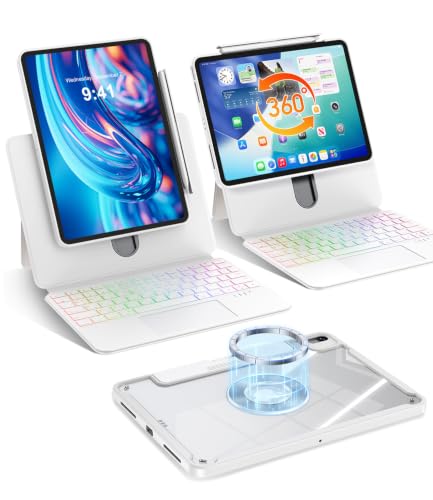
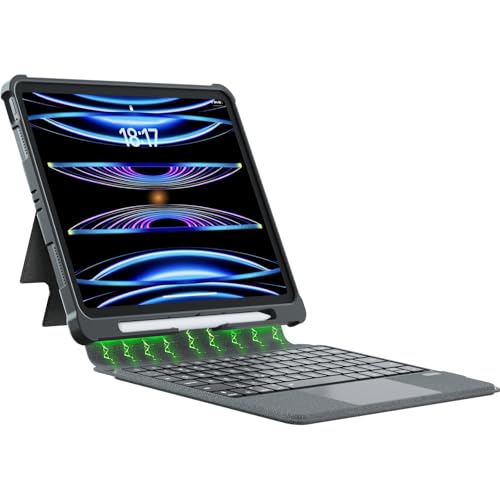
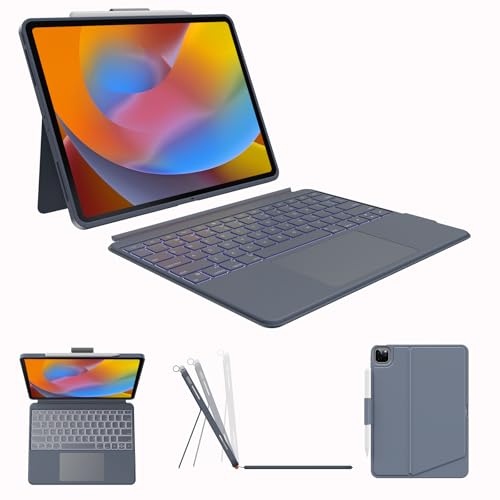
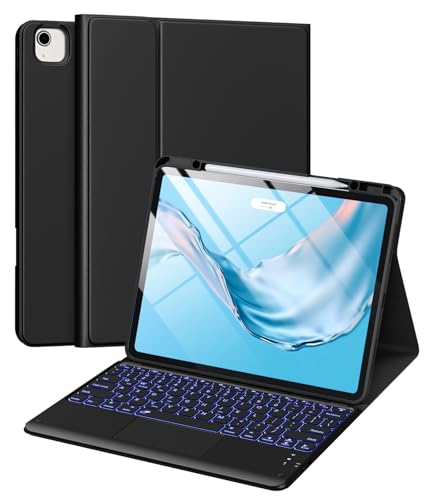

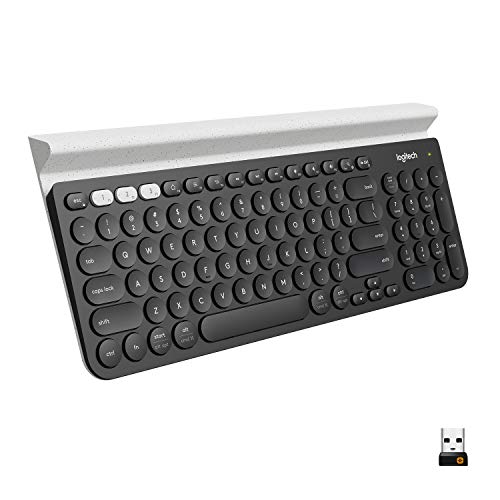


Keyboard Cases Versus Standalone Keyboards
Keyboard cases protect the iPad and keep keyboard and tablet together as one unit, which suits commuting and bag carry. The trade off is added weight and a fixed typing angle, plus a case that may not suit your preferred cover. Detachable cases offer more flexibility, letting you remove the keyboard when you only want to read or draw.
Standalone Bluetooth keyboards type more like a desktop keyboard and let you position the iPad separately on a stand. That flexibility helps at a desk, but adds a second item to carry and a separate charging routine. Choose a case when portability matters most, and a standalone keyboard when typing comfort and screen position matter more.
iPadOS Shortcuts and Key Layout
iPadOS supports shortcuts for app switching, search, copy and paste, and formatting in many apps. A keyboard with a Command key and familiar Apple layout makes those shortcuts feel natural. Check that the Globe key or function row behaves as expected, since some third party keyboards map those keys differently.
Backlit keys help in dim rooms and evening work, but they drain batteries faster. Adjustable brightness lets you balance visibility and battery life. If you type in several languages, confirm the layout supports your languages and that switching between them through iPadOS works smoothly.
Trackpad Support and Pointer Control
Some iPad Pro keyboards include a trackpad, which adds pointer control for text selection, spreadsheets, and browsing. Trackpad gestures on iPadOS differ from a laptop, so expect a short learning period. A good trackpad feels precise and supports clicks, scrolling, and multi finger gestures without lag.
If you mainly type and tap the screen, a trackpad adds weight and cost you may not need. If you edit documents, manage files, or work in spreadsheets, a trackpad can speed up selection and navigation noticeably. Try both styles if possible, and weigh trackpad quality against keyboard comfort, since a poor trackpad frustrates more than no trackpad.
Portability, Weight, and Protection
Weight changes how an iPad Pro feels as a portable work kit. A heavy keyboard case can make the whole package feel closer to a laptop, which defeats the point for some buyers. Check the combined weight and thickness, and consider how the package fits your bag alongside other daily items.
Protection matters when the iPad travels daily. Keyboard cases usually protect the screen and corners, while standalone keyboards leave the iPad needing its own case. If you carry the iPad in a busy bag, a case based solution often proves more practical, even if it types slightly less well than a standalone keyboard.
Battery, Charging, and Daily Use
Bluetooth keyboards for iPad Pro typically run for weeks on a charge with backlight off, and less with backlight on. USB C charging matches the iPad Pro cable, which simplifies travel packing. Check whether the keyboard charges while in use and how it signals low battery, since a sudden flat battery mid meeting is disruptive.
Auto sleep and wake behavior affects daily convenience. A keyboard that wakes instantly when you open the case feels seamless, while one needing a power button press each time feels clumsy. Test wake behavior, reconnection speed, and stability over several days before deciding the keyboard is right for daily work.
Getting the Most From Your iPad Pro Keyboard
Customize iPadOS keyboard shortcuts for your most used apps, since default shortcuts cover general tasks while app specific shortcuts speed up writing, editing, and research dramatically. Spend twenty minutes exploring shortcut lists in your writing and office apps, and note the five you will use daily. Those five shortcuts alone can transform iPad productivity from adequate to genuinely fast.
Use Stage Manager or split view thoughtfully with a keyboard, since the iPad Pro shines when research and writing sit side by side. Practice moving between apps with keyboard commands rather than touch, which keeps hands on keys and flow unbroken. Over time, keyboard centered workflows feel closer to a laptop while keeping tablet flexibility for reading and drawing.
Keep the keyboard clean and charged as part of a weekly routine, wiping keys gently and checking battery before busy days. Update iPadOS and keyboard firmware when prompted, since updates often fix shortcut behavior and pairing stability. A keyboard that receives basic care stays responsive and reliable through years of daily iPad work.
A Final Check Before You Order
Before ordering, confirm exact iPad Pro model compatibility, since keyboard cases fit only specific generations and sizes despite similar names. Check the maker compatibility chart for your model number, found in iPad settings, rather than trusting screen size alone. A case that almost fits will frustrate daily and may damage ports or buttons over time.
Finally, weigh total package weight and thickness against your bag and daily carry, since a heavy keyboard case changes how portable the iPad feels. Test the combined unit in a shop if possible, holding it as you would on a commute. Comfort in the shop predicts comfort on real journeys far better than specification sheets alone.
Compare related options in best bluetooth keyboards for ipad, best keyboards for ipad pro 11, best keyboards for new ipad pro, and best bluetooth keyboards for ipad air. They cover other iPad sizes and generations if your household uses more than one tablet.
Frequently Asked Questions
Do Bluetooth keyboards work with all iPad Pro sizes?
Bluetooth keyboards pair with any iPad Pro size, but keyboard cases fit only specific sizes and generations. Check the case compatibility list for your exact iPad Pro model before buying. Standalone Bluetooth keyboards avoid fit issues entirely, since they connect wirelessly and do not need to match the tablet dimensions.
Is a trackpad worth it on an iPad keyboard?
A trackpad is worth it if you edit documents, work in spreadsheets, or navigate files often, since pointer control speeds up selection and scrolling. If you mainly type short notes and tap the screen, a trackpad adds weight and cost with little benefit. Try a trackpad model first if you are unsure, since preferences vary widely.
Can I use the keyboard with other devices too?
Many Bluetooth keyboards store several device pairings, so you can switch between iPad Pro, phone, and computer. That flexibility suits people who work across devices during the day. Check switching speed and whether shortcuts change between devices, since Apple and Windows layouts handle some keys differently. Test the switch with your most used apps, since shortcut behavior can differ between tablet and computer layouts.
How do I fix lag or missed keys?
Lag or missed keys often come from low battery, interference, or distance, so charge the keyboard, move closer to the iPad, and turn off unused Bluetooth devices nearby. If problems persist, forget and pair again the keyboard in iPadOS settings and update iPadOS. Persistent faults after those steps usually point to a hardware problem worth returning.
Are keyboard cases heavy for daily carry?
Keyboard cases add noticeable weight and thickness, and the total package can approach laptop weight for larger iPad Pro models. That trade off suits commuters who want one protected unit, but feels heavy for readers who mostly hold the tablet. Weigh the combined package in a shop or check the listed weights before committing to a case style.
Final Thoughts
Match the keyboard to your iPad Pro size, your typing volume, and how you carry the tablet each day. Shortcut support, key comfort, and reliable wake behavior matter more in daily use than extra features. The product table above helps you compare those practical differences side by side.
A keyboard that fits your workflow turns the iPad Pro into a genuinely productive portable computer for writing, editing, and planning. Choose comfort and compatibility first, and the rest of the features will fall into place. That is the heart of a good best bluetooth keyboards for ipad pro decision.


