
Best Bluetooth Home Security Cameras for Every Need in 2026: How to Pick the Right One
Disclosure: We may earn a commission when you buy through links on this page, at no extra cost to you. As an Amazon Associate I earn from qualifying purchases. Learn more
Choose Bluetooth home security cameras by pairing range, video clarity, night vision, storage and privacy, with a checklist for indoor and outdoor use.
There is no single camera that suits every home, because a nursery, a rental apartment and a front yard ask for different things. The best bluetooth home security cameras use Bluetooth to make setup simple, then rely on home WiFi to send video to your phone. This guide matches each camera type to a real use, so you can read the comparison table below.
Start with where the camera will watch, how you will power it and how long you want clips saved. Those three answers narrow the field fast. The sections below cover range, video, alerts, storage, privacy, placement and care.


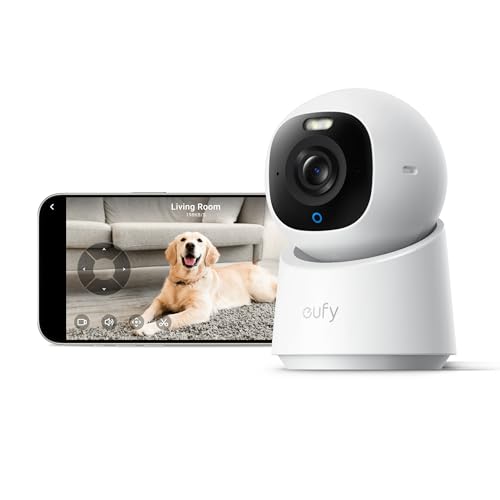

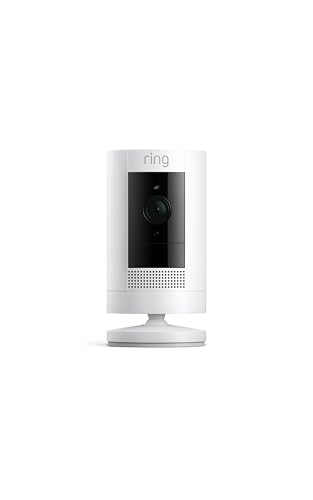

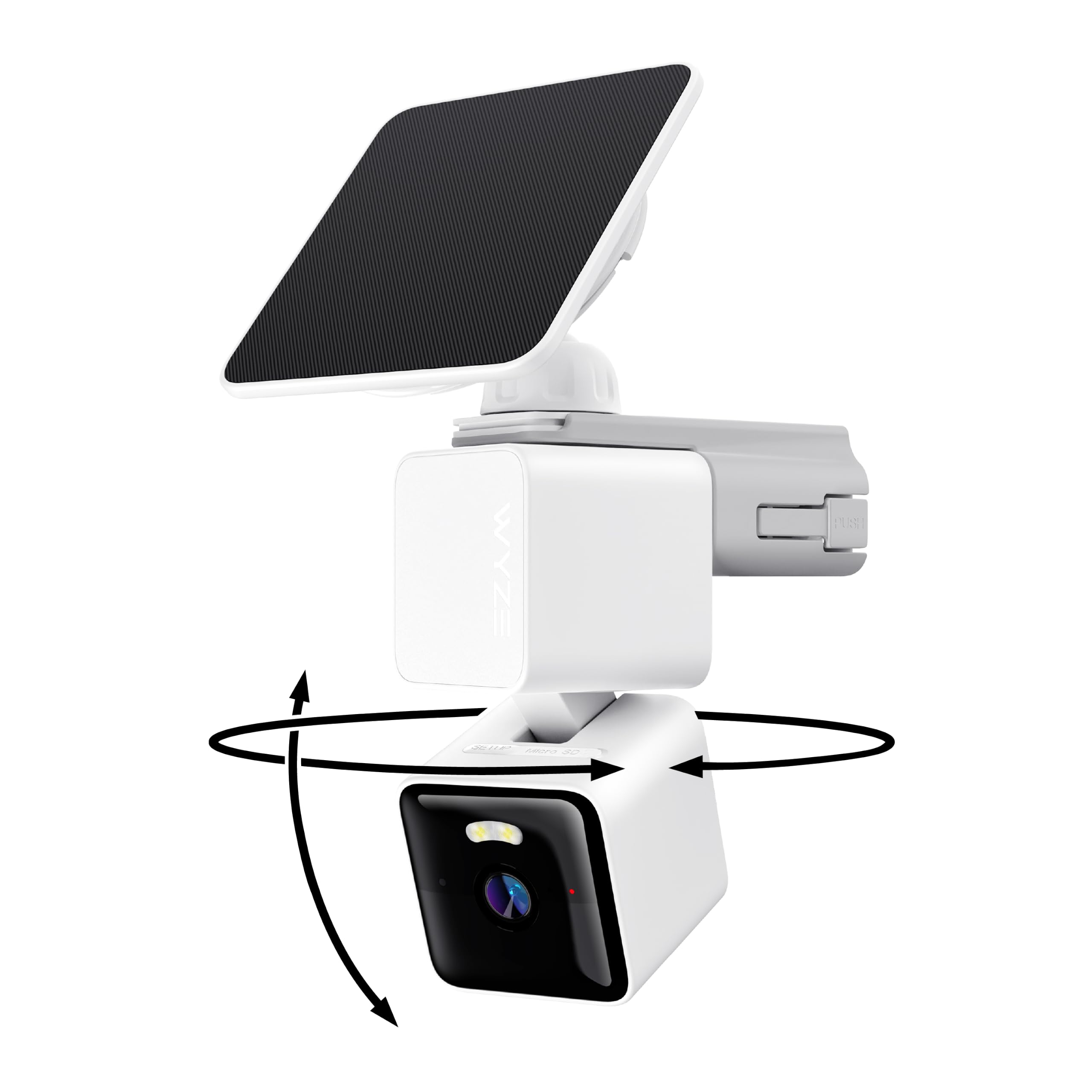
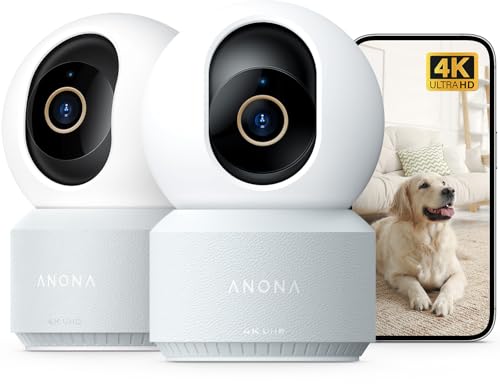

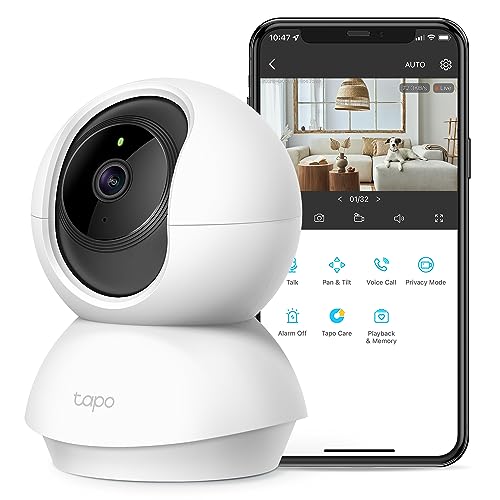
Who Should Buy Which Bluetooth Home Security Cameras?
Pick by the room or entrance you check most often.
Renters in Apartments Who Cannot Drill Holes
You need a camera that mounts with adhesive pads or sits on a shelf, pairs with your phone in minutes and leaves with you when you move. Choose battery power, a compact indoor body and local storage on a memory card, since a monthly plan may not suit a temporary home. Keep the router in the same room or the next one.
Parents and Pet Owners Checking Indoor Rooms
You check in during the day and want to hear and speak, not only watch. Choose clear two way audio, person detection that can tell a child or a pet sitter from passing shadows, and night vision that stays soft in a small room. A wide field of view helps in a nursery or living room, though dedicated baby monitors still suit families who need sound alerts all night.
Homeowners Covering a Front Door or Yard
You need weather sealing, a firm mount and a view that reaches the path where visitors and parcels arrive. Choose an outdoor body rated IP65 or higher, power that fits the spot and alerts for people and packages. Video doorbells cover a front door well, while a separate camera watches the driveway or a side gate.
Key Features to Compare
Compare these six factors in the same order for every camera.
Bluetooth Range and the WiFi Handoff
Bluetooth is mainly the setup link between camera and phone, and it works over a short distance, often within one room. Once pairing is done, most models hand live video and alerts to WiFi, which carries them across your home and to you when you are away. Treat Bluetooth range as a pairing limit, not a viewing range, since a distant camera may pair easily yet stream poorly. For router based models, see our guide to the best home wifi security cameras.
Video Resolution and Field of View
Resolution sets how much detail you can read on a face or a parcel label, and 2K video is a practical middle ground for most rooms and porches. A 4K camera shows finer detail, but its larger files fill storage faster and demand more from your WiFi. Field of view sets how much one camera covers, with about 110 to 130 degrees for a hallway and about 130 to 160 degrees for a yard. A very wide view can make people at the edge look small.
Night Vision and Two Way Audio
Night vision decides whether an evening clip shows a clear outline or only a bright blur. Infrared lamps give a black and white picture in full darkness, while a small spotlight can record color at night and warn visitors. Two way audio lets you speak to a child, a pet or a courier through the app. Test speech at your planned distance, since wind and traffic can swallow quiet voices outdoors.
Smart Detection and Alerts
Person detection filters your alerts, so a moving branch or a passing car does not buzz your phone all day. Better systems can also flag packages and vehicles, and activity zones let you watch a door or a crib while ignoring a busy street. A high sensitivity setting catches more motion but drains a battery faster with each recording. Start with person alerts only, then add other types after a week of real use.
Storage With Local and Cloud Options
Local storage keeps clips on a microSD card or a home hub, with no monthly fee. Cloud storage keeps clips online, so you can view them if a camera is taken or damaged, but longer history usually needs a paid plan. Many homes use both, with the card as the daily record and the cloud as a backup. Check the longest history each option keeps before you buy.
Privacy, Security and Weather Resistance
Look for end to end encryption where offered, a strong account password and two factor authentication on the app, since a camera account shows the inside of your home. A privacy mode that closes the lens or pauses recording matters in living rooms and bedrooms. Outdoors, IP65 means the body resists rain and dust, while IP66 adds protection against stronger jets of water. Check the temperature range for hot or cold porches, and follow local rules on recording sound.
How to Set Up and Place Bluetooth Home Security Cameras
Charge or power the camera first, then pair it while your phone is close, within a few feet, before mounting. Most cameras join the 2.4 GHz band of a home router, so select that network if your router shows two names. Run the live view and speak through the camera once, while fixing a weak signal is still easy.
When you shop for the best bluetooth home security cameras for a larger home, placement decides more than price. Mount outdoor cameras about 8 to 10 feet high, angled down toward faces and parcels, and keep the lens out of direct sun glare. Avoid pointing an indoor camera through glass at night, since infrared light reflects off the pane and washes out the picture. Walk a visitor route once and check faces at the door.
If a camera must never need charging, see our guide to the best home security cameras wired for always on power, and our guide to the best outside home security cameras for porches and yards. For whole home coverage, see our guide to the best home cameras for security.
Common Mistakes to Avoid
These errors cause most returns and most missed events.
- Assuming Bluetooth alone can stream video across a whole house leaves you without alerts once you leave home.
- Mounting a camera too high or facing a bright window makes faces hard to read.
- Turning on every alert type at full sensitivity floods your phone and drains a battery camera within days.
- Skipping two factor authentication leaves your live view open if your account password is reused elsewhere.
- Buying several cameras before checking the storage plan means busy clips may vanish before you review them.
- Placing an outdoor camera beyond WiFi reach causes broken clips and late alerts at a key entrance.
How to Make Your Bluetooth Home Security Camera Last Longer
Wipe the lens with a soft dry cloth every few weeks, because dust and pollen soften the picture. Check outdoor seals and the charging port cover after storms, and clear spider webs near the lens, since webs reflect infrared light at night and can trigger false alerts.
Update the app and firmware when the maker offers a fix, and test pairing again after a phone update. Recharge battery models before a long trip, not after the low battery warning. Replace a worn memory card if recordings start to skip, because cards wear out with constant rewriting.
FAQ
Can Bluetooth home security cameras work without WiFi?
Yes, some Bluetooth home security cameras can show a nearby live view and record to a memory card without WiFi. The limit is distance, since your phone must stay within Bluetooth range, often in the next room at most. Once you leave home, remote viewing and phone alerts stop until the camera joins a network. It suits a temporary watch over a pet pen only.
Which is more reliable for Bluetooth home security cameras, wired power or battery power?
Wired power is more reliable for Bluetooth home security cameras, because the camera never sleeps to save a battery and never misses an event while charging. Battery models still serve rentals and spots without an outlet, if you keep the charge up and accept shorter clips. A middle step is a camera near an indoor outlet, where a cable stays hidden.
Do Bluetooth home security cameras need a subscription?
No, Bluetooth home security cameras do not need a subscription for live viewing or for recording to a local memory card. A plan pays for longer cloud history and richer labels, such as telling a package from a person in an alert. Check what stays free after any trial ends, because some brands move person alerts behind the plan. Price the plan per camera before buying several.
Are Bluetooth home security cameras easy to hack?
Bluetooth home security cameras are not easy to hack when the account and the home network are set up with care. Most camera break ins trace back to reused passwords or old firmware, not the camera itself. Use a separate camera network if your router offers one, turn off unneeded app permissions, and remove guest access once help ends. Review signed in devices each season.
How much storage do Bluetooth home security cameras need?
Most Bluetooth home security cameras need about 64 to 128 gigabytes of card storage for one door or room. A busy entrance may create 20 to 40 short clips a day, and higher resolution fills a card faster. When the card fills, the camera records over the oldest clips, so save any clip you need to your phone that same day. A quiet indoor room can manage with a smaller card.
Final Thoughts
Choose the camera by the spot it must watch, the power you can give it and the alerts you will actually read. Use the product table above to compare range, resolution, storage and price with those points fixed.
With that short list settled, the best bluetooth home security cameras for your home are the ones that pair without fuss, stream steadily and respect your privacy. Start with one camera at your busiest entrance, learn its alerts for a week, and add coverage where a real gap remains.


