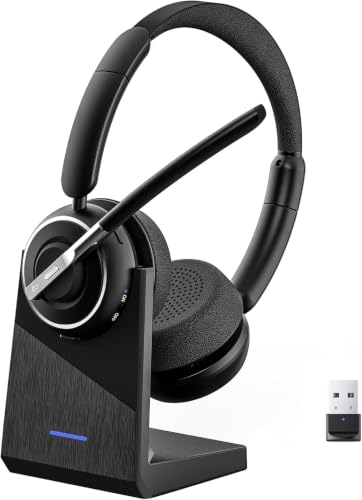
Best Bluetooth Headsets for Working from Home in 2026: Every Type Explained Side by Side
Disclosure: We may earn a commission when you buy through links on this page, at no extra cost to you. As an Amazon Associate I earn from qualifying purchases. Learn more
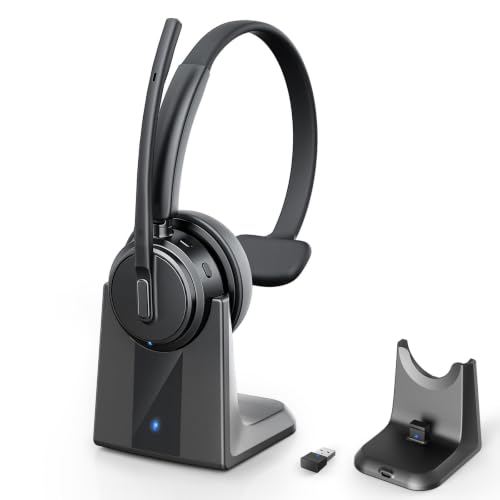
Compare the best bluetooth headsets for working from home by type, microphone quality, comfort, and battery life, with clear prices and practical buying tips.
Store pages group very different headsets under one label, so it is easy to buy the wrong type. A heavy noise cancelling headset, a light mono earpiece, and a plain stereo model all promise clear calls, yet they suit very different homes and workdays. The best bluetooth headsets for working from home for you depend on your noise level, your call load, and how long you wear a headset each day.
This guide compares each type side by side, then walks through the features that decide call quality and comfort. The comparison table below gathers the main types in one place, so you can match a style to your room, your meetings, and your budget before you check individual specifications.


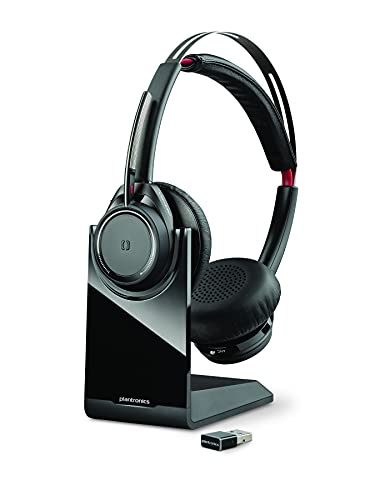
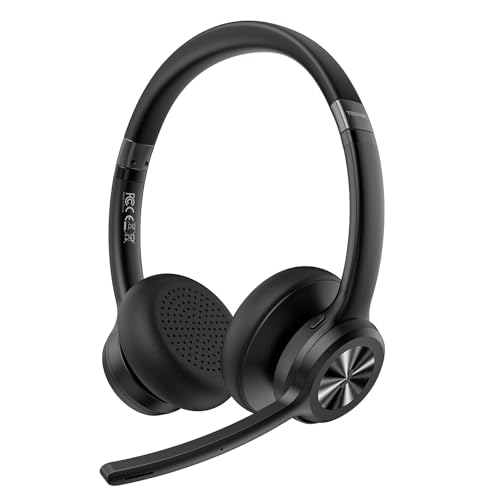
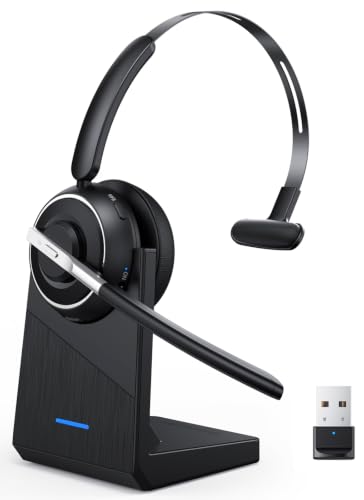
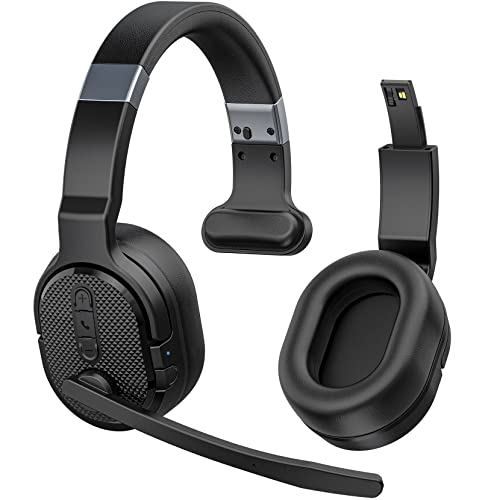
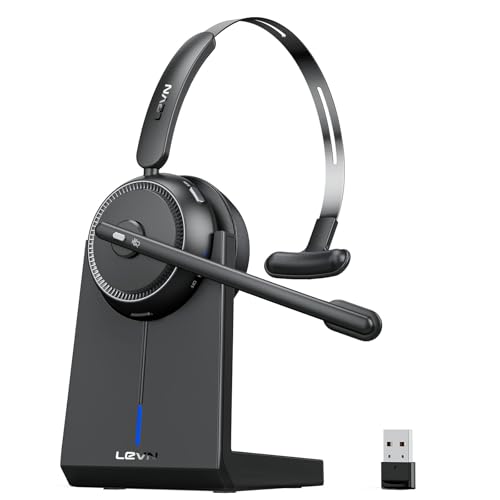
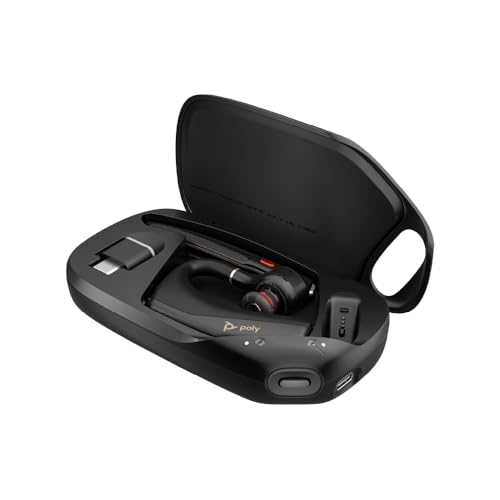
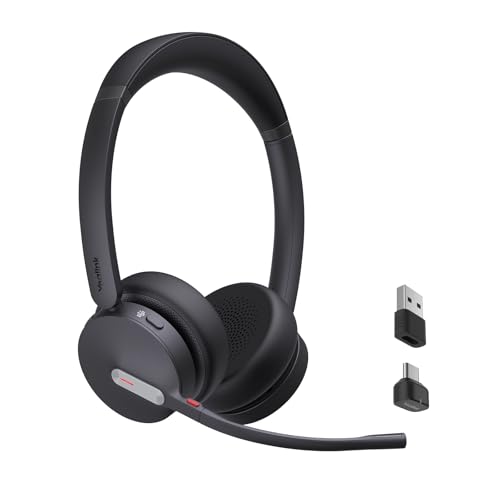
Types of Bluetooth Headsets Compared
Four types cover almost every home office. The table sums up who each type serves, then the sections under it explain how each one behaves during a real workday.
| Type | Best For | Pros | Cons | Typical Price |
|---|---|---|---|---|
| Over ear noise cancelling | Noisy homes and shared spaces | Blocks household noise, strong focus on calls | Heavier, costs more | about $150 to $350 |
| Stereo desk headsets | All day meetings at a desk | Balanced sound, lower price | Little noise blocking | about $60 to $180 |
| Mono earpieces | Moving around the house between calls | Light, one ear stays open to the room | Music sounds thin | about $40 to $120 |
| Wired USB models | Backup sets and long call days | No charging, stable connection | Cable limits movement | about $30 to $100 |
Noise Cancelling Models
These over ear headsets use microphones and processing to reduce steady sounds such as fans, traffic, and a dishwasher running nearby. The sealed ear cups also block noise passively, so your own voice sounds clearer to you and you speak more quietly on calls. They are the strongest choice when other people share your space. The trade offs are weight, warmer ears in summer, and the highest prices in this guide.
Home Office Stereo Models
Standard stereo headsets skip the cancelling electronics and put the money into comfort and a good boom microphone. They sound fine for calls and music in a quiet room, and they usually weigh less than cancelling models, which matters across a full day of meetings. Choose this type if you have a door you can close and your home stays fairly calm during work hours. You give up protection against sudden noise, such as a dog barking mid call.
Outdoor and Rugged Models
Some people take calls on a porch, in a garden, or during a walk between tasks. Rugged mono earpieces and neckband styles fit that pattern, with sealed bodies rated IP55 or higher against sweat and rain. Battery life is often shorter than desk models, and stereo sound is limited or absent. Pick this type only if a good share of your calls happen away from your desk, because the durability costs money that desk users can spend on comfort instead.
Wired Models
A wired headset is not Bluetooth, but many home workers keep one as a backup or main set for long call days. There is no battery to charge and no pairing to fail, and a USB connection gives stable audio on any computer. Our guide to the best wired headsets for working from home covers that route in detail. The cable is the obvious limit, since you cannot walk away mid meeting.
Noise Cancelling vs Standard Stereo Headsets: Which Should You Choose?
Start with noise: if your home has children, pets, or street sounds during calls, cancelling models help both your focus and your voice clarity. Next, count your call hours, because above four hours a day comfort and low weight matter more, and a light stereo set can win. Budget breaks most ties, since cancelling technology roughly doubles the price at the same build quality. In short, buy cancelling for noise, and buy stereo for quiet rooms and long, light wear.
How to Choose the Right Bluetooth Headset
Type comes first, but the details below decide whether a headset still feels right after weeks of daily use. Shoppers comparing the wider category can also read our roundup of the best headsets for working from home, which covers wired and wireless sets together.
Comfort, Fit, and Weight
You wear this product for hours, so fit outranks almost every specification. Look for soft ear pads that spread pressure, a headband that adjusts without pinching, and a weight under about 250 grams for over ear models. On ear pads feel cooler but press more, while over ear cups isolate better and tire some people faster. Glasses wearers should check that the pads seal without pushing the frames into the temples.
Features That Matter for Working from Home
Home work creates specific demands. A boom microphone with its own noise reduction keeps your voice clear when a kettle boils nearby, which is why our guide to the best headsets with microphone for working from home focuses on that part alone. Multipoint pairing lets the headset stay connected to a laptop and a phone at once, and a physical mute button beats hunting for an on screen control. Sidetone, which plays a little of your own voice back to you, stops you shouting without noticing.
Sound Quality and Tuning
For calls, clear midrange matters more than deep bass, because voices live in the middle frequencies. Larger drivers, often 40 mm in over ear models, give fuller music, but tuning decides the result more than size alone. A neutral tuning suits calls and long listening, while a bass heavy tuning can muddy voices. If a headset offers an equalizer in its app, you can pull the bass down for meetings and raise it again for music.
Ecosystem and App Features
Companion apps handle firmware updates, equalizer settings, and button assignments. Check that the app supports your phone system and that the maker still updates it, because an abandoned app can strand useful features. Some headsets certified for common meeting platforms add a button that answers calls and shows your mute status. Treat app extras as a tie breaker between two headsets that already fit and sound right.
Connectivity: Bluetooth Versions, Codecs, and Multipoint
Bluetooth 5.2 or 5.3 gives a steadier connection and better range through walls than older versions, so you can fetch coffee without dropouts. Codecs such as AAC and aptX improve music detail, but call quality depends mostly on the microphone, not the codec. A USB dongle included in the box often connects more reliably to work laptops than the built in Bluetooth, and our guide to the best usb headsets for working from home explains that option.
How to Make Your Bluetooth Headset Last Longer
- Keep the firmware updated through the maker app, because updates often fix pairing drops and battery reporting errors.
- Store the headset in its case when you travel or tidy your desk, since loose storage bends headbands and scuffs the drivers behind the pads.
- Clean the ear tips and pads every week or two with a dry or slightly damp cloth, because skin oil breaks down pad foam over time.
- Charge before the battery runs fully flat, and avoid leaving the headset plugged in for days, which ages the cells faster.
- Keep the volume moderate during long call days. If you must raise it to hear over household noise, a better seal or a cancelling model is a gentler option than more volume.
Bluetooth Headsets: Your Questions Answered
What features matter most in a Bluetooth headset for home office calls?
A clear boom microphone matters most, because callers judge you by your voice, not by your music sound. Next come multipoint pairing, a physical mute button, and comfort across several hours of wear. Noise cancelling helps in loud homes but ranks below the microphone. Battery life of about 20 hours or more means you charge once or twice a week instead of every night.
Is active noise cancellation worth the extra cost on a work headset?
It is worth the cost when steady noise surrounds you during calls, such as traffic, fans, or a busy household, because you focus better and speak more quietly. It does little against sudden sounds like barking or doorbells. If your workspace is a quiet room with a door, the same money buys a lighter stereo headset with a better microphone, which most callers will notice more.
Does a work headset need a special Bluetooth codec?
No, a special codec is not required for good calls. Standard Bluetooth audio already carries voices clearly, and the microphone design shapes call quality far more than the codec does. Codecs such as AAC or aptX mainly improve music detail. Choose them if you listen to music between meetings, but never pay extra for a codec while accepting a weak microphone.
How long does a Bluetooth work headset battery last?
Most over ear work headsets run about 20 to 40 hours of talk time per charge, and mono earpieces often manage about 8 to 15 hours. A quick charge feature on many models adds a few hours of calls from about 15 minutes plugged in, which rescues a forgotten overnight charge before a morning meeting.
What IP rating does a headset need for outdoor use?
An IPX4 rating handles sweat and light rain, which covers porch calls and walks. IP55 or IP67 adds dust protection and stronger water resistance for garden work or wet commutes. Desk only users can ignore the rating entirely and spend on comfort instead. Remember that the rating covers the earpiece body, not the charging case, so dry everything before you store it after a wet day outside.
Does a wired headset sound better than a Bluetooth headset?
A wired headset can sound slightly cleaner for music, because no compression is applied to the signal. For voice calls, the difference is small, and a good Bluetooth boom microphone often beats a cheap wired one. The real wired advantages are zero charging and a connection that never drops. Many home workers keep both, using Bluetooth for freedom and the wired set as a dependable backup.
Our Verdict
Match the type to your home first: cancelling for noise, stereo for quiet desks, mono for moving around, wired for certainty. Then judge the microphone, comfort, and multipoint support before anything else. The best bluetooth headsets for working from home are simply the ones that fit your rooms and your call load, so use the product table to compare the picks again before you decide.