Best Bluetooth Gaming Headsets in 2026: Everything to Know Before Your First Purchase
Disclosure: We may earn a commission when you buy through links on this page, at no extra cost to you. As an Amazon Associate I earn from qualifying purchases. Learn more

Buying the best bluetooth gaming headsets for the first time? Learn how latency, microphones, fit and battery life work, and what to check before you pay.
Buying your first gaming headset should be simple, yet the boxes shout about drivers, codecs, and surround modes while saying little about the things that decide whether you enjoy the thing. The best bluetooth gaming headsets are not the ones with the longest feature list; they are the ones whose connection suits your console or PC, whose microphone makes you clear to your team, and whose fit stays comfortable through a long evening of play.
This guide is written for first time buyers. It starts with the basics, explains each spec in plain English, and flags the rookie mistakes that lead to returns. The product table shows the main options side by side, and the sections after it walk through what to check, in the order that matters most.



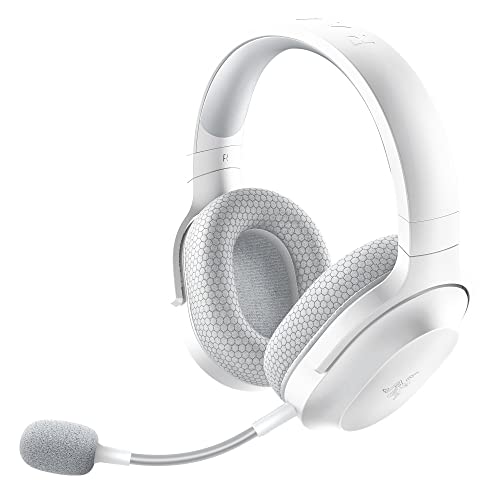
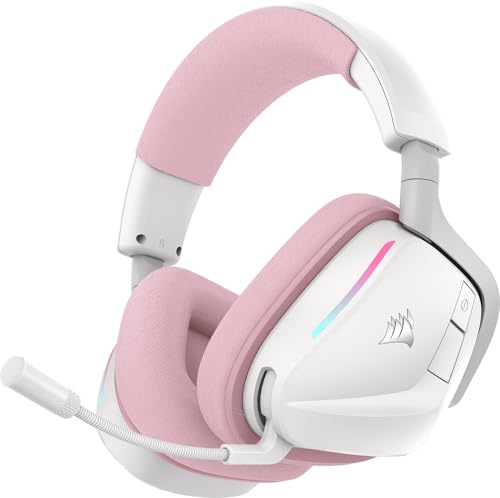
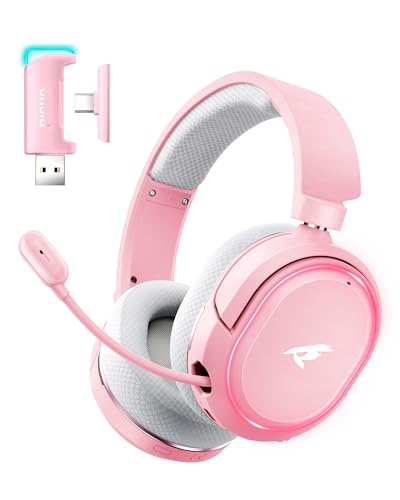
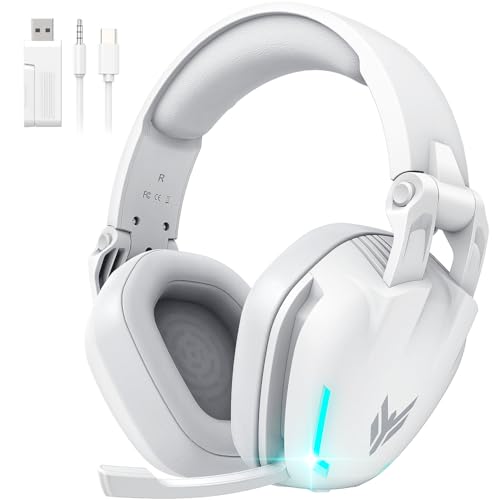

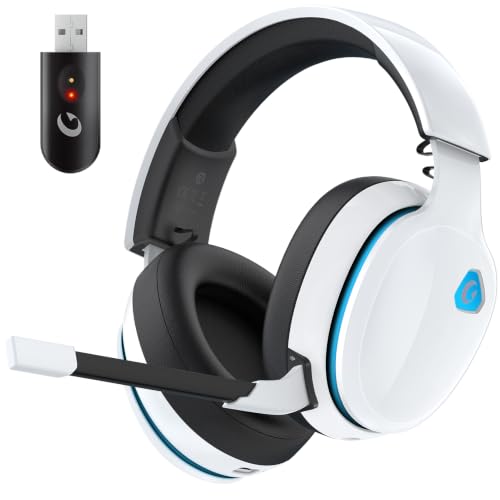
Bluetooth Gaming Headsets 101: The Basics
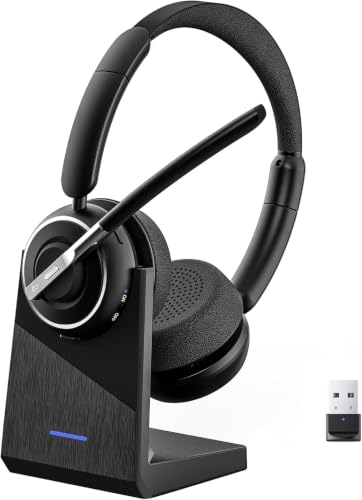
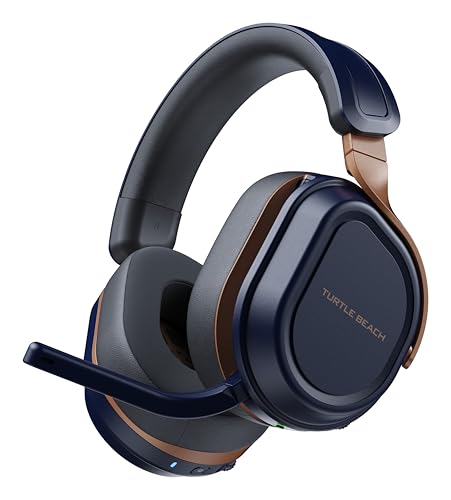
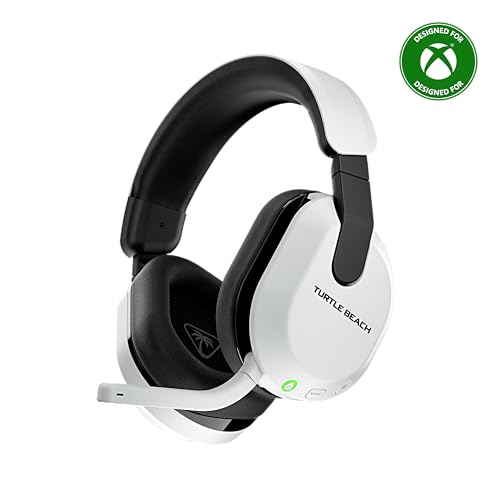
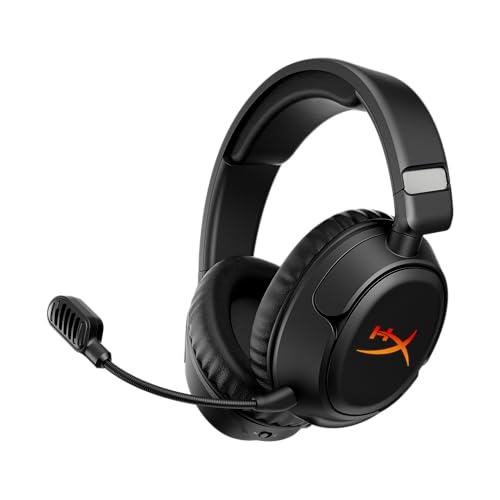
A bluetooth gaming headset is a pair of headphones with a built in microphone that connects to your device without a cable, using the Bluetooth radio standard. The same headset usually handles two jobs: game audio coming in, and your voice going out to teammates or to a call. Many models also include a small USB receiver as a second connection option, which quietly solves several of the problems described below.
Three terms cover most of the box copy. A codec is the method the headset and your device use to pack audio for the wireless trip, and it affects both quality and delay. Latency is that delay itself, measured in milliseconds between something happening on screen and the sound reaching your ears. Drivers are the small speakers inside the ear cups, and their size is listed in millimeters. None of these numbers matters on its own; what matters is how they combine for the way you play. Readers who want the wider category view can compare this guide with our overview of best quality bluetooth headsets, which covers call and music use beyond gaming.
How to Choose the Best Bluetooth Gaming Headsets: Key Specs Explained
Lag First: Latency and Connection Classes
Latency is the first spec to understand, because plain Bluetooth can lag game sound by enough to notice. A footstep, a gunshot, or a dialogue line can arrive a beat after the picture, and in fast games that gap feels wrong within minutes. The delay comes from the codec doing its packing work, and standard Bluetooth connections were designed for music, where nobody can see the sound being late.
Two fixes exist. Some headsets offer a low latency mode that trades a little audio quality for a much shorter delay, and many gaming models include a USB dongle that speaks a dedicated wireless protocol with far lower latency than Bluetooth. If you play shooters or rhythm games, treat one of these two options as required rather than optional. Casual story games forgive plain Bluetooth far more easily.
Sound Quality and Tuning
Sound tuning decides whether explosions drown out footsteps or whether dialogue stays clear at low volume. Gaming headsets are usually tuned with lifted bass, which feels exciting in trailers and tiring in long sessions, while flatter tuning keeps effects and voices in balance. Driver size, often 40 or 50 mm, tells you little by itself, since tuning and ear cup design shape the sound far more than a few millimeters of speaker.
Software equalizers, where offered, let you soften heavy bass or lift the frequencies where footsteps and calls sit. That adjustability is worth more to a first time buyer than any headline about virtual surround, which is a processing effect rather than extra speakers, and which some players love and others switch off within a week.
Microphone Quality: The Spec Your Team Hears
Your microphone decides how you sound to everyone else, and it is where cheap headsets cut the deepest corners. A detachable or flip up boom microphone placed near your mouth almost always beats small microphones hidden in the ear cup, which pick up room echo and keyboard noise along with your voice. If you play with friends regularly, this is the feature to weight most heavily after latency.
Useful extras include a mute button you can find by touch, a small light or click that confirms you are muted, and sidetone, which feeds a little of your own voice back so you stop shouting. For a broader look at how microphone and build quality scale with price, see our guide to best quality gaming headsets.
Fit and Comfort for Long Sessions
A headset is worn, not carried, and long sessions turn small fit flaws into headaches. Weight matters first: a heavy model with strong clamping force can feel fine for ten minutes and miserable by hour two. Ear cup size matters next, since cups that rest on your ears heat up and ache faster than cups that surround them, and glasses wearers should look for softer pads with room at the temples.
Materials decide how the fit ages. Fabric pads breathe better in warm rooms, while leatherette pads seal in more sound and wipe clean easily but can peel after a year or two of use. An adjustable headband with real padding spreads weight across the top of the head, and trying the headset with your usual glasses and hairstyle tells you more than any measurement on the box.
Battery Life and Charging
Wireless freedom ends at the battery, so check the rated hours against your longest realistic session rather than your average one. Ratings around 20 to 40 hours cover most players for a week of evenings, and the rating assumes moderate volume, so loud play and microphone use shorten it. A headset that can also play through a cable while charging saves a session when you forget to plug it in.
Charging speed is the quiet quality of life spec. A short top up that returns several hours of play is worth more than a slightly bigger battery that needs all night to fill. Note the charging port type as well, since a common USB C cable means one less special cord living on your desk.
Platform Compatibility: Consoles Speak Their Own Wireless
Compatibility is the trap that catches the most first time buyers. A console speaks its own wireless classes, and a headset that pairs happily with a phone and a PC may not connect to your console at all, or may connect for game sound but not for voice chat. One headset is not promised to work across every platform, so check the exact platform list for the model you want against the exact machine you own.
The practical rule is to buy for your main platform first and treat any extra compatibility as a bonus. Models with both Bluetooth and a USB dongle cover the widest ground, since the dongle can handle the console or PC while Bluetooth handles the phone. If your household games on two different console families, expect to verify chat support separately for each one before spending anything.
A Short Word on Safe Listening
Headsets sit close to your ears for hours, so volume honesty matters. Keep listening levels low enough that you can still hear a normal voice in the room and take short breaks during long sessions. If your ears ring after play, lower the volume, and ask your doctor if it keeps happening. Most phones and consoles offer a volume limit setting, and turning it on is a sensible default for younger players especially; follow the manufacturer's instructions for the exact steps.
Rookie Mistakes to Avoid
- Buying for Bluetooth alone, then discovering the console needs the dongle version for chat, which turns a bargain into a second purchase.
- Judging the microphone from game trailers instead of checking whether the boom is detachable, well placed, and easy to mute by touch.
- Chasing the highest battery rating while ignoring weight, then finding the headset too heavy to wear through the games it was bought for.
- Assuming one headset covers every platform in the house, when console wireless classes differ enough that chat fails on one machine.
- Skipping the fit check with glasses on, which is how a comfortable store demo becomes a headache at home by the second evening.
Getting Started: Setup and First Use
Charge the headset fully before the first session, then pair it with your main device and update its firmware through the companion app if one exists, since early updates often fix pairing and microphone issues. Set your game and chat volume balance before joining friends, and do one short trial recording or a call with a friend to confirm your voice level, because nobody reports a bad microphone politely mid match. Store the headset on a stand or in a case rather than dropped on the desk, which protects the ear pads and keeps the boom microphone from being bent in a bag.
If the budget is the tightest constraint on all of this, our guide to best inexpensive gaming headsets shows where the cheaper models cut corners and where they honestly do not.
Frequently Asked Questions
Is noise cancelling worth the extra cost on a gaming headset?
It depends on your room more than on your games. Active noise cancelling earns its price in shared houses, near traffic, or under a loud air conditioner, because it lowers the background you play over. In a quiet room it adds cost, weight, and battery drain for little gain, and it does nothing for the noise your microphone sends to teammates. Many first time buyers are better served by well sealed ear cups, which block a surprising amount of sound with no electronics at all.
Wired or wireless: which sounds better for gaming?
A wired connection still sets the standard for zero delay and consistent quality, which is why our guide to best wired gaming headsets remains the reference point for players who sit at one desk. Wireless models with a good dongle come close enough that most players cannot hear a difference in game audio, and they win on freedom to move. Plain Bluetooth is the one option that can trail the action audibly, so the honest answer is that the connection class matters more than the cable question itself.
Do I need a special codec for a gaming headset?
You need a low delay path more than you need any particular named codec. Standard Bluetooth codecs favor music quality and add noticeable delay, while low latency codecs and dedicated dongle connections shrink that delay to a level games feel fine with. The catch is that both the headset and the device must support the same option, so check the pairing before buying. If your setup offers neither, a wired fallback cable is the simple insurance policy.
How long does a bluetooth gaming headset battery really last?
Expect less than the box number in real play. Ratings are measured at moderate volume with features off, while microphone use, noise cancelling, lights, and high volume all draw more power. A headset rated around 30 hours commonly gives a week of evening sessions, which is plenty for most players. The useful habit is charging during a regular break in your week rather than waiting for the low battery warning, which tends to arrive at the worst moment of a match.
Can one bluetooth gaming headset work on my console, PC, and phone?
Sometimes, but never assume it. Phones and PCs accept almost any Bluetooth headset, while consoles apply their own wireless rules and may limit chat or require a dongle. Models that offer both Bluetooth and a USB receiver cover the most ground, and a few can even stay connected to two devices at once. Before buying, match the stated platform list to your exact console model, and remember that a headset bought mainly for one platform is a safer first purchase than one bought for three.
The Bottom Line
For a first purchase, sort the decision in this order: the connection must suit your platform without lag, the microphone must make you clear, and the fit must survive your longest session. Battery life, tuning, and extras come after those three, and a display for your desk is a separate purchase entirely, as our guide to best gaming monitors covers for readers building a full setup. Choose on those basics and the best bluetooth gaming headsets in your price range will feel like a tool rather than a gamble. The product table pulls the current first buyer friendly options together so you can compare them in one place.