
Best Black Only Printers: A Buyer Checklist for 2026
Disclosure: We may earn a commission when you buy through links on this page, at no extra cost to you. As an Amazon Associate I earn from qualifying purchases. Learn more

Use this buying guide checklist to compare the best black only printers by speed, print quality, paper handling, and cost per page before you buy.
A printer that prints only in black sounds simple, yet the models on sale differ a lot in speed, running cost, and how well they handle plain text. This guide gives you a clear checklist for judging best black only printers on the things that affect daily use, so you can spot a fair price and avoid a machine that costs too much to run.
Use the comparison table below to shortlist a few models, then work through each criterion in order. A low purchase price means little if toner or ink runs out fast, and a fast rating means little if the tray holds too few sheets for your routine.



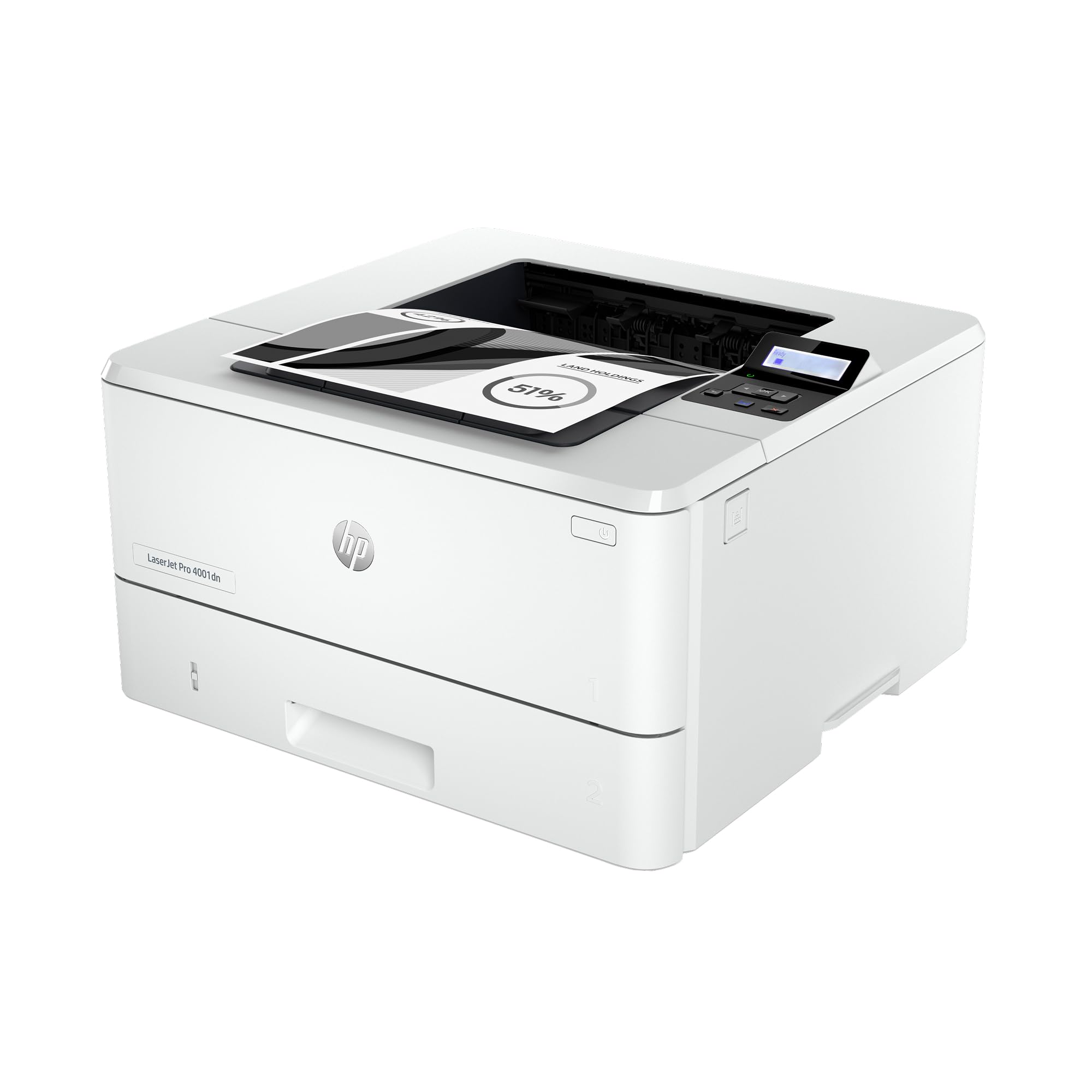
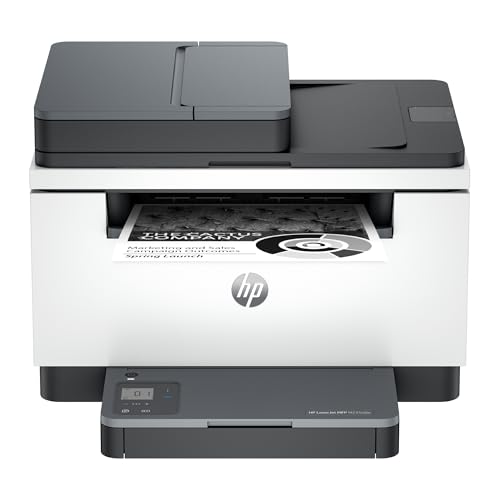
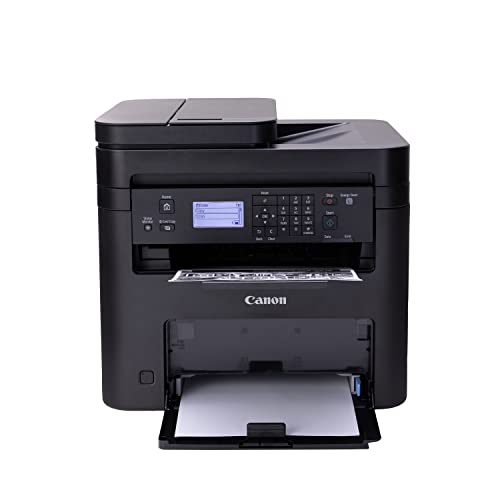
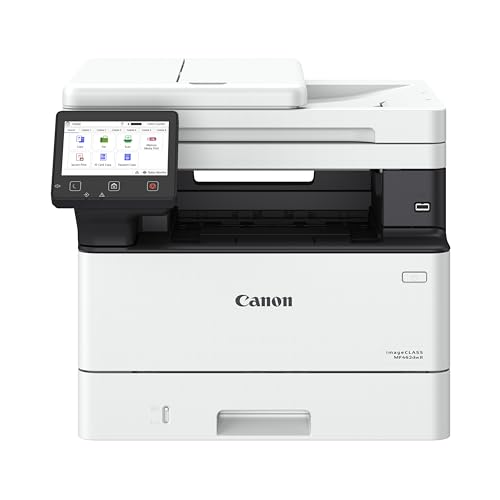

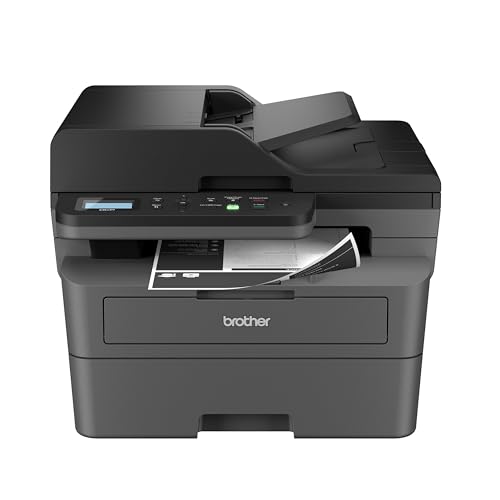
How to Evaluate Black Only Printers
Think of this section as a scorecard. For each point, note what good looks like for your volume, then compare that note with the manufacturer listing and manual for any model you consider.
Printer Type
Laser models suit text heavy offices because they print crisp pages quickly and toner lasts a long time in storage. Inkjet models cost less up front and can handle the odd graphic with smoother shading, but ink can dry if you print rarely. Tank models use refill bottles and suit steady home use. Pick the type that matches how often you print, not just the lowest shelf price.
Paper Handling and Duplex
Check tray capacity, the thickest paper the feed path accepts, and whether automatic duplex is standard or an add on. A tray that holds about 250 sheets saves refills in a busy week, while a small tray is fine for a few pages a day. If you print forms, envelopes, or labels, confirm the manual lists those media and shows a straight path that reduces jams and curling.
Reliability and Support
Look for current drivers for your operating system, clear firmware update notes, and a warranty that covers at least a year of normal use. A maker with a searchable support library and readily available toner or ink is easier to live with than one with scarce supplies. Read the manual section on jam clearing before you buy, because a simple path you can reach without tools saves real frustration later.
Footprint and Noise
Measure your shelf or desk and leave room for the output tray and paper to extend without hitting a wall. Compact models fit dorm rooms and small home offices, but tiny bodies often mean tiny trays. Noise ratings matter if the printer sits near a phone or a shared workspace. A quiet mode helps, though it usually slows printing, so treat it as a bonus rather than the main reason to buy.
Print Speed
Speed is quoted in pages per minute for the first page and for a longer run, and those two numbers tell different stories. If you print one page at a time, first page time matters most. If you print long reports, sustained speed matters more. Treat maker ratings as best case figures for plain text at standard quality, and expect slower results with dense graphics or duplex turned on.
Print Quality and Resolution
For letters, invoices, and school work, sharp text at standard settings matters more than a high DPI figure on the box. Higher resolution helps with fine lines, small fonts, and simple charts. Print a sample page with the font sizes you use most and check for fuzzy edges or gray backgrounds. Good black only output looks clean and even, with no banding across the page and no toner dust in the margins.
Cost per Page and Ink Costs
Cost per page is the price of a cartridge or bottle divided by its stated page yield, and it drives your total cost far more than the purchase price. Standard cartridges suit light use, while high yield options lower the cost for heavier use. Tank models often cost the least per page but cost more up front. If you are comparing related formats, see our guide to the best black and white printers for how monochrome running costs compare.
Price Tiers That Pass the Checklist
Instead of naming models, use these tiers to judge value. A model passes when its specs meet the scorecard above for the work you actually do, at a running cost you can accept for at least two years.
Balanced Setup
For most homes and small offices, a mid priced laser with duplex, a tray of about 250 sheets, and WiFi or Ethernet is the balanced choice. It costs around $150 to $300, prints quickly, and keeps cost per page low with high yield toner. The main limit is graphics quality, which stays adequate for charts but plain for photos. If your work is mostly text, that trade off is usually worth making.
Value Setup
Value usually means a tank inkjet or a basic laser on sale at around $100 to $200 with cheap refills. You give up some speed and a smaller tray, but you gain low running costs for school and home paperwork. Check that refill bottles or toner are sold by several stores, not just one source. A bargain stops being a bargain when supplies are hard to find six months later.
Compact Setup
A compact model for a desk or dorm often costs around $80 to $180 and focuses on small size, simple controls, and wireless printing from a phone or laptop. Expect a small tray and slower duplex, or no duplex at all. This tier suits light, mostly single page jobs. If you often print long documents, the constant refilling and slower pace will annoy you more than the saved space pleases you.
Quick Buyer Checklist
Answer each question before you order. A no answer does not always rule a model out, but it should make you pause and check the cost of living with that gap.
- Does the printer type match how often you print each week?
- Is automatic duplex included if you print on both sides often?
- Does the tray hold at least a few days of your normal paper use?
- Have you worked out cost per page with high yield supplies?
- Are toner, ink, or refill bottles easy to buy near you or online?
- Does it connect the way you need, by WiFi, Ethernet, or USB?
- Will it fit your space with the trays open and paper loaded?
- Does the warranty and return window give you time to test it?
If you mainly print documents and never need color or copies, you may also want to see our guide to the best print only printers, which covers single function models in more depth. Shoppers with a narrower brief can compare that focus with our guide to the best printer only printers as well.
Red Flags to Watch For
Walk away from vague spec sheets that hide page yield, tray size, or supported paper weights. Be wary of a very low price paired with costly starter cartridges that print only a small number of pages. Short warranties, missing driver updates for current systems, and supplies sold by only one seller are also warning signs. Finally, treat listings with many similar glowing comments and few real details about daily use with care, and rely on the manual and spec sheet instead.
How to Make Your Black Only Printer Last Longer
Print a short page each week on an inkjet to help prevent clogged nozzles, and keep spare ink sealed until you need it. For any type, use reputable supplies, keep paper dry and fanned before loading, and update firmware when the maker fixes a known fault. Wipe dust from the paper path with a dry, lint free cloth, and never force a jammed sheet backward, because torn scraps cause repeat jams.
Black Only Printers: Your Questions Answered
What does cost per page mean?
Cost per page means the supply cost for one printed page, found by dividing a cartridge or bottle price by its page yield. It excludes paper and power, so add those for a full picture. A difference of one cent per page adds up to about $100 over 10,000 pages, which is why yield matters more than a small gap in purchase price for steady users.
Are ink tank printers worth it?
Yes, ink tank printers are worth it if you print every week and want very low refill costs. Bottles hold a lot of ink, so cost per page can be a fraction of cartridge models. They are less attractive if you print rarely, because ink can still dry in the print head, or if you need the fastest text speed, where laser models usually win.
Inkjet or laser: which is cheaper long term?
Laser is usually cheaper long term for text heavy printing because toner yields are high and toner does not dry out during quiet weeks. Tank inkjets can match or beat laser on supply cost if you print often enough to use the ink before it ages. Cartridge inkjets are often the costliest over time. Compare cost per page at your real monthly volume, not the box price.
Our Verdict
Start with printer type, then check duplex and tray size, then do the cost per page math before you look at speed claims. That order will steer you to best black only printers that fit your routine instead of the loudest listing. Compare your shortlist with the product table above, confirm supplies are easy to buy, and order from a seller with a return window long enough for a real test week.


